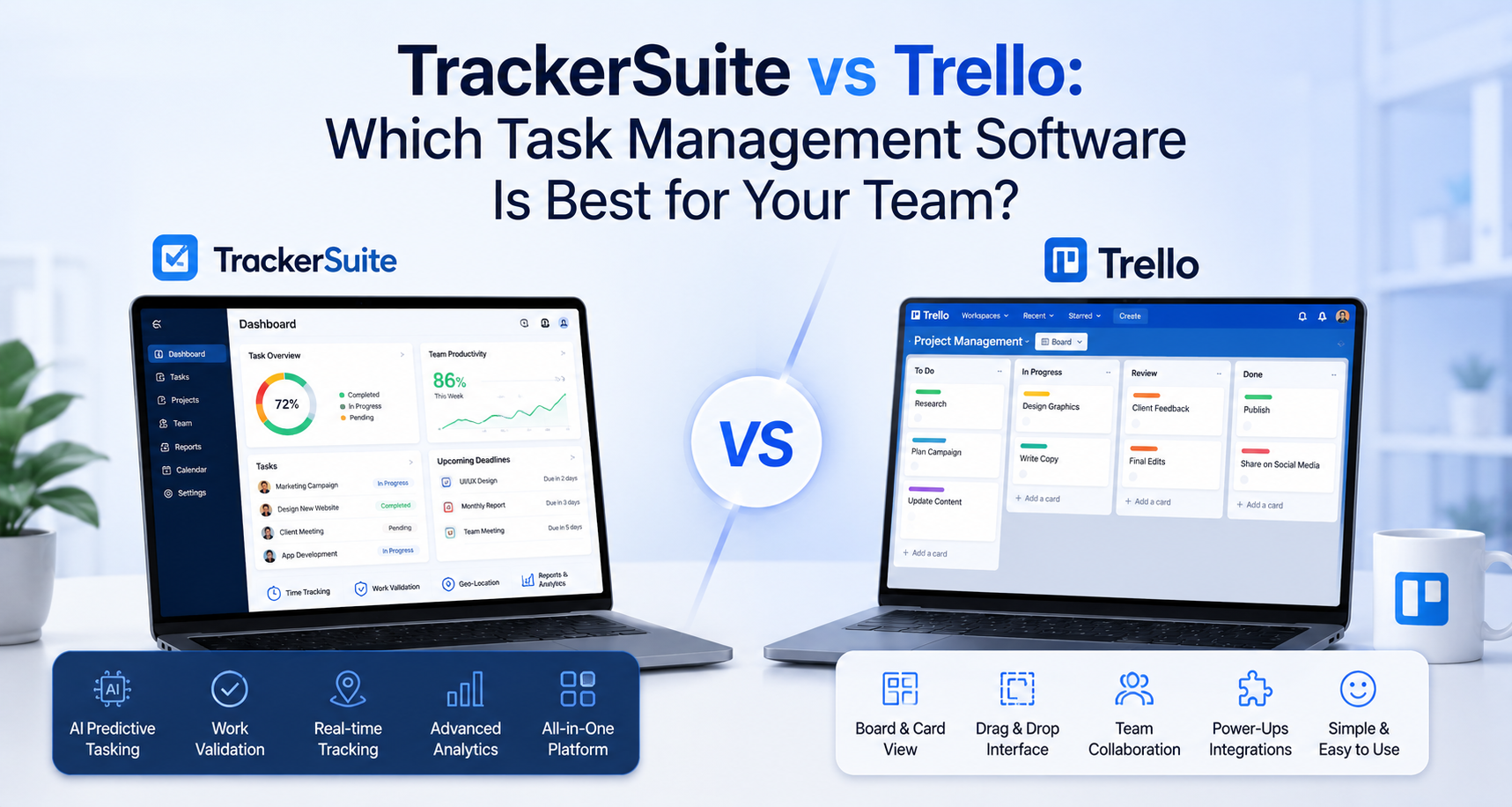
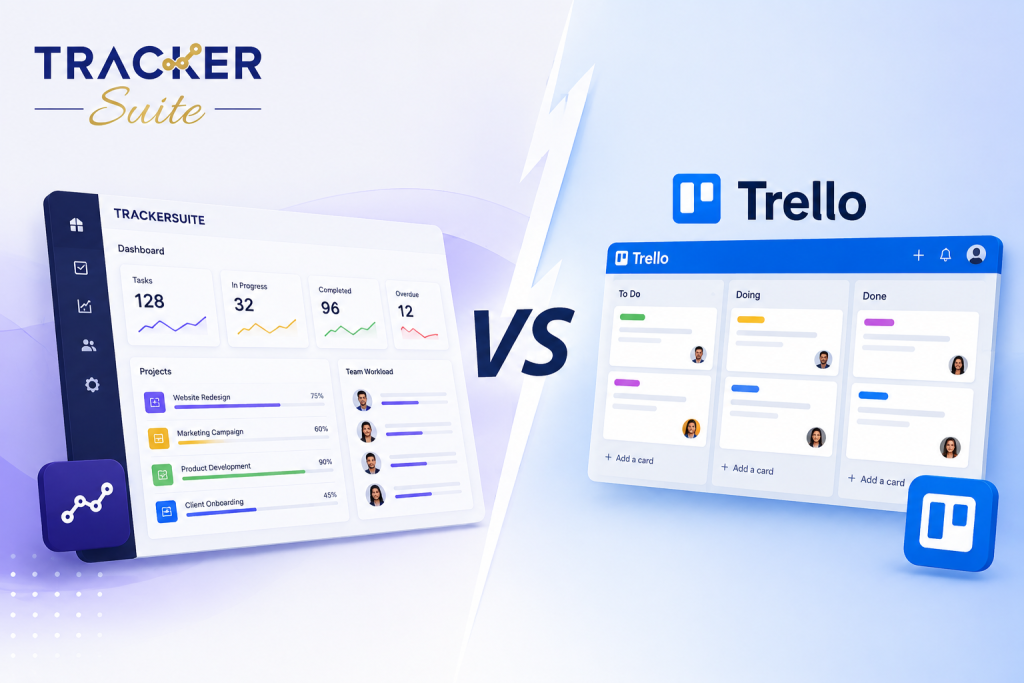
Selecting the right task management software is a critical decision for any growing business. As teams expand and projects become more complex, the tools you use dictate how effectively your organization collaborates, tracks progress, and meets deadlines. Two platforms that frequently arise in this discussion are Trello, known for its visual simplicity, and TrackerSuite, built for broader business operations.
In this TrackerSuite vs Trello comparison, we will examine both platforms objectively. We will look at their core functionalities, pricing structures, and ideal use cases to help you decide which tool best fits your team’s workflow. Whether you need a simple visual board or robust SME workflow automation, understanding the strengths and limitations of each platform is key.
Quick Comparison
Before diving into the specifics, here is a high-level overview of how Trello and TrackerSuite compare.
| Feature | Trello | TrackerSuite |
|---|---|---|
| Primary Focus | Visual Kanban boards for individual and small team organization. | Unified workspace for SME task tracking and automation. |
| Task Organization | Drag-and-drop cards and customizable lists. | Unlimited tasking, buckets, and structured accountability. |
| Integrations | Relies heavily on third-party “Power-Ups”. | Built-in features for time management, reporting, and automation. |
| Best For | Freelancers, marketing teams, and lightweight project management. | Small to medium enterprises needing end-to-end operational visibility. |
Trello excels in providing a straightforward interface that requires almost no training. TrackerSuite is designed to bring clarity and accountability to business operations by combining task tracking with built-in analytics and automation capabilities.
What is Trello?
Trello is a web-based project management application that operates on the Kanban paradigm—a visual system for managing work as it moves through a process.
When using Trello, you create “boards” that represent projects. Inside these boards are “lists” (such as To-Do, Doing, and Done), and within those lists are “cards” representing individual tasks. Users drag and drop these cards across lists to signify progress. Trello’s core philosophy is flexibility and simplicity, allowing teams to adapt the boards to almost any lightweight process, from content calendars to basic bug tracking.
For many users, Trello serves as a digital whiteboard with sticky notes, making it highly accessible for non-technical users and small teams looking for a visual system.
What is TrackerSuite?
TrackerSuite is an integrated productivity platform designed to help small and medium-sized enterprises (SMEs) work smarter and faster. Instead of focusing solely on visual task boards, TrackerSuite is a unified workspace that aims to transform how teams collaborate and perform.
At its core, TrackerSuite provides robust task management software alongside workflow automation, insightful analytics, and time management features. It is built to reduce manual administrative work and provide real-time visibility into team performance. TrackerSuite’s ecosystem extends beyond basic tasks to include a broader Business Automation Toolkit, allowing teams to integrate task tracking with functions like inventory and warehouse management software.
By combining multiple facets of business management, TrackerSuite helps growing companies maintain accountability and streamline operations without juggling disconnected applications.
Feature-by-Feature Comparison
Task Management & Visualization
Trello: Trello’s task management revolves entirely around Kanban boards. Creating a card takes seconds, and you can easily add descriptions, due dates, checklists, and file attachments. The visual interface is intuitive, making it easy to see where a task stands. However, managing complex dependencies across large projects can become visually overwhelming.
TrackerSuite: TrackerSuite approaches task management with a focus on structure and accountability. It offers unlimited tasking and buckets, allowing teams to organize work systematically. Instead of just moving a card, TrackerSuite emphasizes tracking the full lifecycle of a task with built-in time management and accountability features, providing clear visibility into who is working on what.
Practical Comparison: If your primary need is a simple way to move tasks through stages, Trello is the better choice for basic Kanban workflows. However, if your team needs to track detailed task metrics, enforce accountability, and manage structured workflows, TrackerSuite provides a more robust framework.
Workflow Automation & Integrations
Trello: Trello handles automation primarily through its built-in tool called Butler, which allows users to set up rules and scheduled commands. For broader functionality, Trello relies on “Power-Ups”—third-party integrations that connect Trello to external tools like Slack, Google Drive, or Jira.
TrackerSuite: TrackerSuite incorporates SME workflow automation directly into its core platform. Rather than relying on external add-ons, it includes intelligent tools designed to automate routine business operations natively, such as automated reporting and task hand-offs. For businesses dealing with physical goods, TrackerSuite can connect task management directly to its AI-powered inventory visibility modules.
Practical Comparison: Trello is highly customizable if you are willing to manage third-party Power-Ups. Trello is the better choice if you have a specific tech stack you want to integrate with a simple board. TrackerSuite is the better choice if you prefer an all-in-one approach where advanced business tools are built-in natively.
Analytics and Reporting
Trello: Out of the box, Trello’s reporting capabilities are relatively basic. You can see card activity, but generating comprehensive reports on team productivity or bottleneck analysis generally requires installing specialized dashboard Power-Ups or integrating external reporting software.
TrackerSuite: TrackerSuite positions analytics as a central feature. It provides built-in, insightful analytics designed to give managers real-time visibility into performance. You can easily track project completion rates, individual productivity metrics, and workflow efficiency without exporting data.
Practical Comparison: For teams that just need to know what tasks are pending, Trello is sufficient. For leaders who rely on data-driven insights to evaluate performance and optimize processes, TrackerSuite is significantly more capable out of the box.
Pricing
Trello: Trello offers a Free plan that is generous for individuals and very small teams, providing up to 10 boards per workspace and basic automation. Its paid plans start at relatively low per-user monthly fees, unlocking unlimited boards, advanced checklists, and expanded automation limits.
TrackerSuite: TrackerSuite also offers a highly accessible entry point with its Starter Plan, which is USD 0 (Free Forever). This plan supports up to 5 users and includes unlimited tasking, unlimited buckets, and unlimited storage space. As your business grows, TrackerSuite offers affordable SME plans designed to scale with your operations. Teams can easily compare TrackerSuite pricing plans to find the right fit.
Practical Comparison: Both tools offer excellent free tiers. Trello restricts boards on its free plan, while TrackerSuite restricts user count but offers unlimited storage and tasks. For scaling businesses, TrackerSuite’s pricing often proves more predictable as it includes built-in features that require paid third-party add-ons in Trello.
Pros & Cons
Trello Pros:
- Extremely user-friendly with an intuitive drag-and-drop interface.
- Flexible enough for personal to-do lists or small team projects.
- Extensive library of Power-Up integrations.
Trello Cons:
- Can become cluttered as projects scale.
- Advanced features (reporting, time tracking) require third-party add-ons.
- Limited native workflow automation.
TrackerSuite Pros:
- Comprehensive unified workspace combining tasks, analytics, and automation.
- Free plan includes unlimited storage, tasks, and buckets for up to 5 users.
- Built-in business tools reduce the need for external software integrations.
TrackerSuite Cons:
- May feel overly structured for individuals looking for a simple sticky-note replacement.
- Steeper learning curve than basic Kanban boards.
Which One is Better for Different Use Cases?
When Trello is the Better Choice: Trello shines when used by freelancers, independent contractors, or small, highly visual teams (like creative agencies). If your primary goal is to organize a content pipeline or track a simple linear process, Trello’s intuitive board system will get you up and running quickly. It is an excellent choice for teams needing the simplest possible entry into task management software.
When TrackerSuite is the Better Choice: TrackerSuite is the better option for small to medium enterprises that have outgrown basic visual boards. If your team struggles with accountability or spends too much time manually compiling reports, TrackerSuite’s unified workspace solves those problems. It is particularly valuable for businesses wanting to tie team productivity tools directly to operational outcomes, such as integrating sales and inventory with daily task tracking.
FAQs
Is TrackerSuite one of the best Trello alternatives for scaling businesses? Yes. While Trello is excellent for lightweight visual organization, TrackerSuite is a comprehensive alternative offering built-in SME workflow automation, advanced analytics, and deeper accountability features without relying on external integrations.
Do both tools offer free plans? Yes. Trello offers a free plan with unlimited users but limits workspace boards to 10. TrackerSuite offers a Free Forever Starter Plan for up to 5 users, which includes unlimited tasking, unlimited buckets, and unlimited storage space.
Can I use Trello for inventory management? While you can manually create Trello cards to track inventory, it is not designed for this. TrackerSuite offers specialized modules for real-time inventory and warehouse management.
Final Verdict
The TrackerSuite vs Trello comparison ultimately comes down to simplicity versus structure.
Trello is a fantastic, accessible tool that popularized the digital Kanban board. It remains a top choice for individuals and small teams who need a flexible, visually appealing way to organize basic projects.
However, as businesses scale, the need for detailed reporting, automated workflows, and structured accountability grows. TrackerSuite steps in to fill this gap, offering a unified workspace that goes beyond moving cards from left to right. By providing built-in team productivity tools and seamless business integrations, TrackerSuite helps growing SMEs focus on meaningful work rather than manual administration.
If your organization needs a more structured approach to operations, explore our mission and see how TrackerSuite can benefit your team today.
Leave a Reply