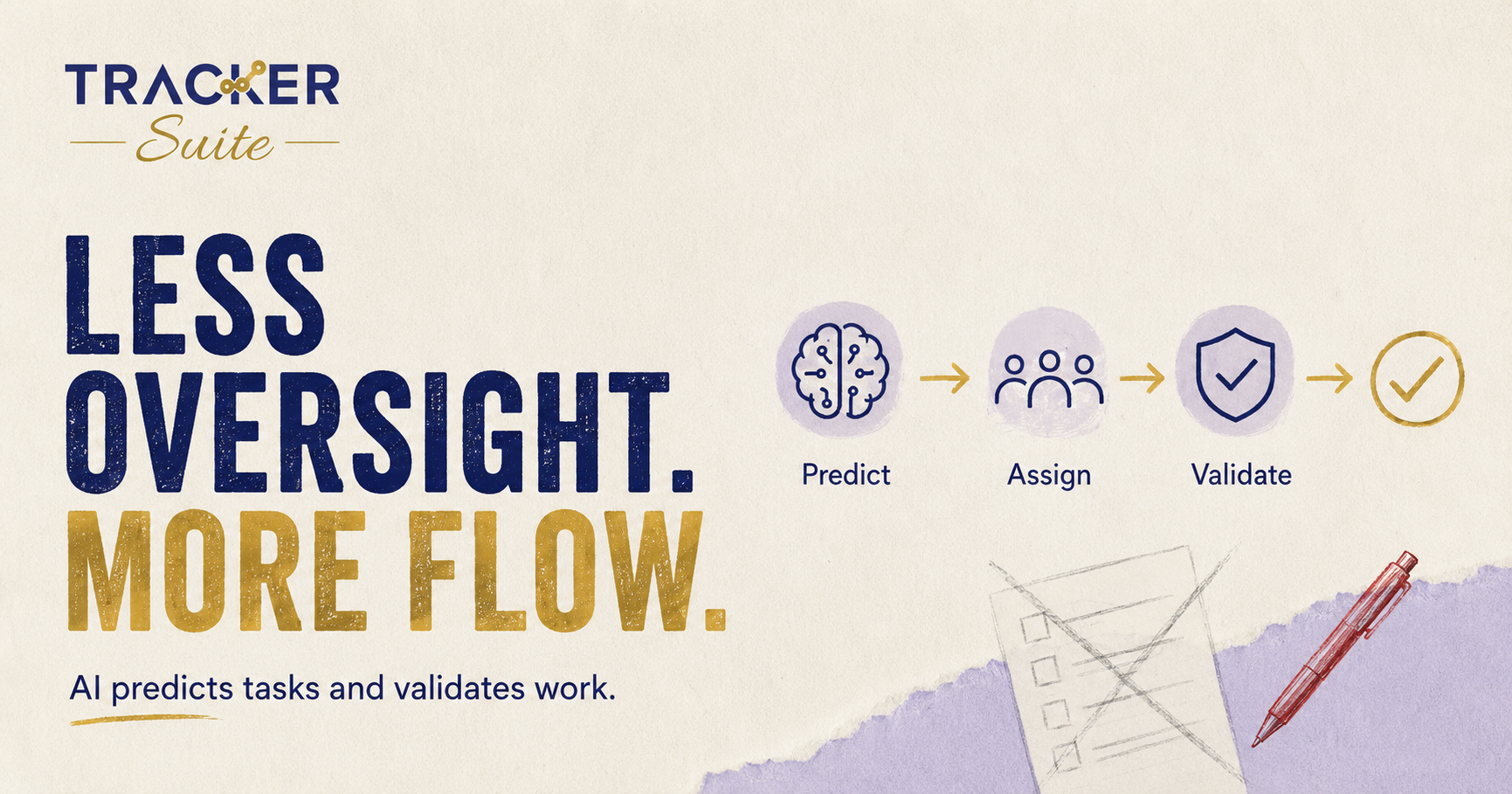
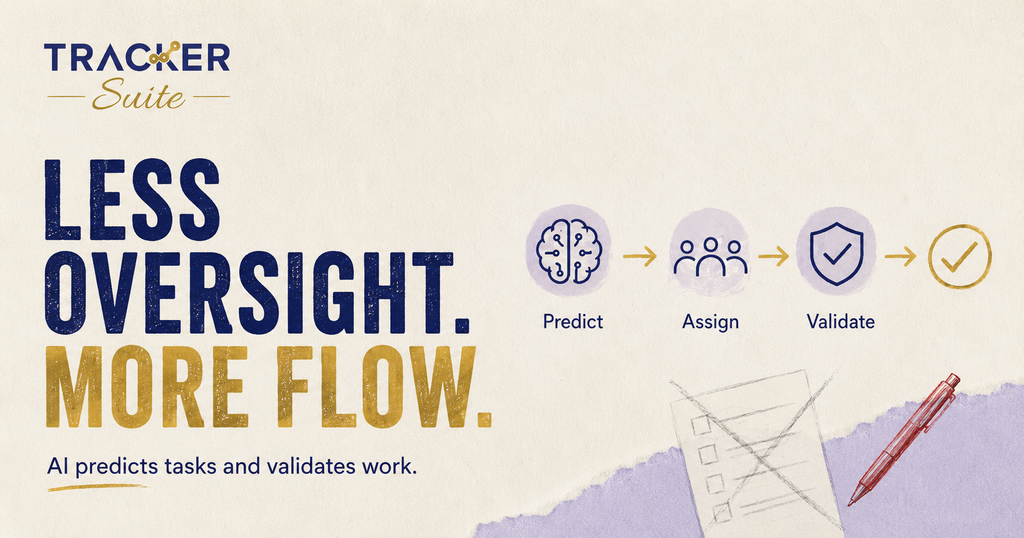
Discover how work validation AI and AI predictive tasking remove the manual follow-up and review cycle from project management. Learn where the TAVI AI assistant fits, which workflows benefit most, and how to implement AI-assisted oversight step by step.
Managers in growing businesses spend a large part of their day on two repetitive activities: assigning work and checking whether completed work is actually correct. Work validation AI and AI predictive tasking attack exactly these two bottlenecks. Instead of a manager manually creating every task and personally reviewing every output, an AI-powered platform uses business data and configured rules to predict what needs to happen next and to flag whether completed work meets the required standard.
This guide explains how these two capabilities work, why traditional management project software struggles to provide them, and how tools like the TAVI AI assistant inside TrackerSuite help teams reduce manual oversight without removing human control.
Key takeaways
- Manual task assignment and manual review do not scale. They create follow-up loops, decision fatigue and inconsistent quality as teams grow.
- AI predictive tasking uses historical data, workload patterns and configured rules to propose and assign tasks proactively.
- Work validation AI checks completed work against defined criteria and routes exceptions to a human, so managers review only what needs attention.
- AI is only useful when it is connected to real business data and workflows, not as a standalone chatbot.
- People still define goals, rules and final decisions. Automation handles the repetitive steps in between.
At a glance
- Problem: Manual oversight consumes manager hours and breaks down as task volume grows.
- Solution: AI predictive tasking assigns work proactively; work validation AI reviews completed work against set rules.
- Who it suits: Teams with recurring workflows, multiple locations, field staff or high follow-up volume.
- Who may not need it yet: A very small team with few recurring tasks may be fine with a simple task list.
- Example tool: Task Tracker by TrackerSuite, with AI predictive tasking and AI work validation powered by TAVI.
Why does manual oversight break down as teams grow?
Manual oversight breaks down because every task creates at least three human touchpoints: assignment, follow-up and review. With 20 tasks a week that is manageable. With 2,000 tasks across teams, locations and shifts, managers become full-time chasers, and quality checks become inconsistent or skipped entirely.
Think about a typical project in software project management. A lead breaks work into tasks, assigns them in a tool, then spends the week asking for status updates on calls and chat. When a developer marks something done, the lead opens the work, checks it against acceptance criteria and either approves it or sends it back. Multiply that loop across sprints, support tickets, content approvals and client deliverables, and oversight becomes the job rather than a part of it.
The pattern is not limited to software. A field services supervisor confirms visits by phone. An operations head compiles daily reports from WhatsApp messages. A sales manager reminds executives about follow-ups one by one. In each case, the work tracking exists, but it depends entirely on human memory and effort.
Only 2% of manufacturing COOs surveyed said AI was fully embedded across their operations, while 46% reported data or IT/OT limitations holding them back. (McKinsey, 2025)
That gap matters. Most businesses are still running oversight manually, not because they want to, but because their tools record work instead of helping to manage it.
What is AI predictive tasking?
AI predictive tasking is the ability of a platform to anticipate the next logical tasks in a workflow and propose or assign them automatically. It analyses historical completion data, current workloads, deadlines and configured rules to decide what should happen next, who should do it and when it is due.
In a traditional setup, task creation is a manual planning exercise. A project manager maps out every step, estimates capacity and types everything into a board. AI predictive tasking changes the starting point. The system learns that when task A completes, task B usually follows, that a certain team member closes a certain type of work fastest, and that a deadline is at risk because the current workload exceeds historical throughput.
A practical example: a marketing team runs monthly campaigns. Every campaign needs the same chain of tasks, such as brief, design, review, approval and scheduling. Instead of rebuilding that chain each month, the platform recognises the recurring pattern, generates the task sequence, assigns it based on availability and sets due dates from the campaign launch date. The manager reviews and adjusts rather than building from zero.
The important word is assist. Predictive tasking works from data the business already generates and rules people configure. It reduces the administrative effort of planning; it does not replace the manager’s judgement about priorities.
What is work validation AI and how does it work?
Work validation AI is the ability of a platform to check completed work against predefined criteria before a human signs it off. Instead of a manager manually reviewing every deliverable, the system validates submissions against configured rules and routes only exceptions or borderline cases to a person.
The mechanics are straightforward. The business defines what done means for a given task type: required fields completed, an attachment or proof of work uploaded, a location confirmed, a checklist finished, a response logged within a set time. When a team member marks a task complete, the validation layer checks the submission against those rules. Work that passes moves forward. Work that fails or looks unusual is flagged with a reason.
This changes the manager’s role from reviewing everything to reviewing exceptions. Consider a field team submitting site visit reports. With work validation AI, a report missing photos or submitted from the wrong location is flagged automatically, while complete, compliant reports flow through. The manager spends attention where it actually improves quality.
The same logic applies to document approvals, data entry tasks, inspection checklists and recurring operational work. The common thread: quality criteria are defined once by people, then applied consistently by the system, which is something manual review rarely achieves at volume.
Why is traditional management project software not enough?
Traditional management project software is reactive. It records what humans enter, sends a reminder when a deadline passes and shows a board of statuses that someone had to update by hand. It cannot predict what comes next, and it cannot tell whether completed work actually meets the standard without a person checking.
This is not a criticism of the category. Kanban boards and list-based task tools genuinely improved team visibility. But they were built as passive systems of record. In PwC’s 2026 Digital Trends in Operations survey, 87% of operations leaders said poor data quality affected the value they got from digital initiatives (PwC, 2026). A passive tool depends entirely on the quality and completeness of manual input, which is exactly where growing teams struggle.
A modern management software project needs three things older tools do not provide:
- Proactive assignment: the system proposes the next tasks based on patterns and rules, instead of waiting for a manager to create them.
- Automated follow-up: reminders, escalations and daily reports go out on schedule without anyone chasing, such as email notifications before due dates and automated WhatsApp reports.
- Validation at completion: work is checked against defined criteria when it is submitted, not days later when a manager gets to it.
Without these layers, AI tracking of work is just a dashboard of self-reported statuses. With them, the platform starts to share the cognitive load of running the operation.
Which workflows benefit most from predictive tasking and validation?
Recurring, rule-based workflows with clear completion criteria benefit most. The more repetitive the work and the higher the volume, the more manual oversight costs, and the more an AI-assisted workflow returns.
Strong candidates include:
- Recurring operational tasks: daily opening and closing checklists, shift handovers, routine inspections, where the same steps repeat and validation rules are easy to define.
- Field work: site visits, installations and service calls, where completion proof such as photos, geolocation and timestamps can be validated automatically.
- Sales follow-up: lead callbacks, proposal reminders and pipeline hygiene, where missed follow-ups directly cost revenue and predictive tasking can schedule the next touch.
- Content and approval chains: briefs, drafts and sign-offs, where the sequence is predictable and each stage has clear acceptance criteria.
- Reporting workflows: daily and weekly reports that today are compiled manually from chats and spreadsheets, which automation can assemble from the task data itself.
- Quality checks and compliance tasks: documented inspections where a missed step creates risk, and where consistent rule-based validation beats variable human review.
A small team running five tasks a week will not feel this pain. A business with 50 employees, multiple locations and thousands of monthly activities will, and that is where these capabilities stop being a nice extra and start being infrastructure.
Where does the TAVI AI assistant fit in?
The TAVI AI assistant is the intelligence layer inside TrackerSuite that powers AI-based predictive tasking and work validation through AI. In practical terms, TAVI uses the task, team and workflow data already in the platform, together with rules the business configures, to help teams see what needs attention and when.
Within Task Tracker, this shows up in concrete ways. AI-based predictive tasking helps generate and schedule recurring work instead of relying on manual planning. Work validation through AI checks submissions against defined criteria so managers review exceptions rather than every item. Around these, supporting automation keeps oversight running without manual effort: email notifications 48 and 24 hours before a task is due, performance scores and reports, and daily automated reports on WhatsApp.
The model is deliberately human plus AI. People define the goals, the workflows and the validation rules. The platform organises the data and automates the repetitive steps in between. AI assists with prioritisation, prediction and flagging. Managers remain responsible for the decisions that matter, such as whether flagged work is acceptable or a process needs to change.
If your operation also involves stock moving across sites, the same connected approach applies: Stack Tracker manages inventory, orders and warehouses with Tavi AI powered visibility, so operational data stays in one system rather than scattered across spreadsheets.
What this means for you
If you run or manage a growing team, the practical takeaway is to audit how much of your week goes to assigning work, chasing updates and reviewing output. Those hours are the exact cost that predictive tasking and validation are designed to reduce.
A simple self-check:
- Do managers spend more time following up than planning?
- Does completed work sit waiting for review, or get approved without review because nobody has time?
- Are the same recurring tasks rebuilt by hand every week or month?
- Is your work tracking spread across chats, calls and spreadsheets rather than one system?
If several answers are yes, the bottleneck is structural, not personal. More discipline will not fix it; a more connected workflow will. If none of these apply and your team is small with little recurring work, a simple task list is genuinely enough for now.
How do you implement AI-assisted oversight step by step?
Start with one recurring workflow, define what done means, automate the follow-up around it, then expand. Trying to automate everything at once usually fails because the rules and data are not ready.
A practical sequence:
- Pick a high-volume recurring workflow. Choose something rule-based, such as daily checklists, field visit reports or sales follow-ups.
- Define completion criteria. Write down exactly what a valid submission looks like: required fields, attachments, timing, location.
- Configure the workflow in the platform. Set up the task sequence, assignment logic and due dates so predictive tasking has a pattern to work from.
- Turn on automated follow-up. Enable reminders and scheduled reports so nobody has to chase manually.
- Switch on validation. Apply the completion criteria as validation rules, with exceptions routed to a named reviewer.
- Review and refine weekly. Check what the system flagged, adjust rules where it over-flags or under-flags, then extend to the next workflow.
This order matters because validation quality depends on clean workflow data. Teams that centralise their tasks first get far more value from the AI layer than teams that try to validate work scattered across five tools.
Frequently asked questions
What is work validation AI in simple terms?
Work validation AI checks completed tasks against criteria your business defines, such as required fields, attachments or location proof. Work that passes moves on automatically, and only exceptions are sent to a manager for review.
How is AI predictive tasking different from task templates?
Templates repeat a fixed list of tasks. AI predictive tasking goes further by using historical data, workloads and deadlines to propose timing, assignment and sequence, and by flagging tasks at risk before a deadline is missed.
Does the TAVI AI assistant replace project managers?
No. TAVI handles the repetitive layer of oversight, such as generating recurring tasks, sending reminders and validating submissions against rules. People still set goals, configure the rules and make the final calls on flagged work.
Can small teams benefit from AI tasking and validation?
Yes, but the value scales with volume. A team handling a handful of recurring tasks may only need basic work tracking, while teams with multiple locations, field staff or high follow-up volume see the largest reduction in manual effort.
What data does AI work tracking need to function?
It needs consistent task data in one system: what the task is, who owns it, when it is due and what a complete submission looks like. The cleaner and more centralised this data, the more accurate the prediction and validation become.
Conclusion: oversight that scales with the work
Manual oversight made sense when teams were small and work was simple. As task volume, locations and workflow complexity grow, the assignment, follow-up and review cycle becomes the constraint on the whole operation. Work validation AI and AI predictive tasking remove that constraint by handling the repetitive layer of management, while people keep control of goals, rules and decisions.
The result is not a business that runs itself. It is a business where managers spend their attention on exceptions and improvement instead of chasing updates.
If you want to see what this looks like in practice, explore TrackerSuite’s plans, including Task Tracker with AI predictive tasking and work validation powered by TAVI, on the TrackerSuite pricing page. There is a free plan for up to five users, so you can test the workflow on one real process before scaling it across your team.
Leave a Reply