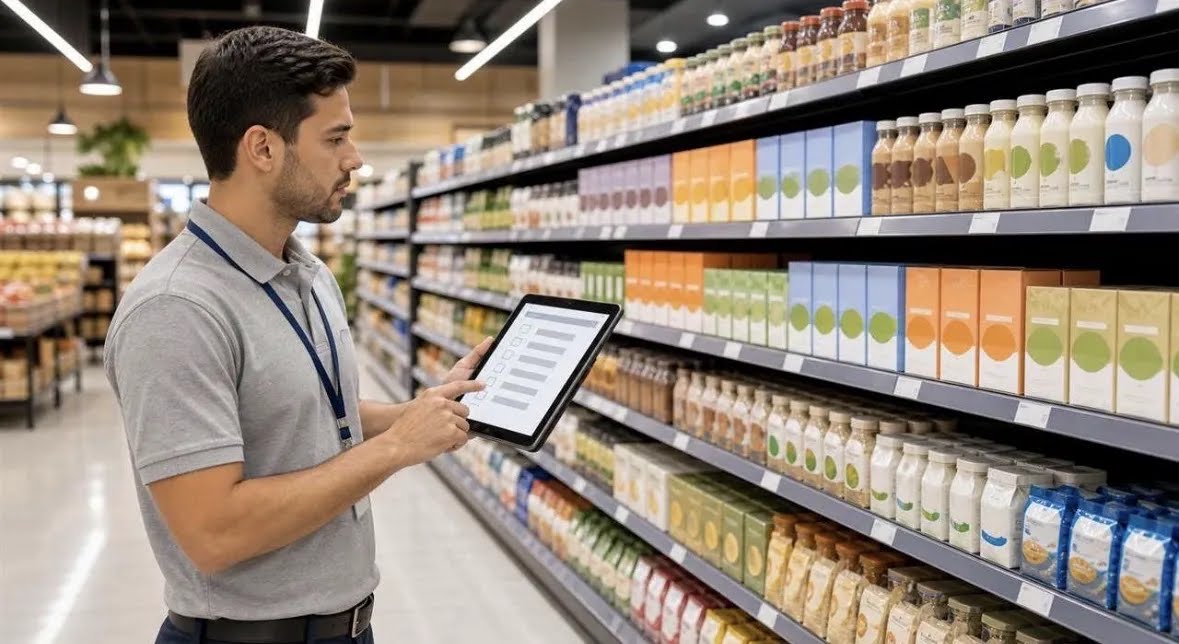
FMCG operations run on repeated field actions across reps, distributors and stores. This guide explains why spreadsheets and WhatsApp break at scale, which workflows task management software can automate, and how connected data and AI improve visibility for growing consumer goods businesses.
Fast-moving consumer goods (FMCG) businesses live and die by what happens in the field: store visits, shelf checks, order collection, distributor follow-up and scheme execution. When those activities are tracked through calls, spreadsheets and WhatsApp messages, managers lose visibility as soon as the team grows beyond a small group.
This guide explains how task management software for FMCG changes that. It covers the workflows that matter most, why manual tracking breaks at scale, what to look for in a platform, and where AI and automation genuinely help.
Key takeaways
- FMCG execution depends on repeated field tasks every day, and manual follow-up does not scale past a small team.
- Out-of-stocks, missed visits and late reporting are coordination problems first, not effort problems.
- A strong task management tool for FMCG companies covers beat plans, store visit tasks, merchandising checks, order follow-up, scheme execution and field attendance in one connected system.
- AI adds value when it is connected to real activity data: prioritising tasks, flagging exceptions and reducing manual reporting.
- Small teams with few recurring tasks may only need a simple task list. Multi-city field operations usually need a broader operational platform.
At a glance
- Who this is for: FMCG sales heads, regional managers, distributors and operations leads managing field reps across territories.
- Core problem: Field activity is invisible until something goes wrong, and reporting arrives too late to act on.
- What task software fixes: Visit planning, task assignment, completion proof, follow-up reminders, attendance and reporting in one place.
- When a simple tool is enough: One team, one city, low visit volume and few recurring tasks.
- When you need more: Multiple cities, distributors, product lines and schemes running at the same time.
What does task management software for FMCG actually do?
It assigns, tracks and reports the repeated work of field sales and distribution: store visits, order collection, shelf and display checks, scheme rollouts and distributor follow-ups. Instead of managers chasing updates by phone, every task has an owner, a due time, a status and proof of completion, visible in one dashboard.
The key word is repeated. FMCG field work is not a one-off project. The same beat plan runs every week, the same store needs a visit on a fixed cycle, and the same scheme checklist applies across outlets in a region. A beat plan is the planned route of stores a rep must cover in a day or week.
Generic to-do apps struggle here because they treat work as isolated items. A task management tool for FMCG companies should treat work as recurring workflows with territory, outlet, product and distributor context attached. That context is what turns a list of tasks into operational visibility.
Why is FMCG field execution so hard to track?
FMCG field execution is hard to track because the work is distributed, high-volume and time-sensitive. Many reps visit many outlets across territories, and the output of each visit often stays in a notebook or chat thread until someone asks for it.
Think about the data a single day in FMCG distribution generates. Reps record orders, managers approve discounts, distributors confirm stock, merchandisers check displays, and supervisors verify whether visits actually happened. Each activity creates information that another team needs.
With manual tracking, that information arrives late, incomplete or in different formats. The sales head sees yesterday’s numbers, not today’s exceptions. The regional manager learns about a missed beat after the retailer has already bought from a competitor.
The commercial cost of poor shelf availability is well documented.
Out-of-stocks cost retailers roughly $1.77 trillion in 2023, much of it traceable to execution gaps between brands, distributors and stores (IHL Group, 2023).
For an FMCG company, an out-of-stock at the shelf usually starts as an untracked field task: a missed store visit, an order that was never confirmed, or a follow-up that fell through.

Why do spreadsheets and WhatsApp stop working as FMCG teams grow?
Spreadsheets and WhatsApp stop working because they separate the task from the proof and the report from the work. A beat plan in Excel does not know whether the visit happened, and a WhatsApp photo of a display does not roll up into a compliance report.
This is the classic scaling journey. A small team in one territory can run on calls and a shared sheet. Add more reps, more cities and more product lines, and the same tools create recurring problems.
- No single source of truth. The beat plan sits in Excel, orders sit on WhatsApp, attendance sits on paper, and reports arrive by email.
- Follow-up becomes a full-time job. Area managers spend their day asking what got done instead of coaching reps and fixing exceptions.
- Proof is hard to verify. Photos and messages exist, but they are not tied to a store, a task or a deadline.
- Reporting is rebuilt manually. Supervisors compile updates instead of reviewing a live dashboard.
- Accountability becomes personal, not systemic. Performance depends on who remembers to chase whom.
Excel works well for simple tracking. Businesses with multiple teams, locations or workflows eventually need a more connected operational system.
Which FMCG workflows can a task management tool automate?
The right platform automates the repetitive coordination around field work, not the judgment of the salesperson. It can plan recurring visits, remind owners, collect proof, escalate exceptions and compile reports, while people still decide how to handle a key retailer or a distributor issue.
This is where field sales tracking software earns its place: it turns daily execution into structured data that managers can act on. Practical FMCG workflows to automate include:
- Beat plan management: Create recurring outlet visit plans by rep, territory and store priority.
- Store visit tasks: Assign visit checklists with order capture, shelf check and display questions.
- Merchandising checks: Record facing count, display compliance and competitor activity with photos.
- Order follow-up: Track whether orders were confirmed, dispatched and billed by the distributor.
- Scheme execution: Roll out trade schemes with outlet-level tasks and completion proof.
- Distributor coordination: Assign stock confirmation, payment follow-up and claim resolution tasks.
- Field attendance: Capture check-in and check-out with location rules for remote teams.
- New outlet onboarding: Standardise the steps for survey, approval, first order and first merchandising visit.
- Complaint and returns handling: Route retailer issues to the right owner with deadlines.
Retail execution software often focuses only on in-store audits. FMCG teams usually need those audits connected to sales tasks, distributor follow-up and attendance, because the same rep carries out all of them.
How does connected data improve FMCG distribution management?
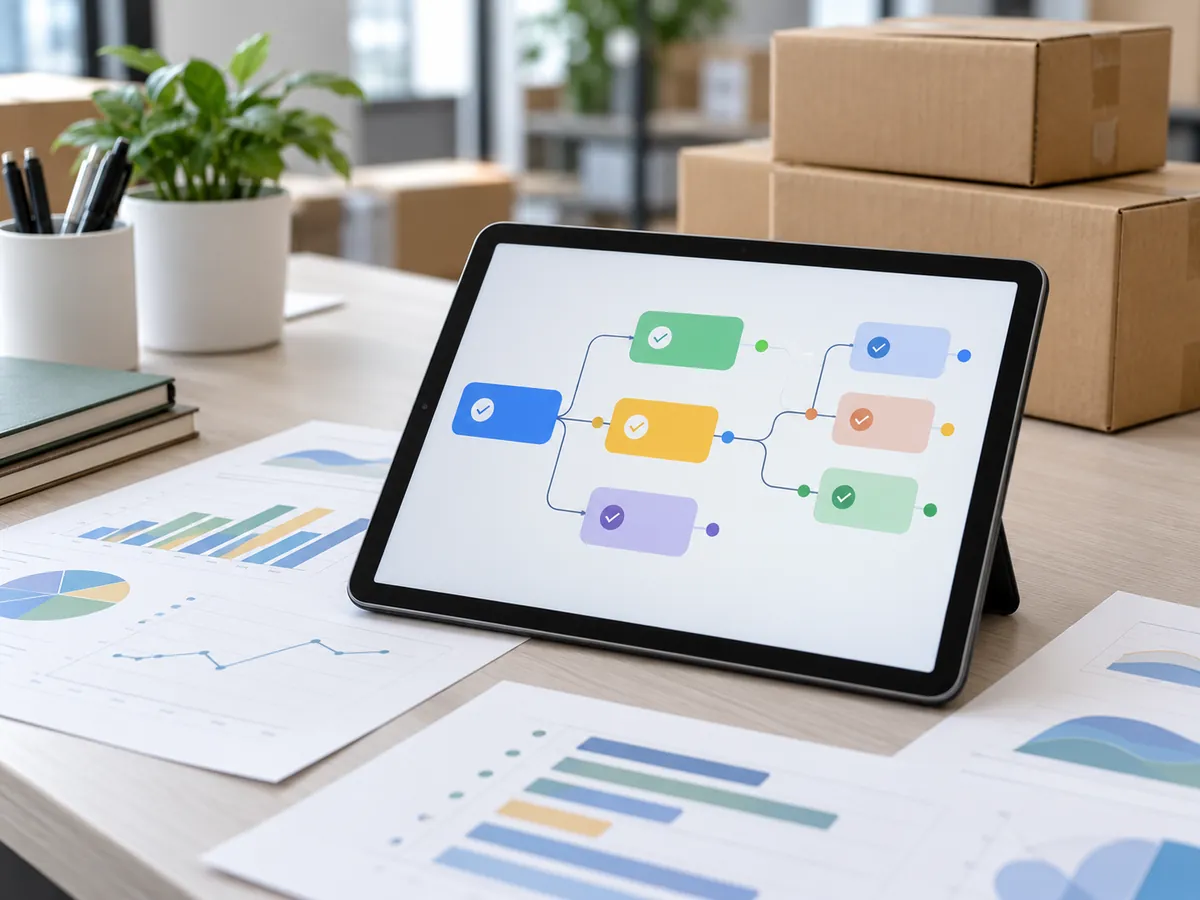
Connected data improves FMCG distribution management by showing the same operational picture to sales, distribution and leadership. A task, its outlet, its order status and its proof of completion sit together, so managers see exceptions early instead of reading about them in a weekly report.
Before connected data, a manager asks several people for updates and still cannot confirm which visits are done. After connected data, the manager opens one view and sees completed, pending and missed visits by territory.
The same shift applies to stock. Before, inventory sits across distributor spreadsheets and warehouse registers. After, teams share a common record of stock movement and order status. For businesses that also need warehouse and inventory visibility across locations, TrackerSuite’s Stack Tracker is positioned around real-time inventory, orders and warehouse visibility.
Good FMCG distribution management depends on permissions and accountability too. A distributor should see relevant orders, a rep should see assigned outlets, and a regional head should see the full territory. Field team task tracking works when everyone sees the right slice of the same system.
Where does AI help in FMCG field sales execution?
AI helps when it uses existing business data and configured rules to show what needs attention and when. It can support prioritisation, reminders, exception flags and report summaries, but people remain responsible for commercial decisions and key relationships.
In manager terms, AI is useful only when connected to workflows and data. If visit completion, order status and outlet history live in one system, AI can help surface outlets that missed visits, tasks that keep slipping or territories with unusual pending work. If data is scattered, AI has little reliable input to work with.
Practical uses include suggesting daily priorities from pending tasks, reminding reps before visits are due, flagging repeated missed outlets, summarising territory reports and highlighting overdue distributor follow-ups. These are assistance features based on configured rules and available data, not a business that runs itself.
When is a simple tool enough, and when do you need a platform?
A simple task list is enough when one small team handles a limited set of recurring activities in one location. You need a broader platform when multiple teams, territories, distributors, shifts and reporting requirements create too many handovers to manage manually.
Use this decision checklist:
- You operate across multiple cities or territories.
- Field reps, supervisors and distributors all touch the same order.
- Trade schemes and product lines change often.
- Managers spend large parts of the day chasing updates.
- Reporting is compiled manually from chats and sheets.
- Compliance, audit or photo proof requirements are rising.
- Leadership wants one view of field activity, attendance and exceptions.
If none of these apply, a lightweight to-do app may be the sensible choice. If several apply, task management software for FMCG becomes the system of record for daily execution rather than a convenience.
What this means for you
If you lead FMCG sales or operations, start with the work, not the software. List the recurring actions that decide shelf availability: visits, orders, displays, scheme checks, distributor follow-up and issue resolution. Then ask where each action is assigned, proven and reported today.
Your goal is not more screenshots. It is a shorter gap between something going wrong in the field and someone with authority seeing it. Choose tools that reduce repetitive coordination, keep proof attached to tasks and give managers a live view without adding admin for reps.
How should an FMCG company implement it step by step?
Implementation works best as a staged operational change, not a big software launch. Begin with one territory, standardise the workflows, prove the reporting value, then expand to more regions and teams.
- Map the field journey: Document the rep day from check-in to visit, order, follow-up and report.
- Standardise task templates: Define what a store visit, scheme check or distributor follow-up must capture.
- Digitise recurring plans: Move beat plans and visit cycles into recurring tasks with owners and due times.
- Attach proof at the source: Capture photos, notes and order status inside the task, not in a separate chat.
- Automate reminders and escalations: Notify owners before deadlines and route missed items to supervisors.
- Build manager dashboards: Show completed, pending and missed work by rep, territory and outlet type.
- Review and scale: Fix adoption issues in the pilot territory before adding regions, shifts or distributor workflows.
How TrackerSuite fits FMCG field operations
TrackerSuite fits where FMCG teams need connected task, attendance and workflow visibility rather than another chat group. Field managers need to see assignments, completion and exceptions across locations, and reps need a simple mobile way to know what is due and report what is done.
TrackerSuite materials describe recurring tasks, bulk task upload, WhatsApp and mobile reminders, advance email notifications, attendance rules with check-in and check-out, geofencing, multiple shifts, workflow steps and performance reports. For AI-assisted work, the platform describes predictive tasking powered by TAVI, which should be evaluated against your own data quality and rules during a pilot.
The practical value is potential, not guaranteed: fewer manual follow-ups, faster information flow, clearer ownership and less time spent compiling reports. Keep industry evidence separate from product claims and validate capabilities in your own territory before a wider rollout.
Conclusion
FMCG execution breaks when high-volume field work is coordinated through memory, chat and spreadsheets. Task management software for FMCG helps when it treats visits, orders, schemes and distributor follow-up as connected recurring workflows with proof, reminders and reporting built in.
Start small, standardise the workflows that protect shelf availability, and scale only after managers trust the data. If you are comparing options, review TrackerSuite plans and test them against one real territory before expanding.
FAQs
What is the best task management software for FMCG companies?
There is no single best option for every FMCG business. Look for recurring beat plans, mobile task completion with proof, attendance and location rules, distributor follow-up workflows, dashboards and permissions, then pilot the tool in one territory before deciding.
How is field sales tracking software different from a CRM?
A CRM manages customer records, leads and pipeline history. Field sales tracking software manages daily execution such as visits, tasks, attendance, proof and exceptions, and many FMCG teams need both to work from connected data.
Can FMCG task management include distributors?
Yes, if the platform supports tasks and visibility for distributor follow-up, stock confirmation and issue resolution. Give each party the right permissions so distributors see relevant orders while managers keep the full territory view.
Is AI necessary for FMCG task management?
Not always. A small team with few recurring tasks may only need simple checklists, while AI becomes useful at scale when connected data can help prioritise work, flag exceptions and reduce manual reporting under human oversight.
Leave a Reply