Key Takeaways
- Task management software helps construction companies assign work, set deadlines, monitor progress, and follow up on pending activities across project sites.
- Digital task tracking helps site engineers, project managers, contractors, and office teams coordinate their daily responsibilities.
- A centralized task system reduces dependence on scattered WhatsApp messages, Excel sheets, paper registers, and verbal updates.
- Task reminders, approval workflows, and proof of work help managers identify incomplete activities and review submitted work.
- Construction companies managing multiple sites can use task tracking to improve visibility into employee responsibilities and pending work.
- TrackerSuite.ai helps businesses manage tasks, workforce activities, reminders, approvals, and AI-powered work validation through a connected platform.
Introduction
A construction project involves many activities happening at the same time. Site engineers coordinate daily work, contractors manage their teams, supervisors check progress, and project managers follow up on deadlines. Each activity depends on people completing their responsibilities and communicating updates on time.
Consider a residential construction project. The team may need to complete reinforcement work, arrange an inspection, prepare the area for concrete pouring, and coordinate the next stage of construction. If an inspection or approval remains pending, the next activity may have to wait.
The problem is not always a shortage of workers or materials. Sometimes, the issue is that a task has not been assigned clearly, a deadline has been missed, or the project manager does not know what is happening at the site.
Many construction companies still use Excel sheets, paper registers, phone calls, and WhatsApp groups to coordinate daily work. These methods may be manageable for a small project, but they become harder to control when several contractors, teams, and sites are involved.
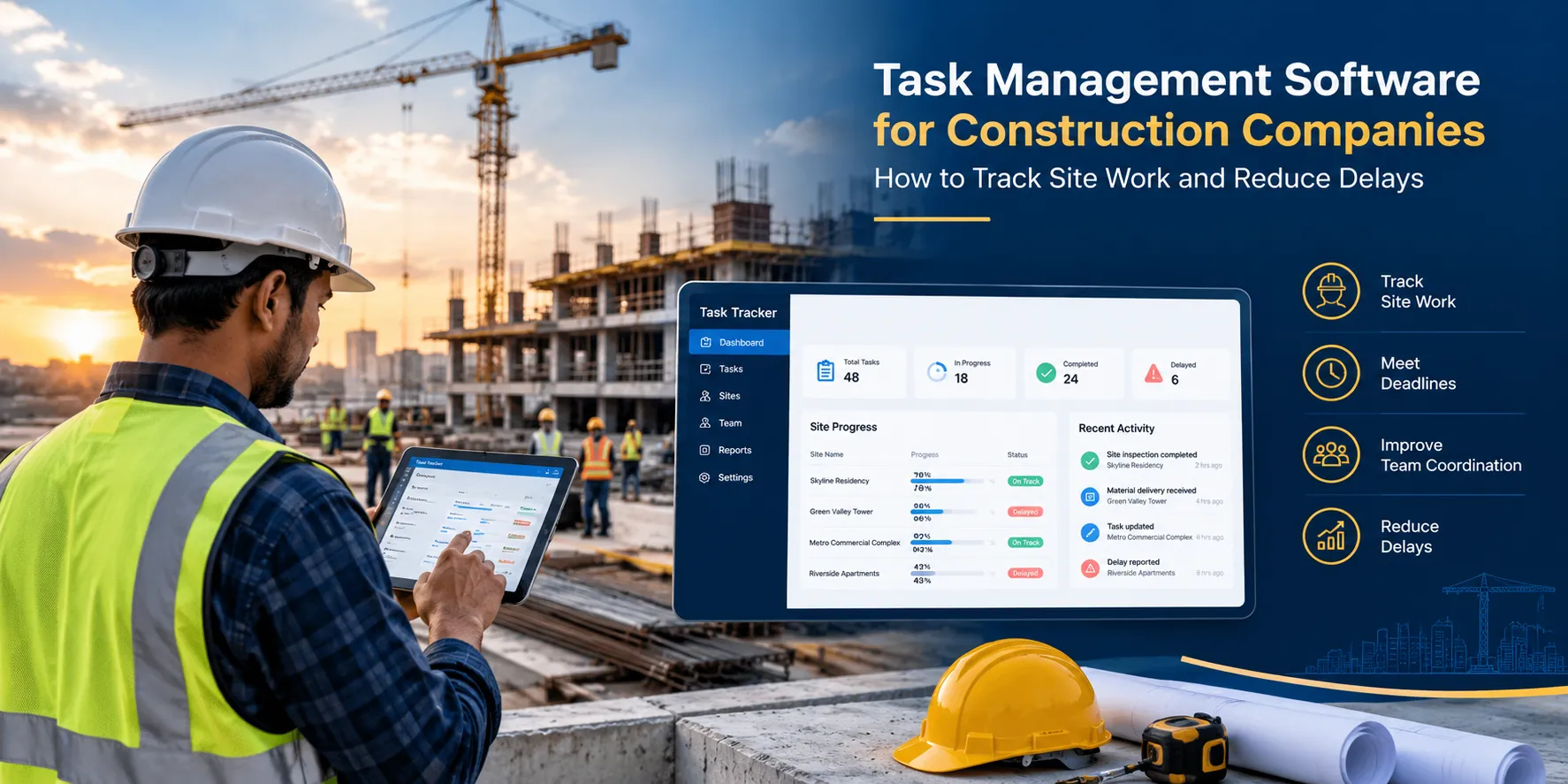
Task management software for construction companies provides a structured way to assign responsibilities, set deadlines, track progress, and record completed work. It helps site teams and project managers understand what needs attention without repeatedly chasing updates.
Why Do Construction Companies Struggle to Track Daily Tasks?
Construction projects involve several teams working on different activities, often across multiple locations. When responsibilities and updates are scattered, even routine tasks can become difficult to manage.
1. Site Updates Are Scattered Across WhatsApp and Excel
A site supervisor may share progress photos on WhatsApp, maintain a task list in Excel, and record inspection details in a paper register. The project manager may receive updates from several people but still struggle to understand the current status of every activity.
Important information can get buried in conversations, and employees may end up sending the same updates more than once.
A centralized task management system gives teams a shared place to review assigned work, deadlines, progress updates, and pending activities.
2. Responsibilities Are Unclear
Construction work often involves general contractors, subcontractors, site engineers, supervisors, and external inspection teams. When an action is discussed during a site meeting, someone still needs to take responsibility for completing it.
For example, if a supervisor identifies incomplete finishing work, the issue needs to be assigned to the responsible team with a clear deadline. Otherwise, the task may remain open while everyone assumes someone else will handle it.
Task management software helps establish ownership by linking tasks to responsible employees and recording their status.
3. Delays Go Unnoticed Until the Next Stage
Construction activities are often connected. If a required inspection, approval, or corrective action is delayed, it may affect subsequent work.
For example, an area may not be ready for the next construction activity because the previous task remains incomplete. If the project manager learns about this late, coordinating the next steps becomes more difficult.
Regular task updates, due dates, and overdue notifications help managers identify pending activities earlier and follow up with the relevant people.
Task tracking alone cannot prevent every construction delay, particularly those caused by weather, material shortages, design changes, or other external factors. However, it can make responsibilities and unresolved issues more visible.
4. Managing Multiple Construction Sites Becomes Difficult
Construction companies may manage several residential projects, commercial buildings, infrastructure works, or renovation sites at the same time.
Each site has different teams, deadlines, and operational requirements. Managers who depend on separate spreadsheets and daily phone calls may spend considerable time collecting information before they can assess progress.
Software that supports centralized task tracking and location-wise reporting can help managers review activities across their projects and identify where follow-ups are needed.
5. Completion Is Difficult to Verify
A worker or contractor may report that a task is complete, but the supervisor may still need to inspect the work before accepting it.
For example, finishing work may require a visual check, or a site activity may need supporting photographs and an approval before the next step can proceed.
When updates and evidence are stored separately, reviewing the completed work can take additional time.
A digital task record can keep the status and supporting evidence together, where the software supports attachments and review workflows. This makes it easier for supervisors to check submissions and request corrections when necessary.
What Is Task Management Software for Construction Companies?
Task management software is a digital system that helps businesses create tasks, assign responsibilities, set deadlines, track progress, and record completion.
In construction, it can support activities such as site inspections, housekeeping, equipment checks, documentation, corrective actions, safety observations, internal approvals, and project-related follow-ups.
For example, a site engineer can assign a task to a supervisor, set a deadline, and describe the expected outcome. The responsible employee can update the task as work progresses and submit supporting photographs or documents if required.
The project manager can then review the status and identify activities that remain incomplete.
It is important to understand that task management software is not necessarily the same as construction project management software. A task management tool focuses on assigning and tracking work. A broader construction management platform may also include project schedules, drawings, RFIs (requests for information), BOQs (bills of quantities), contractor billing, material management, budgets, and project documentation.
Construction companies should choose software based on the processes they need to manage rather than assuming every tool provides all these capabilities.
How Task Management Software Helps Construction Companies
1. Assign Site Activities with Clear Deadlines
Construction teams handle many daily responsibilities, from preparing work areas to completing inspections and resolving site issues.
Task management software allows managers to assign these activities to specific employees, define the expected outcome, and set deadlines. Employees can review their assigned work and update its status.
For example, a site engineer can assign a housekeeping task to a designated team before an inspection. The task can include instructions and a completion deadline, helping the supervisor check whether the work has been completed.
Clear assignments reduce confusion and make it easier to follow up when tasks remain pending.
2. Track Site Progress and Pending Work
Project managers need more than a general statement that work is progressing. They need to understand which activities are complete, which are in progress, and which require attention.
A task tracking system can provide this visibility through status updates, deadlines, and reports.
For example, a manager overseeing several construction sites can review the status of assigned inspection and finishing tasks rather than calling each supervisor to collect an update.
This information supports better coordination, although task completion status alone does not replace a formal project schedule or a verified measurement of construction progress.
3. Coordinate Contractors and Site Teams
Different contractors may handle civil work, electrical installations, plumbing, painting, flooring, and other activities. Their responsibilities often overlap, making communication and follow-ups important.
Task management software can help teams document assigned actions, identify responsible employees, and track deadlines. Where supported, tasks can be reassigned or routed for approval when responsibilities change.
For example, if an internal inspection identifies incomplete electrical work, the issue can be assigned to the relevant team for correction. The supervisor can follow the task until the required action has been reviewed.
Companies should confirm that their chosen software supports external contractor access if subcontractors need to update tasks directly.
4. Manage Inspections and Safety-Related Activities
Construction sites require regular checks, and the exact requirements vary by project, activity, and applicable regulations.
Teams may need to coordinate site housekeeping checks, equipment inspections, access checks, personal protective equipment checks, and other safety-related activities.
Task management software can help assign these checks, set deadlines, record outcomes, and follow up on identified issues.
For example, if a supervisor identifies an unsafe condition during a site inspection, a corrective task can be assigned to the responsible person. The supervisor can monitor its status and review the submitted completion evidence.
A task management system can support safety workflows, but it does not replace competent safety professionals, mandatory inspections, risk assessments, or statutory records.
5. Maintain Proof of Work
Construction projects often need photographs, documents, and inspection records to support progress updates and completion reviews.
Depending on the software, employees can attach photographs or documents to a task, creating a more organized record of what was submitted and when.
For example, after completing a designated finishing activity, a supervisor can submit photographs for review. The project manager can check the evidence and request corrections if the work does not meet the specified requirements.
TrackerSuite.ai also offers AI Work Validation within Task Tracker. It can check uploaded images, videos, or documents against defined criteria and return an approval or disapproval outcome. This may help review submitted work against configured requirements, but it should not be treated as a substitute for professional construction inspections or technical certification.
6. Automate Reminders and Follow-Ups
Construction managers frequently need to follow up on pending tasks, inspection activities, approvals, and corrective actions.
When reminders depend entirely on phone calls and messages, supervisors may spend valuable time chasing updates.
Task management software can send reminders for approaching deadlines and notify relevant people about pending or overdue tasks. Depending on the configured workflow, managers can also receive escalations when action is required.
For example, if a site inspection has not been completed by the agreed deadline, the responsible employee can receive a reminder. If the task remains pending, the supervisor can be notified.
These workflows help teams manage routine follow-ups more consistently without assuming that every delay can be resolved through notifications alone.
7. Improve Coordination Between the Site and Office
Site teams generate information throughout the day, including progress updates, inspection findings, pending actions, and requests for clarification.
When these updates reach the office through separate channels, project managers may need to consolidate them manually before making decisions.
A shared task management system helps employees and managers review the same task information. Site teams can update assigned work, while office managers can monitor pending activities and coordinate follow-ups.
This can reduce the effort required to collect routine status updates and make it easier to identify where a manager needs to intervene.
8. Monitor Workforce Activities Across Sites
Construction companies also need to coordinate employees and field teams working at different locations. Depending on the platform, workforce management features can help managers track attendance, timesheets, task assignments, and work completion.
For example, a supervisor may need to review assigned activities alongside employee attendance and work records. Bringing these activities into a connected system can reduce the need to maintain separate records.
However, attendance should not be treated as proof that a task was completed, and workforce tracking should follow the company’s policies and applicable privacy requirements.
Key Features to Look for in Construction Task Management Software
Before selecting software, identify which capabilities your team needs to use regularly.
- Task assignment and deadlines: Assign work to specific employees and set clear completion dates.
- Task status tracking: Identify pending, in-progress, completed, and overdue activities.
- Recurring tasks and checklists: Schedule routine inspections and repeated site activities where supported.
- Reminders and escalations: Notify responsible employees and supervisors when tasks need attention.
- Photo and document attachments: Keep supporting evidence connected to the relevant task where available.
- Approvals and reassignment: Review submitted work, request corrections, and change ownership when required.
- Mobile access: Let site teams access and update assigned tasks from supported mobile devices.
- Reporting and dashboards: Review outstanding work and completion status by employee, team, or location, depending on the system.
- Workforce management: Check for attendance, timesheets, and employee task tracking if these are important to your operations.
- Multi-site visibility: Confirm that managers can review activities across the number of projects and locations your business operates.
- Ease of adoption: The system should be simple enough for site supervisors and employees to use consistently.
If you also need drawing-based issue tracking, formal RFIs, BOQ management, contractor billing, or detailed construction scheduling, confirm that the product supports these functions or integrates with the systems you already use.
Task Management Software vs. Excel and WhatsApp
Excel and WhatsApp are familiar tools, and many construction teams use them to share information. However, managing multiple projects through separate sheets and conversations can make it difficult to maintain a consistent view of task status.
| Requirement | Excel and WhatsApp | Task Management Software |
|---|---|---|
| Assigning work | Instructions may be spread across messages and sheets | Tasks can be assigned to specific owners |
| Deadline tracking | Often depends on manual monitoring | Deadlines and overdue tasks can be tracked centrally |
| Follow-ups | Repeated messages or calls may be needed | Configured reminders can automate routine follow-ups |
| Completion evidence | Photos and files may sit in separate conversations | Evidence can be attached to tasks where supported |
| Approval tracking | Decisions may be scattered across messages | Approval status can be recorded in a workflow |
| Multiple-site visibility | Reports may need manual consolidation | Location-wise reporting may be available, depending on the software |
The goal is not to remove every spreadsheet or WhatsApp conversation. It is to establish a reliable process for activities that require clear ownership, deadlines, approvals, and completion records.
How to Choose the Right Task Management Software for Your Construction Company
Start by identifying where your current process loses time. Are site engineers spending too much time collecting updates? Are inspections being missed? Are corrective actions left open? Are project managers struggling to understand which activities need attention across several sites?
Once you identify the main problem, map one workflow from assignment to completion. Define who owns the task, what the expected outcome is, when it is due, what evidence is required, and who reviews the work.
Next, involve the employees who will use the system. A tool that works well for office managers may be difficult for site employees if it requires too many steps or unreliable internet access. Check mobile usability and offline support if your sites need it.
Run a pilot on one project or with one team before expanding to other locations. Measure practical indicators such as:
- Number of overdue tasks.
- Time spent collecting site updates.
- Time taken to close corrective actions.
- Percentage of scheduled activities completed on time.
- Time taken to review pending approvals.
- Number of tasks returned for correction.
Compare the results with your existing process. This helps you understand whether the software is improving coordination rather than relying on general promises about productivity.
Finally, check the product’s limitations. If your company needs full project scheduling, drawing management, cost control, BOQ tracking, or contractor billing, a dedicated construction management platform may be more appropriate than a task management tool alone.
How TrackerSuite.ai Helps Construction Companies Manage Daily Work
Construction companies need a practical way to assign responsibilities, monitor work, and follow up on activities across their teams.
TrackerSuite.ai helps businesses manage these responsibilities through its connected platform. Task Tracker supports task assignment, deadlines, reminders, approvals, workforce activities, timesheets, and task-related reporting.
For example, a construction company can use Task Tracker to assign routine site checks, coordinate housekeeping activities, track internal corrective actions, and follow up on documentation. Employees can update assigned tasks and submit supporting evidence, helping supervisors review the status of work.
TrackerSuite.ai’s AI Work Validation can check uploaded images, videos, or documents against defined criteria and return an approval or disapproval outcome. For suitable workflows, this can help teams review submitted evidence and flag exceptions. Technical construction decisions, safety approvals, and formal inspections should remain with qualified personnel.
The broader TrackerSuite.ai platform also includes:
- Sales Tracker: For sales activities and follow-ups.
- Stack Tracker: For inventory and stock movement.
- TAVI AI: For business intelligence and AI-enabled workflows.
Construction businesses can explore the modules relevant to their operations while continuing to use specialized systems for construction scheduling, drawings, billing, and engineering requirements.
The objective is to make daily responsibilities easier to assign, track, and review while giving managers better visibility into pending activities.
Frequently Asked Questions
1. What Is Task Management Software for Construction Companies?
It is software that helps construction businesses assign tasks, set deadlines, monitor progress, manage follow-ups, and record completion. It can support site activities, inspections, corrective actions, documentation, and coordination between teams.
2. How Does Task Management Software Help Reduce Construction Delays?
It makes task ownership and deadlines clearer, helps managers identify overdue activities, and supports reminders and escalation workflows. It can improve coordination, although delays caused by weather, materials, design changes, or other external factors require separate management.
3. Can Task Management Software Be Used Across Multiple Construction Sites?
Yes, provided the software supports multi-site access and reporting. Managers can review assigned activities and pending work across supported locations instead of collecting every update manually.
4. Can Construction Companies Use Task Management Software for Site Inspections?
Yes. It can help assign inspection-related tasks, record updates, collect supporting evidence, and track corrective actions. Businesses should confirm whether they need additional functionality for formal inspection checklists, safety compliance, or technical sign-offs.
5. Can Task Management Software Help Manage Contractors?
It can help coordinate assigned activities, deadlines, and follow-ups involving contractors. However, direct contractor access and permissions depend on the product. Companies should check these capabilities before selecting a platform.
6. What Is the Difference Between Construction Task Management Software and Construction Project Management Software?
Task management software focuses on assigned work and completion tracking. Construction project management software may also include project schedules, drawings, BOQs, RFIs, budgets, material management, contractor billing, and documentation. The right choice depends on the scope of work you need to manage.
7. Is Task Management Software Suitable for Small Construction Companies?
Yes. Smaller contractors and builders can start by digitizing a specific process, such as site inspections, daily task assignments, or corrective actions. They can expand to other activities as the team becomes comfortable with the system.
Conclusion
Construction projects depend on people completing tasks in the right order, communicating issues, and coordinating work across teams. When updates are scattered across spreadsheets, paper registers, and WhatsApp messages, managers can struggle to understand what is pending and where follow-ups are needed.
Task management software for construction companies provides a structured way to assign responsibilities, monitor deadlines, record work completion, and manage routine follow-ups. It can improve visibility across site teams and office managers without replacing specialized construction planning, engineering, or compliance systems.
Start by identifying the activities that create the most coordination problems in your projects. Choose a workflow, define clear responsibilities, and measure whether digital task tracking helps your team manage work more consistently.
TrackerSuite.ai can help construction businesses organize daily tasks, manage workforce activities, automate reminders, and review submitted proof of work through a connected platform.
Explore TrackerSuite.ai to see how digital task management can help your teams stay on top of daily work across construction sites.
Research Sources
- TerenIQ — Construction Site Management Software: Examples of site tasks, inspections, daily reports, and field-to-office coordination.
- BuildControl — Construction Management Software: Examples of task tracking, daily site worksheets, workforce management, and reporting.
- InfraTask — Construction Project Management Platform: Examples of site management, task assignment, labour attendance, and subcontractor coordination.
- OurOpero — Construction and Engineering Teams: Examples of task ownership, deadline tracking, site documentation, and punch-list management.
Editorial note: This article describes potential uses of task management software and does not claim specific performance improvements or savings for TrackerSuite.ai.
Leave a Reply