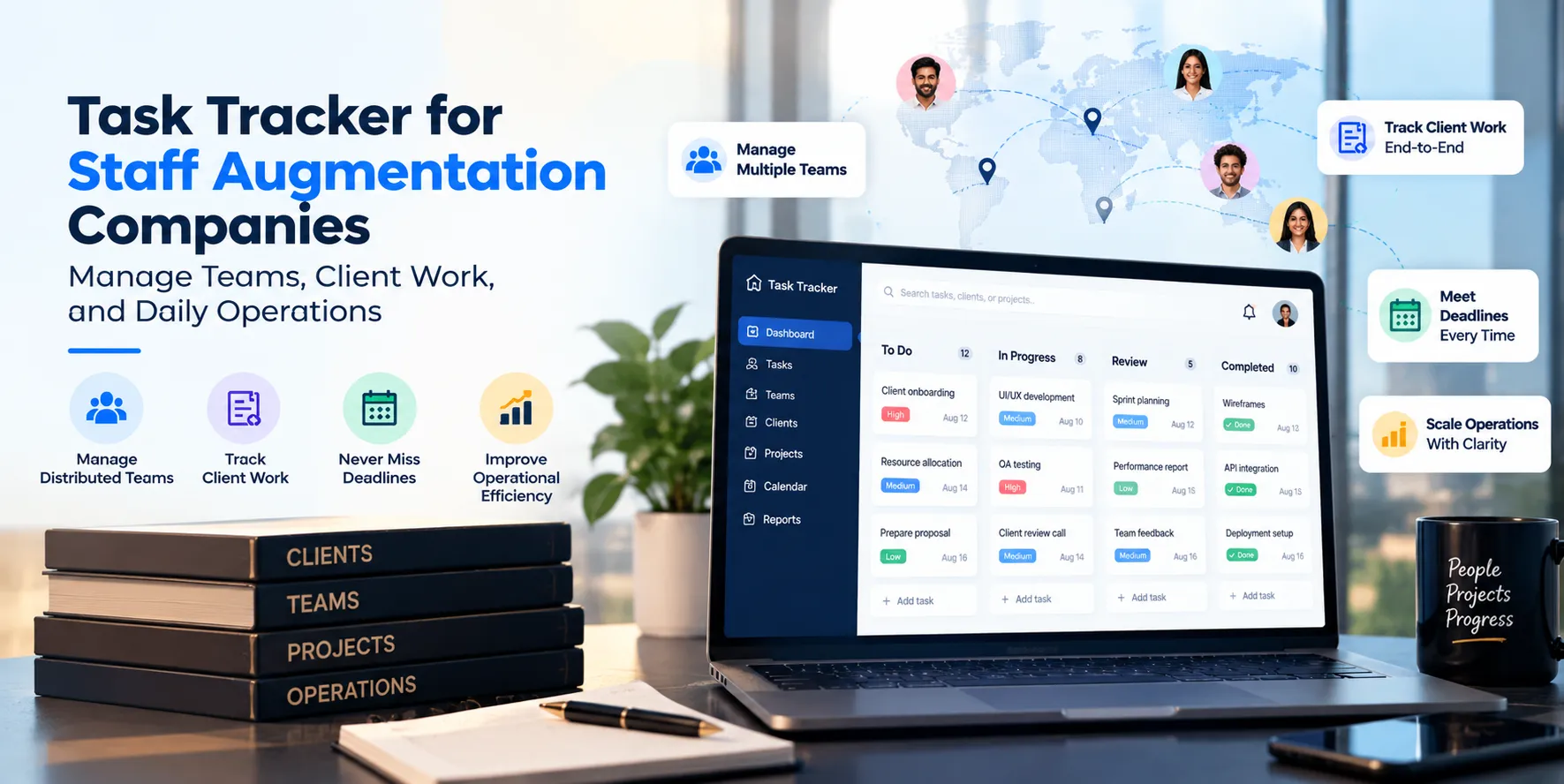
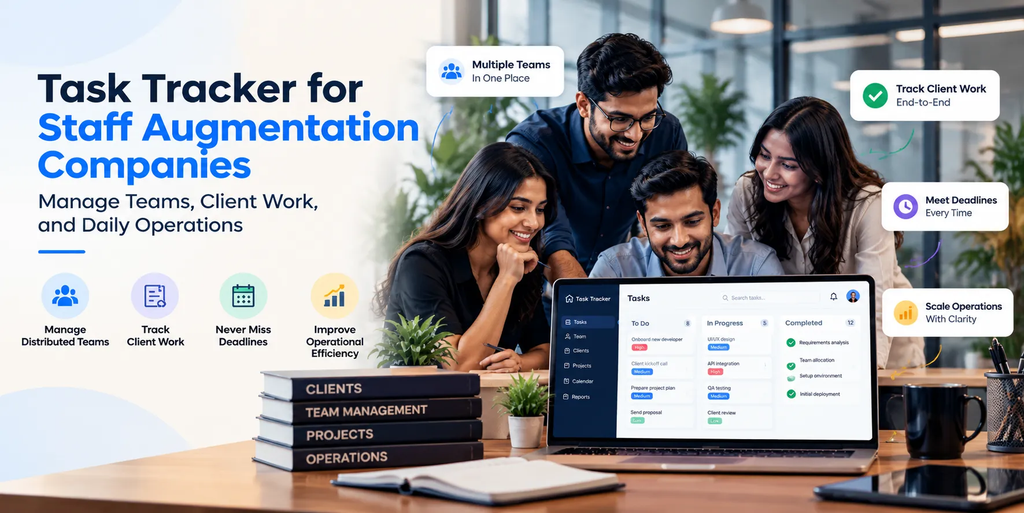
Staff augmentation companies help businesses fill skill gaps by providing professionals for specific projects, teams, and business functions. These employees may work remotely, from client offices, or across multiple locations.
As the workforce grows, managing daily operations becomes more complicated. Account managers need updates from employees, operations teams coordinate assignments and approvals, and HR teams handle onboarding and employee-related processes. Meanwhile, leadership needs visibility into what is happening across client engagements.
When these activities depend on spreadsheets, emails, WhatsApp messages, and manual reports, important updates can get missed.
A task tracker for staff augmentation companies helps organize responsibilities, deadlines, progress, and recurring activities in one structured system. It gives managers a clearer way to coordinate internal teams, monitor pending work, and follow up on activities without repeatedly asking employees for updates.
TrackerSuite.ai helps businesses organize tasks, coordinate workflows, and improve visibility into daily operations through its task management capabilities.
In this guide, we explore the challenges staff augmentation companies face, how task tracking can help, which features to look for, and how to introduce a task tracker into everyday operations.
Key Takeaways
- Staff augmentation companies need visibility into employee activities across multiple client engagements and locations.
- A task tracker helps managers assign work, monitor deadlines, record progress, and follow up on pending activities.
- Attendance records and timesheets can help organize workforce administration and operational reporting.
- Standardized workflows make employee onboarding, client requests, approvals, and recurring administrative tasks easier to manage.
- AI-powered task management can help teams plan upcoming work using available task information.
- The right task tracker should complement recruitment, HRMS, payroll, and specialist project management systems rather than replace them.
Why Do Staff Augmentation Companies Need a Task Tracker?
Staff augmentation is not just about placing the right professional with a client. Companies must also coordinate the activities that happen before, during, and after deployment.
Consider a company providing software developers, QA engineers, business analysts, and technical support professionals to 20 different clients.
Each client may have different working arrangements, reporting requirements, approval processes, and project deadlines. At the same time, the staffing company must manage its own internal operations.
Here are five common challenges that a task tracker can help address.
1. Managing Employees Across Multiple Client Locations
Employees may work from client offices, their homes, or different project locations. Managers cannot always observe their daily activities directly.
They need a reliable way to assign internal responsibilities, monitor task progress, and review attendance where applicable.
Without a centralized system, updates may remain scattered across emails, chat messages, and separate spreadsheets.
A task tracker provides a common place to record assigned activities, deadlines, progress, and completion updates. Managers can review the information recorded in the system without searching through multiple conversations.
2. Following Up on Tasks and Pending Activities
Account managers and operations teams handle recurring responsibilities such as collecting project updates, checking timesheets, coordinating approvals, and preparing client reports.
When these activities rely on manual reminders, managers spend time chasing updates instead of resolving problems.
A task tracker lets teams assign owners and due dates, use available reminders, and identify overdue activities. Managers can focus on tasks that need attention rather than contacting every employee individually.
3. Keeping Timesheets and Attendance Records Organized
Many staff augmentation arrangements require employees to record working hours or submit timesheets for review. Some clients also have specific attendance and reporting processes.
When employees submit records through different channels, operations teams may need to consolidate the information manually.
Digital attendance records and structured timesheet workflows can make this process easier to manage. Managers can review submitted information, follow up on missing entries, and maintain clearer records.
A task tracker does not automatically replace a client’s timesheet portal or a company’s payroll system. Instead, it can help organize related tasks, approvals, and operational follow-ups.
4. Coordinating Employee Onboarding Activities
When a new professional joins a client engagement, several activities may need to be completed before work begins.
These could include collecting documents, completing internal orientation, arranging equipment, sharing project information, and coordinating access requests.
If responsibilities are unclear, one pending activity can delay the start of an assignment.
A task tracker helps teams create a repeatable onboarding checklist, assign each activity to the right person, and monitor completion.
For example, HR can manage document collection, operations can coordinate equipment, and the relevant manager can track access requests. Everyone can review their assigned responsibilities and deadlines.
5. Getting a Clear View of Operational Performance
Leadership needs to understand whether internal processes are running smoothly.
Are employee-related requests pending? Are timesheets awaiting approval? Which client accounts need follow-up? Are recurring operational activities being completed on time?
When information is scattered, answering these questions can take considerable time.
A task management dashboard can bring recorded task status, overdue activities, approvals, and other available performance information together. This helps managers identify where action is needed.
What Is a Task Tracker for Staff Augmentation Companies?
A task tracker is software that helps teams create, assign, organize, and monitor work.
For staff augmentation companies, it can support internal operations and recurring activities connected to client engagements.
For example, an operations manager could create a task to collect weekly updates from employees assigned to a client. The task could include an owner, deadline, instructions, and a defined completion process.
Other common uses include:
- Following up on pending employee timesheets.
- Coordinating internal onboarding activities.
- Tracking document collection and verification tasks.
- Assigning responsibilities for client review meetings.
- Managing employee leave requests and related handovers.
- Following up on equipment or access requests.
- Preparing recurring client status reports.
- Tracking internal action items after project meetings.
Instead of relying on memory or searching through messages, the team can check the task tracker to understand what needs to happen next.
A task tracker can complement an HRMS, recruitment platform, payroll system, or client project management tool. It does not necessarily replace these specialist systems.
How a Task Tracker Helps Staff Augmentation Companies
1. Assign Responsibilities and Deadlines Clearly
Every operational activity should have a clear owner and an expected completion date.
A task tracker lets managers assign work to specific employees, set priorities, add instructions, and divide larger activities into smaller subtasks.
For example, a new client engagement might require document collection, internal orientation, access coordination, and joining confirmation.
Each activity can have its own owner and deadline.
This makes responsibilities easier to understand and helps managers identify unfinished work before it affects the engagement.
2. Monitor Work Across Client Accounts
As a company adds clients, managers may find it difficult to maintain a clear picture of every account.
A task tracker can organize work by team, project, client-related workflow, or task category, depending on the system’s configuration.
An operations manager could review pending activities for different client accounts without maintaining separate manual follow-up lists.
This is particularly useful for recurring internal responsibilities, including collecting updates, preparing reports, coordinating approvals, and resolving administrative requests.
Important: A task tracker provides visibility into the activities recorded in it. It does not automatically show every piece of work performed inside a client’s project management system.
3. Improve Attendance and Timesheet Follow-Ups
Attendance and timesheets are important parts of workforce operations, particularly when employees work across locations or follow different schedules.
A task management platform with attendance and timesheet capabilities can help companies maintain organized records and reduce manual coordination.
Managers can use structured workflows to follow up on missing submissions, review pending approvals, and check available attendance reports.
For example, an operations team can create a recurring task reminding employees to submit their timesheets before a client deadline. Another task can be assigned to the responsible manager to review outstanding entries.
This helps keep the process organized, although client-specific approval and billing requirements may still need to be handled in the relevant systems.
4. Standardize Recurring Operational Workflows
Staff augmentation companies perform many activities repeatedly. New employees join, client assignments change, timesheets require review, and internal reports need to be prepared.
Creating a separate process from scratch every time increases administrative effort.
A task tracker with supported task templates, recurring schedules, reminders, and approval steps can make these activities more consistent.
For example, a company can establish a standard workflow for onboarding a professional:
- Assign document collection to the relevant team member.
- Create an orientation task for HR or operations.
- Assign equipment or access coordination to the responsible person.
- Set deadlines for each activity.
- Review the status of all tasks before confirming completion.
The company can then reuse this workflow for future onboarding activities.
5. Reduce Manual Follow-Ups
Managers often spend time asking questions such as:
- Has the task been completed?
- Who is responsible for the pending activity?
- Why is the approval delayed?
- When will the report be ready?
A task tracker helps reduce these repeated conversations by keeping updates attached to the relevant task.
Employees can update progress, add notes, and submit supporting evidence where appropriate. Managers can review the recorded status and focus their follow-ups on tasks that actually need attention.
The goal is not to eliminate communication. It is to make communication more focused and reduce the need to request the same update repeatedly.
6. Maintain Better Records of Work Completed
For some operational activities, managers need more than a verbal confirmation.
They may need to review a document, check a submitted report, or confirm that a defined activity has been completed.
A task tracker can keep task updates and supporting information together. Depending on the platform’s capabilities and configuration, employees may be able to attach notes, photos, timestamps, or other relevant evidence.
This creates a clearer record of what was assigned and what was reported as completed.
For work performed inside a client’s software environment, the client system may remain the primary source of truth for actual project deliverables.
7. Improve Visibility Into Team Performance
Attendance alone does not explain how work is progressing. Managers also need to understand task completion, deadlines, workload, and pending responsibilities.
A task tracker can provide reports on available information, such as completed tasks, overdue activities, and individual or team performance.
These insights can help managers identify recurring bottlenecks, review workload distribution, and improve internal processes.
However, task completion should not be treated as a complete measure of employee performance. Work quality, client feedback, role expectations, and the nature of the work also matter.
8. Use AI to Support Task Planning
As the number of employees and client engagements grows, managers need to decide which activities require attention first.
AI-powered task management can help analyze available task history and suggest relevant next steps, depending on the system’s capabilities and data quality.
For example, an AI-assisted system may help managers review task patterns, identify overdue work, or organize upcoming responsibilities.
TrackerSuite.ai includes TAVI AI-based predictive tasking to support task planning using available task information. This can help teams take a more structured approach to identifying work that needs attention.
AI recommendations should support managerial decisions rather than replace judgment about client priorities, employee capacity, or contractual commitments.
Task Tracker vs. Spreadsheets and WhatsApp
Many growing staff augmentation companies begin with spreadsheets, email, and WhatsApp. These tools can work for small teams, but coordination can become harder as the number of clients, employees, and recurring activities increases.
| Activity | Spreadsheets and WhatsApp | Task tracker |
|---|---|---|
| Task assignment | Often managed through separate messages and sheets | Tasks can have defined owners and deadlines |
| Progress updates | Managers may need to ask for updates | Progress can be recorded against each task |
| Reminders | Often sent manually | Available reminders and alerts can support follow-ups |
| Recurring activities | Repeated manual setup may be needed | Recurring tasks or templates can standardize work |
| Attendance and timesheets | Records may be maintained separately | Available attendance and timesheet features can organize records |
| Task approvals | Approval conversations may be scattered | Supported approval workflows can organize the process |
| Reporting | Information may require manual consolidation | Dashboards and reports can summarize recorded activity |
The main advantage is not simply moving data from a spreadsheet to software. It is creating a consistent process for assigning work, recording updates, and following through on responsibilities.
Features to Look for in a Task Tracker for Staff Augmentation Companies
Before choosing a platform, evaluate whether it supports the activities your team needs to manage.
Task Assignment and Deadline Management
Look for task owners, due dates, priority settings, subtasks, and status updates.
These features help teams understand what needs to be done, who is responsible, and when the work is expected to be completed.
Recurring Tasks and Reminders
Recurring tasks are useful for weekly reports, timesheet reminders, internal reviews, and other activities that follow a regular schedule.
They help teams manage routine responsibilities more consistently.
Attendance and Timesheet Management
If workforce administration is a priority, check whether the platform supports attendance records, location-based check-ins where needed, timesheets, and relevant reports.
Verify that the available capabilities meet your operational and client-specific requirements.
Approval Workflows
Look for ways to route tasks or submissions to the appropriate person for review and approval.
Clear approval processes can help managers identify pending decisions and avoid unnecessary delays.
Dashboards and Performance Reports
Managers should be able to review pending work, overdue tasks, task completion, and other relevant information without manually combining multiple spreadsheets.
Choose reporting features that help answer real operational questions.
Mobile and Distributed-Team Access
Staff augmentation teams may work remotely or at client locations.
Mobile access can help employees review assigned tasks and update progress without relying on office-based systems.
AI-Assisted Task Management
If you are considering AI, check whether it can help with task prioritization, recurring work, or recommendations based on available task data.
Focus on practical use cases rather than AI features alone.
How TrackerSuite.ai Helps Staff Augmentation Companies
TrackerSuite.ai offers task management capabilities designed to help businesses organize work, coordinate teams, and improve visibility into daily operations.
Its Task Tracker can support staff augmentation companies in several ways.
Organize daily work: Create tasks, assign responsibilities, set deadlines, and break larger activities into subtasks.
Manage recurring workflows: Use supported recurring tasks, templates, reminders, and alerts to organize repeatable operational activities.
Track attendance and working hours: Use available attendance and timesheet features to maintain structured records and support follow-ups.
Keep task updates together: Record progress and use notes or supporting evidence where relevant instead of relying only on separate conversations.
Review team performance: Use dashboards and performance reports to understand task completion, overdue work, and other available operational indicators.
Support task planning with AI: TAVI AI-based predictive tasking can help teams identify relevant next steps using available task information.
These capabilities can help operations managers, account managers, and team leads coordinate internal work more consistently.
TrackerSuite.ai should be used alongside specialist systems for recruitment, employee records, payroll, client project delivery, contract management, and billing wherever those functions are required.
Want to organize your team’s daily operations more effectively? Explore TrackerSuite.ai Task Tracker and book a demo to evaluate how it fits your workflows.
How to Implement a Task Tracker in Your Staff Augmentation Company
Buying software is only the first step. Teams also need a clear process for using it.
Step 1: Identify the Activities That Need Better Tracking
Start with the tasks that create the most follow-up work. These may include timesheet submissions, onboarding checklists, client reporting, internal approvals, or employee requests.
Avoid moving every existing spreadsheet into the system without first reviewing what is necessary.
Step 2: Define Ownership
Decide who creates, assigns, updates, and approves each type of task.
For example, HR may own onboarding documents, operations may coordinate internal checklists, and account managers may own client-related follow-ups.
Clear ownership prevents tasks from remaining unattended because everyone assumes someone else is responsible.
Step 3: Create Standard Workflows
Build templates for recurring processes, such as onboarding a new professional or collecting weekly status updates.
Include the necessary steps, owners, deadlines, and approval requirements.
Step 4: Train Employees and Managers
Explain how employees should update task status, record progress, and submit relevant information.
Managers should also understand how to review dashboards and identify tasks that need intervention.
Step 5: Review the Process Regularly
Start with one team or a few client accounts.
Review whether deadlines are being met, whether follow-ups have decreased, and whether managers can find information more easily.
Use this feedback to improve the workflow before expanding it across the organization.
Frequently Asked Questions
1. What is a task tracker for staff augmentation companies?
A task tracker helps staff augmentation companies assign and monitor daily work, manage deadlines, coordinate internal processes, and review task progress across teams and client engagements.
2. Can a task tracker manage employees working at different client locations?
A task tracker can support distributed teams through task assignments, mobile access, progress updates, and available location-based attendance features.
The exact capabilities depend on the platform and its configuration.
3. Can staff augmentation companies use a task tracker to manage timesheets?
Yes. A platform with timesheet management can help employees record working hours and managers review submissions or follow up on pending entries.
Client-specific timesheet portals and billing requirements may still need separate handling.
4. Can a task tracker replace an HRMS or recruitment system?
Not necessarily. A task tracker focuses on work assignments, workflows, deadlines, and task progress.
Recruitment, payroll, employee records, benefits, and other HR functions may require a dedicated HRMS or specialist platform.
5. How does a task tracker reduce manual follow-ups?
It gives tasks clear owners and deadlines, provides a place to record progress, and uses available reminders or alerts to draw attention to pending work.
Managers can then focus on exceptions instead of requesting every update manually.
6. How can AI help staff augmentation companies manage tasks?
AI-assisted task management can help teams review task history, identify work that needs attention, and suggest relevant next steps.
The usefulness of these recommendations depends on available data and the system’s capabilities.
7. Is TrackerSuite.ai suitable for staff augmentation companies?
TrackerSuite.ai provides task management and workflow coordination capabilities, along with available attendance, timesheet, reminder, and performance reporting features that may help staff augmentation companies organize internal operations.
Companies should evaluate the platform against their specific client workflows and the specialist systems they already use.
Conclusion: Manage Staff Augmentation Operations With Greater Visibility
Staff augmentation companies need to manage more than employee deployment. They also need to coordinate daily responsibilities, collect updates, review timesheets, manage internal approvals, and maintain visibility across client engagements.
When these activities depend on scattered messages and spreadsheets, managers spend valuable time chasing information.
A task tracker helps bring work and follow-ups into a more structured process. Teams can assign responsibilities, monitor deadlines, record progress, and identify pending activities more easily.
With TrackerSuite.ai, staff augmentation companies can use task management, attendance, timesheets, workflow coordination, reporting, and AI-assisted task planning to support daily operations.
The objective is to build a more organized way to manage internal work while keeping specialist recruitment, payroll, contract, and client project systems in place wherever needed.
Ready to bring more structure to your daily operations? Explore TrackerSuite.ai Task Tracker and book a demo to see whether it fits your team’s needs.
Leave a Reply