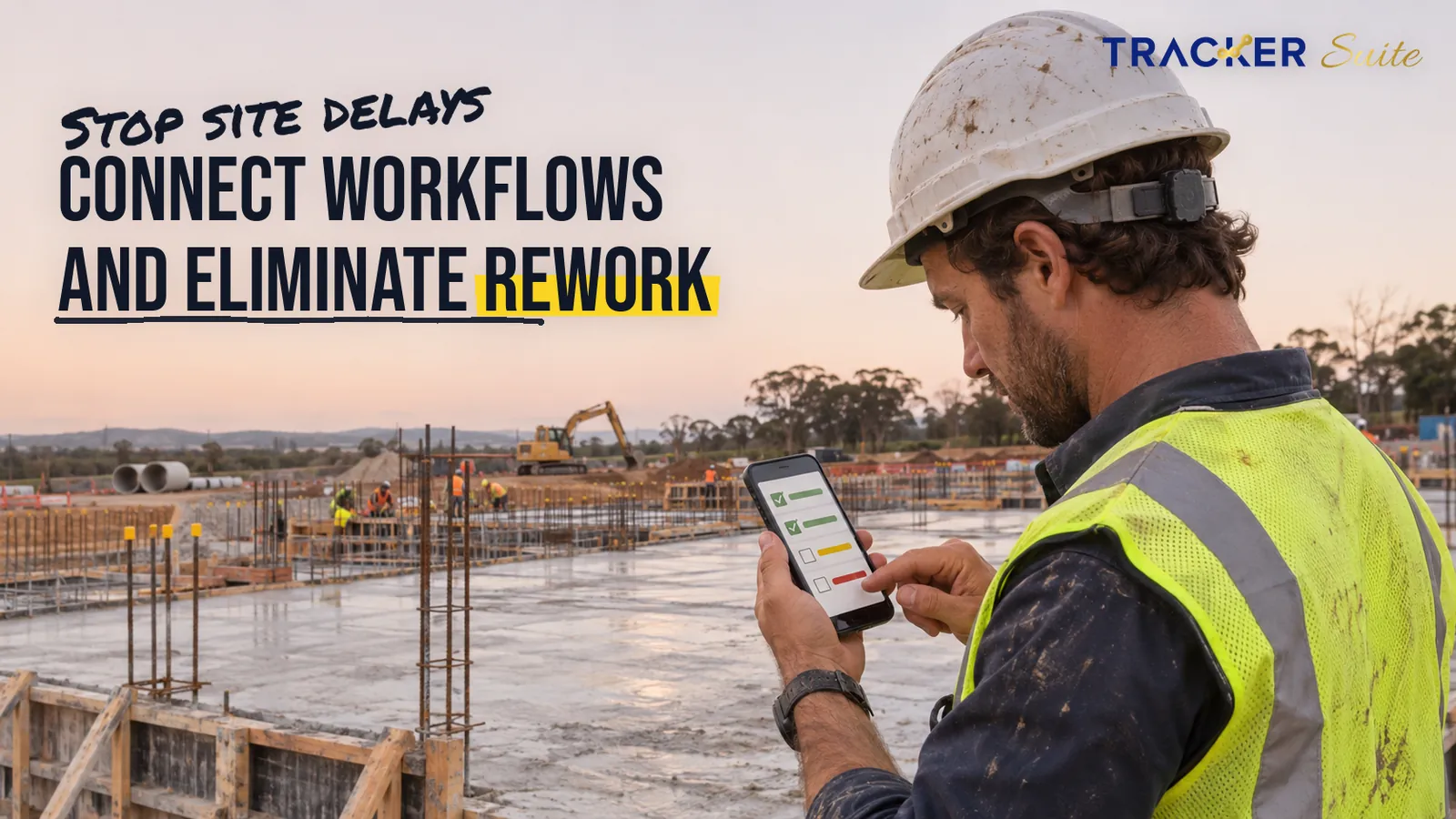
It is 7 pm, and a project manager is still calling five site supervisors. Which slab was poured, did the shuttering subcontractor turn up, and why is the steel delivery still sitting unloaded at the gate? Task management software for civil construction contractors replaces that evening routine with a shared record of who owns each site task, when it is due and whether it is done.
This guide covers the site workflows that create the most follow-up, why they break as a contractor grows from one site to several, and how to roll out a connected system without disrupting work on the ground.
Key takeaways
- Many avoidable site delays start in coordination gaps: unconfirmed subcontractor tasks, slow material approvals and progress updates that exist only in phone calls.
- Poor site data is a measurable cost driver, not just an irritation. Industry research links bad data and miscommunication directly to rework.
- Connected workflows come before AI. Owners, deadlines, photos and approvals create the structured site data that AI needs before it can flag anything useful.
- A single-site builder with a small crew may only need a shared task list. Multiple sites, subcontractors and shifts usually justify a connected operational system.
- Start with one high-volume workflow, such as daily progress reports, prove it on one site, then expand.
At a glance
- Who this is for: Civil construction contractors, from single-site builders to firms running several projects with subcontractors and multiple shifts.
- Core problem: Site status lives in WhatsApp groups, paper registers, personal spreadsheets and evening phone calls.
- Automate first: Daily progress reports, recurring safety and equipment checks, material request approvals and crew attendance.
- Where AI helps: Checking completion evidence against requirements, flagging gaps and suggesting next tasks, while engineers keep the final say.
- When a simple tool is enough: One site, a small crew, few recurring checks and an owner who is on site daily.
- TrackerSuite starting point: A free Starter plan for up to 5 users, listed on the TrackerSuite pricing page.
Why do civil construction contractors spend so much time chasing site updates?
Civil construction contractors chase updates because site work is spread across crews, subcontractors, suppliers and consultants who rarely share one system. Progress, material status and inspection results travel through calls, chats and paper registers. Once a project manager oversees several sites, assembling an accurate picture of each one becomes a daily administrative job of its own.
The cost of that fragmentation appears clearly in industry research. In the Construction Disconnected study, FMI and PlanGrid surveyed 599 construction leaders, most of them in the US. Respondents spent about 5.5 hours a week simply looking for project data and information (FMI and PlanGrid, 2018). The same study attributed 48% of US rework to poor project data and miscommunication.
Later research points in the same direction. Autodesk and FMI surveyed more than 3,900 construction professionals and estimated that decisions based on bad data caused 14% of all rework performed globally in 2020 (Autodesk and FMI, 2021). The study defined bad data as information that is inaccurate, incomplete, inaccessible, inconsistent or late.
Schedule and labour pressure compound the problem. McKinsey’s 2016 analysis found that large construction projects typically take 20% longer than scheduled and run up to 80% over budget (McKinsey, 2016). In the AGC and NCCER 2025 Workforce Survey of nearly 1,400 US firms, 92% of hiring firms struggled to find qualified workers, and superintendents were the hardest salaried role to fill (AGC, 2025).
These figures come mostly from the US and from larger projects, so smaller contractors elsewhere should treat them as directional. The operational lesson still transfers. When experienced supervisors are scarce, every hour they spend compiling updates is an hour not spent running the site.
Which construction workflows create the most follow-up work?
The heaviest follow-up sits in workflows that repeat daily, cross company boundaries and need proof of completion. Daily progress reports, subcontractor tasks, material requests, equipment checks, inspections, RFIs, snag lists and attendance all generate dates, photos and sign-offs. Managers need that information but seldom see it consolidated in one place.
- Daily progress reports (DPRs): Supervisors type or photograph a summary each evening and send it on WhatsApp. The data includes quantities completed, manpower deployed, weather and hold-ups.
- Subcontractor task ownership: Scope is agreed verbally at the morning site meeting, and nobody records who confirmed it. The missing data is a named owner, a due date and completion evidence.
- Material requests and site inventory: A site engineer raises an indent, meaning a formal material request, by phone. Stores and procurement then reply in separate chats, so requested, approved, issued and consumed quantities never line up.
- Equipment maintenance: Excavators, concrete mixers and DG sets (diesel generator sets) need daily and periodic checks, usually logged on paper. Running hours, faults and service dates stay invisible to head office.
- Safety inspections: Toolbox talks, scaffold checks, PPE (personal protective equipment) audits and permits to work rely on checklists and photos. Non-conformances often close informally, without a record.
- Quality inspections and snag lists: Pour cards, level checks and the snag list, also called a punch list of defects to fix before handover, need a location, photo, responsible trade and closure date.
- RFIs and drawing approvals: An RFI, or request for information, asks the designer to clarify a drawing. Work can stall until the answer arrives, yet RFI status often lives in one engineer’s inbox.
- Multi-site supervisor visits and crew attendance: Visits are planned informally, and attendance sits in paper muster rolls across shifts. Nobody can easily confirm who was where, when and for how long.
Each workflow is manageable on its own. The difficulty is that one site runs all eight at once. A contractor with six active sites is therefore managing forty-eight parallel streams of follow-up.
Why do WhatsApp, Excel and phone calls stop working as a contractor grows?
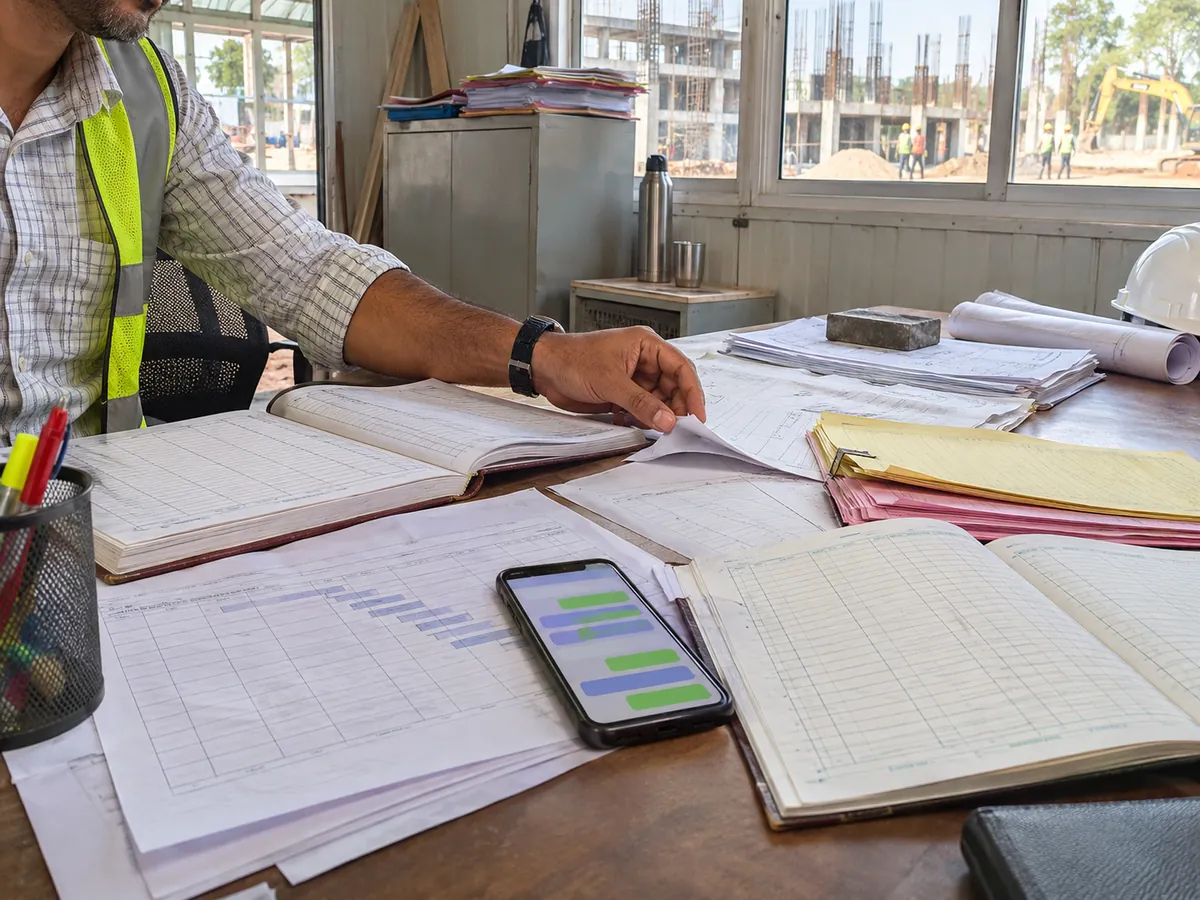
WhatsApp, Excel and phone calls work well for one site with a hands-on owner. They stop working once the number of sites, subcontractors and shifts outgrows what one person can remember. Messages scroll away, spreadsheets split into competing versions, and nobody can see overdue work without asking someone directly.
The scaling journey usually looks like this:
- One site, one owner: The owner walks the site daily, and a WhatsApp group plus a notebook is genuinely sufficient.
- Two to four sites: Each site gets its own engineer, the owner can no longer visit daily, and DPR formats start to diverge.
- Multiple projects with subcontractors and shifts: Approvals, store transfers and night pours multiply, and accountability blurs at every handover between teams.
- Scaled contractor: Connected data, automation and AI keep ownership, evidence and reporting consistent across every site.
Construction leaders surveyed by FMI and PlanGrid reported spending 35% of their working time on non-productive activities, including searching for information and fixing mistakes (FMI and PlanGrid, 2018).
Excel works well for simple tracking, and WhatsApp is fast for quick questions. Neither was designed to hold ownership, deadlines, evidence and approvals together across dozens of people. Picture 200 workers, ten sites and two shifts: a missed scaffold inspection or an unconfirmed pour sequence becomes far harder to catch.
How does connected site data improve operational visibility?
Connected site data improves visibility by placing every task, approval, photo and attendance record in one shared system instead of scattered chats. Managers then see open, overdue and completed work for each site without phoning anyone. The same records later support client reporting, subcontractor billing reviews and dispute resolution.
The practical shift looks like this:
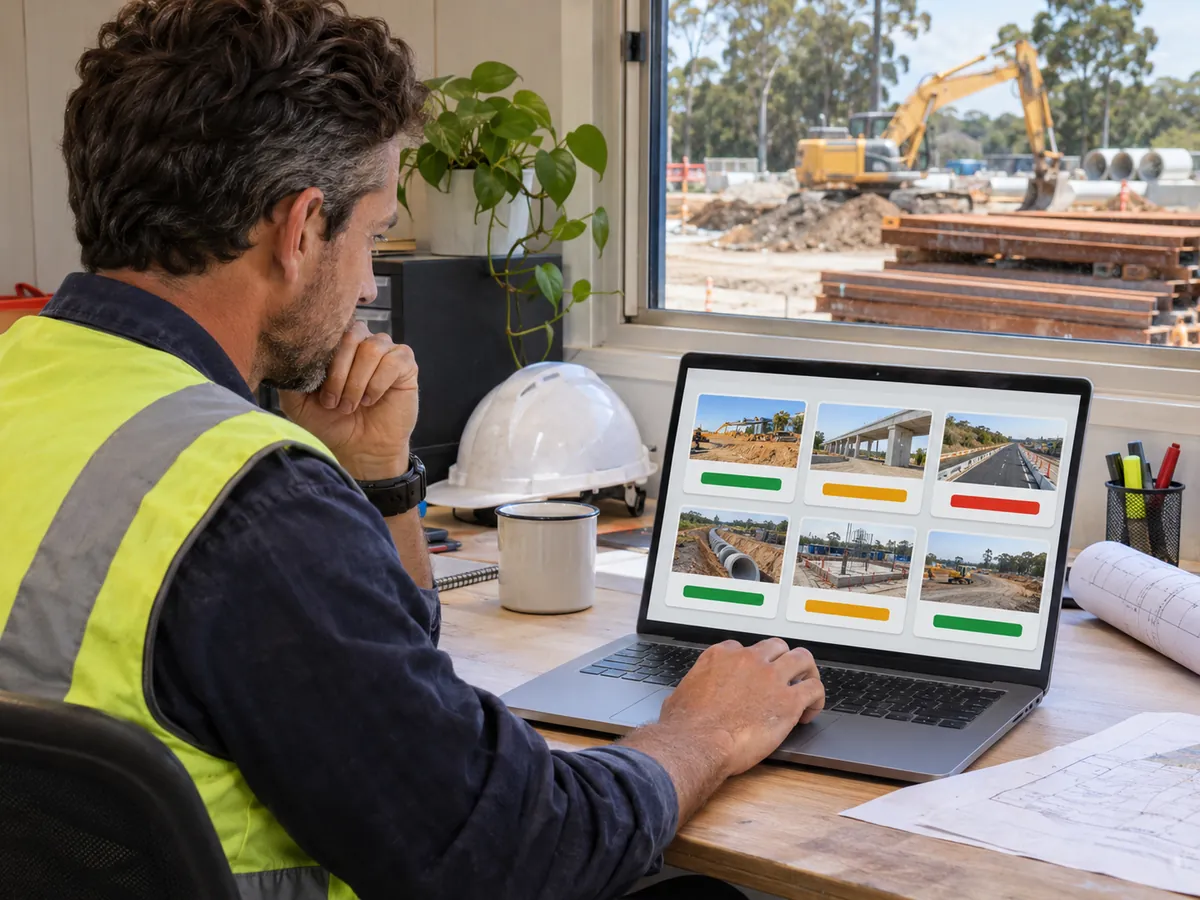
- Progress updates: A manager calling five supervisors becomes a dashboard showing each site’s open, overdue and completed tasks.
- Subcontractor scope: A verbal agreement becomes a task with a named owner, a due date and photo evidence of completion.
- Material status: Requests scattered across chats become a shared inventory record covering central stores and site stores.
- Attendance: Paper muster rolls become location-verified attendance records that export as timesheets.
Permissions matter on construction projects. Site engineers should see their own site, project managers should see their portfolio, and directors may only need summaries. A clear audit trail of who approved what, and when, also protects the contractor in disagreements with subcontractors and clients.
Treat task software as the execution layer next to your scheduling and accounting tools, not a replacement for them. The programme says what should happen. The task system records what actually happened on site.
What can automation and AI realistically do on a construction site?
Automation handles the repetitive steps: creating recurring checks, sending reminders, routing approvals and compiling daily reports. AI adds value only once that structured site data exists. It can use task history and configured rules to suggest priorities, check evidence and flag gaps, while engineers remain responsible for safety, quality and payment decisions.
Typical automation on a site looks like this:
- A daily equipment checklist appears automatically for each machine at shift start.
- Supervisors receive a reminder before a DPR or inspection is due, and an alert when it goes overdue.
- A material request above a set value routes to the project manager for approval before stores issue it.
- An attendance summary reaches the project manager every morning without anyone compiling it.
AI then works on top of those records. It can compare completion photos and notes against the task’s requirements and flag work that looks incomplete. It can also suggest next tasks based on past work patterns. A site engineer still inspects and signs off structural, safety-critical and billing-related work, because AI assistance depends entirely on the quality of the data it receives.
How is construction task management different from office-based industries?
Construction task management differs because work happens in the field, across shifts and companies, and completion must be proven on site. Most office-based sectors track documents and approvals at desks. That difference shapes which features matter, and it explains why tools built around other industries often miss the needs of site teams.
Compare the core focus in other sectors:
- Lending: Task management software for lending companies centres on document checklists, verification queues and credit approvals handled at desks.
- Payments: Task management software for payment companies typically tracks merchant onboarding, reconciliation and support tickets.
- Recruitment: Task management software for recruitment companies follows candidates through screening, interviews and offers.
- Staffing: Task management software for staffing agencies adds deployed workers at client sites, which brings it closer to construction attendance needs.
- PR: Task management software for PR firms organises media pitches, client approvals and campaign deadlines.
- Branding: Task management software for branding agencies manages creative briefs, revision rounds and client sign-offs.
Civil contractors share the approval and deadline needs of these sectors. They add location, safety, equipment and materials on top, and that combination is the real test when you evaluate any tool.
What should task management software for civil construction contractors include?
Good task management software for civil construction contractors should work on a supervisor’s phone, capture photo evidence, schedule recurring checks, verify attendance by location and route approvals. It should also give managers dashboards across sites, role-based permissions and a link to materials. Anything less usually pushes teams back to WhatsApp.
Use this checklist when comparing options:
- Mobile-first use: Supervisors update tasks from site, with photos, notes and timestamps.
- Recurring tasks: Safety, quality and equipment checks repeat automatically on a schedule.
- Location-verified attendance: Geofenced sites and multi-shift support for crews.
- Approvals: Material requests and drawing sign-offs move through a defined approval step.
- Reporting: Dashboards and automated reports replace manual compilation.
- Materials: Inventory across central and site stores connects to the tasks that consume it.
A simple task list is enough for one site, a small crew and an owner present daily. You likely need a connected system if you run multiple sites, manage subcontractors, operate shifts, carry recurring inspections or have managers spending evenings chasing updates.
How does TrackerSuite fit civil construction workflows?
TrackerSuite is an AI-powered operations platform that connects site tasks, crew attendance, materials and reporting in one place. For contractors, its value lies in turning the eight workflows above into owned, evidenced and reportable tasks. Relevant capabilities map to specific site problems rather than serving as a feature list.
- Recurring safety and equipment checks: Task Tracker automates recurring work using schedules, reminders, task approval and alerts, so daily scaffold or machine checks are never left to memory.
- Site crew attendance: Geolocation tracking and geofenced attendance confirm crews clocked in at the right site. Multi-shift attendance suits night pours, and logs export as timesheets.
- Supervisor reminders and reports: WhatsApp notifications keep deadlines visible where supervisors already work. Daily automated attendance reports and visual dashboards replace evening phone rounds.
- Material and drawing sign-offs: Task approvals add an accountable approval step before materials are issued or revised drawings are released to site.
- Proof of completed work: Teams attach photos, notes and timestamps to tasks. Tavi AI work validation then checks completed work against requirements and flags gaps before an engineer signs off.
- Materials and tools across sites: Stack Tracker manages inventory, orders and warehouses, with visibility across locations and teams.
The pricing page lists a free Starter plan for up to 5 users. Geofencing, multi-shift attendance and task approvals sit on higher plans or as add-ons. Plan inclusions can change, so check the pricing page or talk to the team for the latest details.
How should a contractor roll out task management software?
Roll out task management software one workflow and one site at a time. Choose a high-volume process such as daily progress reports, define owners and rules, run it through a full cycle, then review the data. Expand to subcontractors, materials and other sites only after supervisors use the first workflow consistently.
- Pick one workflow and one site. Daily progress reports or equipment checks are good starting points because they repeat every day.
- Standardise the checklist. Agree on the fields, photos and deadlines every supervisor must complete.
- Set ownership and rules. Name an owner for each task type, plus due times, approval limits and escalation paths.
- Train supervisors on their phones. Keep sessions short, practical and in the language the crew uses.
- Run a full four-week cycle. Track overdue tasks, missing evidence and how often managers still had to phone the site.
- Expand deliberately. Add subcontractor tasks, material requests and further sites once the first workflow holds.
- Add AI last. Turn on validation and task suggestions once enough clean history exists.
What this means for you
Your next step depends on your current scale:
- Single-site builder: Keep WhatsApp for quick questions, but move recurring safety checks into a free task tool so a record exists.
- Contractor with two to five sites: Standardise DPRs and material requests first, because those two workflows generate the most evening calls.
- Multi-project contractor: Prioritise geofenced attendance, approvals and inventory visibility across stores, then add AI validation once data is consistent.
FAQs
How is task management software different from construction scheduling software?
Scheduling software plans the sequence and duration of activities across a project programme. Task management software tracks the daily execution behind that programme: who owns each task, whether it is done and what evidence supports it. Most contractors benefit from using both together.
When do Excel and WhatsApp stop being enough for site teams?
Excel and WhatsApp usually stop being enough when a contractor runs more than one site or regularly manages subcontractors. The warning signs are diverging report formats, missed recurring checks and managers phoning sites every evening. At that point, a shared system with owners and deadlines saves time.
How can contractors track subcontractor work without micromanaging?
Assign each subcontractor scope item as a task with a named owner, a due date and required photo evidence. Managers then review exceptions, such as overdue or unevidenced tasks, instead of checking everything. This approach also creates a clear record for billing reviews and disputes.
How do you verify site attendance across multiple shifts?
Use location-verified attendance tied to geofenced site boundaries, so workers can only clock in when physically on site. Multi-shift support separates day and night crews. Exported timesheets then replace paper muster rolls for payroll and subcontractor billing.
Conclusion
Civil construction rarely fails for lack of effort on site. It fails in the gaps between people: an unconfirmed subcontractor task, a material approval stuck in a chat, a progress update nobody recorded. Task management software for civil construction contractors closes those gaps by giving every site task an owner, a deadline and evidence, then letting automation and AI handle the repetitive follow-up.
Start small, prove it on one site, and scale the system as your projects grow. Talk to the TrackerSuite team about mapping your first site workflow.
Leave a Reply