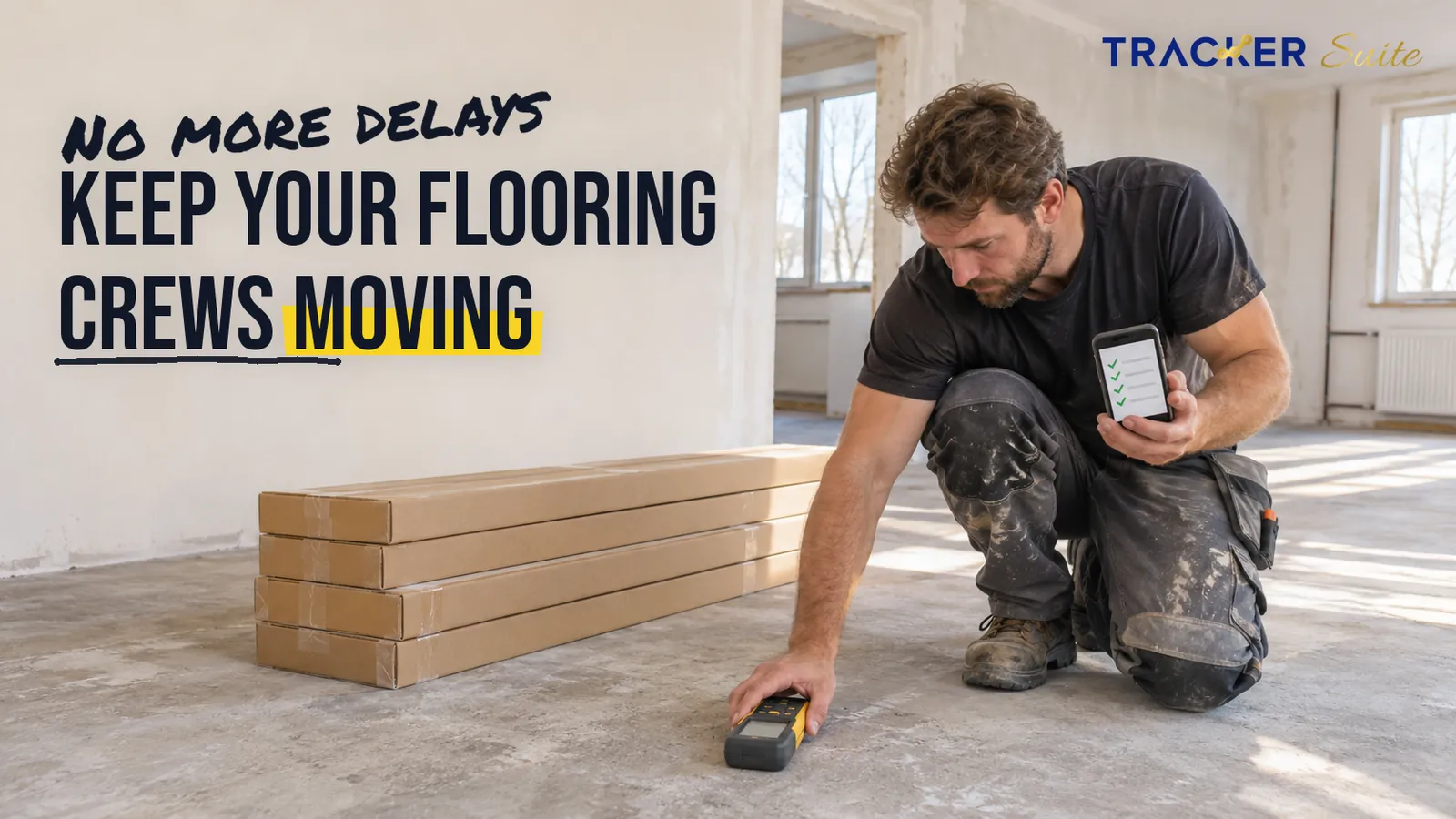
Your install crew arrives at a new apartment block on Monday morning to lay luxury vinyl plank (LVP). The boxes are still in the warehouse, and nobody has logged a moisture reading for the concrete slab. The day is lost before anyone picks up a tool.
Most task management software for lending companies is built to move loan files between desks. Software for a flooring business has a harder job: it has to follow material, crews and site conditions across live job sites, and give every step from the first site measure to the final invoice a named owner and a deadline that the estimator, warehouse, project manager and installers can all see.
Key takeaways
- Most lost days on a flooring job start in the handovers between estimator, warehouse, project manager and installer crew, not in the installation itself.
- Chat groups and spreadsheets cope well with one or two crews. Coordination tends to break down once several crews work across many sites each week.
- Linking each job to its material, crew, subfloor checks and sign-off lets the office spot a problem before the crew finds it on site.
- Automation and AI can take over reminders and status reporting. People still decide on pricing, subfloor readiness and workmanship.
At a glance
- Who this is for: Residential and commercial flooring contractors running several install crews, a warehouse or van stock, and a small office team.
- What it does not replace: Estimating or takeoff software (tools that calculate material quantities from plans), accounting software, or a site walk by an experienced installer.
- When a simple tool is enough: An owner-operator with one crew and a handful of jobs a week can usually manage with a shared list.
- Best first workflow to digitise: The pre-installation readiness check, covering material delivered, moisture reading logged and crew confirmed.
- TrackerSuite plan note: WhatsApp reminders, geolocation tracking and the Tavi AI assistant are part of the paid Growth plan and above.
What is changing for flooring contractors right now?
Flooring contractors face softer demand and a tight labour market at the same time. Skilled installers remain scarce, so every wasted crew day costs more. With sales slowing, margins depend increasingly on clean execution, which makes reliable handovers between office, warehouse and site more valuable than they were when work was plentiful.
US wholesale flooring sales fell 1.8% to $23.529 billion in 2025, and volume dropped 3.1% to 16.666 billion square feet (FCNews, 2026). The same annual review called the shortage of skilled installers one of the industry’s most persistent issues and noted that installation capacity often lagged behind product demand.
Broader construction labour data points the same way. The Associated General Contractors of America (AGC) ran its 2025 workforce survey with NCCER, a construction training organisation, and nearly 1,400 firms responded. Among firms that were hiring, 92% reported difficulty finding qualified workers, and 45% of firms said projects had been delayed because they or their subcontractors were short of workers (AGC, 2025).
“Construction projects of all types are being delayed because there aren’t enough qualified workers available for firms to hire,” said Ken Simonson, AGC’s chief economist (AGC, 2025).
Flooring feels this directly. In the September 2026 Housing Market Index survey by the National Association of Home Builders (NAHB), 41% of builders reported a shortage of flooring installer subcontractors, and 38% reported a shortage of installers they employ directly (Wood Floor Business, 2026).
These are US figures, so check local data if you operate elsewhere. The operational lesson travels, though: when crews are scarce, dispatching one to a site that is not ready is among the most expensive mistakes a flooring business can make.
Which flooring workflows depend on task management?
Almost every flooring job follows the same chain, from enquiry to invoice. Each link creates tasks with an owner, a deadline and a dependency on the step before it. When any link relies on memory or a buried message, the delay usually surfaces on site, where it is most expensive to fix.
The workflows below generate most of the coordination work:
- Enquiry and site measure: customer details, room dimensions, photos and access notes.
- Estimate and customer approval: quantities, product choice, waste allowance and approval date.
- Material ordering and allocation: product codes, dye lots (production batches that keep colour consistent) and delivery dates.
- Crew scheduling: crew availability, travel time, subcontractor confirmations and site access windows.
- Subfloor preparation and moisture testing: moisture readings, levelling work and acclimatisation, meaning the time material needs to adjust to the room’s temperature and humidity.
- Installation: progress photos, variations (changes to the agreed scope) and hours on site.
- Snag list: defects found at walkthrough, known in the US as a punch list.
- Sign-off, invoicing and warranty registration: customer acceptance, invoice triggers and warranty records.
Every step produces data that someone downstream needs. In many firms, that data is spread across a phone gallery, an inbox, a spreadsheet and a chat thread, so the next person in the chain has to ask for it.

Why do WhatsApp groups and spreadsheets stop scaling?
WhatsApp groups and spreadsheets work well while one person can hold the whole schedule in their head. As crews, sites and subcontractors multiply, a chat thread stops functioning as a record of ownership. Messages scroll away, two people assume the other placed the order, and managers spend their day chasing updates.
The scaling journey usually looks like this. With one crew, the owner measures, orders and schedules, so nothing falls between people. With five crews, a warehouse and two vans, the estimator, warehouse lead and project manager each hold part of the picture, and handovers start to slip.
At twenty crews across several regions, with subcontractors and commercial jobs running for weeks, the volume changes the problem. Thousands of small tasks move each month, and nobody can confirm from a chat history whether Thursday’s slab was tested. These numbers illustrate scale; the pattern matters more than the exact count.
A connected task system changes specific moments:
- Before: the project manager phones five installers for status. After: one status view shows every active job.
- Before: a moisture reading lives in an installer’s camera roll. After: the reading is attached to the job before installation is released.
- Before: the warehouse hears about tomorrow’s job from a late message. After: a material pick task appears as soon as the crew is booked.
How does flooring differ from task management software for lending companies and payment firms?
Task management software for lending companies centres on documents moving through verification, underwriting and approval inside an office. Flooring work happens on physical sites with travelling crews, tight schedules and material that has to arrive on time. That difference changes which features matter most.
At a glance
- Lending: Loan files pass between verifiers, underwriters and credit officers; audit trails and role-based tasks matter most.
- Payments: Task management software for payment companies typically organises merchant onboarding, dispute queues and compliance reviews.
- Recruitment: Task management software for recruitment companies tracks candidates through screening, interviews and offers.
- Staffing: Task management software for staffing agencies adds shift fills, timesheets and client confirmations, with some field coordination.
- PR: Task management software for PR firms coordinates pitches, approvals and media follow-ups against tight deadlines.
- Branding: Task management software for branding agencies manages creative rounds, client feedback and asset delivery.
- Flooring: Jobs depend on material, site readiness and crews in the field, so mobile access, location, photo evidence and recurring checks matter most.
The practical point is that a generic office task tool may handle the estimate and invoice well yet leave the site-side steps unmanaged. Flooring contractors should judge any tracker by how well installers can use it on a phone, on site, with gloves on.
Which flooring tasks can be automated?
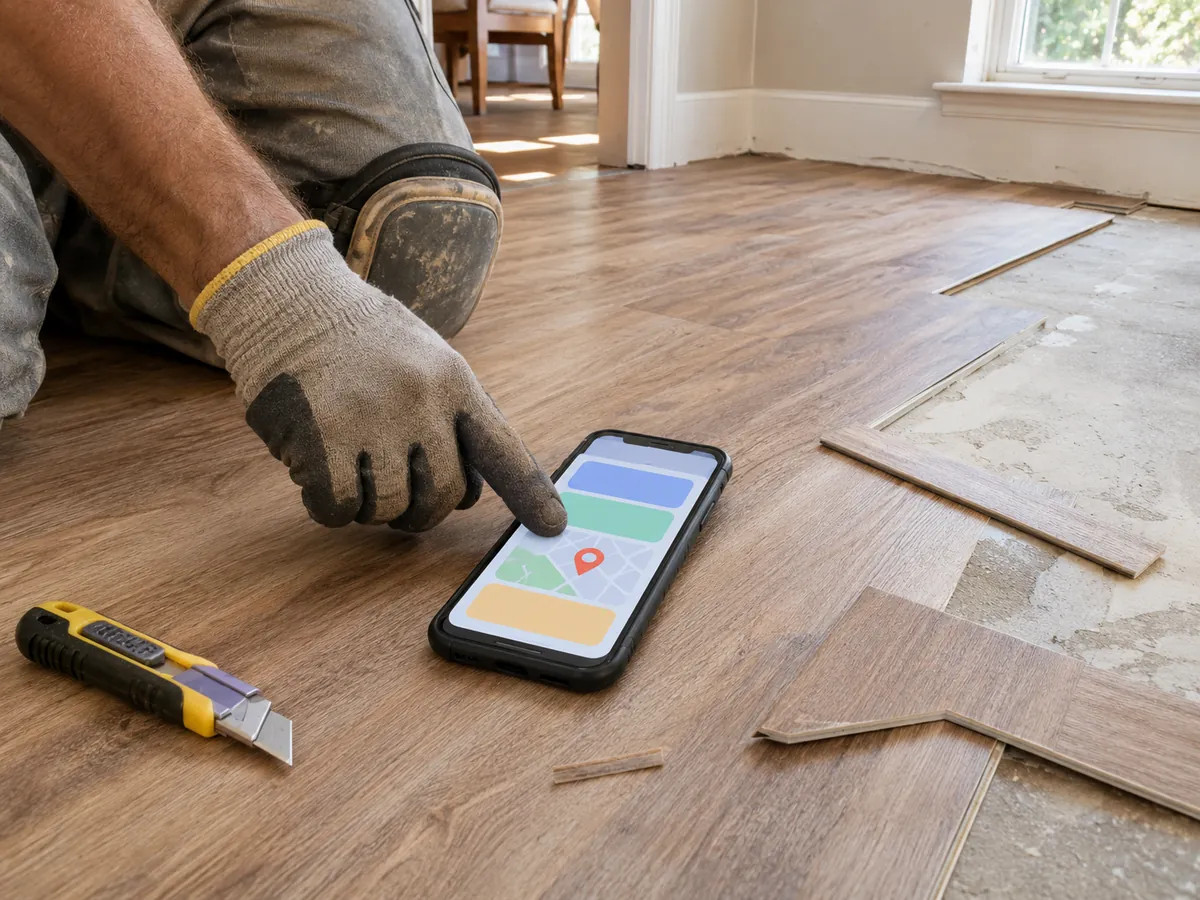
Automation suits steps that repeat on every job and follow a clear rule. In flooring, that means creating the standard task chain when a customer approves an estimate, sending reminders before deadlines, escalating overdue readiness checks and compiling daily status reports, so office staff stop doing the same administrative work by hand.
Typical candidates include:
- Generating the full job task list from a template once the customer approves the estimate.
- Creating a warehouse pick task automatically when a crew is booked.
- Reminding the installer 48 and 24 hours before a subfloor test is due.
- Alerting the project manager when a readiness check is still open the day before installation.
- Scheduling recurring van stock checks and moisture-meter calibration.
- Sending a daily summary of open snags and pending sign-offs to managers.
Each automation removes a follow-up that someone would otherwise remember, or forget, manually. The workflow itself stays the same; the reminders and handovers simply stop depending on one person’s memory.
Where can AI help, and where should people still decide?
AI is useful only when it is connected to real job data and configured rules. With tasks, schedules and readings in one system, AI can flag which of tomorrow’s jobs are at risk, suggest what needs attention first and surface recurring bottlenecks. People remain responsible for judgement calls on site and with customers.
In practice, AI can help a manager answer questions such as “Which jobs this week have no confirmed material?” or “Which supplier keeps delaying our commercial projects?” It can also draft status summaries from completed tasks. In TrackerSuite, this role belongs to the AI assistant Tavi, which the company describes as powering AI-based predictive tasking.
People should keep the decisions that carry risk or liability: whether a slab is dry enough to proceed, how to price a variation, whether workmanship meets the standard, and how to resolve a customer dispute. AI can organise the information behind those decisions; it should not make them.
What should flooring contractors look for in a task tracker?
The right task tracker for a flooring business is one installers will actually open on site. Prioritise mobile usability, recurring tasks, photo evidence, location visibility and notifications in channels crews already use, then check permissions, inventory links and reporting. If your operation is very small, a simple shared list may be all you need.
Use this checklist:
- Mobile first: installers can view, update and close tasks from a phone.
- Templates and dependencies: a standard job chain you can reuse.
- Recurring tasks: for stock checks, equipment calibration and weekly site tests.
- Proof of work: photos and readings attached to the task.
- Location: confirmation that crews are on the right site.
- Notifications: alerts in apps your crews already check.
- Permissions: subcontractors see only their own jobs.
- Reports: job status and overdue tasks without manual compilation.
If you run one crew, rarely subcontract and schedule fewer than ten jobs a week, a shared list or calendar is often enough. The case for a connected system grows with multiple crews, multiple sites, subcontractors, commercial work and managers who spend hours chasing updates.
How does TrackerSuite fit flooring operations?
TrackerSuite is an AI-powered operations platform that connects tasks, field teams, sales follow-ups and inventory. For flooring contractors, the relevant pieces map directly to the job chain: assigning and tracking each step, repeating routine checks, confirming crews are on site, alerting people in familiar apps and keeping stock visible across locations.
- Task Tracker for the job chain: assign each step, from site measure to sign-off, to a named owner with a deadline, and attach proof of work such as moisture-reading photos.
- Recurring tasks: schedule van stock checks and repeat moisture tests on long-running commercial jobs so they happen without someone remembering to set them.
- Geolocation: managers can see that crews have checked in at the right site before work begins.
- WhatsApp notifications and reminders: crews receive alerts in an app they already use, rather than learning a new inbox.
- AI assistant Tavi: helps managers prioritise work by highlighting tasks that need attention.
- Sales Tracker: keeps leads and follow-ups in one place, with reminders for due and overdue follow-ups.
- Stack Tracker: inventory and warehouse management across locations, so the warehouse and vans share one stock record.
- Dashboards and reports: job status, overdue tasks and team performance without manual compilation.
TrackerSuite’s pricing page lists the Tavi AI assistant, WhatsApp notifications and reminders, and geolocation tracking under the paid Growth plan and above, not the free Starter plan. The Starter plan covers up to five users with unlimited tasking, an attendance and leave module, and calendar view.
What this means for you
The value of a task system for a flooring contractor lies less in the software than in deciding who owns each handover. Start by naming the step that most often wastes a crew day in your business, then build the system around that step first.
- Owner-operators: keep it simple, but log moisture readings and material deliveries somewhere searchable.
- Growing contractors (three to ten crews): digitise the readiness check and material pick tasks first; these protect crew days most directly.
- Multi-region or commercial contractors: add location confirmation, subcontractor permissions and daily reports so managers can see every site without phoning around.
How should you roll out a task system?
Roll out one workflow at a time, starting with the pre-installation readiness check. Run it with one or two crews for a few weeks, fix what installers find awkward, then extend it to material, scheduling and sign-off. A gradual rollout builds trust and keeps disruption low.
- Map the job chain: list every step from enquiry to invoice and who owns it today.
- Pick one painful handover: usually the readiness check before installation.
- Build a template: define the tasks, owners, deadlines and required photos.
- Pilot with willing crews: two crews for three to four weeks is usually enough to learn.
- Add recurring checks: van stock counts, meter calibration and weekly site tests.
- Connect stock and sales: link material allocation and lead follow-ups to the same jobs.
- Introduce AI prioritisation: once data is consistent, use an assistant such as Tavi to highlight at-risk jobs, while managers keep the final call.
FAQs
What is task management software for flooring contractors?
Task management software for flooring contractors assigns each step of a flooring job, such as measuring, ordering, subfloor testing, installation and sign-off, to a named owner with a deadline. It gives the office and field crews one shared view of job status. This replaces scattered messages and spreadsheets once the business runs several crews.
Can a flooring business use a generic task tracker?
A generic task tracker can work for a small team with few recurring checks. Larger contractors usually need mobile access, photo evidence, location confirmation and recurring tasks, which many office-focused tools do not prioritise. Judge any tool by whether installers will use it on site.
How is flooring different from task management software for lending companies?
Lending tools focus on documents moving between office roles such as underwriters and credit officers. Flooring tools must coordinate physical material, site readiness and travelling crews. Mobile use, location and photo evidence therefore matter far more in flooring.
Does AI replace project managers in flooring?
No. AI can flag at-risk jobs, highlight bottlenecks and draft status summaries when it has connected job data. Project managers and installers still decide on subfloor readiness, pricing, variations and workmanship.
Conclusion
Flooring contractors are working with fewer skilled installers and tighter margins, which makes every wasted crew day costly. Most of those days are lost in handovers, not in installation. A connected task system gives each step an owner, ties readings and material to the job, and lets automation and AI handle reminders and prioritisation while people keep the important decisions.
If you want to test this with your own crews, start with TrackerSuite’s free Starter plan, which covers up to five users, and pilot the readiness check on one or two jobs. WhatsApp reminders and geolocation tracking come with the Growth plan, so move up when your pilot needs them.

Leave a Reply