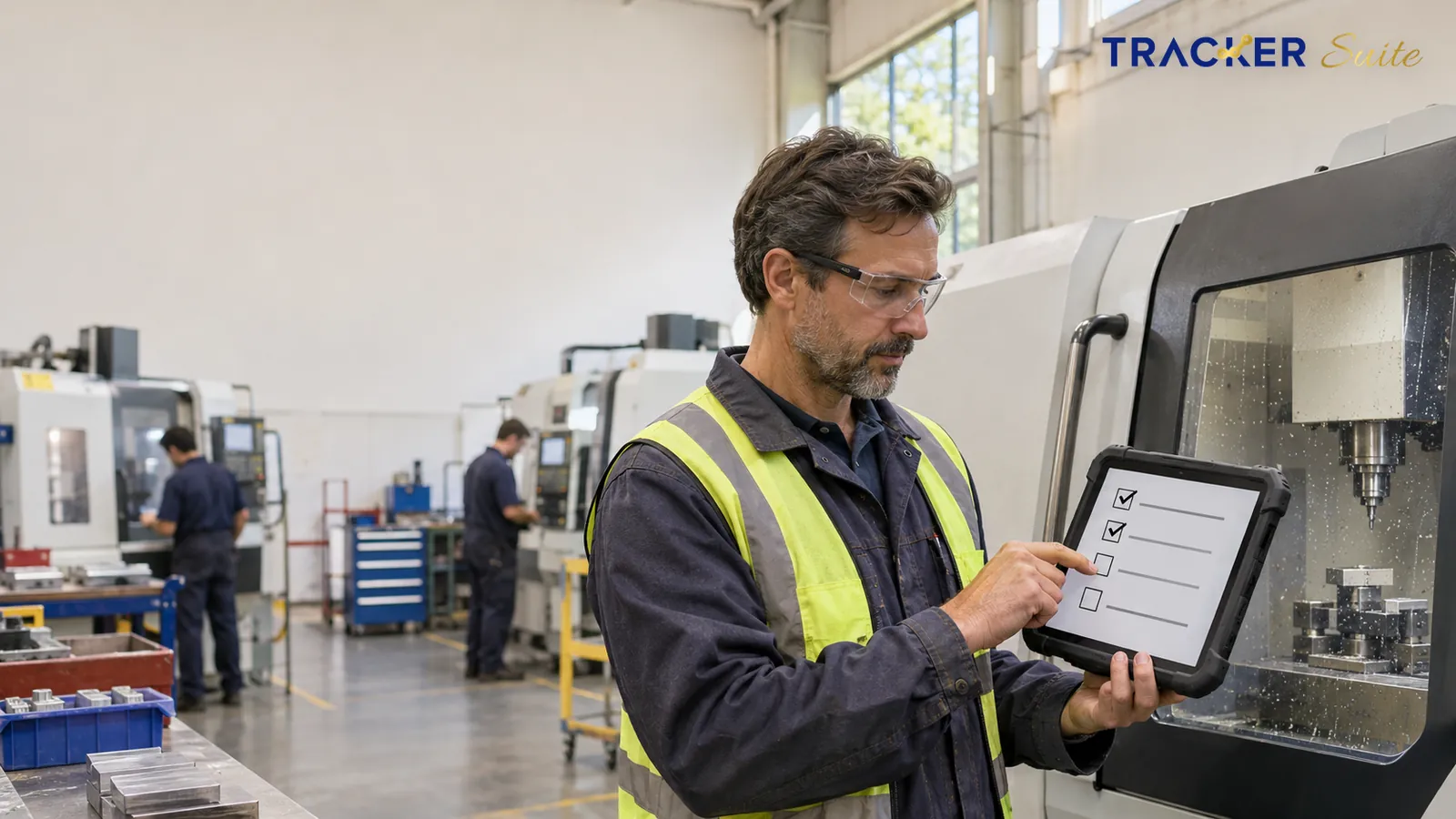
Mid-sized manufacturers rarely lose time to one big failure. They lose it to hundreds of small ones: a missed maintenance check, a handover note that never reached the night shift, a supplier follow-up nobody owned. A task tracker for manufacturing gives each of those jobs an owner, a deadline and a record, so supervisors spend less time chasing updates and more time running the plant.
Key takeaways
- Informal coordination usually breaks because the plant grows, not because people get careless. WhatsApp and Excel work for a single shift at a single site, but they come under strain as shifts, sites and approvals multiply.
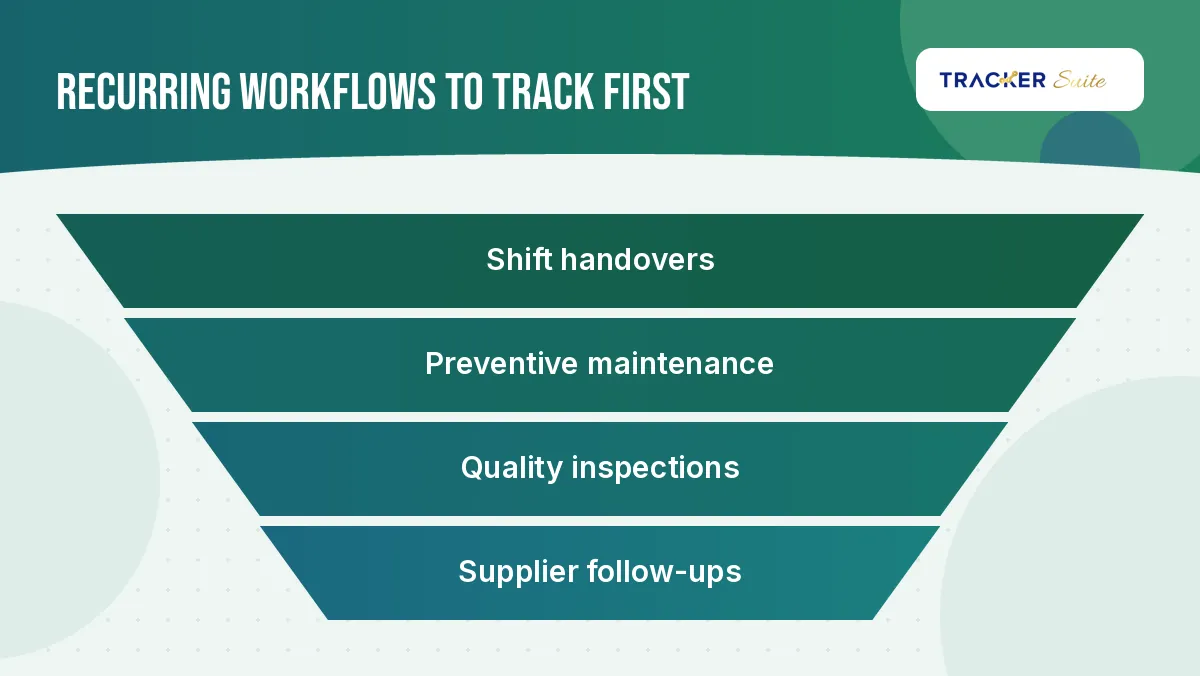
- Start with recurring workflows: shift handovers, preventive maintenance, quality inspections and supplier follow-ups.
- Connected, reliable task data matters more than AI. In PwC’s 2026 Digital Trends in Operations survey, 87% of operations leaders said poor data quality had hampered the value of their digital initiatives (PwC, 2026).
- AI is most useful when it works from task history and configured rules, for example by suggesting next steps or flagging stalled work. People still make the important decisions.
- A small team with few recurring tasks may only need a simple list. A connected platform starts to make sense once managers spend most of their day following up.
At a glance
- Typical fit: Manufacturers running several shifts, more than one site or a growing workforce
- Workflows to digitise first: Shift handovers, preventive maintenance, quality inspections, supplier follow-ups
- Capabilities to check: Recurring tasks, proof of work, approvals, shift and GPS-verified attendance, reminders, dashboards
- Rollout approach: One workflow on one line or shift first, then expand
- Cost: TrackerSuite lists a free Starter plan for up to 5 users, with shift management, geofencing, workflows and task approval on paid plans or add-ons (TrackerSuite pricing, 2026). Check the page for current rates.
What is a task tracker for manufacturing, and why do mid-sized plants need one?
A task tracker for manufacturing is software that assigns, schedules and records plant work such as inspections, maintenance and supplier follow-ups, with an owner and a deadline for each job. Mid-sized plants need one because their recurring work outgrows memory, group chats and spreadsheets long before they can justify a full ERP or MES project.
ERP (enterprise resource planning) software manages finance, purchasing and planning. MES (manufacturing execution system) software controls and records production on the line. Both are valuable, but both are large projects. A task tracker covers the coordination layer in between: who checks the compressor, who calls the supplier and who signs off the first-piece inspection.
Workforce pressure makes that coordination harder. Deloitte and The Manufacturing Institute estimate that US manufacturing could need as many as 3.8 million new workers by 2033, and that 1.9 million of those jobs could go unfilled if skills gaps stay open (Deloitte and The Manufacturing Institute, 2024).
Those figures cover the US, but plants in many countries face a similar shortage. When experienced people are scarce, a plant cannot rely on knowledge that lives only in someone’s head. Written, standard task steps help new operators do the job correctly from their first week.
The same study found that 47% of manufacturers said flexible work arrangements, including flexible shifts, shift swapping and split shifts, were the most effective way to keep employees (Deloitte and The Manufacturing Institute, 2024). Flexible rosters help retention, but every new roster pattern also creates another handover to manage.
Where do operational challenges show up in a mid-sized plant?
In a mid-sized plant, operational challenges usually show up at the handoffs: between shifts, between production and maintenance, between quality and the line, and between purchasing and suppliers. Work rarely fails inside one team. It fails when responsibility passes from one person to another and nobody records the change.
Common pressure points include:
- Shift handovers: Machine issues, pending orders and safety notes get passed on verbally or in a chat thread, and details get lost.
- Preventive maintenance: Lubrication, calibration and inspection schedules sit in a spreadsheet, and someone has to remember to open it.
- Quality checks: Inspections happen, but the evidence sits on paper and is hard to find during a customer audit.
- Material follow-ups: A shortage turns into a string of phone calls, and nobody can see whether the supplier has confirmed.
- Attendance and shift coverage: Supervisors build rosters by hand and find gaps only when a line is short-staffed.
- Approvals: Deviations, overtime and purchase requests wait in someone’s inbox while work stalls.
Why do WhatsApp and Excel stop scaling as a plant grows?
WhatsApp and Excel stop scaling because they record messages and numbers, not ownership. With one shift and one site, a supervisor can hold the full picture in their head. With several shifts, sites and approval layers, nobody can, and managers end up asking five people for updates that a shared system could show at once.
Excel works well for simple tracking, and WhatsApp is fast for urgent alerts. The trouble starts as the business grows through familiar stages:
- Small operation: One site, one shift. The owner knows every machine and every customer. Chats and spreadsheets are enough.
- Growing: A second shift and more staff arrive. Handover notes multiply and the maintenance sheet now has several editors.
- Complex: A second plant, customer audits and multi-step approvals appear. Reports are compiled by hand at month end.
- Scaled: Work runs on connected data, automated reminders and dashboards, with AI helping to flag what needs attention.
Think about the difference between twenty tasks and thousands of activities across a few hundred employees, several shifts and more than one plant. At that scale, a missed follow-up is not a one-off mistake. It is a predictable result of a system that depends on memory.
Which manufacturing workflows should you digitise first?
Digitise first the recurring workflows where a missed step costs the most: shift handovers, preventive maintenance and quality inspections. Each one repeats on a schedule, involves more than one person and produces records you may need later. After those, add supplier follow-ups, attendance, approvals, safety rounds and inventory requests.
Here are eight workflows that suit a task tracker, with the data each one generates:
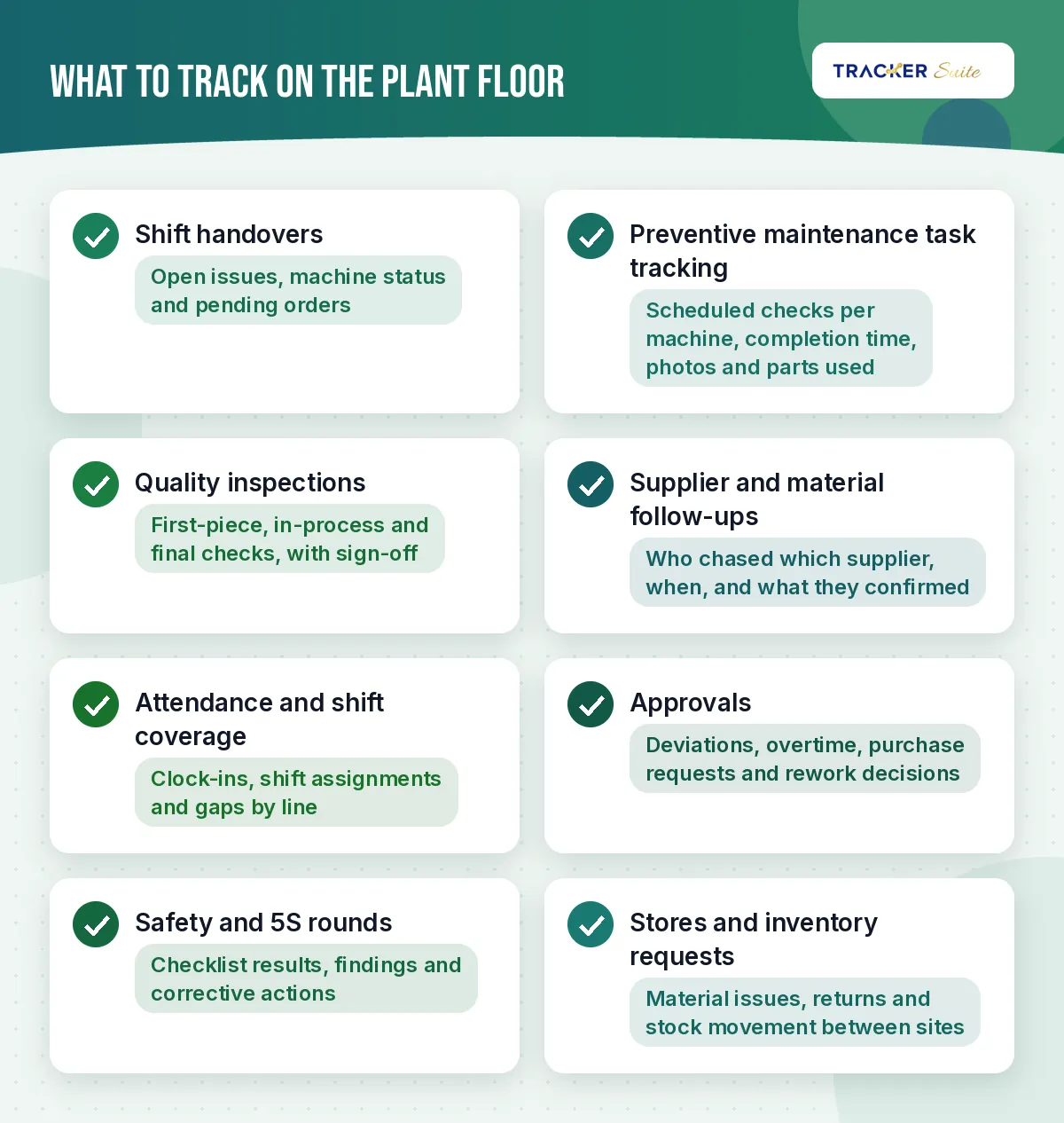
- Shift handovers: Open issues, machine status and pending orders, recorded against the outgoing and incoming supervisor.
- Preventive maintenance task tracking: Scheduled checks per machine, completion time, photos and parts used.
- Quality inspections: First-piece, in-process and final checks, with photos, readings and sign-off.
- Supplier and material follow-ups: Who chased which supplier, when, and what they confirmed.
- Attendance and shift coverage: Clock-ins, shift assignments and gaps by line.
- Approvals: Deviations, overtime, purchase requests and rework decisions, with approver and time.
- Safety and 5S rounds: Checklist results, findings and corrective actions. (5S is a workplace method: sort, set in order, shine, standardise, sustain.)
- Stores and inventory requests: Material issues, returns and stock movement between sites.
Example: a shift handover checklist for a three-shift plant
Consider an illustrative auto-components plant running three shifts on several CNC lines. Before, the outgoing supervisor typed a summary into a group chat. The incoming supervisor scrolled through it, missed a note about a coolant leak, and the machine ran for hours before anyone noticed.
After digitising, the plant set up a recurring shift handover checklist that opens automatically near the end of each shift. A practical version includes:
- Machine status by line, with any open breakdowns
- Safety observations and near misses
- Quality holds or parts awaiting inspection
- Material shortages and pending supplier responses
- Staffing gaps for the next shift
- A sign-off by both the outgoing and incoming supervisor
Each open item becomes a task with an owner. The coolant leak now appears on a dashboard as an open maintenance task, not a line buried in a chat.
How does connected task data improve plant visibility?
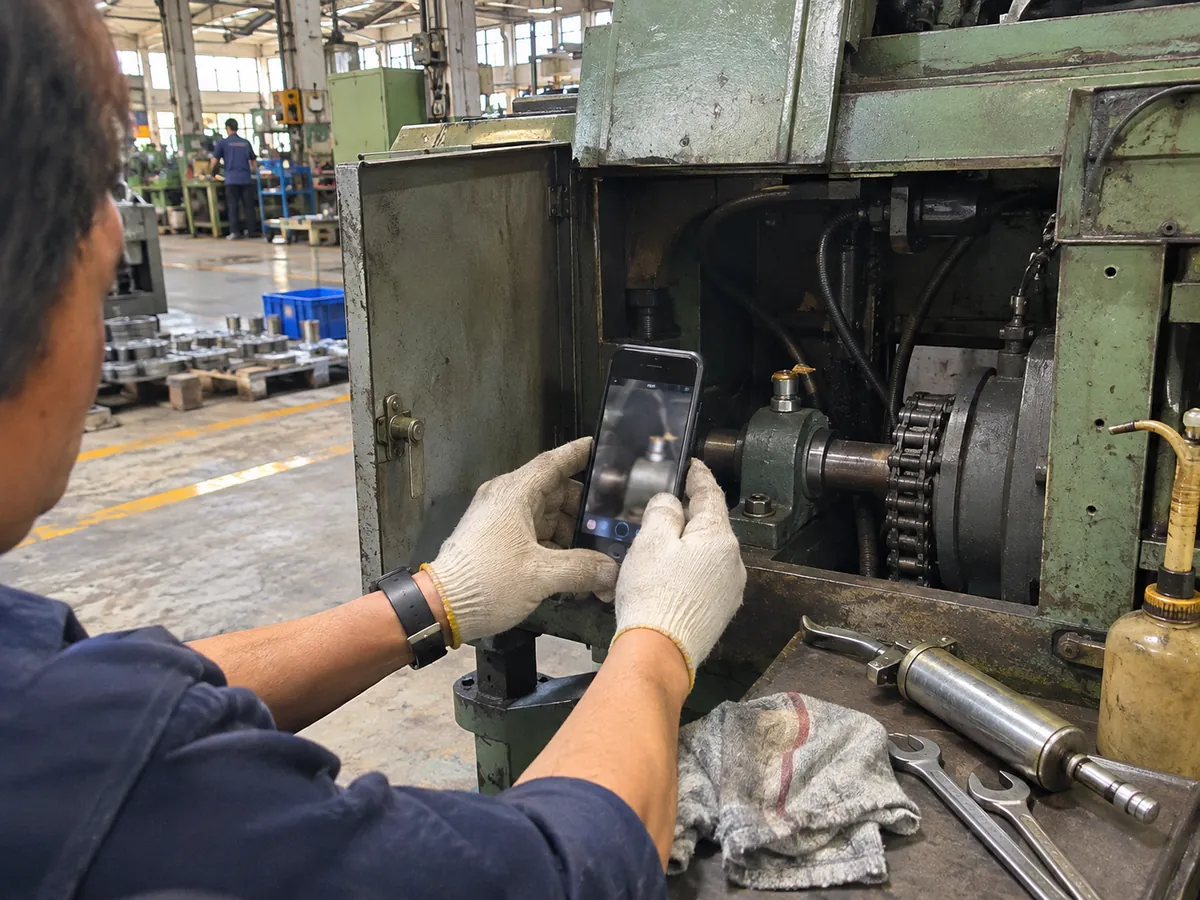
Connected task data improves visibility because every update lands in one place, tied to a machine, a shift, a person and a time. Managers stop compiling reports by hand and start reading them. Open work, overdue tasks and repeated problems become visible across lines and sites without a round of phone calls.
Data quality decides whether that visibility is trustworthy. PwC’s survey of 767 US operations leaders put the problem plainly:
87% of operations leaders say poor data quality has hampered their progress in achieving value from digital initiatives (PwC, 2026).
For a plant, the lesson is practical. Automation and AI can only work with what operators record. Structured task fields, photos and timestamps capture better data than free-text chat messages.
Governance matters too. Role-based permissions decide who can create, edit or approve tasks. An approval trail shows who signed off a deviation and when, which helps during customer and certification audits.
Where does AI actually help on the shop floor?
AI helps on the shop floor when it works from task history and rules the plant has configured. It can suggest next steps, predict which recurring tasks are coming up, and flag work that is stalling. It does not replace a supervisor’s judgement on safety, quality or production priorities.
Practical, realistic uses include:
- Prioritising work: Highlighting overdue maintenance tasks on critical machines first.
- Spotting bottlenecks: Showing which approvals or supplier follow-ups wait longest.
- Reducing admin: Drafting summaries of open items for the morning production meeting.
- Planning ahead: Surfacing upcoming recurring tasks so supervisors can staff for them.
The human and AI split stays clear. People define goals and rules. The platform organises data and workflows. Automation handles reminders and routing. AI assists with priorities and insights, and people stay responsible for the decisions that matter.
What should you look for in manufacturing task management software?
Good manufacturing task management software should handle recurring schedules, proof of work, approvals, shift-aware attendance, reminders and dashboards, and it should run well on a phone. Operators rarely sit at desks, so a factory task management app has to be quick to open, simple to update and usable with gloves on a busy floor.
Use this checklist when you compare options:
- Recurring tasks: Daily, weekly and custom schedules for maintenance and inspections.
- Proof of work: Photos, notes and timestamps attached to each task.
- Approvals: Sign-off steps for deviations, overtime and purchases.
- Shift and attendance support: Multiple shifts and location-verified clock-ins.
- Notifications: Alerts on channels people already use, such as WhatsApp and email.
- Dashboards and reports: Status by line, shift, site and person.
- Permissions: Clear roles for operators, supervisors and managers.
- Integration: A way to connect with the ERP or other tools you already run.
When a simple tool is enough: If you run one shift at one site with a handful of recurring jobs, a shared list or spreadsheet may be all you need. Look for a connected platform when you see several of these signs: multiple shifts or sites, a growing workforce, many recurring workflows, rising audit requirements, manual month-end reporting and managers who spend their day chasing updates.
How does TrackerSuite fit as a task tracker for mid-sized manufacturers?
TrackerSuite fits as a task tracker for mid-sized manufacturers that have outgrown chats and spreadsheets but do not want a heavy ERP project for coordination. Its Task Tracker connects recurring work, evidence, approvals and attendance in one AI-powered platform, so supervisors can see what is done and what is stuck.
Here is how its documented capabilities map to the workflows above:
- Recurring maintenance and inspections: Task Tracker automates recurring work with schedules, reminders, task approval and alerts. Task approval is available as an add-on. Large jobs can be split into subtasks.
- Proof for audits: Operators can attach photos, notes and timestamps to tasks as verifiable evidence.
- Shift coverage: Attendance captures clock-ins and clock-outs with GPS verification on paid plans, and multi-shift attendance is available on higher plans or as an add-on.
- Follow-up: WhatsApp notifications on the Growth plan and above and automated email reminders help keep deadlines from slipping.
- Visibility: Visual dashboards turn task data into simple status views for managers.
- AI assistance: Tavi AI predicts upcoming tasks and suggests next steps, based on the data in the system.
For plants that also move stock between stores, lines or sites, Stack Tracker manages inventory, orders and warehouses with visibility across locations. Validate each feature against your own workflows during a trial before you commit.
How do you roll out a task tracker in a plant, step by step?
Roll out a task tracker one workflow at a time. Start with a single line or shift, prove that the data is reliable, and then expand to more workflows and sites. A phased rollout builds operator trust and lets you fix task templates before problems spread across the whole plant.
- Map the work: List recurring tasks, owners and the handoffs where things get missed.
- Pick one workflow: Shift handovers or preventive maintenance usually show value fastest.
- Standardise the steps: Turn each task into a short checklist with required photos or readings.
- Set roles and permissions: Decide who creates, completes and approves each task type.
- Pilot on one line or shift: Train supervisors first, then operators, using phones they already carry.
- Review the data: Check completion rates, overdue items and gaps after the first few weeks.
- Expand carefully: Add quality, supplier follow-ups and attendance, then more sites.
- Add automation and AI last: Turn on reminders, escalations and AI suggestions once the base data is clean.
What this means for you
If you run a mid-sized plant, the first question is not which software to buy. It is where work falls through the cracks today. Walk the floor at shift change and ask supervisors what they had to chase yesterday. Those answers point to your first workflow.
Keep the first step small. A single digital handover or maintenance routine, used consistently, will teach you more than a plant-wide launch. Once the data is reliable, automation and AI have something useful to work with.
FAQs
How much does a task tracker for manufacturing cost?
Costs vary by vendor, users and add-ons. TrackerSuite lists a free Starter plan for up to 5 users, with paid plans and add-ons for features such as shift management, geofencing and task approval (TrackerSuite pricing, 2026). Check current rates before you budget.
What should a shift handover checklist include?
A useful shift handover checklist covers machine status, open breakdowns, safety observations, quality holds, material shortages and staffing gaps for the next shift. Both supervisors should sign it off, and each open item should become a task with an owner.
Is a task tracker the same as a CMMS or MES?
No. A CMMS (computerised maintenance management system) focuses on maintenance assets, and an MES runs production on the line. A task tracker coordinates people and recurring work across departments, and it can sit alongside those systems.
Do operators need computers to use a task tracker?
No. Most modern task trackers run on mobile phones, so operators can update tasks, add photos and clock in from the shop floor. Choose a tool with a simple mobile interface so updates take seconds, not minutes.
When is a simple task list enough for a manufacturer?
A simple list is often enough for one shift at one site with few recurring jobs. Consider a connected platform when you add shifts or sites, face audits, or find managers spending most of the day chasing updates.
Conclusion
Mid-sized plants do not need more messages. They need clear ownership, recorded evidence and a shared view of open work across shifts and sites. A task tracker for manufacturing provides that structure, and connected data then makes automation and AI genuinely useful.
Start with one workflow, prove it on one line, and grow from there. To see what fits your plant size and shift pattern, compare TrackerSuite plans and start free.
Leave a Reply