Scrap metal yards rarely lose money through one big mistake. They lose it in small gaps: a pickup nobody confirmed, a load graded without photos, a container left a week too long at a customer site. Task management software for scrap metal companies closes those gaps by giving every job one owner, one deadline and one status the whole team can see.
This guide covers the daily workflows in a scrap business and explains why phone calls and spreadsheets stop working as you add trucks and yards. It then shows how to roll out a connected system without disrupting the scale house.
Key takeaways
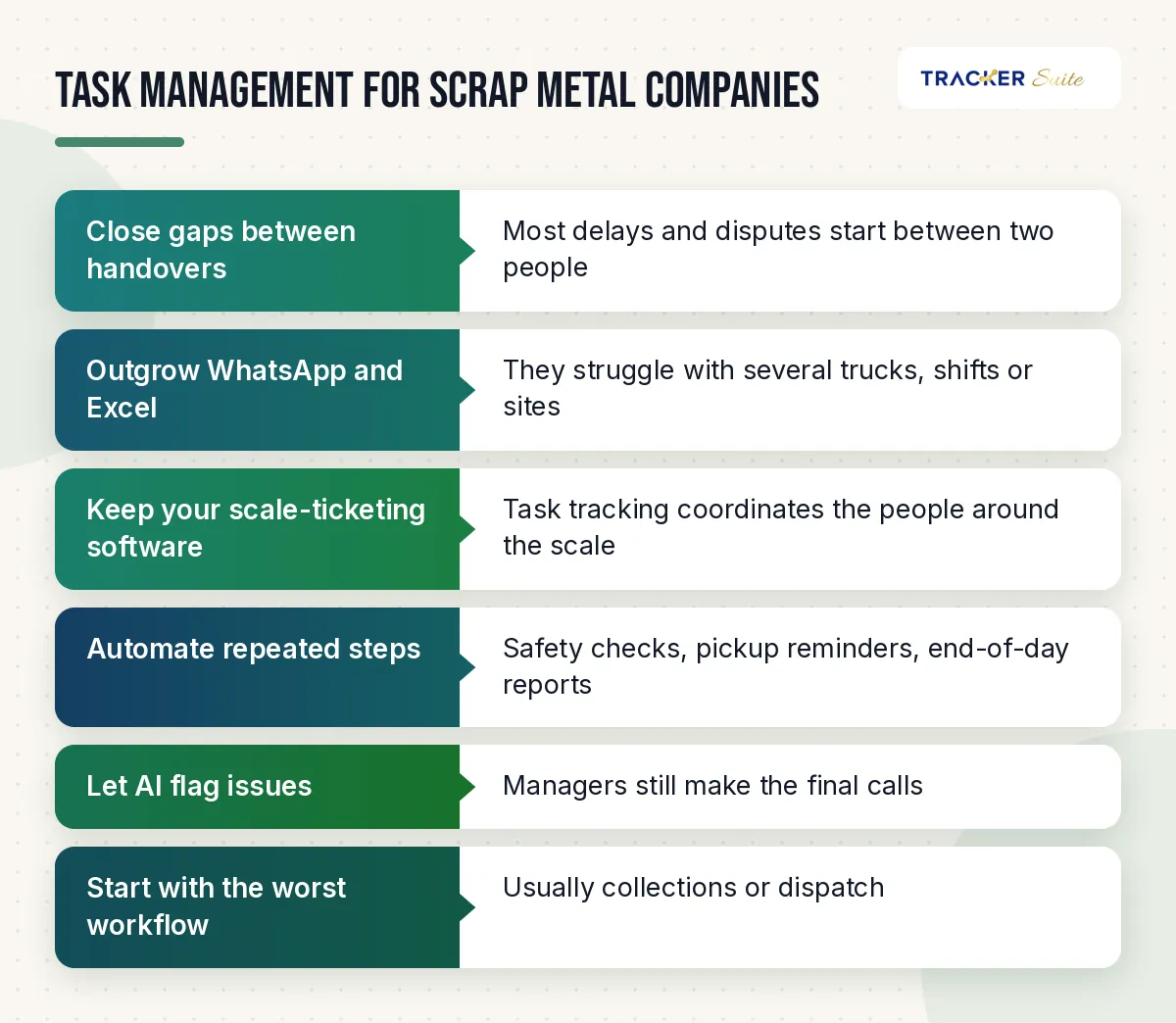
- Scrap metal work is a chain of handovers between drivers, weighbridge staff, graders, yard crews, the office and buyers. Most delays and disputes start in the gap between two people.
- WhatsApp groups and Excel sheets work well for one small yard. They start to struggle once you run several trucks, shifts or sites.
- Task tracking does not replace certified scale-ticketing software. It coordinates the people and steps around the scale.
- Automation can take over repeated steps such as daily safety checks, container pickup reminders and end-of-day reports. AI can help flag what needs attention, while managers still make the final calls.
- Start with the workflow that causes the most trouble, usually collections or dispatch, and connect the next one once it runs smoothly.
At a glance
- Who this is for: Owners, yard managers and operations heads at ferrous and non-ferrous scrap dealers, processors and recyclers.
- Core problem: Managers chasing drivers, yard staff and buyers for updates across calls and chats.
- Workflows to track: Collections, weighing handovers, grading, processing, maintenance, inventory, dispatch and compliance records.
- What stays separate: Scale tickets and legal-for-trade weighing (certified weights you can invoice on) stay in your weighbridge system.
- Cost to start: TrackerSuite lists a free Starter plan for up to 5 users. Larger teams should check the current paid plans.
How busy is the scrap metal industry today?
Scrap metal is a large, high-volume trade, and demand for recycled steel is growing in key markets. More volume means more trucks, tickets and handovers each day. If coordination does not improve as volume grows, managers end up spending more of the day chasing updates and less of it running the business.
In the United States, the Recycled Materials Association (ReMA, formerly ISRI) published an economic impact study on 22 April 2026. It found that recycling businesses directly employ about 175,000 Americans and support more than 603,000 jobs in total, with $184 billion in annual economic activity (ReMA, 2026). Those figures cover all recycled materials, not metal alone, but they show how many people and sites have to work in sync.
Global demand for recycled steel is also rising. The Bureau of International Recycling (BIR) released the 17th edition of its World Steel Recycling in Figures report in 2026, covering 2021 to 2025.
Recycled steel use in key countries and regions rose 4.5% to 480 million tonnes in 2025, even as crude steel output fell (American Recycler on BIR data, 2026).
The same report placed India as the world’s second-largest recycled steel importer in 2025, at 8.040 million tonnes. For scrap companies, the takeaway is simple. Steel mills and foundries are leaning harder on scrap, and they expect consistent grades and on-time loads. Meeting that expectation every day depends on how well your team coordinates its work.
What daily workflows do scrap metal companies need to track?
Scrap metal companies need to track every step where material or paperwork waits on a person. These steps include collections, weighing handovers, grading, compliance records, processing, equipment checks, inventory and dispatch. Each step produces data such as weights, photos, grades and times. When that data lives in notebooks and chat threads, the steps fail without anyone noticing.
Here are the workflows that most yards run every day, with the manual work and data each one creates:
- Collections and container pickups. Factories, demolition contractors and workshops call or message for a pickup. The dispatcher notes the address, container type and time slot, then sends the job to a driver on WhatsApp. Missed or late pickups often go unnoticed until the customer complains.
- Inbound weighing handovers. The weighbridge records gross and tare weights (the loaded and empty truck weights) along with vehicle and seller details. The handover to the grader is usually verbal, so the load can wait in a queue with no clear owner.
- Grading and sorting. A grader decides the grade, such as HMS 1 and 2 (heavy melting steel), copper, aluminium or brass, and applies deductions for dirt or mixed material. Without photos and notes, those decisions turn into price disputes later.
- Seller identity and compliance records. Many regions require yards to record seller ID and vehicle details, especially for high-theft items such as copper cable or catalytic converters. Check your local rules. These records are often split across paper forms, phone photos and the scale system.
- Processing work orders. Shearing, baling, shredding and torch cutting turn mixed scrap into saleable grades. Supervisors assign batches on a whiteboard, and output is rarely logged until the end of the week.
- Equipment maintenance and safety checks. Balers, shears, cranes, material handlers, forklifts and trucks need daily pre-start checks and scheduled servicing. Missed checks create both safety risk and downtime.
- Inventory by grade and location. Stock sits in piles, bins and bays, sometimes across several yards. Spreadsheet counts drift from reality between stock takes.
- Outbound sales and dispatch. Mill, foundry and export orders need loading, photos, documents and confirmation of the weight on arrival. One missing document can hold up payment.
- Buyer and supplier follow-up. Price quotes, recurring industrial suppliers and pending payments all depend on someone remembering to call back.
Why do manual processes break as a scrap business grows?
Manual processes break because they rely on one person knowing everything. In a small yard, the owner sees every truck and hears every call. Add trucks, shifts and sites, and that knowledge splits across chat threads and notebooks. Accountability, handovers and reporting then depend on memory instead of a shared record.
The scaling journey usually looks like this:
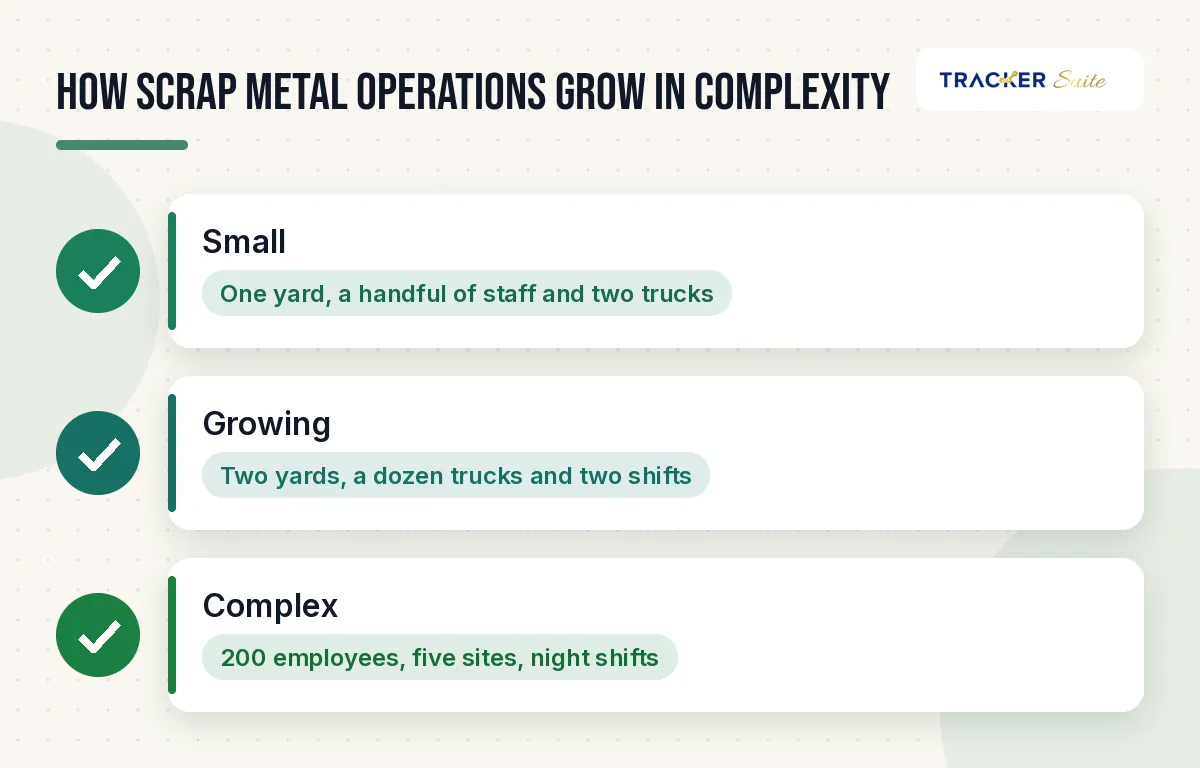
- Small: One yard, a handful of staff and two trucks. WhatsApp, a paper register and an Excel sheet are enough because everyone works side by side.
- Growing: Two yards, a dozen trucks and two shifts. The WhatsApp group fills with hundreds of messages, and the morning starts with calls to drivers and supervisors.
- Complex: Picture 200 employees, five sites, night shifts and thousands of tickets and tasks a month. Nobody can say which pickups are overdue or who skipped the baler check without a long round of calls.
The point is not that Excel or WhatsApp are bad tools. Both work well for simple tracking. As teams, locations and workflows multiply, though, a business eventually needs a more connected system.
Here is what changes when you move from manual to connected work:
- Status updates: A manager calls five drivers for updates. After the change, one shared view shows open, in-progress and overdue pickups.
- Safety checks: Paper checklists sit in a drawer. After the change, recurring checklists trigger reminders and flag missed checks.
- Stock: Someone updates the inventory sheet on Friday. After the change, each stock movement is logged when it happens.
- Reporting: A supervisor compiles the daily report by hand. After the change, the report builds itself from completed tasks.
How can task management software for scrap metal companies help?
The software turns each workflow into a set of tasks with owners, deadlines, photos and status updates that everyone can see. Automation handles repeated steps such as scheduled checks and reminders. AI can help managers spot what needs attention first. People still set the rules and make the important decisions.
A useful way to think about it is a four-part model:
- People define the rules. Managers decide which checks run daily, who approves grading exceptions and what counts as overdue.
- The platform organises the work. Every pickup, batch and load becomes a tracked task with a clear owner, instead of a message buried in a chat.
- Automation handles repetition. Daily pre-start checks, weekly servicing, container rotation reminders and end-of-day summaries run on a schedule without someone having to set them up each time.
- AI assists with attention. Using your task history and configured rules, AI can help highlight overdue jobs, recurring bottlenecks or tasks likely to slip. TrackerSuite says its Tavi AI predicts upcoming tasks and suggests next steps. Treat that as a vendor description and test it against your own workflows.
AI is only useful when it is connected to real business data. If drivers do not close tasks or graders skip photos, no AI layer will produce reliable insight. Clean, consistent task data comes first.
How does connected data improve visibility across yards and trucks?
Connected data means every site, truck and team logs work into the same system. Managers can then see open pickups, completed checks and stock movement in one dashboard, so they no longer have to piece the picture together from calls. Permissions and audit trails also make it clear who did what and when, which helps when a dispute arises.
For a multi-yard scrap business, visibility usually improves in three areas:
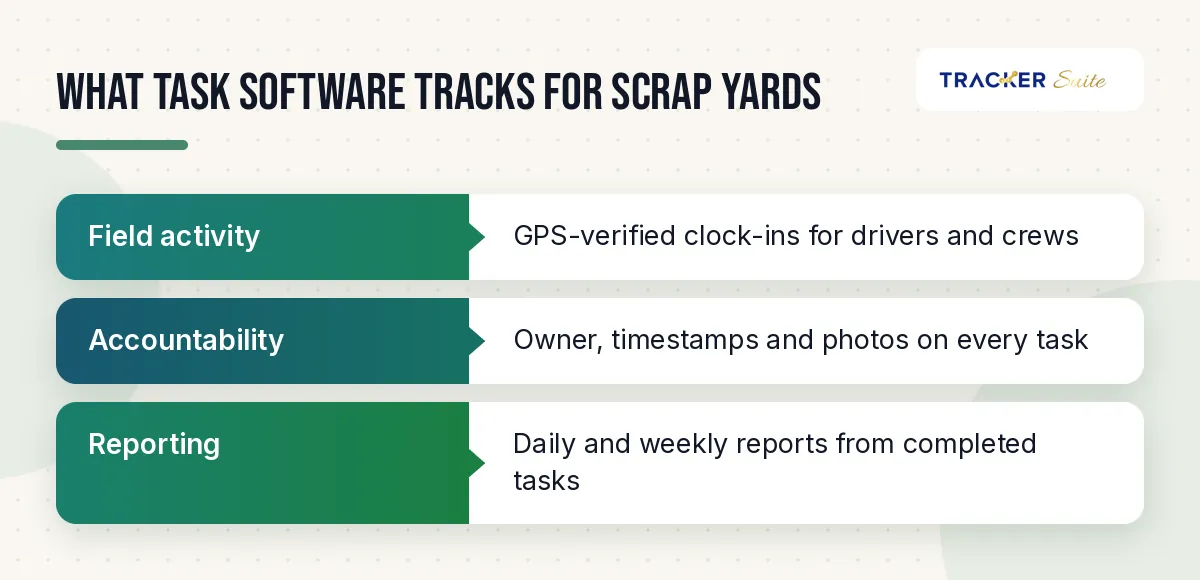
- Field activity: GPS-verified clock-ins record where drivers and collection crews start and finish work.
- Accountability: Every task carries an owner, timestamps and photos. When a buyer questions a grade, you can find the record.
- Reporting: Daily and weekly reports come from completed tasks, so there is no need to retype them from notebooks.
Permissions matter here. A yard supervisor may need to see only their own site, while the operations head sees all sites. Plan who sees what before you go live. Also check how the task system will sit alongside your scale-ticketing software, because the weighbridge record should stay the official source for weights.
What should you look for in scrap yard task management software?
Look for a mobile-first tool that drivers and yard crews will actually use. It should support photos, recurring checklists, location-based attendance, multi-site permissions and simple dashboards. It should also work alongside your scale system rather than trying to replace it. The best fit depends on your size and the number of sites you run.
Use this checklist when you compare options:
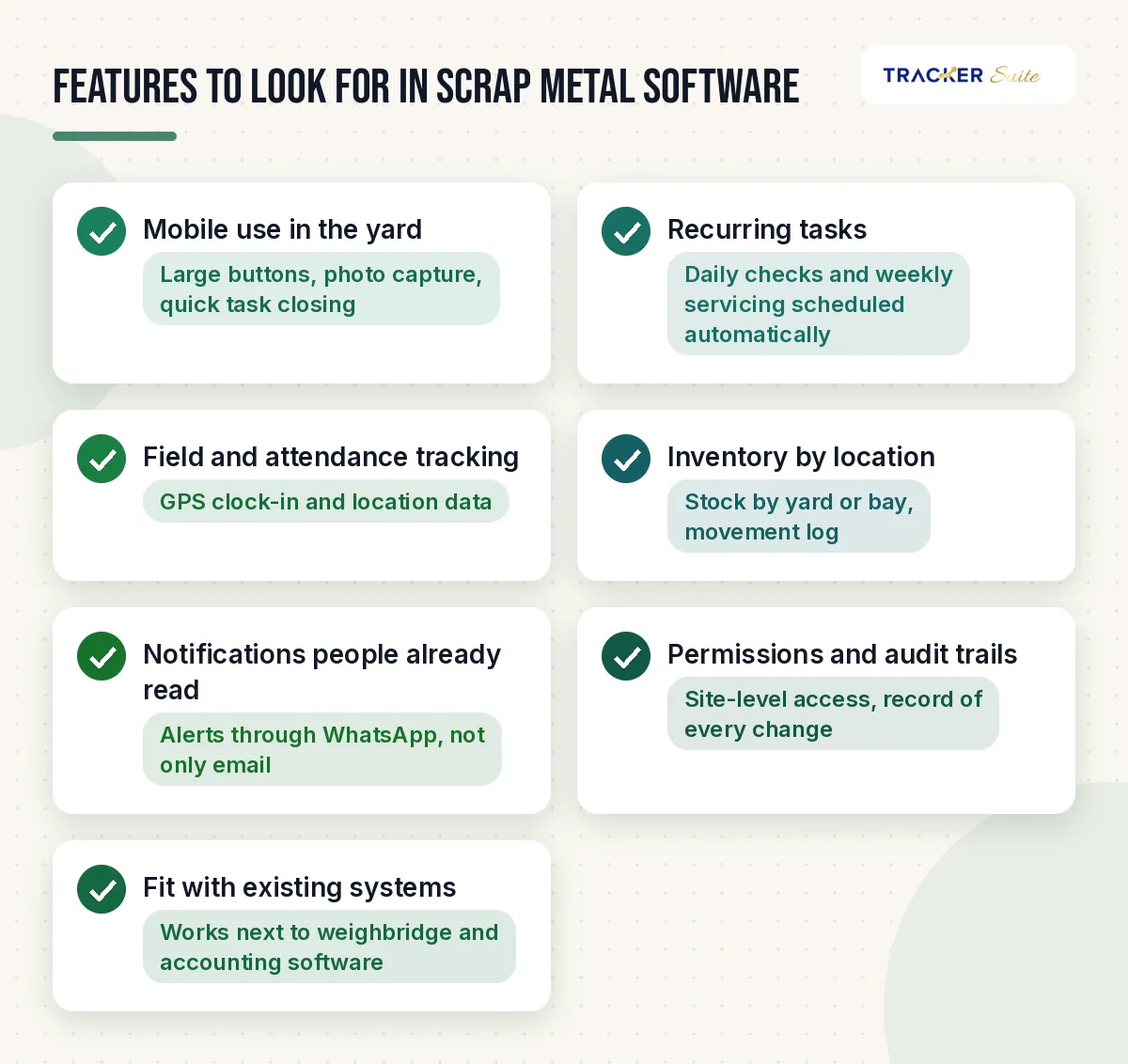
- Mobile use in the yard: Large buttons, photo capture and quick task closing for staff wearing gloves.
- Recurring tasks: Daily equipment checks and weekly servicing that schedule themselves.
- Field and attendance tracking: GPS clock-in and location data for drivers and collection crews.
- Inventory by location: Stock by yard or bay, with a log of every movement.
- Notifications people already read: Alerts through channels like WhatsApp, not only email.
- Permissions and audit trails: Site-level access and a record of every change.
- Fit with existing systems: A clear answer on how the tool works next to your weighbridge and accounting software.
You may not need a full platform yet. A single yard with a few staff and little recurring work can run well on a shared task list. Consider a connected system once you see several of these signs: multiple yards, a growing workforce, multiple shifts, field crews, a high volume of follow-ups, scattered data, manual reporting, rising compliance demands and managers who spend their day chasing updates.
How does TrackerSuite fit a scrap metal operation?
TrackerSuite is an AI-powered operations platform that connects tasks, field teams and inventory in one system. For scrap companies, it fits around the scale house rather than replacing it. It is designed to coordinate collections, checks, processing and stock across sites, with dashboards that show managers where work is stuck.
Here is how the relevant capabilities map to the workflows above, based on TrackerSuite’s product pages:
- Collections and field crews: Task Tracker assigns pickups to drivers. GPS-verified clock-ins and geofenced attendance record where and when crews start and end their shifts.
- Safety and maintenance checks: Task Tracker supports recurring work with schedules, reminders, task approval and alerts, which suits daily baler or crane checks. Some features, such as geofencing and task approval, are paid add-ons, so check the pricing page.
- Missed deadlines: Task Tracker sends WhatsApp notifications so staff see reminders in an app they already use.
- Stock across yards: Stack Tracker manages inventory, orders and warehouses with visibility across locations and teams. Yards can use it for graded stock and for consumables such as baling wire and spare parts.
- Buyer and supplier follow-up: Sales Tracker is TrackerSuite’s tool for structured follow-ups, such as callbacks on quotes and recurring supplier pickups.
- Management view: Visual dashboards summarise team performance and show which tasks are open, done or overdue.
A note on limits: TrackerSuite is not a scale-ticketing or weighbridge system. Confirm integration options with the TrackerSuite team before you plan a workflow that depends on them.
What this means for you
What you should do next depends on your size:
- One yard, up to 5 users: Start with a free plan and track only collections and daily safety checks. If that is enough, stop there. A yard with 6 to 10 users may need a paid plan.
- Two or three yards: Standardise how every site logs pickups, grading photos and stock moves. Inconsistent data between sites is usually the first real problem.
- Larger multi-site operations: Focus on permissions, dashboards and recurring workflows. The goal is to scale the work without adding the same amount of admin.
How do you roll out task tracking in a scrap yard?
Start small. Pick the one workflow that causes the most phone calls, set it up with clear owners and simple steps, and run it for a few weeks at one site. Once staff use it reliably, add the next workflow and the next site.
- Map the workflow. Write down each step of collections or dispatch, who owns it and what data it produces.
- Set the rules. Define what counts as overdue, when photos are required and who approves exceptions.
- Set up recurring tasks. Add daily equipment checks and weekly servicing as scheduled tasks.
- Train in the yard, not the office. Show drivers and graders how to close a task with a photo in under a minute.
- Run one site first. Track adoption for two to four weeks and fix any friction.
- Turn on reports. Replace the manual daily report with the automated version once the data is reliable.
- Expand. Add inventory, a second yard, then buyer follow-ups.
FAQs
What is the best task management software for a scrap yard?
The best option is the one your drivers and yard crew will actually use on their phones. Look for photo capture, recurring checklists, GPS attendance and multi-site permissions. Keep weighing and scale tickets in dedicated scrap yard software.
Can task management software replace scrap yard scale ticketing software?
No. Scale-ticketing software handles legal-for-trade weights, tickets and seller records. Task management software coordinates the people and steps around those tickets, such as pickups, grading, checks and dispatch.
How does a task tracker help with scrap metal pickups?
A task tracker turns each pickup request into a task with a driver, address and deadline. Managers can see which pickups are open or overdue without calling anyone, and drivers can close jobs with photos.
Is task tracking worth it for a small scrap business?
For a single yard with a few staff, a simple shared task list may be enough. A connected platform makes more sense once you run several trucks, shifts or sites and managers spend hours chasing updates.
Conclusion
Scrap metal businesses grow by moving more material through more hands, and that growth makes coordination harder. Task management software for scrap metal companies gives every pickup, check, batch and load a clear owner and status, so managers spend less time chasing updates. Start with the workflow that hurts most, keep your scale system as the official weight record and add automation and AI once your data is reliable.
To test this on a small team first, see TrackerSuite’s plans, including the free Starter plan. To plan a multi-yard rollout, talk to the TrackerSuite team.
Leave a Reply