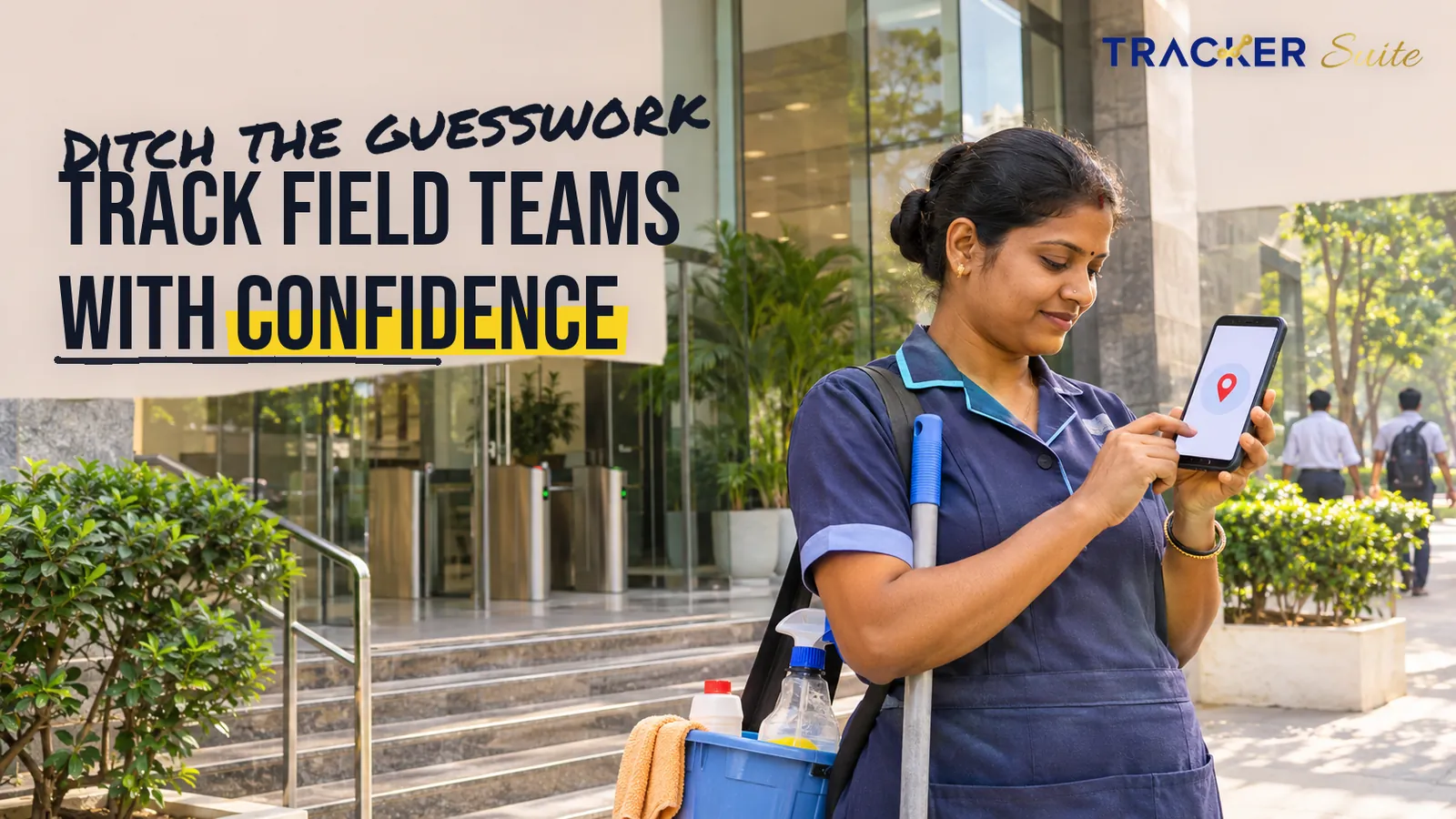
Managers of growing field teams spend much of their day asking two questions: "Where are you?" and "Is the job done?" Employee location tracking software can answer the first question. On its own, it rarely answers the second.
This blog shows where location data helps and where it doesn’t. It also explains how to connect location data to attendance, tasks and reporting, so operations can grow without more follow-up calls.
Key takeaways
- Location data is most useful when it is tied to a specific workflow, such as checking in at a client site or confirming a completed visit.
- Calls, WhatsApp updates and spreadsheets work for small teams. They get harder to manage once you have several sites, shifts and supervisors.
- Being open with staff matters as much as the technology. Employees should know what is tracked, when and why.
- In India, the Digital Personal Data Protection (DPDP) Act 2023 and the DPDP Rules 2025 affect how employers collect, store and delete location data.
- A very small team working from one office may not need location tracking at all.
At a glance
- What it does: Records where an employee is at set moments, such as check-in, check-out or task completion.
- Who uses it: Field service, facility management, sales, construction, distribution and multi-branch teams.
- Common features: GPS attendance, geofencing, shift management, visit logs and attendance reports.
- Typical pricing model: Per user per month, with add-ons for features such as geofencing or multiple shifts.
- Main risk: Losing employee trust if tracking is hidden, constant or unrelated to work.
What is employee location tracking software?
Employee location tracking software uses the GPS in an employee’s phone to record where they are at defined moments, such as clock-in, clock-out or task completion. Many tools add geofencing, a virtual boundary drawn around a site, so attendance counts only when the employee is actually inside that approved area.
GPS employee tracking usually works in one of three modes. The difference matters for both privacy and cost:
- Location at check-in: The app records a location only when the employee marks attendance or updates a task. This is the least intrusive mode.
- Geofencing attendance: Check-in works only within a set radius of an approved site, such as a factory gate, branch office or client building.
- Continuous tracking during work hours: The app records movement throughout a shift. This mode can help route-heavy roles like delivery, but it collects far more personal data.
Many businesses need only the first two modes. Continuous tracking should be a deliberate choice for specific roles, not the default for everyone.
Why do growing businesses start tracking employee locations?
Businesses usually start tracking employee locations when they can no longer see whether field staff reached the right place at the right time. A phone call works for five people. For 200 people across 20 sites and three shifts, nobody can call everyone, so verification turns into guesswork.
Take a facility services company in the Delhi NCR region that supplies housekeeping and security staff to office buildings. With 15 employees at two sites, the owner knows everyone by name. Attendance arrives as WhatsApp photos, and a supervisor fills in an Excel sheet each evening.
Now picture the same company with 200 employees, 20 client sites and day, evening and night shifts. These problems start to show up:
- Proxy attendance: One worker marks attendance for an absent colleague, and nobody notices until a client complains.
- Unverified supervisor rounds: A supervisor is meant to visit six sites a day, but the company has no record that the visits happened.
- Client disputes: A client says a shift was understaffed, and the company has no clean data to check the claim.
- Payroll reconciliation: HR spends days at month end matching WhatsApp messages, registers and spreadsheets.
This pattern is common well beyond facility services.
In 2022, Gartner reported that the number of large employers using tools to track their workers had doubled during the pandemic to 60%, and forecast that it would reach 70% within three years (Gartner, 2022).
That research covers monitoring tools in general, not only location tracking. Still, it shows that employers increasingly want structured data about distributed work instead of informal updates. The open question for most businesses is not whether to collect data, but how to collect only what supports the work.
 ## Which workflows benefit from location data?
Location data helps most in workflows where being in the right place is part of doing the job. In each case, the business already produces data through calls, photos, registers and spreadsheets. The problem is that the data is scattered, so nobody can act on it quickly or check it later.
Here are seven workflows where field employee tracking adds practical value:
- Daily attendance at client sites: Workers check in at the site they are assigned to, instead of sending a selfie on WhatsApp. The record shows who arrived, where and when.
- Supervisor and audit rounds: Each site visit is logged against a planned route, so managers can see which sites were covered and which were missed.
- Sales and collection visits: Sales staff log client meetings at the client’s location. Follow-ups can then be scheduled from a real visit record, not from memory.
- Field service and maintenance jobs: A technician’s check-in at the job site is linked to the work order, along with photos and completion notes.
- Shift handovers: The incoming worker checks in before the outgoing worker checks out, which makes gaps in coverage visible.
- Stock deliveries and branch transfers: Delivery confirmations at each branch can be matched against location-wise inventory records, so stock movement and staff movement tell the same story.
- Payroll and client billing: Verified attendance and shift data feed month-end reports, which cuts down on manual matching between registers and spreadsheets.
Why do calls, WhatsApp and spreadsheets stop working at scale?
Calls, WhatsApp and Excel work well for small teams because one person holds the whole picture. As headcount, sites and shifts grow, updates arrive in different formats, at different times and to different people. Nobody can see the full operation without compiling it by hand, and that delays decisions.
Most businesses move through four stages:
- Small: One office or two sites. The owner calls people, and an Excel sheet is enough.
- Growing: Several teams and locations. Supervisors collect updates on WhatsApp and forward them to the office.
- Complex: Multiple shifts, approvals and client reports. Managers spend hours chasing updates, and reports are always a day or two behind.
- Scaled: Attendance, tasks and location data sit in one system. Automation handles reminders and reports, and managers focus on exceptions.
The change shows up most clearly in daily routines:
- Before: A manager calls five supervisors each morning to confirm staffing. After: A single status view shows who has checked in at each site.
- Before: HR compiles attendance from registers and chat messages. After: A monthly attendance report is generated from check-in records.
- Before: Missed visits surface only when a client complains. After: Overdue tasks trigger reminders before the day ends.
 ## How does connected data improve operational visibility?
Connected data means a check-in is not just a dot on a map. It is linked to the employee, the shift, the site and the task they were sent to do. When those records sit together, managers can see coverage, delays and exceptions across every location without asking anyone for an update.
For example, a supervisor’s check-in at a client site can be linked to an inspection checklist, photos and a completion time. The operations head then sees which sites were inspected, which were late and which were skipped. The same data can support client reports and payroll.
Visibility also needs control. Good systems use permissions, so a site supervisor sees only their team while the operations head sees every branch. That limits who can view personal data, which supports both accountability and privacy.
Where can AI help with field employee tracking?
AI is useful only when it is connected to real attendance, task and location records. It can use that data and the rules you configure to flag what needs attention, such as a site with repeated late check-ins or a task likely to miss its deadline. People still decide what to do about it.
In practice, AI can help in a few specific ways:
- Prioritising work: Highlighting overdue or at-risk tasks so supervisors know where to call first.
- Spotting patterns: Showing that one site keeps running short on the night shift, which a single day’s report would not reveal.
- Reducing admin: Turning raw check-in and task data into daily summaries, so nobody has to compile them by hand.
AI should not decide on discipline, pay deductions or terminations. A late check-in might be a traffic jam, a phone problem or a client request. A manager needs to look at the context before acting.
What does India’s DPDP law mean when you track employee location in India?
Location data is personal data, so India’s Digital Personal Data Protection Act 2023 applies to it. The government notified the DPDP Rules in November 2025 with an 18-month phased compliance timeline (PIB, 2025). Employers should use the remaining time to set clear tracking policies.
This article is not legal advice, and you should confirm details with a legal advisor. Still, a few practical habits fit the spirit of the law and also build trust with staff:
- Give written notice: Tell employees what location data is collected, when, why and who can see it.
- Limit the purpose: Collect location only for defined work purposes, such as attendance or site visits.
- Respect work hours: Avoid tracking outside shifts or on personal time.
- Control access: Restrict location records to the managers who need them.
- Set retention periods: Decide how long you keep location data and delete it after that.
What should you look for in an employee location tracking app?
The right employee location tracking app matches your workflows, not just your headcount. Look for control over when location is captured, geofences per site, shift support and links to tasks and reports. If location data cannot flow into attendance and task records, managers will still end up chasing updates.
Use this checklist when comparing tools:
- Capture modes: Can you choose check-in only, geofencing or continuous tracking for each role?
- Site setup: Can you set a geofence for each branch or client site?
- Shift handling: Does it support multiple shifts, attendance rules and holidays?
- Task links: Can a check-in be tied to a specific task or recurring job?
- Reporting: Are attendance, timesheet and performance reports generated automatically?
- Notifications: Do reminders reach staff on the channels they already use, such as WhatsApp or mobile push?
- Permissions: Can you limit who sees which team’s data?
- Pricing model: Is pricing per user, per branch or both, and which features are add-ons?
You probably need a connected system if you have several locations, a growing workforce, multiple shifts, field teams, recurring jobs or managers who spend their day chasing updates. On the other hand, a team of five in one office with few recurring tasks may need only a simple attendance sheet and a task list. Adding tracking there could create more friction than value.
How does TrackerSuite fit?
TrackerSuite is an AI-powered operations platform that brings attendance, tasks and reporting into one system. For field and multi-site teams, its Task Tracker links location-based attendance to the work employees are assigned, so managers see both where people are and whether the job is moving.
Think back to the facility services company with 200 employees across 20 client sites. A few capabilities from TrackerSuite’s pricing page (at the time of writing) map directly to the problems that company faces as it grows. Geofencing helps reduce proxy attendance at client sites. Shift management covers day, evening and night rotations. Workflows break supervisor rounds into clear steps. The main capabilities and prices on the pricing page are:
- Attendance with geo-location, plus leave management and monthly attendance reports, so workers check in at their assigned client site and HR spends less time matching registers at month end.
- Geofencing as a Growth plan add-on at USD 2.18 per user per branch per month.
- Multiple shift management as an add-on at USD 1.36 per user per month.
- Workflows that break big jobs into smaller steps, as an add-on at USD 4.08 per user per month.
Plan options and prices can change, so check the pricing page for current details before you decide.
How do you roll out employee location tracking software step by step?
Start small and tie tracking to one clear problem, such as proxy attendance or missed site visits. Write a short policy, explain it to staff, and pilot it at a few sites. Then expand only after you have checked that the data is accurate and actually being used.
- Name the problem. Pick one workflow, such as site attendance or supervisor rounds, and write down what goes wrong today.
- Choose the lightest mode. Use check-in location or geofencing before considering continuous tracking.
- Write the policy. Cover what is tracked, when, why, who sees it and how long it is kept.
- Talk to employees. Explain the reasons in a team meeting, answer questions and share the written policy.
- Pilot at two or three sites. Set geofences, shifts and recurring tasks, and run the pilot for a full payroll cycle.
- Review the data. Compare system reports with your old registers and fix site boundaries or rules that cause false alerts.
- Scale and automate. Add more sites, then switch on automated reminders and reports so managers can focus on exceptions.
What this means for you
If you run a growing field or multi-site business in India, location data can remove a lot of daily follow-up. The value comes from linking it to attendance, tasks and reports, not from watching dots on a map.
- Business owners: Treat tracking as part of an operating system for growth, and set the policy yourself.
- Operations managers: Begin with the workflow that costs you the most calls each day.
- HR teams: Use verified attendance data to shorten month-end reconciliation, and own the DPDP notice and retention policy.
FAQs
Is it legal to track employee location in India?
Location data is personal data, so the DPDP Act 2023 and the DPDP Rules 2025 apply to how employers handle it. Most obligations phase in over 18 months from November 2025. Track only for clear work purposes, tell employees in writing, and confirm your policy with a legal advisor.
Should employees be tracked outside working hours?
In most cases, no. Tracking outside work hours collects personal data with no business purpose and damages trust quickly. Limit location capture to shift times or to specific actions such as check-in and task completion.
What is the difference between GPS attendance and geofencing?
GPS attendance records where an employee was when they marked attendance. Geofencing only accepts the check-in if the employee is inside a set boundary around an approved site. Geofencing suits fixed sites, while plain GPS capture suits roles that move between many locations.
How much does employee location tracking software cost?
Most tools charge per user per month, often with add-ons for features like geofencing or multiple shifts. At the time of writing, TrackerSuite lists geofencing as a Growth plan add-on at USD 2.18 per user per branch per month. Always check current pricing, because plans change.
Conclusion
Location tracking solves a narrow problem: confirming that people were where the work needed them. Growing businesses get the most from employee location tracking software when it feeds attendance, tasks and reports in one place, with clear limits that employees understand and trust.
Start with one workflow, one policy and a short pilot. When you are ready to connect attendance, shifts and field tasks, you can compare TrackerSuite plans and add-ons and test the setup with your own team.
Leave a Reply