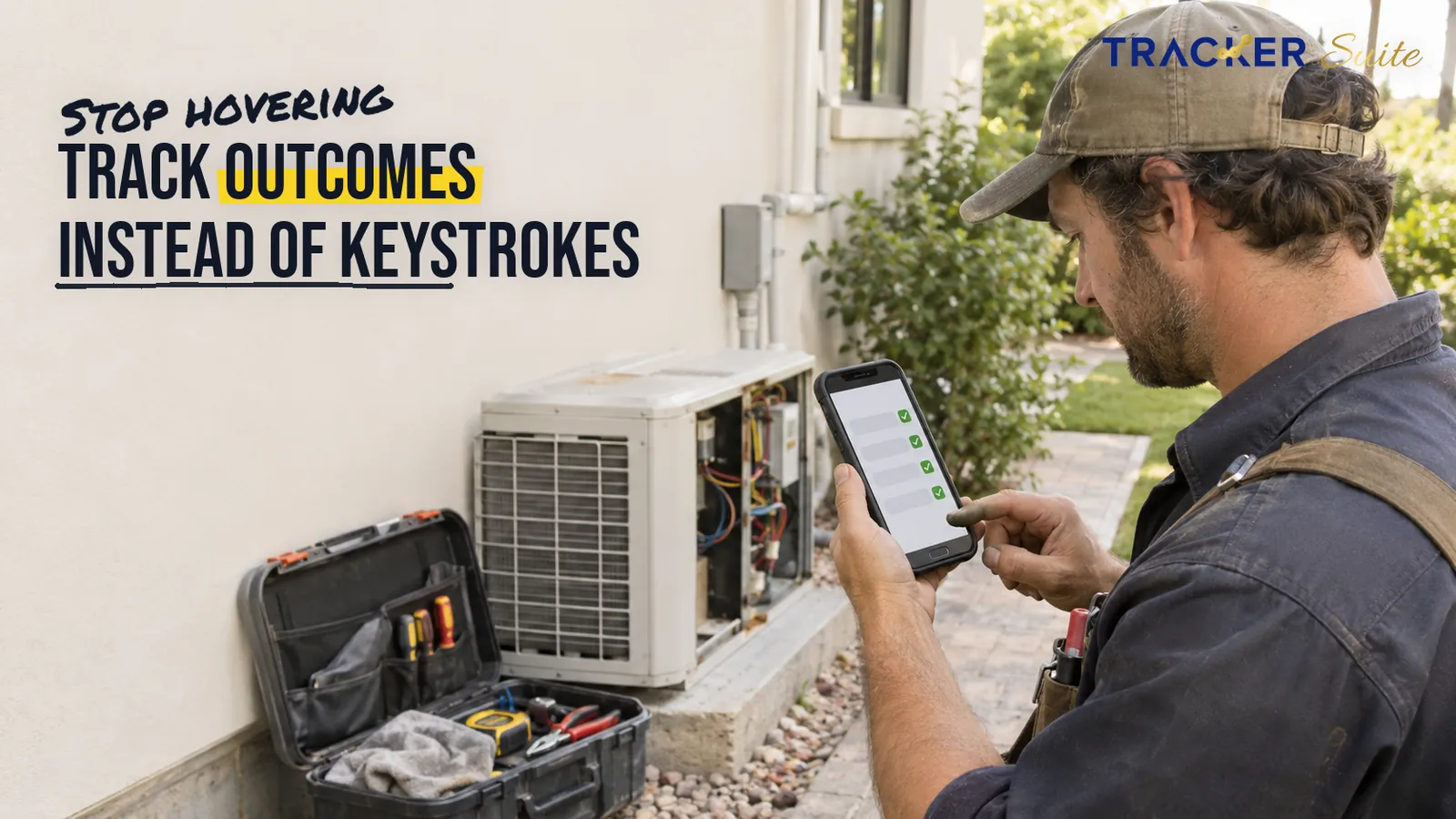
Most productivity tools count clicks, app time and idle minutes. A growing business with field staff, shifts and several branches needs a different answer: did the right work get done, on time, by the right person? An employee productivity tracker built around tasks and outcomes can answer that question, and managers no longer have to phone around for updates.
This blog explains how to measure work instead of watching screens. It also covers which workflows to track first and how to introduce a tracker without damaging staff trust.
Key takeaways
- A task tracker is most useful when it records tasks, deadlines and outcomes. Keystrokes and screen time reveal very little about whether the work was actually completed.
- Calls, WhatsApp groups and spreadsheets work well for a small team. They start to break down once you add branches, shifts and field roles.
- Manager engagement fell to 22% in 2025, according to Gallup’s State of the Global Workplace report. A good system should remove admin work from managers rather than add to it.
- AI is helpful only when it draws on clean task and attendance data and follows rules your team has configured. People still make the important decisions.
- Start with three to five recurring workflows instead of trying to cover the whole business on day one.
At a glance
- Best for: Businesses with roughly 10 or more staff, several locations, shift work or field teams
- What to track: Tasks completed, on-time completion rate, attendance, follow-ups and exceptions
- What to avoid as your main measure: Keystroke logging, screenshots and raw idle time
- When a simple tool is enough: A small team in one office with only a few recurring tasks
- TrackerSuite cost: The Scale plan includes a 3-day free trial. Plans are charged per user per month, so check the pricing page for current rates.
What is an employee productivity tracker?
An employee productivity tracker records what work has been assigned, who owns it, when it is due and whether it was finished. Some tools measure computer activity, such as app usage and idle time. Others measure results, such as tasks closed, site visits completed and customer follow-ups done on time.
The two approaches answer different questions. Activity monitoring asks whether a person was busy at a computer, which can make sense for desk-based teams that bill clients by the hour. Outcome tracking asks whether the work that matters moved forward, and that question suits operations teams where technicians, sales representatives, store staff and site supervisors spend most of their day away from a desk.
Consider a simple example. A field engineer who spends six hours driving between customer sites looks idle in a screen-time tool, even if that engineer closed four service calls. A task-based tracker records those four completed jobs, while a screen monitor records almost nothing useful.
Why do managers spend their day chasing updates?
Managers chase updates because the information they need is scattered across WhatsApp groups, call logs, spreadsheets, email and people’s memories. Without one shared view of who is doing what, the only reliable way to learn a task’s status is to ask. Before long, the asking becomes the job, and coaching, planning and problem-solving get squeezed out.
The research suggests this pressure is growing. Gallup’s State of the Global Workplace report found that global employee engagement fell to 20% in 2025, its lowest level since 2020. Gallup estimates that low engagement costs the world economy about $10 trillion in lost productivity (Gallup, 2026).
Global manager engagement fell to 22% in 2025, down nine points since 2022 (Gallup, 2026).
Managers are the people a tracking system should help most. If a new tool gives them one more place to check and one more report to compile, the tool adds to the problem instead of solving it.
More messages also do not create better visibility. Microsoft’s 2025 Work Trend Index found that 48% of employees and 52% of leaders describe their work as chaotic and fragmented. Microsoft’s usage data also showed that people are interrupted by a meeting, email or notification roughly every two minutes during core work hours (Microsoft, 2025). When teams send status updates through chat, those updates get buried under everything else.
 ## Why does productivity tracking get harder as a team grows?
Tracking gets harder because handoffs multiply faster than headcount. Eight people in one office can share a WhatsApp group and a spreadsheet without much trouble. At 50 people across three branches and two shifts, however, nobody sees the whole picture, and updates arrive late, arrive incomplete or never arrive at all.
Most businesses move through four stages. The numbers below illustrate scale; they are not product limits.
- Small (5 to 15 people): The owner assigns work by phone or WhatsApp and tracks it in Excel or from memory. This approach works because everyone sits close together and problems surface quickly.
- Growing (15 to 50 people, two or more locations): Branch leads keep their own spreadsheets, so the owner receives several versions of the truth. Follow-ups start slipping between shifts.
- Complex (50 to 200 people): Approvals, recurring inspections and compliance checks enter the picture. Managers spend hours each week compiling reports by hand.
- Scaled (200+ people, many sites): The business needs connected data, standard workflows and automated reporting. Otherwise, administrative effort grows in step with headcount.
Think about what changes with 200 employees, 20 locations, multiple shifts and thousands of activities each week. A single missed handover between a night shift and a day shift can delay a customer job, and no one may notice until the customer calls to complain.
How to track employee productivity without micromanaging
The fairest way to track employee productivity is to agree on what good work looks like for each role, record that work as tasks with clear owners and deadlines, and review the results together. Measure outcomes such as on-time completion and follow-ups closed, and treat activity data as context rather than as the final verdict.
A practical method looks like this:
- Define outcomes for each role. A technician might be measured on jobs closed, a sales representative on follow-ups completed within an agreed time, and a store supervisor on whether the opening checklist was finished by 9 a.m.
- Turn recurring work into templates. Daily checks, weekly audits and monthly reports should be created automatically instead of being reassigned by hand every time.
- Give every task one owner and one due date. Shared ownership often means no ownership, especially across shifts.
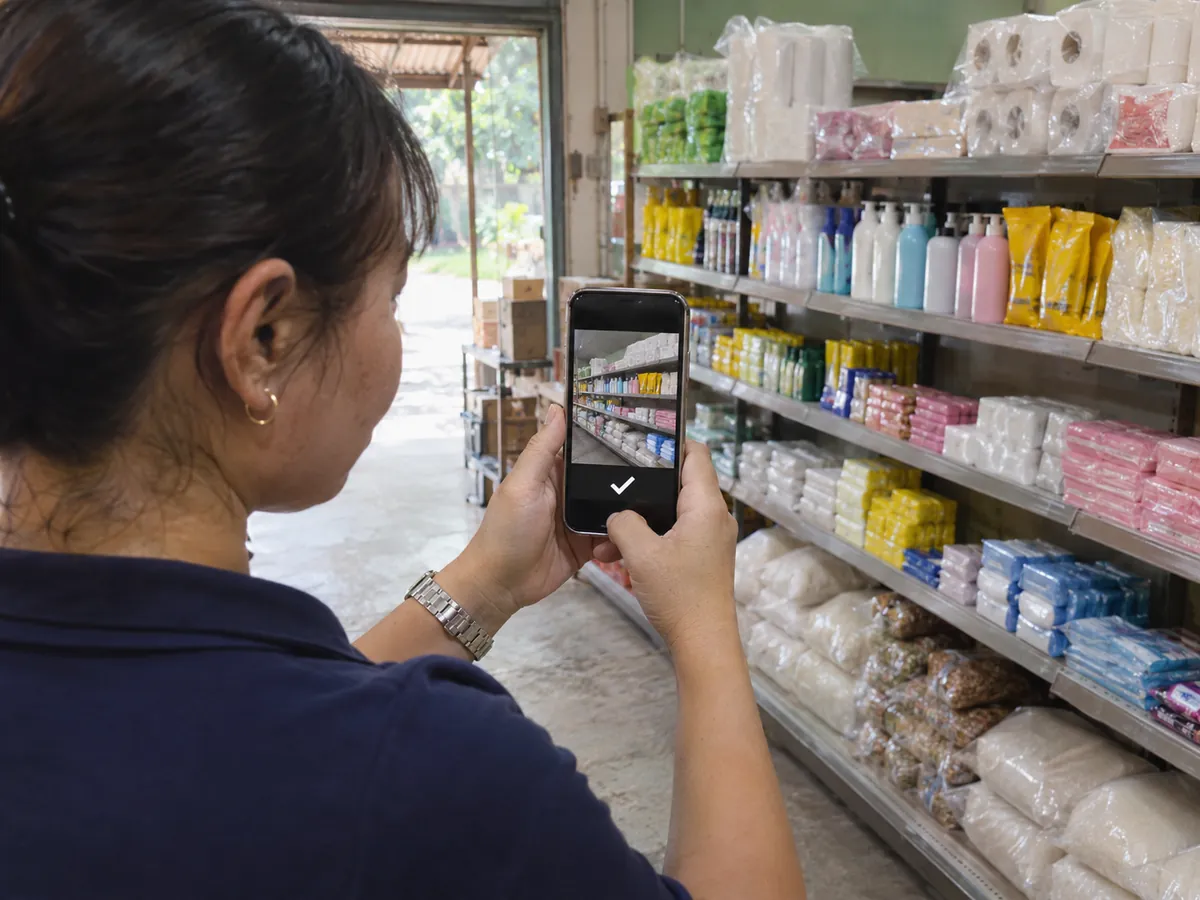
- Capture proof at completion. A photo, a short note or a location check-in shows that the job was done without requiring a follow-up call.
- Review exceptions, not everything. Managers should focus on overdue, blocked or rejected tasks instead of scrolling through every update.
- Share the same view with staff. When employees can see their own scores and deadlines, tracking feels like support rather than surveillance.
Here is a before-and-after picture. Before: a regional manager calls five branch heads every evening, writes the answers into a spreadsheet and emails a summary the next morning. After: each branch closes its tasks in one system, and the manager opens a single status view showing what is done, what is late and who needs help.
 ## Which workflows should a growing business track first?
Start with the recurring workflows that generate the most follow-up calls today. For most growing businesses, that means daily task assignment, attendance and shifts, field visits, sales follow-ups, approvals and end-of-day reporting. Each of these produces data that is currently scattered, and each is repeated often enough to benefit from a standard process.
Here are eight workflows worth considering, along with how they usually run today and the data they generate:
- Daily task assignment: Often sent through WhatsApp messages. Tracking it creates a record of owners, due dates and completion times.
- Recurring checks and inspections: Frequently kept on paper checklists. Digitising them produces dated evidence that each check actually happened.
- Attendance and shifts: Commonly logged in manual registers. A digital system captures check-in and check-out times, leave and shift patterns.
- Field visits and service calls: Usually coordinated by phone. Tracking them records visit times, locations and job outcomes.
- Sales follow-ups: Typically remembered by individual salespeople. A structured workflow logs every contact, next step and missed follow-up.
- Approvals: Purchase requests and expense claims often wait in email inboxes. A tracked workflow shows who is holding up a decision and for how long.
- Inventory movement across sites: Stock counts often live in separate spreadsheets. A shared record shows stock levels by location.
- End-of-day reporting: Managers compile it by hand. Automated reports turn completed tasks into a daily summary.
You do not need all eight on day one. Pick the three to five workflows that cause the most chasing and standardise those first.
How can you track field employees fairly?
To track field employees fairly, link location data to work rather than to a person’s entire day. Record a check-in when a technician arrives at a site and a check-out when the job closes. Explain clearly what is recorded and why, and avoid continuous monitoring outside working hours.
Geofencing is useful here. A geofence is a virtual boundary drawn around a site, such as a branch or a customer location, so the system can confirm that a check-in happened in the right place. That confirmation replaces the evening phone call asking, "Did you reach the site?"
Trust matters as much as technology. Tell staff which data you collect, who can see it and how it will be used in performance reviews. Before you switch on location features, check the employment and data protection rules that apply wherever you operate.
Where does AI help in employee productivity tracking software?
AI helps when it works on connected business data and rules your team has set. In employee productivity tracking software, that can mean suggesting which tasks need attention first, flagging work that looks incomplete before it is closed and summarising the day’s exceptions, so a manager knows exactly where to step in.
For example, if a recurring inspection has slipped at one branch for three weeks in a row, an AI assistant can highlight that pattern instead of leaving it buried in a report.
The quality of the input data sets the limit. If tasks are closed without notes, or attendance is entered days late, AI suggestions will be weak. That is why standard workflows come first and AI comes second, and why people should always review AI suggestions before acting on anything important, such as a performance decision.
When is a free employee productivity tracker enough?
A free tool is often enough for a team of fewer than ten people working in one location with a handful of recurring tasks. Once you add branches, shifts, field roles or approval steps, the manual effort of keeping a basic tool up to date can grow faster than the team itself.
A good productivity tracker for small teams should be quick to set up, easy to use on a phone and simple enough that people actually update it. If a shared task list and a weekly check-in meeting keep everyone aligned, you may not need anything more yet.
These signs suggest you have outgrown a simple tool:
- You run multiple locations or multiple shifts.
- Managers spend a large part of their day chasing updates.
- Field staff report their progress by phone.
- Follow-ups with customers or suppliers regularly slip.
- Reports are compiled by hand from several spreadsheets.
- Compliance or audit requirements are increasing.
- Nobody can say quickly which tasks are overdue across the business.
How does TrackerSuite fit?
TrackerSuite is an AI-powered operations platform that connects tasks, attendance, sales follow-ups and inventory in one place. It suits growing businesses that need to see work across teams and locations, not just log hours. If you mainly need screenshot-based monitoring of remote desk staff, a dedicated activity monitoring tool may suit you better.
For workforce coordination, TrackerSuite’s Task Tracker supports recurring tasks, industry task templates and a calendar view by team member. Attendance rules, check-in and check-out and holidays are handled in the same system, so task data and attendance data sit side by side.
For field teams, the Growth plan includes geolocation tracking and can add multiple shifts as a paid add-on. Reminders reach staff through WhatsApp notifications and emails sent 48 and 24 hours before a task is due. Managers can receive daily automated reports on WhatsApp, along with performance scores.
TrackerSuite’s AI assistant, Tavi, supports predictive tasking and AI-based work validation, which helps check submitted work against what was expected. Sales Tracker handles lead and follow-up workflows, while Stack Tracker manages inventory across locations. Features differ by plan, so confirm what each plan includes before you commit.
What this means for you
If you run or manage a growing business, the goal is not to watch people more closely. The goal is to stop depending on phone calls and memory to know what is happening. A sensible 30-day rollout might look like this:
- Week 1: List the three to five workflows that create the most follow-up calls, and agree on one clear outcome for each role.
- Week 2: Set up those workflows as recurring tasks with owners and due dates, and pilot them in one branch or team.
- Week 3: Explain to staff what is tracked and why, and show them their own dashboards. Collect feedback and fix confusing steps.
- Week 4: Switch daily status calls to a review of exceptions only, then extend the setup to the next location.
Operations managers should judge success by fewer status calls and faster handovers. Owners should look for a single, reliable view across branches. Employees should find that clear expectations and fewer interruptions make their day easier.
Frequently asked questions
Is it legal to track employee productivity?
In many countries, employers can track work-related activity, but the rules on consent, location data and privacy differ by jurisdiction. Be transparent with staff, collect only the data you need and check the local employment and data protection laws before switching on monitoring features.
What metrics should I use to measure employee productivity?
Focus on outcomes such as tasks completed on time, follow-ups closed, visits completed and attendance consistency. Use activity data, such as hours logged, only as background context. The right metrics depend on each role, so agree on them with team leads first.
Can I measure productivity without screen monitoring?
Yes. Task-based tracking records what was assigned, who owned it and when it was completed, which works for field and shift teams who spend little time at a computer. Proof such as photos, notes and location check-ins can replace screenshots.
Is there a free tool to track employee productivity?
Several tools offer free plans for small teams. TrackerSuite offers a free trial, so you can test one workflow with your team before you commit. Check the pricing page for what each plan includes. Larger teams usually need a paid plan for features such as geolocation, automated reports and AI support.
How do I get staff to accept a productivity tracker?
Explain the purpose before launch, focus on outcomes rather than surveillance and let employees see their own data. Start with a small pilot, act on feedback and use the system to remove pointless status calls, so staff experience a clear benefit.
Conclusion
Measuring employee productivity works best when the system records the work itself: tasks, owners, deadlines, attendance and outcomes. Screen time and click counts can support desk-based teams, but they rarely help a business with branches, shifts and field staff. Start with a few recurring workflows, keep people in charge of decisions and add AI once your data is reliable.
If your managers spend more time chasing updates than leading their teams, it may be time for a more connected system. Compare TrackerSuite plans and start a free trial to test one workflow with your team.
Leave a Reply