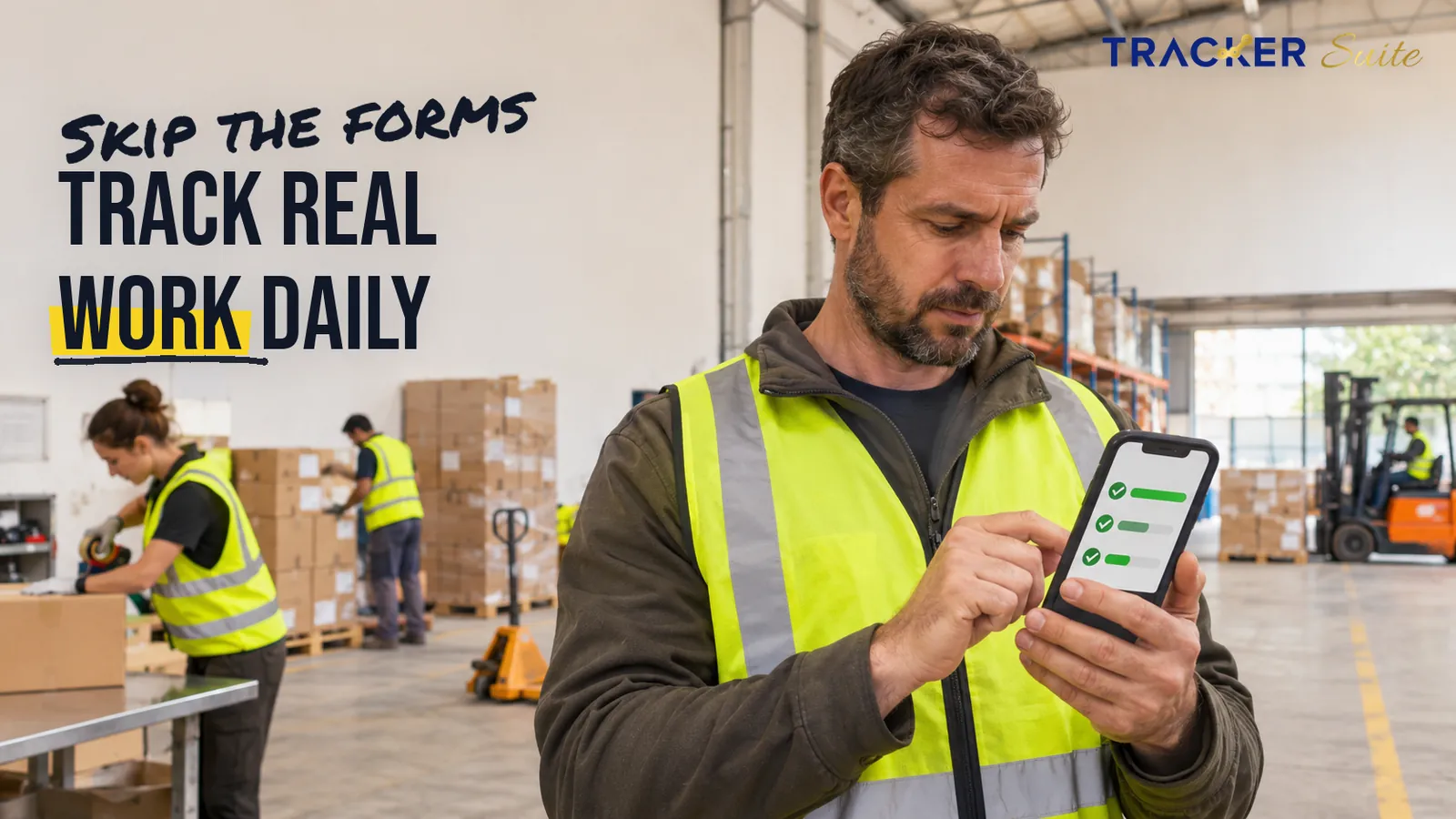
Most growing businesses already run a performance management system, even if nobody calls it that. It lives in WhatsApp threads, attendance registers, monthly sales numbers and a manager’s memory of who delivered. That works for a small team in one room, but once you add sites, shifts and field staff, the evidence of good work ends up scattered everywhere.
Key takeaways
- Performance management is a continuous cycle: set goals, track the work, give feedback and act on the results. A yearly appraisal is only one step in that cycle.
- Global employee engagement fell to 20% in 2025, and manager engagement has dropped nine points since 2022 (Gallup, 2026). Stretched managers need a process that saves time, not one that adds forms.
- In operations-heavy businesses, the most reliable performance data comes from daily workflows: tasks, attendance, field visits, follow-ups and handovers.
- Automation can collect that data and send reminders, and AI can help flag what needs attention. Managers still make the judgement calls.
- A very small team may only need a shared task list. A connected platform starts to make sense once you run several teams, locations or shifts.
At a glance
- What it is: A repeatable process for setting goals, tracking work, giving feedback and reviewing results.
- Core stages: Plan, track, review, act.
- Best data source: Records created by everyday work, such as completed tasks, attendance logs and follow-up history.
- Signs you need a dedicated system: Several locations, shifts or field teams, and managers who spend hours chasing updates.
- When a simple tool is enough: A small team in one place, with few recurring tasks and one manager who sees everyone’s work daily.
What is a performance management system?
A performance management system is the set of goals, routines, data and reviews a business uses to check whether people are doing the right work well. It covers the full cycle: agreeing expectations, tracking progress, giving feedback and acting on the results through coaching, recognition or changes to how the work is organised.
People often confuse this with the annual performance appraisal. The appraisal is a single event inside the cycle. If the rest of the year produces no reliable records, the appraisal ends up resting on impressions.
Most approaches follow four stages:
- Plan: Define each role, its goals and a few measurable expectations, such as "close service tickets within the agreed response time."
- Track: Record what actually happens: tasks completed, visits made, follow-ups sent and shifts attended.
- Review: Compare the records with the expectations and discuss them with the employee.
- Act: Coach, recognise, retrain, rebalance workloads or fix the process itself.
Most guides focus on the HR side, meaning goal templates, rating scales and appraisal forms. In field service, construction, manufacturing, logistics hubs and facilities teams, the tracking stage is usually the hard part. On a construction project, for example, a supervisor may need to confirm that daily safety inspections and shift handovers happened across several crews before anyone can fairly judge who performed well. A rating can only be as fair as the records behind it.
Why does performance management matter more for managers in 2026?
Managers have more people to support and less energy to do it. Engagement is falling, managers say they are working harder, and many employees say they lack clear feedback. A performance process that saves managers time and gives them reliable records helps them coach instead of chase.
Gallup’s State of the Global Workplace 2026 report found that global employee engagement fell to 20% in 2025. Gallup also found that manager engagement has dropped nine points since 2022 (Gallup, 2026). Every hour a disengaged manager spends chasing updates is an hour taken from coaching.
The cost of that gap is large, and Gallup puts a figure on it:
Gallup estimates that low employee engagement costs the global economy about $10 trillion in lost productivity, or 9% of GDP (Gallup, 2026).
Performance management doesn’t explain all of that loss. Still, the figure shows how much output disappears between what teams could deliver and what they actually deliver.
Gartner’s survey of 2,947 employees and managers, run in November and December 2025, adds the manager’s view. It found that 47% of managers say more is expected of them than a year earlier, and only 39% of employees agree their manager gives clear developmental feedback (Gartner, 2026). Overloaded managers and thin feedback tend to go together.
The pressure is sharp in South Asia, where Gallup reports an eight-point decline in manager engagement in 2025 (Gallup, 2026). Many fast-growing MSMEs (micro, small and medium enterprises) have thin management layers. Supervisors often lead large teams while doing their own work, so a process that adds paperwork makes things worse.
Where does employee performance tracking break down as a business grows?
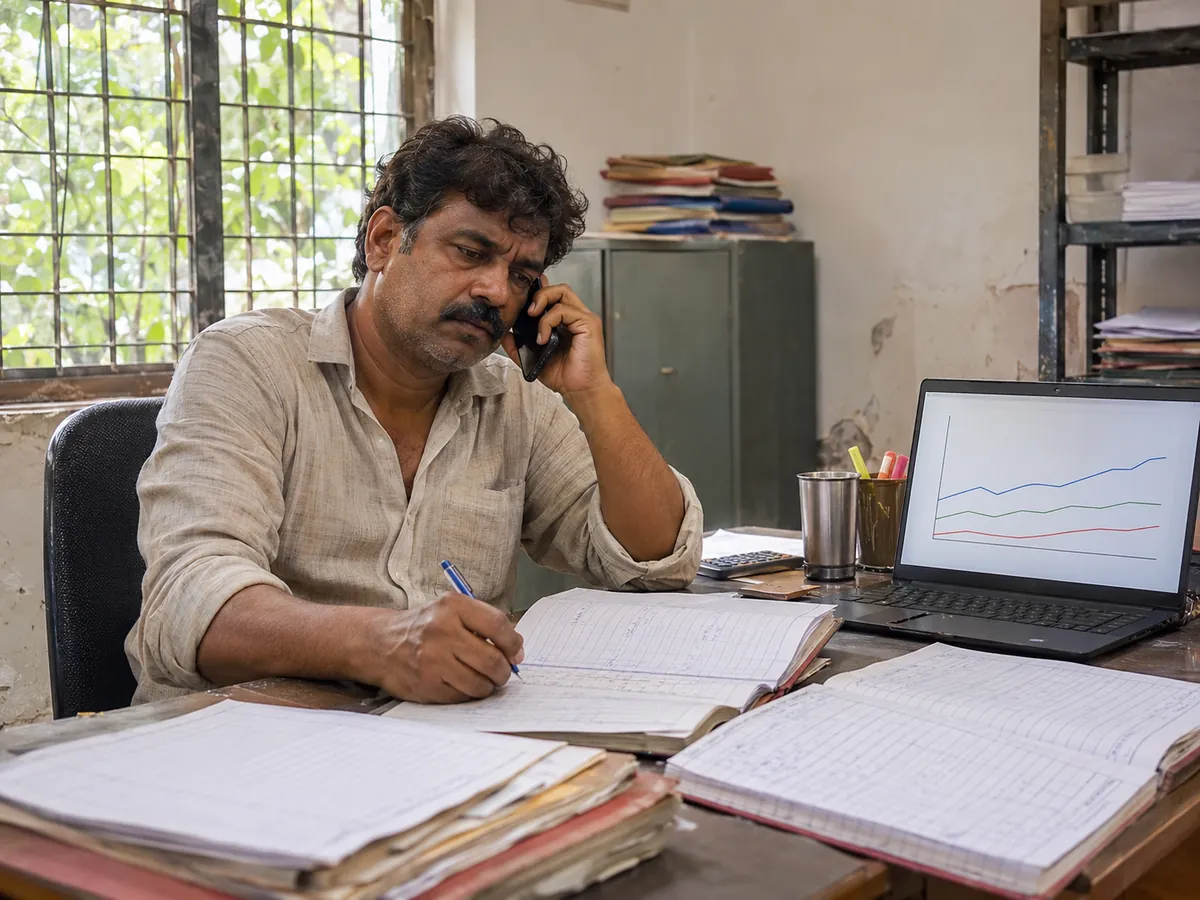
Employee performance tracking breaks down when a manager can no longer see the work directly. Records end up in chat groups, spreadsheets and notebooks, so reviews depend on memory and on who speaks up. Growth adds people, sites and shifts faster than informal tracking can keep up.
The scaling journey usually looks like this:
- Small (around 10 people, one site): The owner sees most of the work. A WhatsApp group, an Excel sheet and a paper attendance register are enough.
- Growing (50 people, two or three sites): Supervisors run their own teams. Each keeps records differently, and the owner starts asking five people for one update.
- Complex (200 people, 20 locations, several shifts): Field staff, night shifts and contractors create thousands of activities a month. Nobody can say with confidence who completed what, when and to what standard.
These numbers illustrate scale; they are not a product capacity claim. The point is that problems with follow-up, accountability and handovers grow faster than headcount.
At that third stage, a few common symptoms appear. Reviews reward the most visible employees rather than the most reliable ones. Late tasks surface only when a customer complains. Shift handovers lose information, so the next team repeats or misses work.
Excel and WhatsApp still work well for simple tracking. The issue is that they were never designed to connect work across many teams, locations and workflows.
Which daily workflows produce reliable performance data?
The most reliable performance data comes from records created while work happens, not from forms filled in at review time. Attendance, completed tasks, field visits, follow-ups, approvals and handovers all leave a trail that shows reliability, speed and quality without extra effort from staff.
Here are seven workflows that typically feed a fair review in an operations-heavy business:
- Attendance and shifts: Check-in times, absences and shift coverage show reliability. Manual registers are easy to dispute; mobile attendance with location records is harder to argue with. If you use location-based attendance, explain it to staff first and set it up in line with local privacy and employment rules.
- Recurring tasks and checklists: Daily site inspections, store opening checks or machine cleaning. Completion rates and on-time rates show consistency.
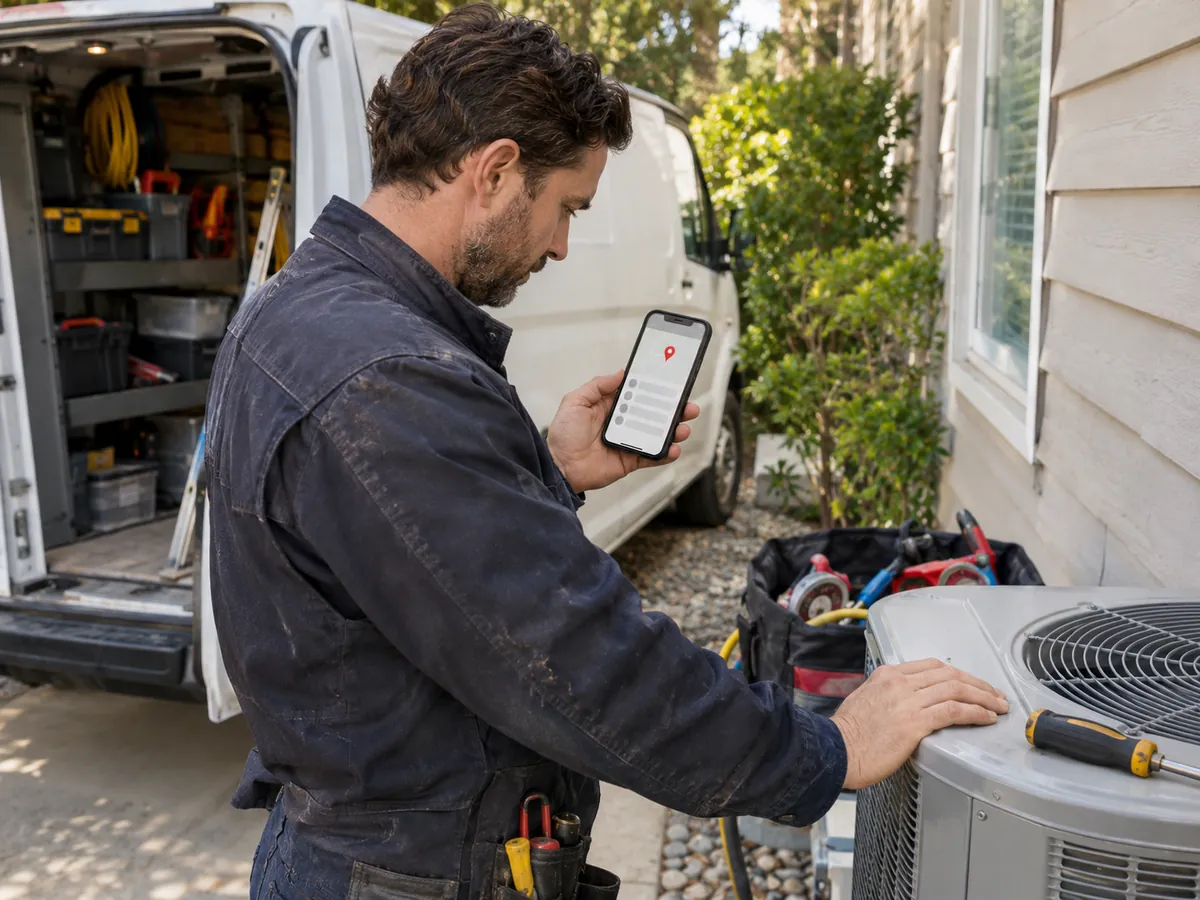
- Field visits: Service calls, deliveries or site audits. Visit logs with time and location show coverage and productivity across a territory.
- Sales follow-ups: Calls, quotes and reminders to leads. Follow-up history shows discipline, not just closed revenue.
- Approvals: Purchase requests, leave or quality sign-offs. Time to approve shows where work gets stuck and who is holding it.
- Shift handovers: Open issues passed from one team to the next. Recorded handovers show ownership across shifts.
- Customer service tickets: Response and resolution times show service quality.
Each of these workflows already generates data. In a manual setup, though, that data sits in separate places and someone has to compile it each month. Connecting these records is what turns daily operations into usable performance evidence.
How can automation and AI in performance management help without replacing managers?
Automation handles repetitive steps such as reminders, escalations and report compilation. AI in performance management can then use connected data and configured rules to highlight what needs attention, such as overdue tasks or unusual patterns. Managers stay responsible for goals, context and every decision about people.
Think of the work in layers:
- People define the rules: What counts as on time, which tasks matter most and who approves what.
- The platform organises the data: Tasks, attendance and follow-ups land in one place instead of five.
- Automation handles routine steps: Reminders before deadlines, alerts when a task goes overdue and weekly summaries that build themselves.
- AI assists where configured: Spotting a team that keeps missing checklists, or suggesting which follow-ups are due first.
- Managers decide: A missed visit might mean poor effort, or it might mean the route was badly planned.
Here is a before and after example. Before, a regional manager spends Monday morning calling site supervisors for last week’s numbers. After, a dashboard shows completion, attendance and overdue items by site, so the call becomes a coaching conversation about the two sites that slipped.
AI is only useful when it is connected to real business data and workflows. A chatbot asked "how is my team doing?" with no access to task and attendance records can only guess.
Is performance management for small business different?
Performance management for small business needs the same cycle but far less machinery. A team of five to ten people in one location can often manage with clear goals, a shared task list and a short monthly check-in. A dedicated system pays off once coordination, not effort, becomes the bottleneck.
You probably don’t need a dedicated platform yet if the owner sees everyone’s work daily and tasks are mostly one-off. A spreadsheet and a regular conversation are enough at that stage.
You are likely ready for something more connected if several of these apply:
- Multiple locations or branches
- A growing workforce, including field teams
- Multiple shifts or contractors
- Recurring workflows such as inspections or store checks
- A high volume of sales or service follow-ups
- Data spread across sheets, chats and email
- Reports compiled by hand each month
- Managers who spend much of their day chasing updates
If several of these apply, the cost of manual tracking is probably already showing up as late work and uneven reviews.
What should you look for in performance management software?
Good performance management software captures performance data from daily work instead of asking staff to log it twice. Look for mobile access, task and attendance tracking, automated reminders, role-based permissions, clear reports and a low-risk way to start, such as a free plan or trial.
Use these criteria when you compare options:
- Captures work as it happens: Tasks, attendance and visits are recorded in the normal flow of work.
- Built for mobile and field teams: Staff on the road or the shop floor can update from a phone.
- Handles recurring work and shifts: Daily checklists and multi-shift attendance are supported, not bolted on.
- Automates reminders and escalations: Sends reminders and escalations (alerts passed up to a senior person) through channels your team already reads, such as WhatsApp or email.
- Respects permissions: Supervisors see their own teams, while leaders see across sites.
- Produces reports without manual compilation: Scores and summaries that feed your performance review process directly.
- Fits your existing tools: Check the integrations you rely on before you commit.
- Lets you start small: A free tier or trial reduces the risk of a failed rollout.
HR-focused tools with rich appraisal templates can suit office teams with mostly project work. Operations-heavy teams usually get more value from a tool that tracks the daily work itself.
How does TrackerSuite fit?
TrackerSuite is an AI-powered operations platform built around everyday work, such as tasks, attendance, sales follow-ups and inventory. For performance management, its value lies in connecting the records that already describe how people work, so reviews rest on evidence rather than memory.
Based on TrackerSuite’s pricing page (checked November 2026), these capabilities map to the workflows above:
- Task Tracker: Assigning and tracking tasks across teams. The Scale plan lists advanced task and workflow management.
- Attendance: The free Starter plan includes an attendance and leave module. Higher plans list geolocation tracking, geofenced sites (a set boundary around a work site where staff can check in) for attendance and multi-shift attendance.
- Reminders: The Growth plan lists WhatsApp notifications and reminders, which helps reach field staff on a channel they already use.
- Performance score and reports: Listed on the Growth plan, so managers can review results without compiling spreadsheets.
- Tavi, the AI assistant: Listed on the Growth plan, to help teams work with their operational data.
The pricing page also lists a free Starter plan for up to five users, so a small team can test the workflow first. Plans and prices change, so confirm current details on the TrackerSuite pricing page. To learn more about the team’s approach, see About TrackerSuite.
How do you roll out a performance management system step by step?
Roll out a performance management system in small, testable steps. Start with one team and three or four measures, connect the daily workflows that produce the data, automate reminders, then review with real records for a full cycle before expanding to other teams and sites.
- Pick one team with a clear pain point. A field service crew or a branch with frequent missed tasks works well.
- Agree three or four measures. For example, on-time task completion, attendance reliability and follow-up rate. Write down what "good" looks like.
- Move the daily work into one place. Assign tasks, recurring checklists and attendance in the system rather than in chats.
- Turn on reminders and escalation rules. Decide who gets alerted, and when, if a task goes overdue.
- Hold short monthly check-ins using the data. Treat the numbers as the start of a conversation, not the verdict.
- Review after one full cycle. Fix measures that encouraged the wrong behaviour, then expand to the next team or site.
Communicate the purpose early. Staff accept tracking more readily when they see it is used to remove blockers and recognise good work, not only to catch mistakes.
What this means for you
If you run a growing business with field staff, branches or shifts, your biggest performance problem is probably visibility, not motivation. Start by listing the workflows where work happens and ask whether each one leaves a usable record.
Then ask a simple question: could your managers prepare a fair review for every team member tomorrow without making a single phone call? If the answer is no, connecting your task, attendance and follow-up data will likely do more for performance than a new appraisal form.
Conclusion
A performance management system works when the records behind it are reliable. For small teams, a task list and a monthly conversation may be enough. As you add sites, shifts and field teams, connected workflows, automated reminders and AI-assisted reporting help managers see the work and spend their time on coaching.
If you want to test this with your own team, you can start on TrackerSuite’s free Starter plan and expand as your operations grow. Compare the options on the TrackerSuite pricing page.
FAQs
What are the main components of a performance management system?
The main components are goal setting, ongoing tracking, regular feedback and action on the results. Action can mean coaching, recognition, retraining or changing how work is organised. The annual appraisal is just one part of the cycle.
How do you track employee performance in field teams?
Track the work field staff already do: attendance with location, assigned visits, completed tasks and follow-ups logged from a phone. Automated reminders cut down the need for supervisors to chase updates. Managers can then review patterns across sites instead of relying on calls.
Can AI do performance reviews?
AI can help prepare reviews by summarising task, attendance and follow-up data and flagging patterns that need attention. It should not make the final judgement about a person. Managers add the context, such as workload or route problems, that data alone can miss.
How often should performance reviews happen?
Many growing businesses combine short monthly check-ins with a fuller review once or twice a year. Frequent check-ins catch problems early, while the formal review covers goals and development. Consistent records make both quicker to prepare.
Is a spreadsheet enough for performance management?
A spreadsheet can be enough for a small team in one location with few recurring tasks. It becomes harder to manage once you have several sites, shifts or field staff, because data has to be gathered and combined by hand. At that point, a connected platform usually saves managers more time than it costs.
Leave a Reply