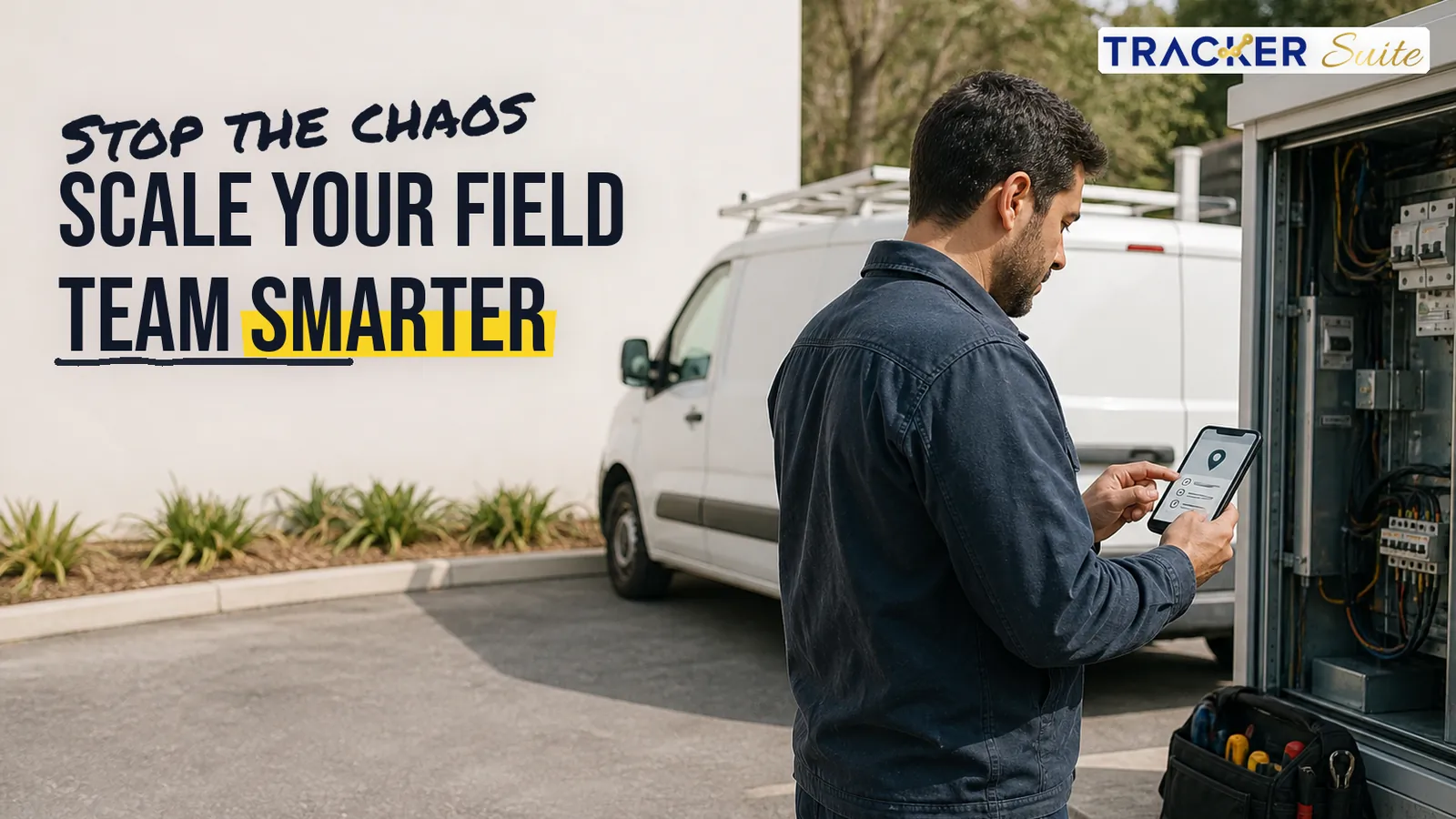
Field managers at growing companies often spend the morning calling staff to ask where they are. They spend the evening pulling visit updates out of WhatsApp chats. Field employee tracking software replaces those calls with one shared record of attendance, location, tasks and customer visits. This guide explains which field workflows to track, when a simple tool is enough, and how to roll out tracking in a way your team will accept.
Key takeaways
- Field employee tracking works best when it connects attendance, tasks, visits and reports in one place. Location alone doesn’t tell you much.
- Calls, WhatsApp and Excel work for a small team. They break down across many cities, shifts and managers.
- Automation takes over repetitive steps like reminders, daily reports and follow-up alerts. AI can help teams prioritise, but only when it runs on clean, connected data.
- Track during working hours only, tell staff what you collect and why, and check local privacy law before you start.
At a glance
- What it is: A mobile app plus a manager dashboard that records field staff attendance, location, tasks and visits.
- Who needs it: Businesses with sales reps, service technicians, auditors, collection agents or site supervisors who work away from the office.
- Core features: Geo-tagged check-in, geofencing, task assignment, visit logs, reminders and automated reports.
- Pricing model: Usually per user per month. Some vendors, including TrackerSuite, offer a free plan for very small teams.
- Main risk: Staff lose trust if you track them without clear rules.
- When to skip it: A small team with simple, one-off jobs and a manager who already knows the status of every task.
What is field employee tracking software?
Field employee tracking software is a system that records what field staff do during working hours: when they start, where they check in, which tasks or visits they finish and what they report. Managers see this on a dashboard. Employees use a mobile app to check in, update tasks and submit proof of work.
The term covers a wide range of tools. Some products focus on live GPS tracking, which shows a dot on a map. Others centre on attendance. The more useful systems connect location to the actual work: the customer visit, the service job, the inspection or the follow-up call.
That difference matters. Knowing that a technician stayed at one spot for 40 minutes tells you little. Knowing that the technician checked in at the right customer site, closed the job, uploaded a photo and triggered the next step tells you the work actually got done.
Why does managing field teams get harder as you grow?
Managing field teams gets harder because information about each job lives in too many places. With five people, a manager can hold the whole picture in their head. With 50 people across several cities and shifts, nobody can. Updates arrive late, follow-ups slip, and reports take hours to put together.
Most field businesses grow through the same four stages:
- Small operation: A handful of staff. Tasks go out on WhatsApp, attendance sits in an Excel sheet, and the owner calls people for updates. This works.
- Growing team: Two or three branches and several supervisors. Each supervisor runs their own sheet and group chat, so head office loses one consistent picture.
- Complex operation: Multiple shifts, recurring jobs, approvals and client reporting. Managers spend much of the day chasing updates instead of solving problems.
- Scaled operation: Think 200 field staff, 20 locations and thousands of visits a month. At this size you need connected data, automated routines and clear ownership just to know what happened yesterday.
The admin load is real for the people doing the work. In research published in 2025, Salesforce surveyed 350 mobile workers and found that over 80% work overtime at least once a month just to handle admin tasks (Salesforce, 2025).
The same research found that mobile workers lose about 18% of their working hours, roughly seven hours per worker each week, to inefficient, unproductive or low-value tasks (Salesforce, 2025).
The pattern will feel familiar to field teams anywhere. Forms, calls and hunting for information take time away from customers. Better systems can’t remove all admin, but they can stop people from typing the same update three times.

Which field workflows can you track and automate?
Most field businesses have a handful of core workflows worth tracking and automating. These include attendance, visit plans, service jobs, recurring inspections, sales follow-ups, distance claims, daily reports and shift handovers. Each one produces data that usually ends up scattered across phones, chats and spreadsheets.
Here are the workflows that usually matter most, with the manual method and the connected alternative for each:
- Attendance and check-in. Manual: staff send a selfie or a "reached" message on WhatsApp. Connected: staff check in on the app, and the system stamps the time and location automatically.
- Daily visit plans. Manual: the manager shares a list each morning by message. Connected: visits are assigned in the system, and each one shows as pending, in progress or done.
- Service and installation jobs. Manual: the technician calls the office after each job. Connected: the technician closes the job on the app with notes and photos, and the next step starts.
- Recurring inspections and audits. Manual: someone remembers that a site needs a monthly check. Connected: the task repeats on a schedule and alerts the owner when it is due or overdue.
- Field sales tracking. Manual: reps keep follow-up dates in a notebook or in their head. Connected: each lead has a stage, an owner and a next action, and reminders go out before it slips.
- Travel and distance claims. Manual: reps fill in kilometres on a claim form at month end. Connected: the system calculates distance from logged locations, which cuts arguments over claims.
- Daily and monthly reports. Manual: a coordinator compiles sheets from every supervisor. Connected: dashboards update as work happens.
- Shift handovers. Manual: the outgoing shift leaves a voice note. Connected: open tasks carry over to the next shift with their history attached.
You don’t need to digitise all eight at once. Start with the two that cause the most chasing, then add the rest.
How does geofencing attendance work?
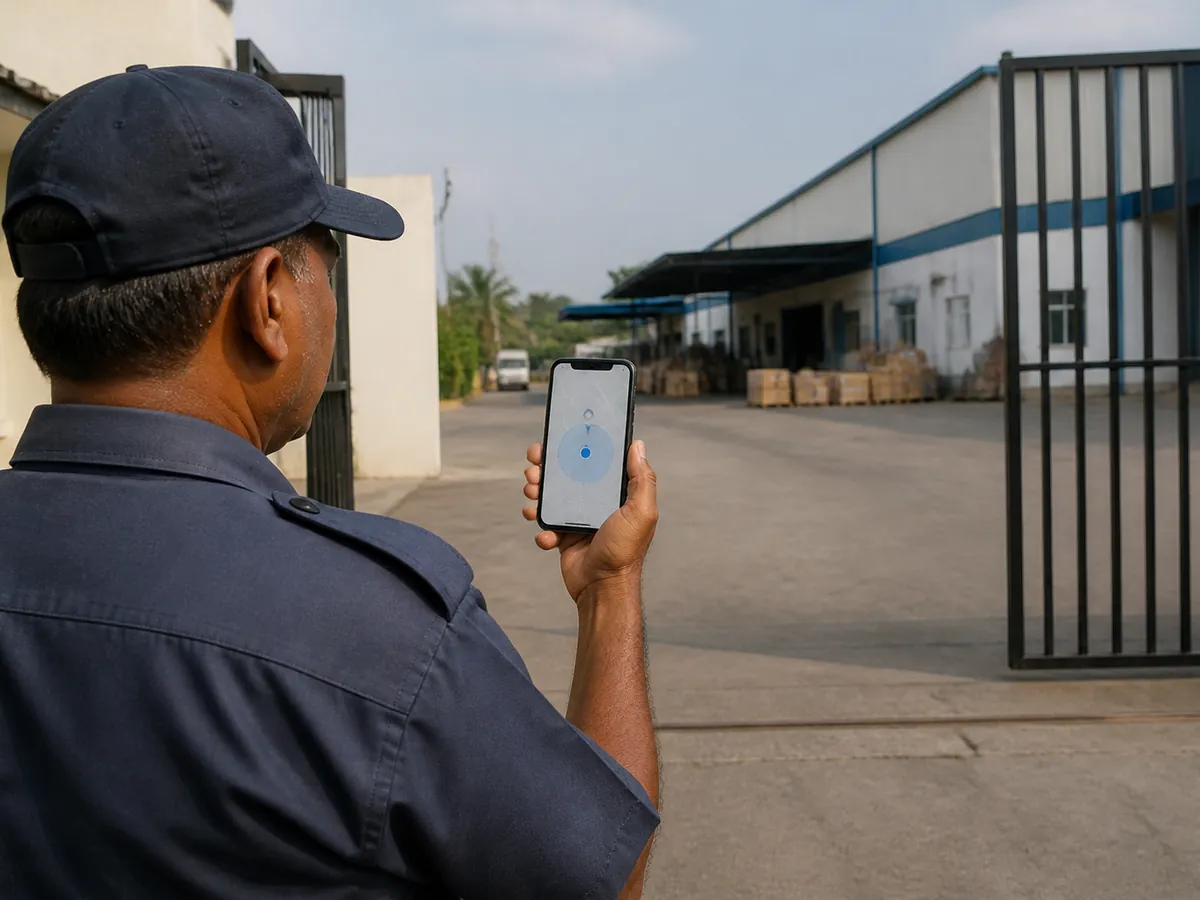
Geofencing attendance lets staff mark attendance only when their phone is inside a virtual boundary, called a geofence, drawn around an office, warehouse or client site. If someone tries to check in from elsewhere, the system blocks it or flags it for a manager to review.
Geofencing suits teams that report to fixed places, such as security guards at client sites, merchandisers at retail stores or technicians at a plant. It removes the daily question of whether someone really reached the site. It also gives HR a cleaner attendance record for payroll.
GPS has limits, though. Signals can drift indoors, in basements or in dense city blocks. Set a sensible radius, allow an exception request with a reason, and let a supervisor approve it. Rules that are too strict push honest staff back to WhatsApp workarounds.
How does connected data improve field visibility?
Connected data improves visibility because attendance, tasks, visits and reports share one record instead of living in separate sheets and chats. A manager can open one screen and see who is working, what is done and what is late, without calling anyone. Head office sees the same numbers as the branch.
Here is what typically changes, shown as before and after:
- Status updates: Before, a manager calls five people to ask for updates. After, the manager checks one status view and only calls about exceptions.
- Follow-ups: Before, a salesperson remembers follow-ups manually. After, a structured follow-up list shows what is due today and what is overdue.
- Reports: Before, a coordinator spends Monday morning merging spreadsheets. After, the weekly report is ready when the week ends.
- Handovers: Before, a new supervisor inherits a phone full of chats. After, the supervisor inherits a task list with full history.
Connected data also makes accountability fairer. When every task has an owner, a due date and a timestamped update, reviews rest on records rather than on who complained loudest. Set permissions so supervisors see their own teams and senior managers see the wider picture.
Where do automation and AI actually help field teams?
Automation helps field teams by handling repetitive steps, such as reminders, recurring tasks, daily reports and alerts for missed check-ins. AI can go a step further by helping managers spot what needs attention first. Both depend on clean, connected data and rules that people set.
Good automation targets steps your team already repeats every day:
- Creating the same weekly inspection task for 30 sites
- Reminding a rep that a prospect is due for a call in 30 minutes
- Sending a lead’s details to the assigned rep on WhatsApp or email
- Alerting a supervisor when a technician hasn’t checked in by 10 am
- Compiling the monthly attendance report for payroll
AI is useful when it sits on top of that connected data. For example, AI can use visit history and configured rules to suggest which overdue accounts to call first, or highlight a branch where jobs keep running late. People still define the goals and rules, and managers stay responsible for decisions about staff and customers.
If your data is patchy, fix that first. A system can’t prioritise work it never sees recorded.
How do you track field employees fairly and legally?
Track field employees fairly by limiting tracking to working hours, collecting only what the job needs and telling staff clearly what you record and why. Check local privacy law before you start, such as India’s Digital Personal Data Protection Act, 2023, or GDPR for staff in Europe.
A simple policy covers most concerns:
- Purpose: Explain the business reason, such as verifying visits, paying travel claims accurately or keeping lone workers safe.
- Hours: Track location only between check-in and check-out, never on personal time.
- Access: Limit who can see location history and other personal data.
- Retention: Decide how long you keep location data and delete it after that.
- Transparency: Let employees see their own records and raise corrections.
This is general guidance, not legal advice. When teams understand that tracking replaces constant check-up calls, many find it less intrusive than the old way.
What should you look for in a field employee tracking app?
Look for a field employee tracking app that your staff will actually use on a basic phone, and that links location to tasks, attendance and reports. Check that it works on patchy networks, supports your shifts and branches, and connects with tools you already run, such as accounting software.
Use this checklist when comparing options:
- Ease of use: Can a new field employee check in and close a task without training?
- Work, not just location: Does it tie check-ins to specific visits, jobs or leads?
- Multiple shifts and branches: Can you set shifts, time zones and branch-level rules?
- Recurring workflows: Can tasks repeat on a schedule with automatic reminders?
- Reporting: Are attendance, visit and distance reports ready without manual merging?
- Integration: Does it connect with your accounting or inventory systems?
- Permissions: Can you control who sees what?
- Pricing: Is the per-user cost clear, and which features are paid add-ons?
You might not need any of this yet. If you run one small team, have few recurring jobs and already know where everyone is, a shared task list and a simple attendance sheet may be enough. The signs you’ve outgrown that are clear: several locations, multiple shifts, managers chasing updates all day and reports that take hours to compile.
How does TrackerSuite fit?
TrackerSuite fits businesses that have outgrown calls and spreadsheets and want attendance, field tasks, sales follow-ups and reporting in one AI-powered operations platform. TrackerSuite is aimed at SMEs and growing companies, and it offers a free Starter plan for up to five users.
For workforce coordination, TrackerSuite’s Task Tracker covers task assignment and recurring work. TrackerSuite’s paid plans cover the field workflows above. Attendance with geo-location handles daily check-ins. Leave management and monthly attendance reports give HR a cleaner record for payroll. Live location tracking and reports show progress on visit plans. Distance calculation for field executives helps settle travel claims. Geofencing, multiple shifts and multi-step workflows are listed as Growth plan add-ons, so check the current pricing and plan details before you budget.
For sales teams on the road, Sales Tracker supports structured follow-ups. The pricing page lists reminders for follow-ups, due-today and overdue prospects and prospects due in 30 minutes, plus WhatsApp and email notifications for assigned leads and two-way Tally integration. If your reps also sell from stock, Stack Tracker manages inventory and orders across locations in the same platform.
One TrackerSuite customer described the benefit in practical terms: mobile-based attendance, easy task assignment and real-time performance tracking gave the team better visibility.
How do you roll out field tracking step by step?
Roll out field tracking in stages. Start with one team and one or two workflows, explain the rules to staff, run a short pilot, then expand to other branches once the data is reliable. A slow, clear rollout builds more trust than switching everything on at once.
- List your workflows. Write down the field tasks that cause the most calls and delays.
- Pick a pilot. Choose one branch or team with a supportive supervisor.
- Write the tracking policy. Cover purpose, hours, access and retention, and share the policy before launch.
- Set up the basics. Add users, shifts, sites and the first recurring tasks.
- Train in 30 minutes. Show staff how to check in, update a task and request an exception.
- Run for four weeks. Review missed check-ins, false alerts and feedback each week.
- Fix and expand. Adjust rules, then add more teams, workflows and reports.
What this means for you
The right next step depends on where your business is today:
- Under 10 field staff: Keep things simple. A free plan or a shared task list with geo-tagged check-ins is usually enough.
- 10 to 50 staff across a few branches: Add attendance rules, recurring tasks and follow-up reminders so supervisors stop chasing updates.
- 50+ staff, multiple shifts or cities: Connect attendance, tasks, sales and reports in one system, set permissions by branch and use dashboards for weekly reviews.
Whatever your size, start with the problem, not the feature list. Ask which update your managers chase most often, then fix that workflow first.
FAQs
Is it legal to track field employees’ location?
In many countries, tracking employees during working hours is allowed when there is a clear business purpose and staff are informed. Privacy laws such as India’s DPDP Act and GDPR in Europe set rules on consent, purpose and data handling. Check the law where your staff work and take legal advice if you are unsure.
How accurate is GPS-based attendance?
GPS is usually accurate outdoors but can drift indoors, in basements or among tall buildings. Set a realistic geofence radius and allow staff to request exceptions with a reason. A supervisor can then approve genuine cases.
Does field tracking drain phone batteries?
Continuous location tracking uses more battery than a single check-in. Many teams limit tracking to working hours or rely on check-in and check-out points instead of live tracking all day. Test battery use during your pilot before rolling out widely.
What is the difference between field tracking and field workforce management?
Field tracking usually means recording attendance and location. Field workforce management is broader: it includes assigning tasks, scheduling shifts, managing follow-ups and reporting on the work itself. Most growing teams need both connected in one system.
Conclusion
Field tracking pays off when it connects location to the actual work. Attendance, visits, follow-ups and reports in one shared record mean fewer status calls, cleaner payroll data and clearer accountability. Start small, set fair rules and add automation where your team repeats the same steps every day.
If calls and spreadsheets no longer keep up with your field team, start a small pilot group on the free Starter plan, which is listed on the TrackerSuite pricing page. If you need help mapping your field workflows first, talk to the TrackerSuite team.
Leave a Reply