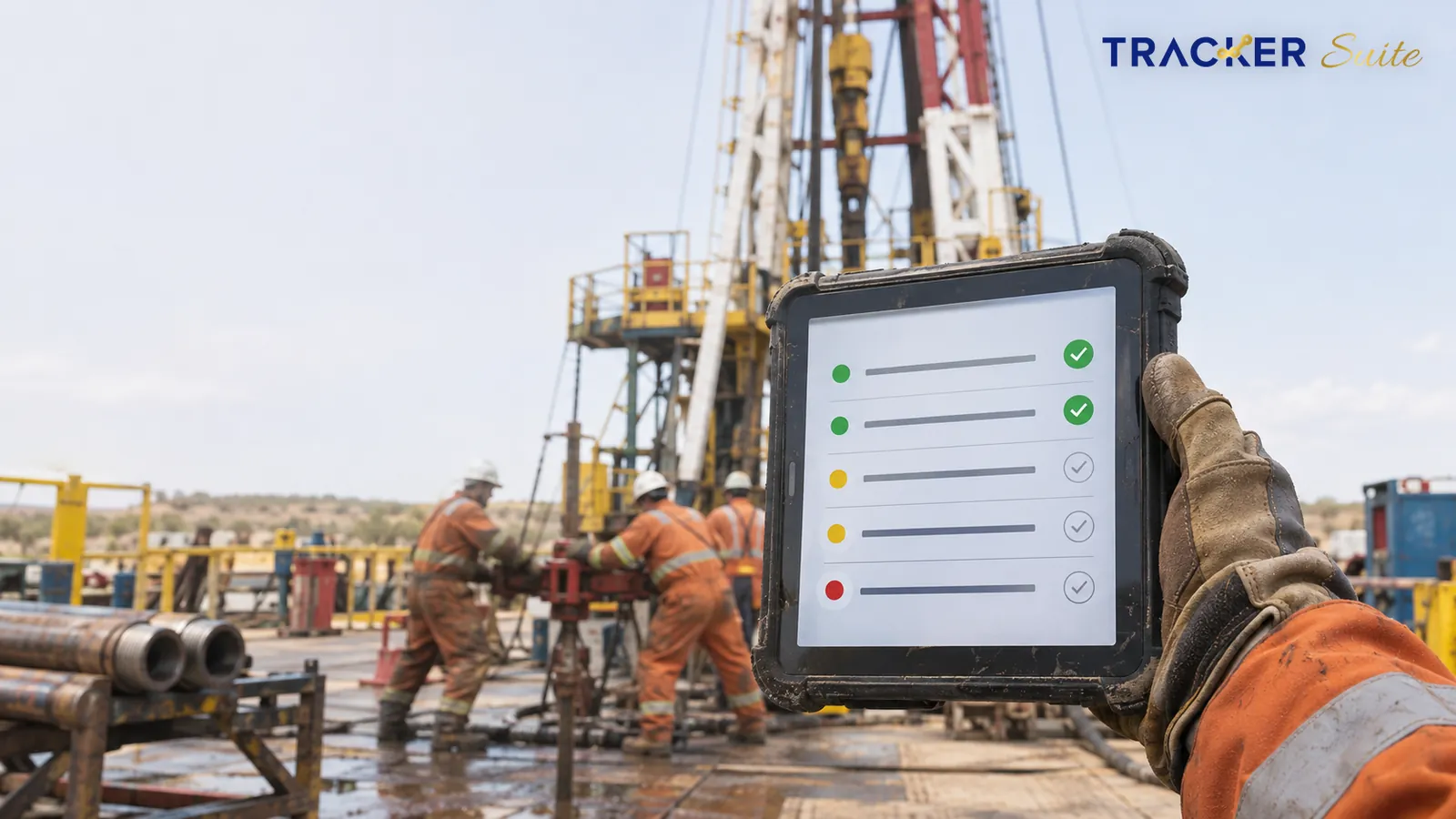
On most oilfield drilling operations, delays rarely start with the drilling itself. They start with a missed equipment inspection, a handover lost between day and night tours, or a spare part nobody chased to a remote rig.
What should task management software for oilfield drilling companies actually do?
Many drilling companies already use maintenance or ERP (enterprise resource planning) tools, and those tools are built to keep an accurate record of equipment, parts and costs. The daily coordination work often happens outside both systems. Who is chasing the customer for a missing salary slip? Which branch has a pile of files waiting for a site visit?
Teams usually answer these questions on WhatsApp, in spreadsheets and over the phone. That coordination work is what a task tracker is built to organise.
 ## Key Takeaways
-
Coordinate drilling activities, field tasks and crew schedules from one platform.
-
Track workforce attendance across remote sites, rigs and refineries.
-
Assign responsibilities and monitor task progress across teams and locations.
-
Manage contractor activities, field hours, site costs and operational records.
-
Automate task reminders, approvals and routine follow-ups.
-
Improve reporting, accountability and visibility into daily operations.
Why Do Oilfield Drilling Companies Need Task Management Software?
Drilling operations rarely happen in one place or involve one team. They require coordination between drilling supervisors, rig crews, engineers, maintenance teams, safety personnel, contractors and office managers.
Each team has its own responsibilities, deadlines and reporting requirements. Managers need to ensure that assigned work is completed on time and that the right people are available when required.
However, many operational challenges arise when teams depend on manual processes.
1. Limited Visibility Across Remote Sites
Drilling companies often manage multiple rigs, remote locations and field teams. Managers working from the head office may depend on phone calls, WhatsApp messages or daily reports to understand what is happening at each site.
This makes it difficult to get a consistent view of ongoing activities.
For example:
-
A site supervisor may report task completion late.
-
Managers may not know whether a crew has reached the assigned location.
-
Work progress may be recorded in separate spreadsheets.
-
Delays may only become visible after they affect the schedule.
Task management software provides a central place to assign work, update progress and review task status across locations. Managers can check what is completed, pending or delayed without depending entirely on manual updates.
2. Difficulty Coordinating Field Teams and Contractors
Oilfield drilling projects often involve employees, contract workers, equipment operators and third-party service providers. Each group may work under different schedules and reporting structures.
Coordinating their activities requires clear responsibilities and timely communication.
Without a structured system, teams may face:
-
Unclear task ownership.
-
Overlapping work assignments.
-
Delayed communication between supervisors and crews.
-
Difficulty tracking contractor work.
-
Missed follow-ups and pending approvals.
A task management platform helps managers assign responsibilities, set deadlines and track completion. It also creates a record of who was assigned a task, when it was updated and whether the work was completed.
3. Manual Attendance and Working-Hour Records
Workforce attendance is an important part of drilling operations, especially when teams are spread across rigs, refineries and remote sites.
Paper registers and manual attendance reports can make it difficult to verify attendance, working hours, shifts and overtime. Managers may also spend additional time collecting and checking records from different locations.
Digital attendance management can help companies record employee check-ins and check-outs, track shifts and maintain attendance information.
Depending on the system and devices used, GPS-based attendance and face recognition can add another layer of verification for field teams.
4. Delays in Task Completion and Approvals
Drilling operations involve several activities that need to happen in the right sequence. Some tasks cannot move forward until an earlier activity is completed or approved.
When teams depend on calls and messages for follow-ups, pending work can remain unnoticed.
A digital task management system helps managers:
-
Assign tasks with clear deadlines.
-
Set priorities for urgent activities.
-
Send reminders for pending work.
-
Track approvals and task completion.
-
Escalate delayed activities to the responsible manager.
This creates a more structured process for managing daily work.
5. Difficulty Tracking Site Costs and Contractor Bills
Managing drilling operations also involves monitoring field hours, contractor work, site expenses and service-related costs.
When these records are maintained separately, managers may find it difficult to compare planned and actual activities. Missing work records or delayed submissions can also affect contractor bill verification and client invoicing.
A connected task and operations platform can help maintain task records, working-hour information, cost-related updates and supporting documentation in one place. This gives managers better information when reviewing contractor bills and preparing invoices.
How Task Management Software Improves Oilfield Drilling Operations
Task management software is not a replacement for specialised drilling systems, rig-control technology or well-monitoring platforms. Its role is to manage the people, responsibilities, workflows and operational activities that support drilling projects.
Here are the key ways it can help.
1. Plan and Assign Daily Drilling Activities
Every drilling project involves a series of planned activities, responsibilities and deadlines. Managers need to make sure that each team understands what needs to be done and when.
With task management software, managers can create tasks for daily operations, assign them to the right employees or teams, set due dates and monitor progress.
For example, tasks can be created for:
-
Pre-shift site inspections.
-
Equipment and material readiness checks.
-
Rig maintenance coordination.
-
Crew mobilisation and deployment.
-
Site documentation and reporting.
-
Contractor work follow-ups.
Each task can have an owner, deadline, priority and status. Supervisors can update progress, attach relevant documents or images, and report completion.
This makes daily planning easier to manage and gives managers a clearer picture of work across sites.
2. Manage Workforce Attendance Across Multiple Locations
Drilling teams may work across remote sites, rigs, refineries and other operational locations. Managers need reliable attendance records to understand workforce availability and manage shifts.
A digital workforce management system can help companies:
-
Record employee check-ins and check-outs.
-
Verify attendance using GPS and face recognition, where supported.
-
Monitor shift timings and overtime.
-
Review attendance across different sites.
-
Maintain digital attendance records.
-
Identify attendance gaps and irregularities.
This reduces dependence on manual registers and makes it easier to review workforce attendance from a central dashboard.
3. Coordinate Crews and Shift Responsibilities
Crew coordination is essential when drilling activities operate across multiple shifts. Supervisors need to know which employees are assigned to a particular activity, who is available and which tasks need to be carried forward.
Task management software helps managers organise work by employee, team, location or shift. They can assign responsibilities before a shift begins and review pending tasks at the end of the shift.
Digital task records also help incoming teams understand what has been completed and what still needs attention.
For example, if a maintenance activity remains incomplete, the supervisor can assign the pending work to the next responsible team with its status and relevant updates.
This reduces confusion during shift changes and helps maintain continuity between teams.
4. Monitor Field Activities and Work Progress
Managers need regular updates from field teams to understand whether planned work is progressing as expected.
However, collecting updates through calls, messages and spreadsheets can take time. It can also create gaps between what is happening at the site and what managers see in their reports.
A task management platform gives field employees a structured way to update task status and share supporting information.
Supervisors can monitor:
-
Assigned and completed activities.
-
Pending and overdue tasks.
-
Work progress by employee or team.
-
Site-level task status.
-
Supporting images, documents and comments.
-
Delays requiring managerial attention.
With a centralised view, managers can identify pending work earlier and follow up with the responsible team.
5. Track Field Hours, Site Costs and Contractor Work
Oilfield drilling companies need to manage more than task completion. They also need records of the time spent on field activities, contractor assignments and site-related costs.
Task management software can help connect work assignments with field-hour records and supporting updates.
For example, a contractor-related task can include:
-
Assigned contractor or service provider.
-
Scope of work.
-
Responsible supervisor.
-
Planned completion date.
-
Recorded field hours.
-
Work completion status.
-
Supporting documents and cost details.
These records can support internal reviews, contractor bill verification and client invoicing processes.
The exact level of cost tracking and billing automation depends on the software’s available features and integrations.
6. Automate Reminders, Approvals and Follow-Ups
Routine follow-ups take up valuable time for drilling supervisors and operations managers. They may need to remind employees about pending tasks, follow up on reports or check whether an approval has been completed.
Workflow automation helps reduce this manual effort.
Companies can configure reminders and approval stages for activities such as:
-
Daily operational reports.
-
Maintenance requests.
-
Site inspection submissions.
-
Contractor work approvals.
-
Expense submissions.
-
Document verification.
-
Task completion reviews.
When a task moves to the next stage, the responsible person can receive a notification. Managers can also review pending approvals and identify activities that need attention.
This creates a more consistent process and reduces the chances of tasks getting delayed because someone missed a follow-up.
7. Improve Operational Reporting and Accountability
Drilling companies generate operational information across sites, employees, contractors and projects. When this information is stored in different files and communication channels, preparing reports becomes difficult.
Task management software centralises task updates and creates a record of daily execution.
Managers can review reports related to:
-
Task completion and pending work.
-
Employee attendance and working hours.
-
Team and individual performance.
-
Site-wise activity status.
-
Overdue tasks and delays.
-
Approval status.
-
Contractor-related work records.
These reports help managers understand where work is progressing, where follow-ups are required and which teams may need additional support.
8. Support Better Decisions with Operational Data
Managers often need to make decisions using information collected from different teams and locations. If the data is incomplete or outdated, it becomes harder to identify operational gaps.
A digital task management system creates a more organised record of tasks, attendance, work progress and team activities.
When this information is available through dashboards and reports, managers can review patterns such as recurring delays, pending approvals, uneven workloads and attendance gaps.
AI-enabled analytics can add another layer by helping identify patterns in historical task data, highlight potential bottlenecks and support better task allocation.
For example, managers may use historical completion records and workload information to understand which teams are handling more work and where additional resources may be required.
AI recommendations should support managerial decisions, not replace technical judgement or established safety procedures.
Essential Features to Look for in Task Management Software for Oilfield Drilling Companies
Not every task management platform is designed for field-based operations. Before selecting software, drilling companies should check whether it can support distributed teams, remote work locations and operational reporting.
The following features are worth considering.
Feature
How it helps drilling companies
Task creation and assignment
Assign work to employees, supervisors and teams with clear deadlines.
Multi-location management
Monitor activities across different sites, rigs and operational locations.
GPS-based attendance
Record attendance with location information where supported.
Face recognition
Add identity verification to digital attendance processes where supported.
Shift and overtime tracking
Maintain working-hour and shift records for field teams.
Task reminders
Notify employees about pending and overdue activities.
Workflow approvals
Route reports, requests and submissions to the right approvers.
Mobile access
Allow field employees to receive assignments and update work from supported mobile devices.
Document and image uploads
Attach proof of work, inspection records and supporting documents to tasks.
Dashboards and reports
Review task progress, attendance, workload and operational performance.
Contractor activity records
Track assigned work, completion updates and supporting information.
AI-based analytics
Identify patterns in task data and support better planning and allocation.
The most suitable solution will depend on the size of the operation, the number of field locations, workforce structure and existing software systems.
Task Management Software vs. Traditional Methods
Many drilling companies already use spreadsheets, phone calls, messaging applications and paper registers to coordinate daily work. These methods may work for smaller teams, but they become harder to manage as operations expand.
Area
Traditional methods
Task management software
Task allocation
Calls, messages and spreadsheets
Digital assignments with owners and deadlines
Progress tracking
Manual updates from supervisors
Centralised task status and progress updates
Attendance
Paper registers or separate records
Digital attendance records
Shift coordination
Manual handovers
Recorded tasks and pending activities
Follow-ups
Individual calls and messages
Automated reminders and notifications
Approvals
Paper-based or message-based requests
Configurable digital approval workflows
Reporting
Manual data collection
Dashboards and structured reports
Accountability
Information spread across channels
Task ownership and activity history
The biggest difference is not simply digitising records. It is creating a connected process where managers, supervisors and field employees can work with the same operational information.
How to Choose the Right Task Management Software for Your Drilling Business
Choosing software for oilfield operations requires more than comparing feature lists. The platform should fit the way your teams work across locations, shifts and project stages.
Consider these points before making a decision.
1. Understand Your Operational Requirements
Start by identifying the activities you want to manage digitally.
Do you need better control over workforce attendance? Are task follow-ups taking too much time? Do managers struggle to track site activities? Are contractor work records and approvals difficult to manage?
List the problems that affect daily execution. This will help you identify the features that matter most.
2. Check Mobile and Remote-Site Usability
Field employees and supervisors may not work from a fixed office. The software should provide a practical mobile experience for receiving assignments, updating task status and submitting information from supported devices.
Also check how the system performs in locations with limited or inconsistent network connectivity. If offline access is essential, confirm that the vendor supports it.
3. Look for Multi-Location and Team-Level Visibility
If your business manages several rigs, sites or operational units, the software should allow managers to review activities across locations.
Check whether you can filter reports by site, department, employee, team or project. Role-based access is also important so that employees and supervisors see the information relevant to their responsibilities.
4. Review Reporting and Approval Capabilities
The platform should make it easy to track pending work, review task completion and manage approvals.
Check whether reports can be generated by date, employee, team or location. Also confirm whether workflows can be configured to match your internal approval process.
5. Check Integration Requirements
Drilling companies may already use specialised systems for drilling data, equipment monitoring, finance, payroll, maintenance or project management.
A task management platform should fit into the existing technology environment where possible. Discuss available integrations, data access, security and implementation requirements with the software provider.
6. Start with a Defined Pilot
Instead of introducing software across every location immediately, consider starting with one team, site or operational workflow.
For example, you could begin with workforce attendance, daily task allocation or maintenance follow-ups. Review adoption, reporting quality and time saved before expanding to other teams.
This approach helps employees become comfortable with the system and gives managers a chance to refine workflows.
The Growing Role of Digital Workforce Management in Oil and Gas
The oil and gas industry is increasingly focusing on digital technologies to improve operational efficiency, workforce coordination and decision-making. However, technology adoption is not only about advanced equipment or automation. Companies also need better ways to manage the people and everyday activities that keep operations moving.
A few industry findings highlight why workforce and task management deserve attention:
-
Contractor management is becoming more important: An EY survey published in March 2025 found that 81% of oil and gas and chemicals executives planned to rely more on vendors and contractors than they had in the past. This makes clear task allocation, work records and contractor coordination increasingly important.
-
Field workers have a direct impact on operational performance: Deloitte’s 2025 analysis of the US shale industry discusses opportunities to improve workflows for nearly 150,000 frontline workers. It highlights shift handovers, field documentation and task execution as areas where better digital processes can help.
-
India’s exploration and production sector has a substantial workforce: The Ministry of Petroleum and Natural Gas reported 25,229 employees in the exploration and production segment of India’s oil and gas public sector enterprises as of 31 March 2025. This figure covers the listed public sector enterprises, not the entire industry.
Source: Ministry of Petroleum and Natural Gas
These findings point to an important operational requirement: companies need to connect field execution with workforce management and reporting. Digital task management can help establish that connection.
How TrackerSuite Helps Manage Oilfield Drilling Operations
TrackerSuite brings task management and workforce coordination together to help businesses manage daily operations across teams and locations.
For oilfield drilling companies, this can support activities such as:
Centralised Task Management
Create and assign tasks to employees, supervisors and field teams. Set priorities and deadlines, monitor progress and identify pending activities from a central dashboard.
Workforce Attendance and Shift Tracking
Manage attendance across remote sites, rigs and refineries with features such as GPS-based attendance, face recognition, shift records and overtime tracking, subject to the configured setup.
Field Activity Monitoring
Give field employees a way to receive assignments and submit task updates. Managers can review progress, check pending work and maintain records of field activities.
Workflow Automation and Approvals
Set up workflows for task submissions, operational reports and approval requests. Automated reminders and notifications help employees and managers keep work moving.
Operational Reporting
Review task distribution, attendance, employee performance and pending activities through dashboards and reports. This gives managers a clearer view of execution across teams.
Contractor and Site Work Records
Maintain task-related information, field-hour records and supporting documents to help review contractor activities, site costs and billing-related processes.
By connecting these activities, TrackerSuite helps reduce manual coordination and gives managers better visibility into the work happening across their operations.
Explore: TrackerSuite
Frequently Asked Questions
1. What is task management software for oilfield drilling companies?
Task management software helps drilling companies plan, assign and monitor daily work across employees, contractors, supervisors and field locations. It provides a central platform to manage task status, deadlines, workforce activities, approvals and operational reports.
2. How can task management software improve drilling operations?
It helps improve coordination by giving teams clear task ownership, deadlines and progress updates. Managers can monitor work across sites, identify pending activities, automate follow-ups and access operational reports without depending entirely on calls or spreadsheets.
3. Can task management software track workforce attendance at remote drilling sites?
Yes, platforms with field workforce management capabilities can record attendance across remote locations. Depending on the software, this may include GPS-based attendance, face recognition, shift management and overtime records.
4. Can drilling companies manage contractors through task management software?
Yes. Companies can assign work to contractors, define responsibilities, set deadlines and monitor completion. They can also maintain supporting records such as work updates, field hours and documents to assist with contractor reviews and bill verification.
5. How does task management software help with shift handovers?
It maintains records of completed, pending and overdue tasks. Incoming supervisors and employees can review previous updates and understand which activities need attention, helping reduce information gaps between shifts.
6. Is task management software the same as drilling management software?
No. Drilling management software generally focuses on specialised drilling processes, technical data, well operations and equipment-related information. Task management software focuses on work allocation, workforce coordination, task execution, approvals and operational reporting. The two can complement each other.
7. Can AI improve task management in oilfield operations?
AI can analyse historical task records, completion patterns and workload information to identify recurring delays and support better task allocation. Its usefulness depends on the quality of available data and the capabilities of the software. AI should complement, not replace, technical and safety-related decisions.
Conclusion
Managing oilfield drilling operations requires close coordination between field teams, supervisors, contractors and office staff. When tasks, attendance, work updates and approvals are managed through disconnected systems, companies can lose time on manual follow-ups and struggle to maintain visibility across locations.
Task management software brings these activities into a more organised digital workflow. It helps managers assign responsibilities, monitor field progress, manage workforce records, coordinate contractors and review operational performance.
For drilling companies looking to improve daily execution, the first step is to bring task allocation, workforce management and reporting into one connected system. Better visibility into everyday work can help teams respond faster, manage resources more effectively and keep operations on track.
About the author
Ved Prakash · Marketing Technology Expert, TrackerSuite.AI
Leave a Reply