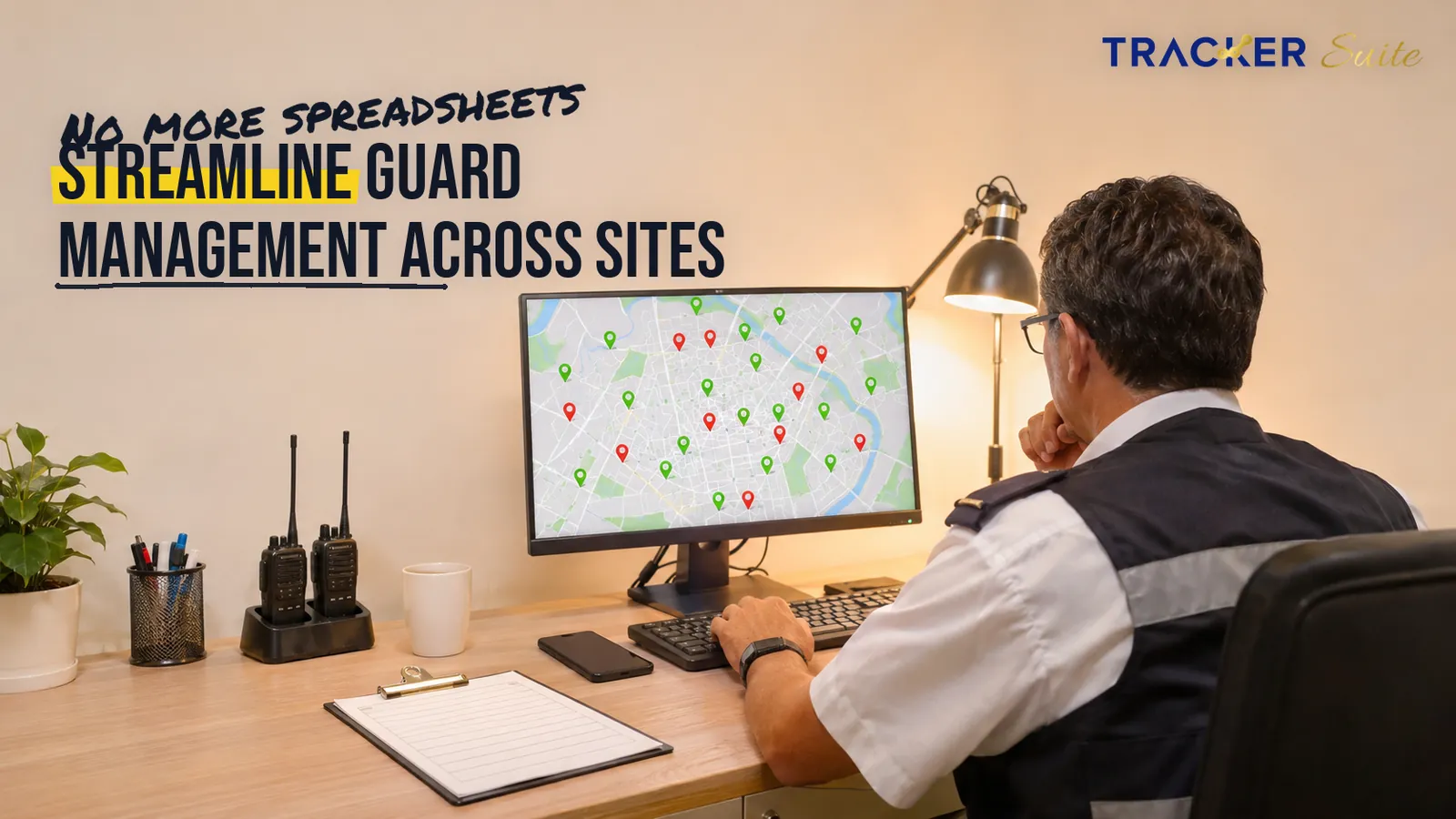
A security agency with a handful of sites can run on paper registers, a WhatsApp group and a supervisor who knows every guard by name. When the same agency covers dozens of client sites with day and night shifts, it loses track of who arrived, who left early and which post has no guard. This guide explains how task management software for security companies replaces that guesswork with connected attendance, shift and patrol records.
Key takeaways
- Paper registers and supervisor calls work for a few sites. They break down as sites, shifts and relievers multiply.
- Geofenced check-in and check-out helps confirm that a guard marked attendance at the client site and makes it much harder to mark attendance from home.
- Shift rosters, relievers, patrol rounds and incident follow-ups work best as connected, recurring workflows, not as separate spreadsheets.
- AI can flag gaps and help rank what needs attention first, but supervisors and operations managers still make the decisions.
- Start with one region and a few workflows. Expand once guards and supervisors trust the system.
At a glance
- Who this is for: Security and manned guarding agencies with guards spread across many client sites.
- Core problem: Attendance, shift coverage and proof of patrols depend on paper registers and phone calls.
- What changes: Geofenced attendance, multi-shift rosters, recurring patrol tasks and automated daily updates.
- Where AI fits: It spots missed tasks and patterns in data the system already holds. People decide the next step.
- When a simple tool is enough: One or two sites, a single shift and a supervisor on site every day.
What does daily work look like for a guarding agency?
A security agency must ensure that the right number of trained guards are present at every client site and shift. Much of the daily work involves checking guard attendance, arranging replacements, recording patrols and incidents, and sending timely reports to clients.
The workforce is large. The US Bureau of Labor Statistics counts about 1.3 million security guard jobs in 2025 and says guards usually work shifts of about 8 hours on rotating schedules (BLS Occupational Outlook Handbook, 2025). For an agency, every one of those shifts creates attendance, handover and reporting data.
Security guards usually work shifts of about 8 hours on rotating schedules, and night shifts are common (BLS, 2025).
The same pressures show up in India. The Minister of State for Home Affairs told the Lok Sabha in December 2023 that there were 21,835 private security agency licences under PSARA, the Private Security Agencies (Regulation) Act (ANI, 2023). A FICCI-PwC report named high attrition and compliance requirements as major challenges for manned guarding (Business Standard, 2017). The same report said about 60 percent of security service providers were unorganised, which makes quality and compliance hard to monitor (Security Today, 2017).
Why this matters: high turnover means new guards join all the time, rosters change every week and supervisors spend their days filling gaps. Any system you choose has to cope with that churn.
Which security workflows create the most manual effort?
Security agencies handle eight main daily activities: shift scheduling, guard attendance, arranging replacements, patrol rounds, incident follow-ups, supervisor visits, leave management and client reports. These updates often stay in different registers, spreadsheets and WhatsApp chats, making it difficult for managers to see what is happening across all sites.
- Shift rosters. Planners assign guards to sites and posts for day, evening and night shifts. Data created: who should be where, and when.
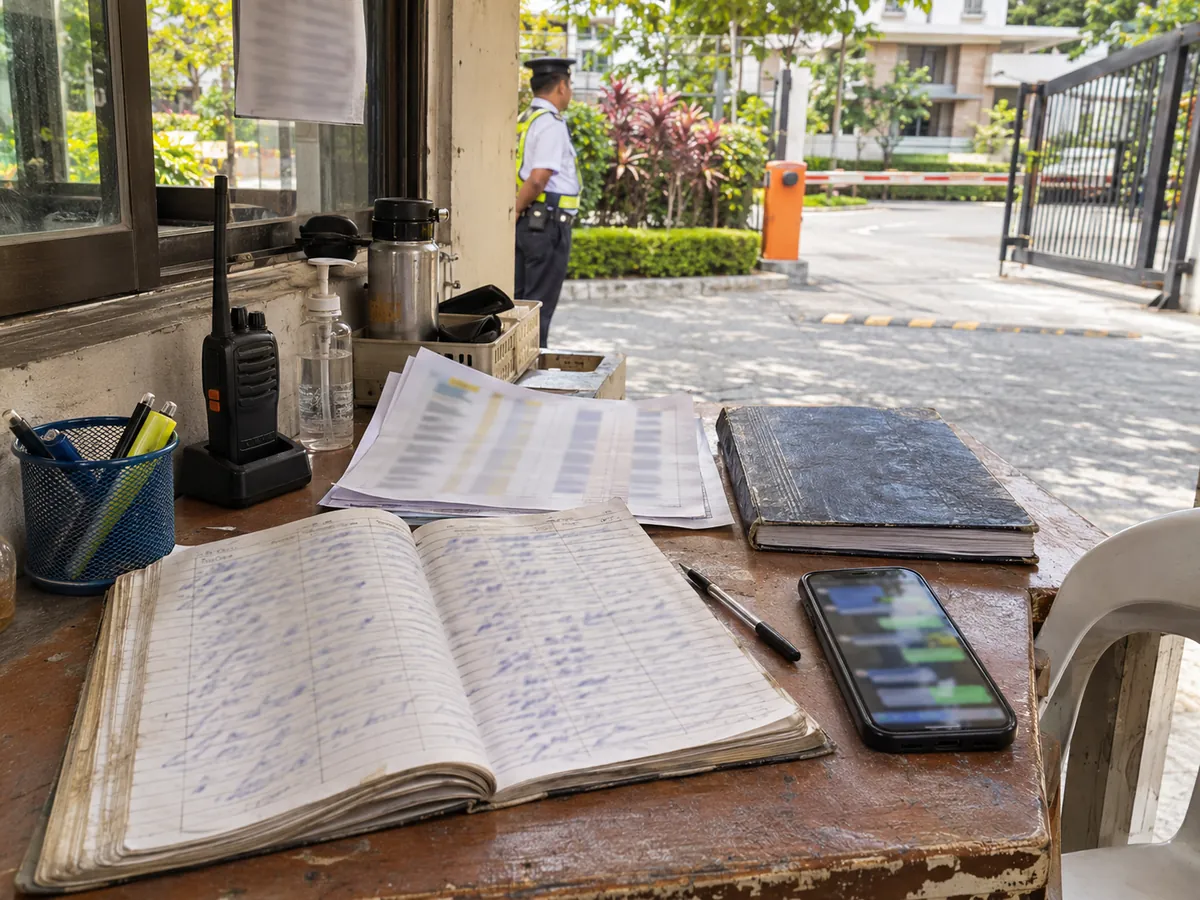
- On-site check-in and check-out. Guards sign a paper register at the site gate. Data created: arrival and departure times, often handwritten and hard to verify.
- Relievers. When a guard is absent or on a weekly off, a reliever (a guard who covers for absent colleagues) must reach the site before the outgoing guard leaves. Data created: who covered which post, and for how long.
- Patrol rounds. Guards walk set routes at set times, such as every two hours at night. Data created: proof that each round happened.
- Incident follow-ups. A broken gate, a trespass attempt or a fire alarm needs a report, an owner, a client update and a closure. Data created: incident details, photos, actions taken and status.
- Supervisor site visits. Field supervisors check posts, uniforms and alertness, especially on night shifts. Data created: visit times, findings and corrective actions.
- Leave and weekly offs. Every approved leave creates a gap that the roster must fill. Data created: leave balances and planned absences.
- Client reports. Clients expect daily updates and monthly attendance summaries, which also feed billing and payroll. Data created: the combined record of everything above.
 ## Why do paper registers and supervisor calls break as sites and shifts grow?
Paper registers and phone calls rely on people remembering to check and update everything. This may work when an agency manages only a few sites. But as the number of sites, shifts and replacement guards grows, it becomes harder to track everything. Updates get delayed or missed, and managers often find out about problems only after a client complains.
The scaling journey usually looks like this:
- Small operation: A few sites, one supervisor, a WhatsApp group and an Excel roster. The owner knows most guards personally.
- Growing agency: More sites across a city, day and night shifts, and several supervisors. Attendance registers come back to the office days later. Payroll teams retype them.
- Complex operation: Many sites across cities, frequent relievers, client-specific SOPs (standard operating procedures) and monthly audits. Managers spend most of the day calling supervisors for updates.
- Scaled operation: Connected attendance, rosters and patrol records, with automated alerts and reports. Supervisors handle exceptions instead of chasing routine updates.
Guard shift tracking gets hard in specific places. Handovers between shifts are not recorded. A reliever goes to the wrong post. A night patrol is signed for in the morning. An incident is reported in a chat but nobody owns the follow-up. Excel and WhatsApp work well for simple coordination, but they do not link a roster to an actual check-in or a patrol to a client report.
A simple before and after shows the change:
- Before: The operations manager calls every supervisor at night to confirm each post is covered.
- After: A live view shows which posts have checked in and which have not.
- Before: Payroll waits for paper registers from every site.
- After: Check-in and check-out records feed a monthly attendance report.
- Before: A client asks for last week’s patrol proof and staff dig through photos in a chat.
- After: Completed patrol tasks sit in one searchable record.
Can a system track staff attendance, field employees and work hours?
Yes. Multi-location attendance software helps security agencies track when guards check in and out at different client sites. It can verify their location, manage different shift timings and create timesheets from attendance records.
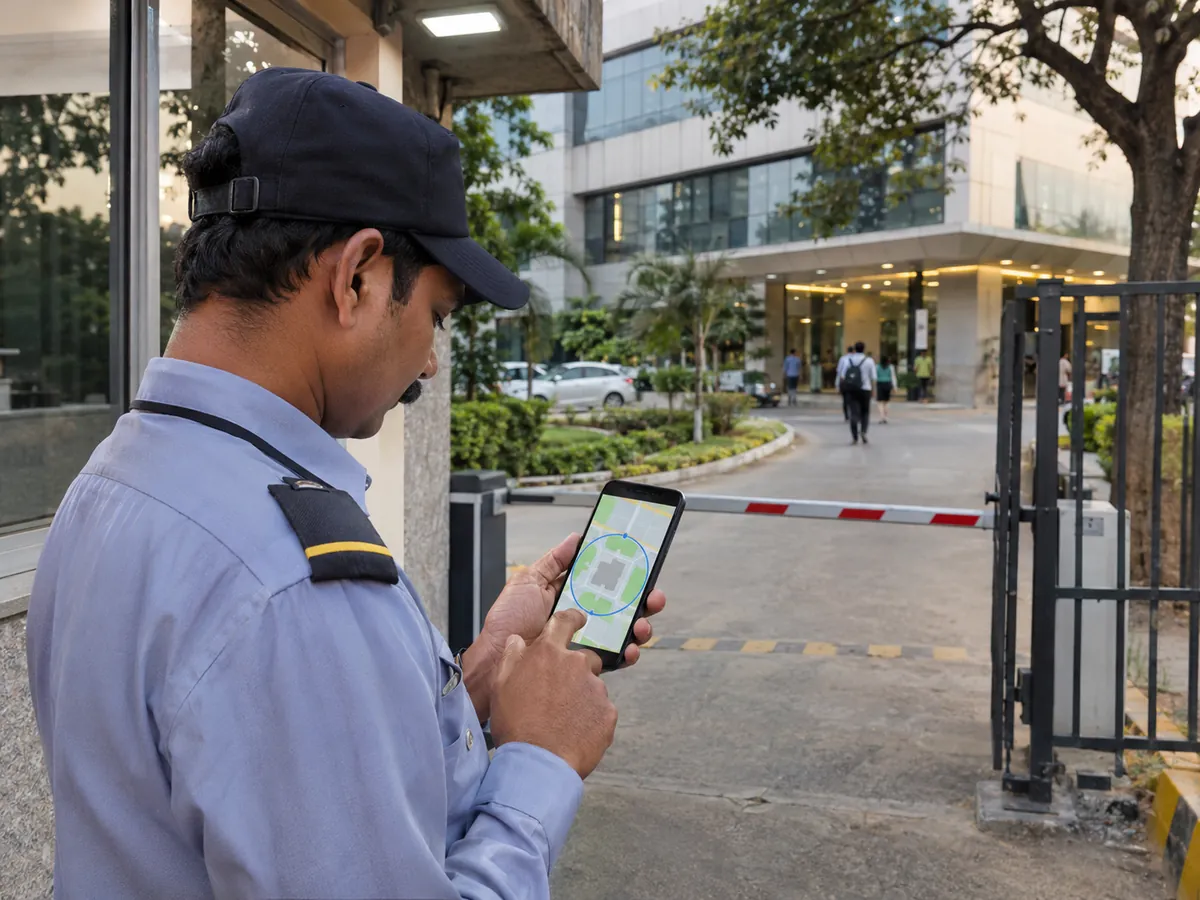
Geofencing creates a virtual boundary around a site. Guards can mark their attendance through their mobile phones when they are within that area. This helps prevent attendance from being marked from another location.
The software can also manage different shift rules, such as late arrival, half-day and absence. Night shifts that continue past midnight can have separate attendance settings.
However, GPS may not work accurately inside basements or large buildings, and some guards may have poor network coverage. Agencies should keep a backup attendance process and allow supervisors to approve exceptions with a reason.
 ## Which guarding workflows can be automated?
Automation is useful for regular tasks that follow clear rules. It can create patrol tasks, send shift reminders, alert supervisors when a guard misses check-in, follow up on open incidents and prepare daily or monthly reports. Supervisors still make important decisions, such as choosing which replacement guard to send to a site.
Here is what each automated workflow changes:
- Recurring patrol tasks. Set a patrol round once, with its site, time and checklist. The system creates the task for each shift so supervisors stop rewriting duty lists.
- Missed check-in alerts. If a guard has not checked in after shift start, the supervisor gets a notification instead of discovering the gap on a site visit.
- Reliever assignment. When leave is approved, the gap shows on the roster early, so planners can assign a reliever before the shift starts.
- Incident follow-ups. Each incident becomes a task with an owner and a due date. Reminders continue until someone closes it.
- Supervisor visits. Night checks become recurring tasks with a checklist, so visits are recorded the same way at every site.
- Daily updates. Attendance and task status can go to managers through WhatsApp notifications, so they do not have to ask each supervisor.
- Monthly attendance reports. Check-in records roll up into reports for payroll and client billing without retyping registers.
Where does AI help, and where do supervisors stay in charge?
AI can analyse the data an agency already collects, such as guard attendance, shift schedules, patrol records and incident reports. It can highlight problems like repeated late arrivals, missed patrols and incidents that are still open. Supervisors and managers can then review these issues and decide what action to take.
Practical examples of AI assistance include:
- Ranking open incidents by age and site so the operations team knows what to handle first.
- Spotting patterns, such as one site where night patrols are regularly late, that would be hard to see across many paper registers.
- Drafting a summary of the day’s exceptions for a manager to review before it goes to a client.
AI should not make decisions about staff discipline, replace supervisor visits or send client reports without human review. Managers set the rules, software keeps the information organised, automation handles routine tasks and people make the important decisions. AI also needs accurate data to work well, so agencies must first ensure that attendance and task records are updated correctly.
How does connected data improve visibility for managers and clients?
When rosters, attendance, patrols and incident records are managed in one system, managers can see what is happening across all sites from a single dashboard. Clients receive consistent reports, and payroll teams can use the same attendance records without entering the data again.
Access should depend on each person’s role. Site supervisors should see their own sites, regional managers should see their region, and head office should have access to all clients. Every task and attendance record should show who completed it and when, making audits and client checks easier.
As the agency grows, check whether the software can export attendance data to your payroll and billing systems. This helps avoid entering the same information into multiple systems every month.
What should you look for in task management software for security companies?
Choose software that supports the daily needs of security agencies, such as location-based attendance, multiple shifts, recurring patrol tasks, reminders through familiar channels, role-based access and clear client reports. A basic task list may be enough for a small agency with a few sites and one shift. But larger agencies need a system that can manage guards, sites and daily operations together.
Use this checklist. The more points apply to you, the more you need a connected system:
- Guards placed at many client sites or in several cities
- Day, evening and night shifts, often with overlap
- Frequent relievers and weekly offs
- Recurring patrols and supervisor night checks
- Clients asking for daily or monthly proof of service
- Payroll built from paper registers
- Managers spending hours calling supervisors for updates
- PSARA or client audit requirements
If you run one or two sites with a single shift and an owner who visits daily, a shared spreadsheet and a WhatsApp group may be enough for now. Revisit the decision when you add sites or night shifts.
How does TrackerSuite fit guard operations?
TrackerSuite is an AI-powered operations platform that connects people, tasks, attendance and reports. For a guarding agency, the relevant parts sit in Task Tracker and its attendance features, which connect shift-based attendance, geofenced check-ins, recurring patrol tasks, timesheets and attendance reports.
Capabilities listed on the TrackerSuite pricing page that map to guarding workflows include:
- Attendance with geo-location and geofencing: Guards mark attendance on the mobile app at the client site. The Scale plan lists unlimited geofence sites for attendance, and geofencing is an add-on on the Growth plan.
- Multiple shift management: A multi-shift attendance module for day, evening and night shifts, included in Scale and available as a Growth add-on.
- Attendance rules, check-in, check-out and holidays: Set rules for late marks, weekly offs and holidays.
- Recurring tasks and industry task templates: Set up patrol rounds and supervisor checks once and reuse them across sites.
- WhatsApp reminders and notifications, plus mobile push notifications: Reach guards and managers on channels they already use. The pricing page also lists daily automated reports on WhatsApp, so confirm which plan includes it.
- Leave management, timesheets and monthly attendance reports: Plan relievers and feed payroll and client billing.
- Time zones and workflows: Useful for agencies working across regions or breaking incident handling into clear steps.
The Enterprise plan lists advanced security and controls and connections to existing tools. Check the exact controls and integrations with the TrackerSuite team before you depend on them for client audits.
How do you roll it out without disrupting client sites?
Start small. Pick one region, set up its sites and shifts, and move attendance and patrol tasks first. Run the new system alongside paper registers for a short period, fix problems with guards and supervisors, and then expand region by region.
- Map your sites and shifts. List every client site, post, shift timing and supervisor.
- Choose a pilot region. Pick sites with a supportive supervisor and a client who values reporting.
- Set geofences and attendance rules. Test the geofence boundary at each site with a real phone.
- Load guards and shifts. Add guards and assign each one to sites and shifts. Use bulk task upload for recurring patrol and visit tasks.
- Create recurring patrol and visit tasks. Keep checklists short at first.
- Train guards in their own language. Show check-in, check-out and task completion on the phone they use.
- Run in parallel. Keep paper registers briefly as a backup and compare the records.
- Switch on reminders and daily updates. Add WhatsApp reminders and manager updates once data is reliable.
- Review and expand. Fix the gaps you found, then roll out to the next region.
What this means for you
If your managers spend their evenings calling supervisors, the problem is not effort. It is a system built for fewer sites than you now run. Connected attendance, shift and patrol records let supervisors deal with exceptions instead of chasing routine updates, and let you answer client questions with records.
For an owner or operations head, the first decision is simple: which workflow causes the most calls and disputes today? For most agencies, the answer is attendance and reliever coverage. Fix that first, then add patrols, incidents and client reporting.
FAQs
Can a system track staff attendance, field employees and work hours together?
Yes. A mobile attendance system with geofencing records check-in and check-out at each client site and turns them into timesheets. The same records show which field staff are on duty and how many hours they worked.
How does geofenced attendance work for security guards?
The agency draws a virtual boundary around each client site. Guards can only mark attendance from their phone while inside that boundary, which stops attendance being marked from home. Supervisors can approve exceptions where GPS signal is weak.
Can software manage multiple shifts and relievers at one site?
Yes, if it supports multiple shift management and leave tracking. Each shift gets its own timings and attendance rules, and approved leave shows the gap early so planners can assign a reliever.
Is guard tour or patrol tracking possible without special hardware?
Many agencies start with recurring patrol tasks completed on a guard’s phone, with the completion time recorded. Sites with strict client requirements may still use dedicated checkpoint hardware, so check what each contract asks for.
Do small security agencies need this kind of software?
Not always. An agency with one or two sites, a single shift and a supervisor on site daily can often manage with a spreadsheet and WhatsApp. The need grows as you add sites, night shifts and clients who ask for proof of service.
Conclusion
Guarding agencies grow by adding sites, shifts and guards, and every addition creates more attendance, patrol and reporting work. Paper registers and supervisor calls cannot keep up past a certain size. Task management software for security companies connects that work so managers see coverage, clients get consistent reports and supervisors focus on the exceptions that need them.
If you want to test this with one region first, talk to the TrackerSuite team about a one-region pilot for your sites and shifts. You can also compare plans and add-ons on the TrackerSuite pricing page.
Leave a Reply