Stockouts in FMCG distribution and multi-location retail are usually a visibility problem, not a demand problem. Learn how activity-based stock movement, automated low stock alerts and a complete inventory audit trail help distributors, retailers and manufacturers stay in stock across every city and warehouse.
In FMCG distribution and multi-location retail, a stockout rarely announces itself. A distributor in Pune runs dry on a fast-moving SKU while the Mumbai warehouse sits on three weeks of surplus, and the sales team only finds out when a retailer cancels the order. Automated low stock alerts, tied to activity-based stock tracking, are the most direct way to catch that shrinking position before it becomes a lost sale, a stopped production line or a lost account.
The real problem is usually not demand. It is visibility. When stock data lives in spreadsheets and gets updated at the end of a shift, managers act on numbers that are already wrong, and every reorder decision is a guess.
Key takeaways
- Stockouts in distribution and manufacturing usually happen because stock data is stale, not because demand was unpredictable.
- Low stock alerts only work when they are tied to a named owner and a replenishment workflow.
- Activity-based stock movement updates the inventory ledger at every operational step, not in weekly batches.
- A complete inventory audit trail turns every count discrepancy into a traceable event.
- Single-store sellers can start with built-in platform alerts, while multi-city distributors and manufacturers need a connected system.
What are low stock alerts and why do they prevent stockouts?
Low stock alerts are automated notifications an inventory system sends when the quantity of a product, raw material or spare part falls to a preset threshold called the reorder point. They prevent stockouts by giving purchasing, warehouse or field sales teams enough lead time to reorder or transfer stock before shelves, bins or production lines run empty.
The reorder point is calculated from two inputs: how fast an item sells or gets consumed (demand rate) and how long a supplier takes to deliver (lead time). A simple version of the formula is average daily usage multiplied by lead time, plus a safety stock buffer for unexpected spikes. A beverage distributor selling 400 cases a day with a five-day supplier lead time, for example, would set a reorder point above 2,000 cases to cover the delivery window.
An alert is only as useful as the action it triggers. If the notification lands in a shared inbox that nobody owns, the reorder still does not happen. That is why mature operations pair every alert with an assigned replenishment task, so a specific person is responsible for raising the purchase order or moving stock from another location.
How much do stockouts cost distributors, retailers and manufacturers?
The direct cost is a lost sale, but the true cost grows quickly once you add emergency freight, wasted trade spend, retailer penalties and churned accounts.
Out-of-stocks cost retailers $1.75 trillion globally in 2023, according to IHL Group (2023).
That figure matters because it shows the problem is structural, not a string of bad luck. The cost shows up differently by industry. In FMCG distribution, an out-of-stock SKU (stock keeping unit, a unique code for each product variant) often means the retailer gives your shelf space to a competing brand, and winning it back takes months. In manufacturing, a missing raw material or spare part can idle a production line where the cost is measured per hour of downtime. In pharma distribution, a stockout of a fast-moving medicine can breach service-level agreements with hospital and pharmacy chains.
At a glance
- Stockout cost: an estimated $1.75 trillion globally in lost retail revenue (IHL Group, 2023)
- Alert trigger: stock at or below the reorder point for each SKU and location
- Best channel: in-app alerts plus email or WhatsApp inventory notifications for field teams
- Right owner: a named replenishment task, not a shared inbox
- Record: every receipt, transfer and adjustment logged in the stock movement history
Why do stockouts still happen in busy, well-run operations?
Because the inventory record and the physical stock drift apart during the working day. In PwC’s 2026 Digital Trends in Operations survey, 87% of operations leaders said poor data quality limited the value they got from digital initiatives (PwC, 2026). Inventory is where that data quality problem shows up first, because stock moves constantly and every delayed update compounds.
McKinsey’s 2025 survey of 101 manufacturing chief operating officers found a similar pattern: only 2% said AI was fully embedded across operations, and 46% reported data or IT/OT limitations holding them back (McKinsey, 2025). In plain terms, most industrial businesses still cannot trust their own numbers well enough to automate decisions on top of them.
The pattern looks similar across industries. A regional FMCG distributor tracks stock in a spreadsheet updated after closing time. A packaging manufacturer counts raw materials during a monthly cycle count (a scheduled physical check of inventory). A pharma stockist reconciles three city warehouses in a weekly call. Each approach works at low volume, and each one breaks when order lines double, a second city opens or a night shift starts.
The common failure points are delayed updates, no ownership of replenishment, and no record of who moved what. Fixing the threshold setting alone does not solve any of those three.
What is activity-based stock movement tracking?
Activity-based stock movement means the inventory ledger updates automatically at every operational event instead of waiting for a periodic manual count. Receiving, quality inspection, bin allocation, order picking, packing, dispatch and returns each adjust the available quantity the moment they happen, with a timestamp and a user attached.
A concrete example from consumer goods distribution: a snacks distributor receives 10,000 cartons at its central warehouse on Monday morning. Goods inward logs the receipt, quality holds back 300 cartons with damaged packaging, and 2,400 are reserved against confirmed retailer orders in two cities. By Tuesday afternoon, field sales teams in both cities see the same live available figure, and a transfer between city warehouses adjusts both locations the moment it is approved. No one waits for an end-of-day spreadsheet.
This is also what makes a reliable inventory audit trail possible. Every receipt, transfer, reservation and adjustment is recorded as an event with a person, a time and a reason. When the physical count does not match the system count, the stock movement history shows exactly which event explains the gap, instead of launching a three-day investigation through WhatsApp threads and paper gate passes.
Which distribution and manufacturing workflows should trigger alerts?
The most useful alerts sit on the workflows where stock actually moves. For distribution and manufacturing businesses, these are the ones that matter most:
- Replenishment: stock at or below the reorder point for any SKU and location triggers a purchase or production task.
- Inter-location transfer: one city warehouse runs low while another holds surplus, triggering a transfer request instead of a fresh purchase.
- Quality hold and release: inspected stock moves back into available quantity only after approval, so unavailable stock never appears sellable.
- Reservation against confirmed orders: allocated stock is locked so sales teams cannot oversell the same units twice.
- Returns and adjustments: returned or damaged goods re-enter or leave the ledger with a reason code, keeping counts honest.
- Slow-moving and ageing stock: items with no movement for a set period get flagged before they become dead stock or, in pharma and food, expire.
- Exception reporting: unusual adjustments or repeated discrepancies at one location surface to a manager for review.
Each of these is a real, repetitive workflow. Automating the alert removes the daily manual check; connecting the alert to an assigned task removes the follow-up chase.
How should low stock alerts connect to replenishment tasks?
An alert without an owner is just noise. The operational fix is to route every alert into a task management system so the notification becomes a trackable job: raise a purchase order, approve a transfer, or confirm supplier delivery by a set date.
In practice this means the alert carries context (which SKU, which location, current quantity, pending orders) and lands with a named person and a due date. Escalation rules handle the rest: if the replenishment task is not closed before stock hits the safety level, a manager gets notified automatically. Task Management Software built for operations teams handles this assignment, escalation and completion tracking, so the gap between knowing stock is low and actually fixing it stops depending on memory.
This connection is what separates a notification tool from an operating system. In McKinsey’s 2025 manufacturing research, the leaders who scaled digital tools did so by embedding them into planning, execution and maintenance workflows, not by running isolated pilots (McKinsey, 2025). Alerts work the same way: they create value inside a workflow, not on their own.
What this means for you
If you run a distribution, retail or manufacturing business with more than one location, start with three questions. Can you see live stock by SKU and by location right now? Does every low stock situation have a named owner and a deadline? And if a count is wrong, can you trace the exact event that caused it?
If the answer to any of these is no, the priority is not a bigger spreadsheet. It is connecting stock movement, alerts and task ownership in one system. A single-store seller with a few dozen SKUs can manage with the built-in alerts in a platform like Shopify or Square. The moment you add a second warehouse, a field sales team or a production line, you need location-level thresholds, transfers, and an audit trail that holds up when numbers do not match.
How TrackerSuite fits distribution and manufacturing operations
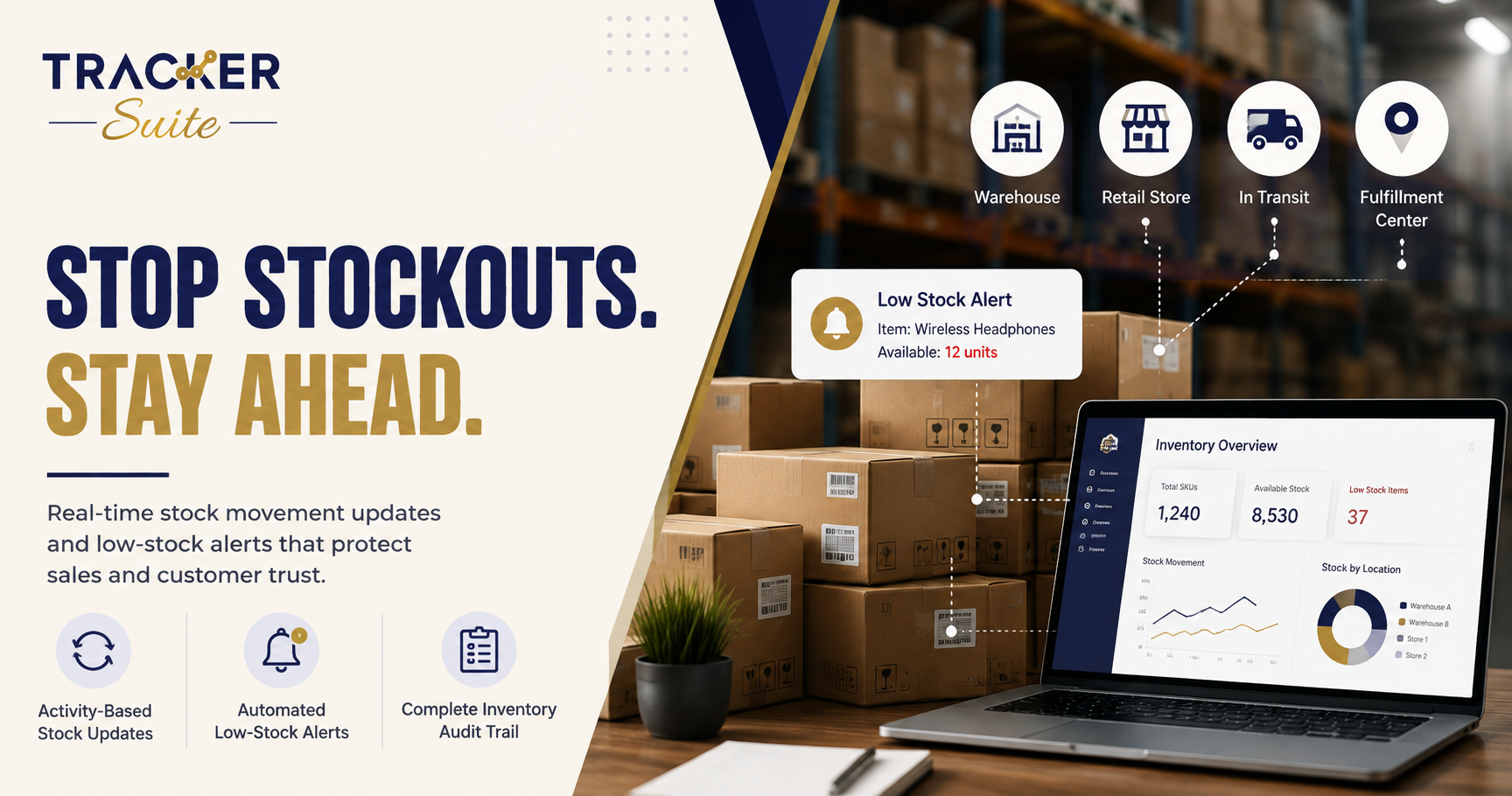
TrackerSuite’s Stack Tracker is built around exactly this operating model for growing businesses. Stock moves through activity-based updates across receiving, inspection, allocation and dispatch, so the ledger reflects what is actually happening at each location. Low stock nudges and inventory notifications alert teams before stock becomes a problem, and location-wise stock assignment keeps city, state and warehouse quantities separate but visible on one central dashboard.
Every receipt, transfer, return and adjustment is logged with who moved what, when and why, giving managers a complete audit trail for compliance and process improvement. Controlled access by location reduces errors and increases accountability, and built-in reports show what to reorder and where to push stock. Because alerts connect to TrackerSuite’s task workflows, a low stock signal can become an assigned replenishment task with an owner and a due date, rather than a message someone might read. People still make the purchasing and transfer decisions; the platform keeps the data current and the follow-up automatic.
How to set this up: a practical sequence
- Clean the item master. Standardise SKU names, units and locations before setting any thresholds.
- Set reorder points per SKU and location. Use average daily usage times supplier lead time, plus safety stock for your fastest movers.
- Choose alert channels. In-app for office teams, WhatsApp or email for field and warehouse staff.
- Assign an owner to every alert. Each threshold maps to a named replenishment task with a due date.
- Digitise the movement events. Receiving, picking, dispatch, transfers and returns update stock as they happen.
- Review weekly. Adjust thresholds for seasonality, festival demand in Indian retail, and supplier reliability.
Start with your top 20 revenue-driving SKUs, prove the workflow, then roll it across the catalogue. Trying to threshold every item on day one is the most common reason these projects stall.
Frequently asked questions
What is a good reorder point formula for a small distributor?
Multiply average daily usage by supplier lead time in days, then add safety stock for demand spikes. Review the number monthly for fast movers and quarterly for slow movers, because both inputs change over time.
Do low stock alerts work for a single retail store?
Yes. Commerce platforms like Shopify and Square include basic low stock alerts that suit a single location with a limited catalogue. You outgrow them when you add locations, warehouses or a field sales team that needs location-level visibility.
What is an inventory audit trail and why does it matter?
An inventory audit trail is a chronological record of every stock event: receipts, transfers, reservations, adjustments and returns, each with a user and timestamp. It matters because it turns every count discrepancy into a traceable event instead of a blame exercise, and it supports compliance in regulated sectors like pharma.
How is stock movement history different from a stock report?
A stock report shows quantities at a point in time. Stock movement history shows every transaction that produced those quantities, so you can see who moved what, when and why, and reconstruct any position on any date.
Can inventory software send alerts on WhatsApp?
Some operational platforms, including TrackerSuite, support WhatsApp notifications and daily automated reports, which suits field teams and warehouse staff who do not sit at a desk. Confirm the channels a tool supports before rolling it out to distributed teams.
Conclusion
Stockouts in distribution, retail and manufacturing are usually a visibility and ownership problem dressed up as a demand problem. Live, activity-based stock data, thresholds that trigger real replenishment tasks, and a complete movement record close the gap between knowing stock is low and fixing it. If your team still discovers shortages from customer complaints, see how Stack Tracker handles multi-location inventory and start with your top SKUs this month.
Leave a Reply