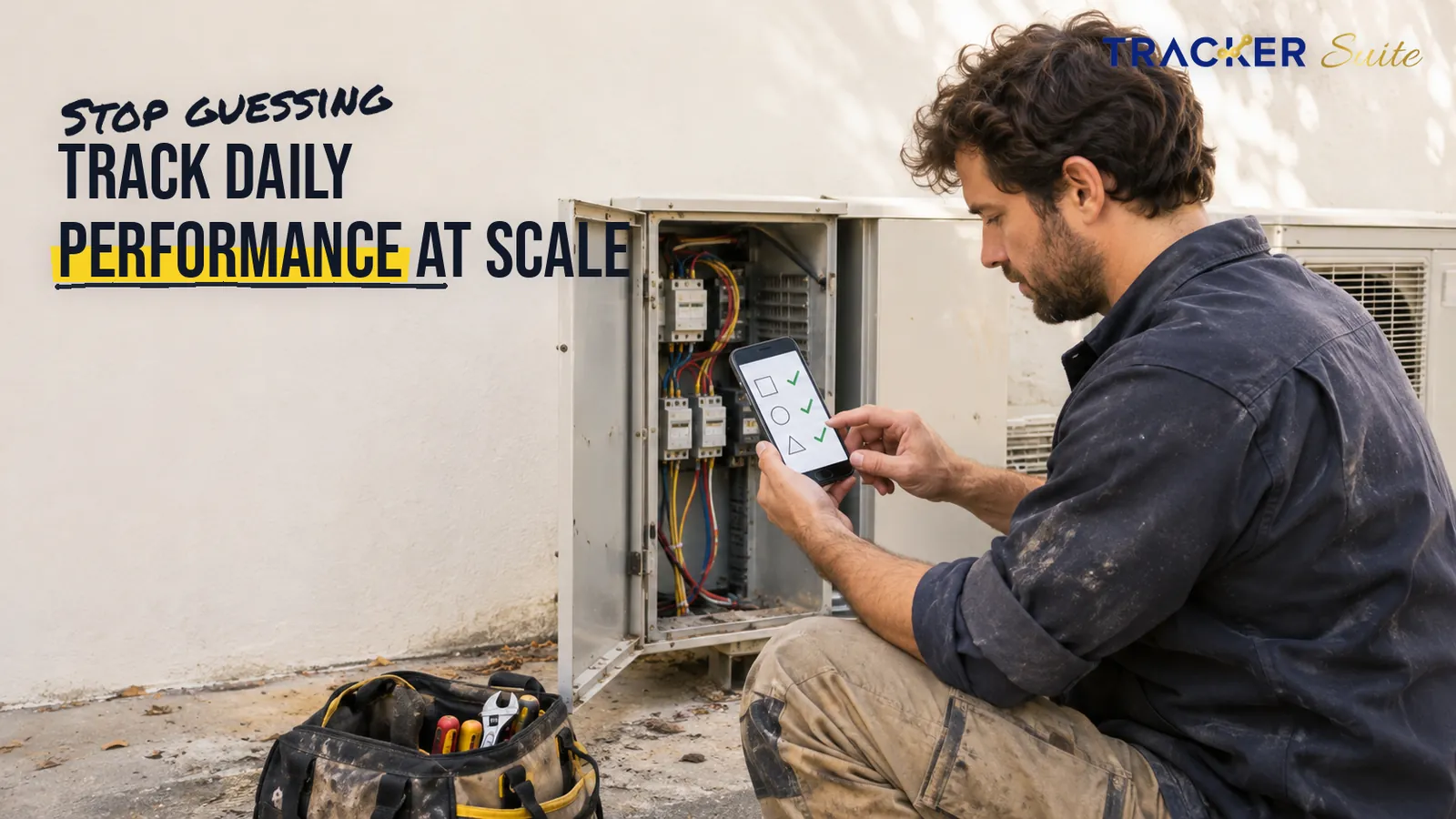
Most growing businesses don’t lack effort. What they lack is a clear view of who did what, when and how well. Employee performance management software closes that gap, but only if it measures the real work your teams do every day, not just what a manager remembers at review time.
This guide explains how to choose and set up a performance system for teams with field staff, shifts or several branches, and when a simpler tool is enough.
Key takeaways
- Annual reviews alone rarely change behaviour. Gallup found that only 14% of employees strongly agree their reviews inspire them to improve (Gallup, 2019).
- For operations teams, the most reliable performance data comes from daily work: tasks finished on time, attendance, field visits and follow-ups.
- Performance tracking gets harder at scale because the data is spread across WhatsApp groups, spreadsheets and managers’ memories.
- AI can flag overdue work and patterns, but managers should still make the decisions about people.
- A small team at one location with little repeat work may only need a shared task list.
At a glance
-
What it is: Software that records goals, assigned work, results and feedback so managers can review performance based on facts.
-
Two main types: HR review suites (appraisals, 360-degree feedback, goals) and operations-based tools (tasks, attendance, proof of work, performance scores).
-
Best fit for operations-based tools: Field teams, multiple branches, multiple shifts and recurring work.
-
Typical cost model: Per user per month. Some vendors, including TrackerSuite, offer a free plan for very small teams.
-
Main risk: Tracking activity before agreeing what good performance looks like for each role.
What is employee performance management software?
Employee performance management software is a system that records goals, assigned work, results and feedback in one place, so managers can judge performance from evidence rather than memory. Some tools focus on formal appraisals and HR records. Others measure performance from daily operations, such as tasks, attendance and field activity.
Most "best tools" lists review HR-led products. These are strong for review cycles, goal setting and 360-degree feedback, which means collecting input from a person’s manager, peers and direct reports. They suit office teams whose work is mainly project-based.
Operations-heavy businesses such as distribution, manufacturing, facility services, field sales and construction ask different questions. Did the technician complete the scheduled maintenance visit? Did the salesperson follow up on the quote? Did the branch team open on time?
In these businesses, performance shows up as a pattern across thousands of small activities, not in a single yearly conversation. The right system has to capture those activities as they happen.
Why do annual performance reviews fall short for growing teams?
Annual reviews fall short because they happen rarely, depend on a manager’s memory and come too late to change the result. Gallup’s research shows few employees strongly agree their reviews are fair, accurate or motivating. Growing teams need performance information that is captured as the work happens and reviewed regularly.
Gallup’s 2017 analysis found that only 29% of employees strongly agree their performance reviews are fair, and only 26% strongly agree they are accurate (Gallup, 2017). The same analysis found that 48% of employees are reviewed once a year and 26% less than once a year. A single review that covers 12 months of work will usually miss detail.
Only 14% of employees strongly agree that their performance reviews inspire them to improve (Gallup, 2019).
Managers are also stretched. Gallup’s 2025 global workplace report found that manager engagement fell from 30% to 27% in 2024 (Gallup, 2025).
When supervisors spend their day chasing updates by phone, they have little energy left for coaching. A system that collects those updates for them gives that time back.
Where does performance data get lost as a business grows?
Performance data gets lost between where the work happens and where it gets recorded. In a small team, the owner sees everything directly. As people, branches and shifts are added, updates scatter across WhatsApp, spreadsheets, calls and paper registers, and nobody has the complete picture.
The pattern usually looks like this (these stages are illustrative, not fixed thresholds):
- Small (one site, roughly 5 to 10 people): The owner sees the work directly. WhatsApp and Excel work well here. These size ranges are rough guides and often overlap.
- Growing (two or three branches, 30 to 80 people): Each branch keeps its own sheet. Managers ask five people for updates before they can answer one question from head office.
- Complex (several locations, shifts and field teams): Approvals, handovers between shifts and client visits create gaps. A missed task on the night shift is discovered days later.
- Scaled (200 or more people, many sites): Thousands of activities happen each week. Without connected data, reviews turn into debates about whose memory is right.
The issue at each stage isn’t the tool itself. Excel works well for simple tracking. The problem is that the information needed to judge performance sits in too many places, so nobody trusts the final picture.
Which daily workflows should employee performance tracking cover?
Employee performance tracking should cover the recurring workflows that drive results in your business. For most operations teams, that means task completion, attendance, field visits, sales follow-ups, handovers and approvals. Each workflow already produces data. The goal is to capture it automatically instead of compiling it by hand.
Here are eight common workflows, with the data each one generates:
- Assigned tasks: Due date, completion date and who completed it. This shows reliability.
- Recurring checks: Daily opening checklists, weekly equipment checks or monthly audits. This shows consistency over time.
- Attendance and punctuality: Check-in and check-out times by shift and branch.
- Field visits: Planned versus completed visits, with time and location.
- Proof of work: Photos, notes or documents attached to a finished task. This reduces disputes about whether work was done.
- Sales follow-ups: Leads assigned, calls made, quotes sent and deals closed.
- Shift handovers: Open issues passed from one shift to the next, and whether they were resolved.
- Approvals: How long requests wait at each step and who is holding them.
You don’t need all eight on day one. Pick the three that matter most for each role, then expand.
How does field employee performance tracking work?
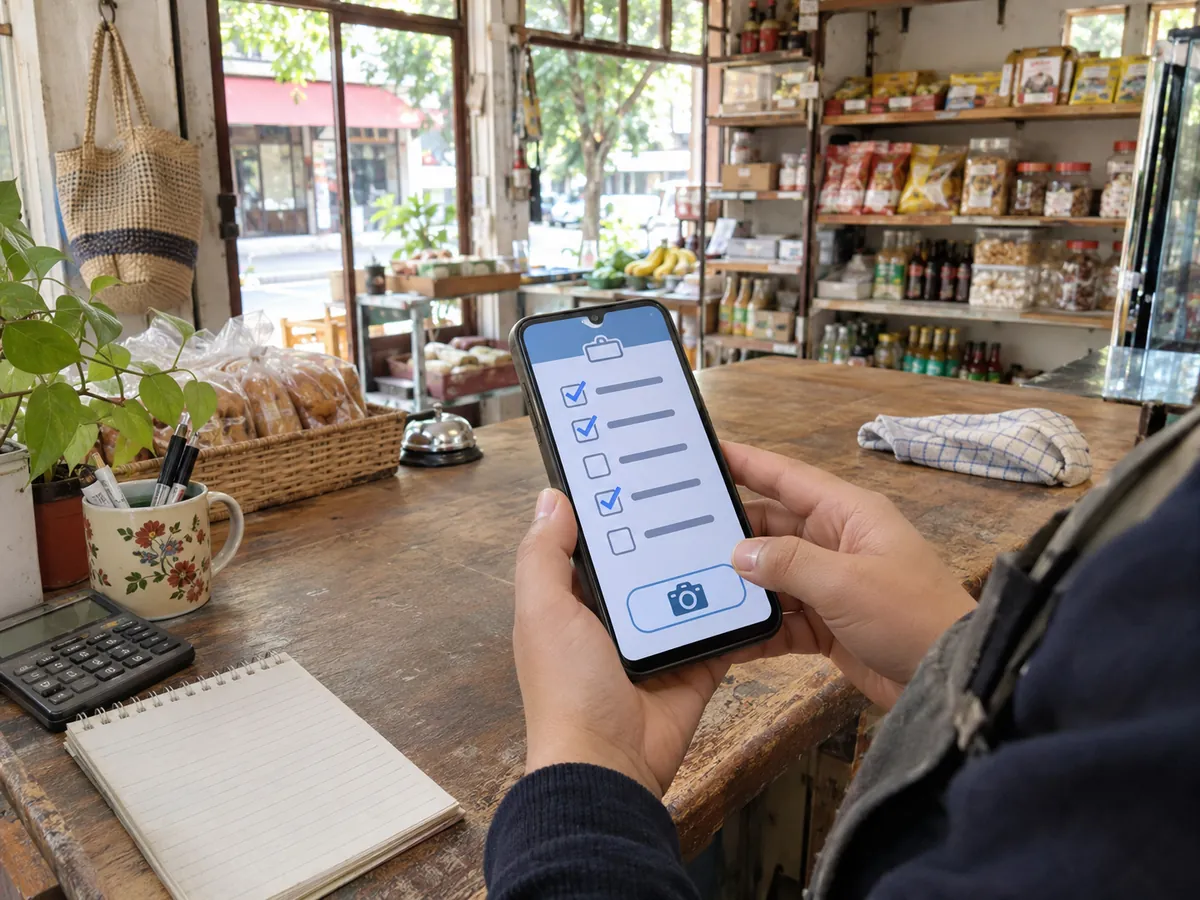
Field employee performance tracking links each assigned visit or job to a mobile check-in, a location record and proof of completion. Managers can then compare what was planned with what actually happened, across every territory, without calling each person for a status update.
Take a typical (hypothetical) facility services company with 60 technicians across three cities. Before, supervisors sent job lists on WhatsApp each morning and called technicians at 4 pm to confirm progress. Monthly reviews relied on whoever remembered the most complaints.
After moving to a connected workflow, each job is assigned in one system. The technician checks in from their phone, uploads a photo when the job is done and closes the task. The supervisor sees exceptions, such as jobs still open after their due time, instead of every routine update.
The performance conversation changes too. Instead of "I think you were slow last month," the manager can say "12 of your 140 jobs closed late, mostly on Tuesdays. What’s happening on Tuesdays?" That is a fairer, more useful discussion.
Location tracking needs care. Tell employees what is recorded, when and why, and limit it to working hours. Trust drops fast when people feel watched rather than supported.
Why choose performance management software with attendance tracking?
Performance management software with attendance tracking puts presence and output in the same record. That matters for shift-based and multi-branch teams, because late starts, missed shifts and unfinished tasks are often connected. Seeing them together helps managers spot the cause rather than just the symptom.
When attendance lives in one system and tasks live in another, someone has to merge them by hand each month. In a business with multiple shifts, that merging job grows with every new branch.
A combined view shows patterns that separate tools hide. For example, a branch might show strong task completion on weekdays but poor completion on weekend shifts, where attendance is also lower. That points to a staffing problem, not a people problem.
Where does AI performance management help, and where should people decide?
AI performance management helps by reading your existing task, attendance and follow-up data, then flagging what needs attention: overdue work, repeated delays or tasks likely to slip. It works only when connected to real workflow data and rules you set. People should still decide ratings, pay and promotions.
Practical uses include:
- Prioritising work: Suggesting which open tasks need action first based on due dates and past patterns.
- Spotting bottlenecks: Highlighting a step, branch or shift where work regularly stalls.
- Reducing report-building: Summarising the day’s completions and exceptions so managers don’t compile them by hand.
- Prompting follow-ups: Reminding staff and managers before deadlines pass.
AI can’t see context. A technician with more late jobs may also be the one handling the hardest sites. Treat AI output as a starting point for a conversation, never as the verdict.
What to look for in performance management software for small business
Good performance management software for small business should be quick to set up, priced per user, usable on a phone and focused on the work your team actually does. Large HR suites can be more than a 20-person business needs. Start with the problem you’re solving, not the feature list.
Use this checklist. If you tick any of the first three, or three or more overall, a connected system is likely worth exploring:
- Your team works across more than one location.
- You run multiple shifts.
- Staff spend much of the day in the field.
- Much of the work repeats daily, weekly or monthly.
- Managers spend hours each week chasing updates.
- Reports are compiled by hand from several sheets.
- Follow-ups with customers or leads are often missed.
- Reviews cause disagreements about what really happened.
Also check permissions (who can see whose data), data export (so you’re never locked in) and how notifications reach people who don’t sit at a desk.
When a simple tool is enough: If you have 5 to 10 people in one office with mostly one-off project work, a shared task list and a monthly one-to-one may be all you need. Add software when the manual effort starts to grow faster than the team.
How TrackerSuite fits
TrackerSuite is an AI-powered operations platform built around daily work, so performance data comes from tasks, attendance and field activity rather than separate review forms. It suits growing teams with branches, shifts or field staff. It isn’t a full HR appraisal suite, so businesses that mainly need 360-degree reviews may prefer an HR-focused tool.
Based on TrackerSuite’s published pricing page, the capabilities most relevant to performance management are:
- Task Tracker with recurring tasks: Repeat checks and routines are created once and assigned automatically.
- Proof of work in tasks: Staff attach evidence when they close a task.
- Attendance rules, check-in and check-out: Presence is recorded alongside task data, with multiple shifts available as an add-on.
- Real-time tracking: Unlocked with the Growth Plan, useful for field teams.
- Performance score and reports: Listed on paid plans.
- Daily automated reports on WhatsApp and email reminders: Reminders go out 48 and 24 hours before a task is due.
- AI-based predictive tasking: Powered by TAVI.
The free Starter plan covers up to 5 users, and some features, such as performance scores, sit on paid plans. Check the current plan details before you decide. If you want help mapping your own workflows, you can talk to the TrackerSuite team.
What this means for you
If your managers spend more time collecting updates than improving how people work, the gap is in your data, not your people. Start by fixing how daily work is recorded. Better reviews follow naturally once the evidence is in one place.
A practical rollout looks like this:
- Define good performance per role. Agree three to five measures for each role, such as on-time task completion, attendance and follow-ups closed.
- Map your recurring workflows. List the daily, weekly and monthly tasks for each team and branch.
- Pilot with one team. Choose a branch or field team with a willing manager. Run it for four to six weeks.
- Explain the why to staff. Show employees what is tracked and how it helps them prove good work.
- Set up reminders and reports. Automate the reminders managers currently send by hand.
- Review weekly, coach monthly. Use the data for short weekly check-ins and a fuller monthly conversation.
- Expand and refine. Add branches and shifts once the pilot measures feel fair to everyone.
FAQs
What is the difference between performance management and employee performance tracking?
Employee performance tracking is the day-to-day recording of work, such as tasks completed, attendance and visits. Performance management is the wider process of setting expectations, reviewing that data and coaching people to improve.
Is performance management software worth it for a small business?
It depends on team size and how much work repeats. A team of 5 to 10 people at one site can often manage with a shared task list, while branches, shifts or field staff usually justify a connected system.
Can AI decide who is a high or low performer?
AI can highlight patterns, such as repeated delays, based on your data and configured rules. It can’t see the context behind them, so managers should make the final decisions.
How do you track performance for employees who work in the field?
Combine assigned tasks, mobile check-ins, location records and proof of work. Then compare planned visits with completed ones, and explain to staff what is recorded and why.
How often should performance be reviewed if data is collected daily?
Many teams hold weekly check-ins for operational issues and monthly or quarterly development conversations. The annual review then summarises a year of evidence instead of relying on memory.
Conclusion
The best employee performance management software for an operations-heavy business is the one that captures real work as it happens. Annual reviews still have a place, but they work far better when backed by a year of task, attendance and field data rather than recollection.
Start small: define what good looks like, connect your recurring workflows and let automation handle the reminders and reports. Keep people in charge of the judgement calls. To see which plan matches your team size and shifts, compare TrackerSuite plans.
Leave a Reply