Most businesses buy a field employee tracking app to answer one question: where is my team right now? Once dozens of people are on the road, a harder question takes over. Did each visit, service job or site check actually happen on time, with a clear record, without a manager phoning everyone at the end of the day?
This guide explains what field tracking should cover, why manual methods break down as teams grow, and how to roll out a system that field staff will accept.
Key takeaways
- Location is only one part of field tracking. The bigger value comes from linking attendance, tasks, visits, follow-ups and reports in one system.
- WhatsApp groups and spreadsheets work well for a small team. They become hard to manage once you add branches, shifts and layers of managers.
- Automation handles repeated steps such as reminders, daily summaries and attendance reports. AI only helps when it can draw on clean, connected work data.
- Field staff are more likely to accept tracking when you explain the purpose openly and let them see their own records.
- Start with one or two workflows, review the data for a few weeks, and expand only after the basics work.
At a glance
- Who needs it: Businesses with field sales reps, service technicians, site supervisors, security or facility staff, or delivery teams.
- Core jobs: Location-verified attendance, task assignment, visit logs, follow-up reminders and automated reports.
- Data it creates: Check-in times, visit locations, task status, distance travelled, client notes and missed deadlines.
- When a simple tool is enough: A very small team working from one location with few recurring tasks.
- Cost example: TrackerSuite’s Starter plan is free for up to 5 users. Geofencing is a Growth Plan add-on listed at USD 2.18 per user, per branch, per month (TrackerSuite pricing, 2026).
- Trust rule: Track during working hours only, explain why, and let employees view their own data.
What is a field employee tracking app, and what should it track?
A field employee tracking app is mobile software that records where field staff check in, which tasks or visits they complete, and when. A useful one goes beyond a GPS dot on a map. It ties each location record to a specific job, client or shift, so managers can see what work actually happened.
It helps to think of field tracking as three connected layers:
- Presence: Did the person start the shift at the right place and time? This is attendance with geolocation, meaning the phone records its location at the moment of check-in.
- Activity: Which visits, tasks or service jobs did the person complete, and what was the outcome?
- Follow-through: What happens next? That might be a callback, a quotation, a spare part request or an escalation to a senior engineer.
Apps that only show locations stop at the first layer. A business that depends on field work needs all three. Work is usually lost at the handover points, in the gap between the visit and the follow-up.
Why do field teams outgrow WhatsApp, calls and spreadsheets?
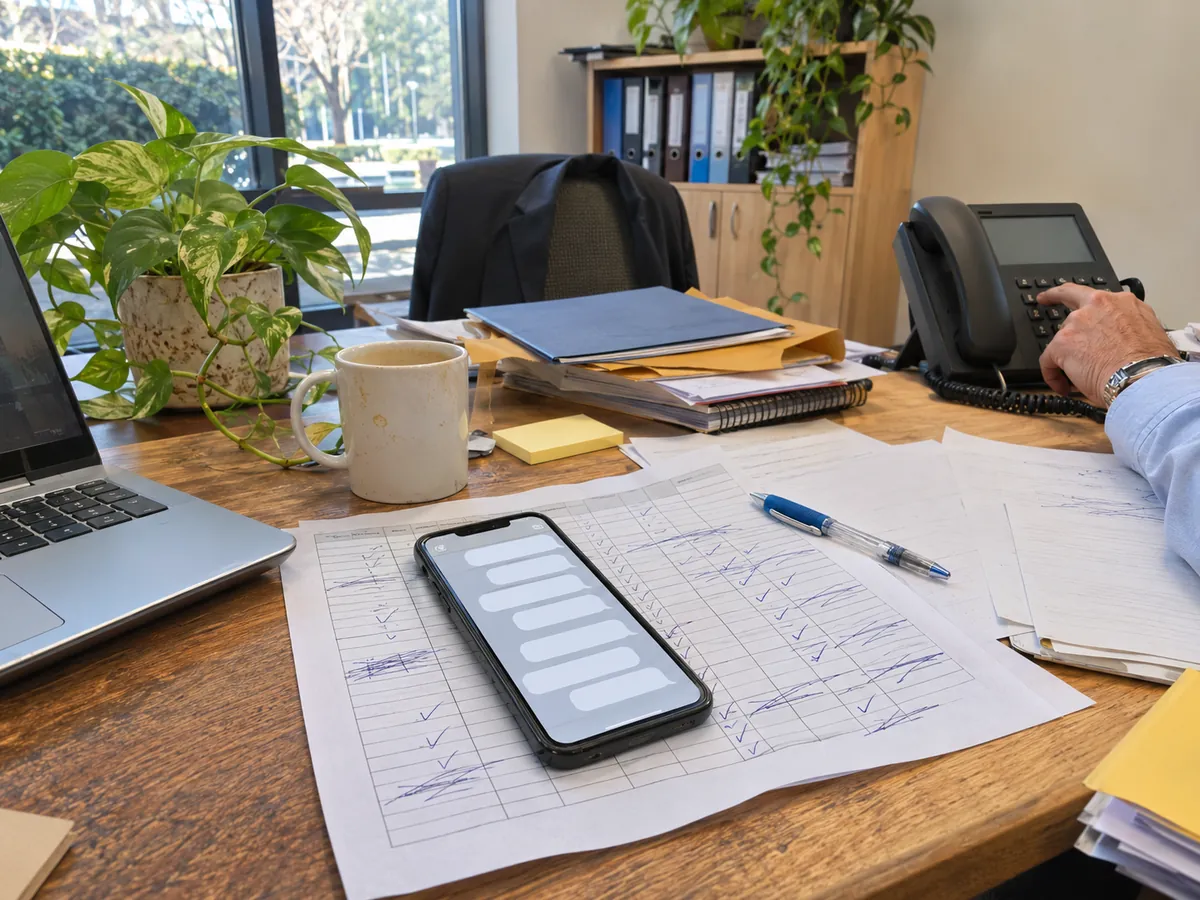
Field teams outgrow WhatsApp and spreadsheets when the number of people, locations and handovers grows faster than a manager can follow. These tools store information well. However, they cannot assign ownership, send reminders or combine updates into one view, so managers fill the gap by calling people.
The pattern below is illustrative rather than a customer case, but most growing field businesses will recognise it:
- Small operation: The owner runs one WhatsApp group with a handful of reps. Staff post photos and "reached client" messages, and attendance lives in an Excel sheet. This works because the owner knows every employee and every client.
- Growing operation: The team spreads across a few cities, and each area manager runs a separate group. Updates get buried under hundreds of daily messages, and follow-ups depend on each rep’s memory.
- Complex operation: Head office cannot compare branches, because each one records data in its own format. Managers spend much of the day chasing status updates.
- Scaled operation: Attendance, tasks, visits and follow-ups sit in one connected system. Repetitive steps run automatically, and managers spend their time on exceptions.
Excel and WhatsApp are not the problem. They were simply never designed to assign responsibility across many branches, multiple shifts and thousands of activities a month.
Which field workflows create the most manual work?
The field workflows that create the most manual work repeat every day and involve a handover between people. Attendance, visit plans, service jobs, follow-ups, expense claims and daily reporting all fit this pattern. Each one produces data that someone currently copies, checks or chases by hand.
Here are seven common workflows, with the data each one generates:
- Shift start and attendance: Staff check in from the first client site, not the office. Data: check-in time, location and shift. Manual work today: a selfie in a group chat and a supervisor updating a sheet.
- Daily visit or beat plans: Sales reps follow a route of retailers or dealers. Data: planned versus completed visits. Manual work today: comparing a plan in Excel with what reps report in the evening.
- Service and installation jobs: Technicians receive jobs, travel, fix and close them. Data: job status, time on site and notes. Manual work today: phone calls to confirm each closure.
- Client follow-ups: A visit often ends with a promise to send a quote or call back. Data: due dates and outcomes. Manual work today: reps remember, or they forget.
- Travel and distance claims: Staff claim fuel or travel allowance. Data: distance travelled. Manual work today: self-reported kilometres that finance has to trust or dispute.
- Leave and shift changes: Field staff request leave or swap shifts. Data: approvals and coverage. Manual work today: messages to managers and late updates to payroll.
- End-of-day and monthly reporting: Managers compile who did what for head office. Data: totals by person, branch and month. Manual work today: hours of copy-paste.
A growing team multiplies every one of these. With 10 reps, a manager can chase each workflow personally. With 200 field staff across 20 locations and two shifts, the same workflows produce thousands of small updates a week, and nobody can chase them all.
How does GPS tracking for field employees stay fair and accepted?
GPS tracking for field employees stays fair when it is limited to working hours, linked to a clear business purpose, and visible to the employee. Staff push back when tracking feels like surveillance. They accept it more readily when it protects them, for example by proving they attended a visit or travelled a claimed distance.
A few practical rules help:
- Track work, not people: Record location at check-in, check-out and job events during shifts. Avoid tracking after hours.
- Explain the reason in writing: Tell staff what is recorded, who can see it and how it is used.
- Give staff their own view: When employees can see their attendance and distance records, disputes drop because both sides see the same data.
- Use permissions: Area managers should see their own teams, not the whole company, unless their role requires it.
- Check local rules: Employee monitoring and data protection laws differ by country. Take advice where needed before rollout.
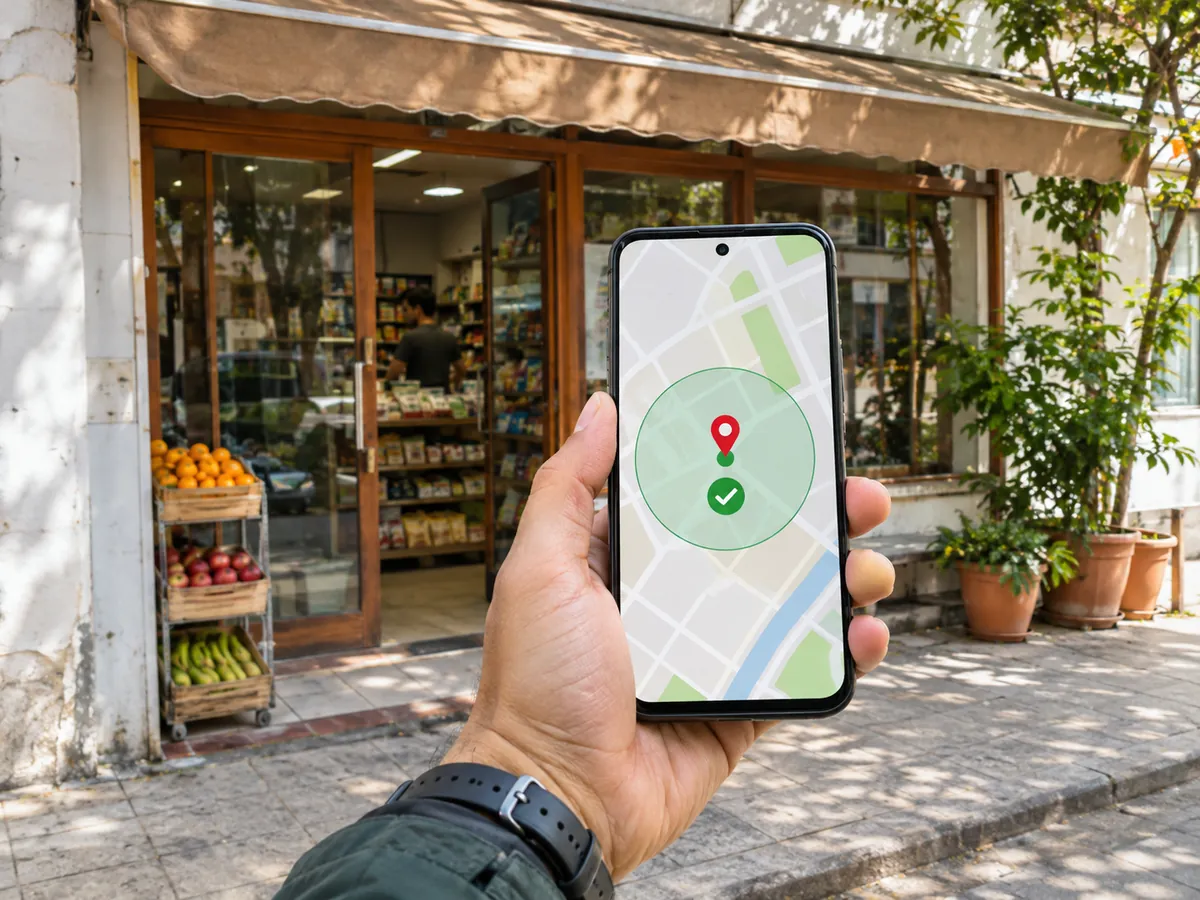
Geofencing attendance is often an easier starting point than continuous tracking. A geofence is a virtual boundary drawn around a site, so the app only confirms that the employee checked in within the allowed area. That answers the attendance question without recording every movement.
Where do automation and AI actually help field teams?
Automation helps field teams by removing repeated admin steps, such as reminders, overdue alerts, attendance summaries and monthly reports. AI can add value on top, by helping managers spot patterns and decide what needs attention first. Both depend on accurate, connected data from daily field work.
Automation changes specific steps in the workflows above:
- A follow-up due today triggers a reminder to the rep, instead of relying on memory.
- An overdue follow-up raises an alert for the manager, instead of surfacing weeks later.
- Attendance data rolls into a monthly report automatically, instead of being compiled by hand.
- A newly assigned lead sends a notification to the rep straight away, so nobody waits for a phone call.
AI works best once those records exist. With configured rules and enough history, AI can help flag reps whose visits keep slipping, branches with rising overdue tasks, or clients who have gone quiet. In manager terms, AI uses existing business data to suggest what needs attention and when.
People still set the rules and make the important calls. A manager decides whether a missed visit needs a conversation, a reassignment or nothing at all. AI without access to real workflow data has little to go on, so its suggestions about your field team will be limited. It cannot tell you anything useful about your field team.
How does connected data improve visibility across branches?
Connected data improves visibility by putting attendance, tasks, visits and follow-ups into one shared record that everyone reads from. Instead of asking five people for updates, a manager opens one view. Head office can compare branches fairly because every branch records work in the same format.
Here is what typically changes, shown as before and after:
- Status updates: A manager calls five people for updates → one centralised status view shows completed, pending and overdue work.
- Follow-ups: A salesperson remembers follow-ups manually → a structured follow-up workflow with due dates and reminders.
- Attendance: Supervisors maintain separate sheets → location-verified attendance feeding one monthly report.
- Travel claims: Self-reported kilometres → distance recorded from the app.
- Reporting: Branch heads email spreadsheets each month → dashboards built from the same live records.
Connected data also matters for finance. Many Indian MSMEs run their accounts in Tally, so a link between field operations and accounting reduces duplicate entry. TrackerSuite lists a two-way Tally integration on its paid plans (TrackerSuite pricing, 2026).
TrackerSuite lists attendance with geolocation, live location tracking and distance calculation for field executives as paid-plan features, not part of the free Starter plan (TrackerSuite pricing, 2026).
What should you look for in field employee tracking software?
Good field employee tracking software should connect attendance, tasks, follow-ups and reporting, not just show locations. Look for location-verified check-ins, task assignment with clear ownership, automated reminders, role-based permissions, and reports managers will actually use. It should also be simple enough for field staff to use on a basic phone.
Use this checklist when comparing options:
- Attendance with geolocation or geofencing: Confirms where and when shifts start.
- Task and visit assignment: Every job has an owner, a due date and a status.
- Follow-up reminders: Due-today and overdue alerts, so promises to clients are kept.
- Distance and travel records: Supports fair travel claims.
- Shift and leave handling: Important if you run multiple shifts or rotating crews.
- Reports and dashboards: By person, team, branch and month.
- Permissions: Managers see their teams; staff see their own records.
- Integrations: Accounting, CRM or inventory, where your data already lives.
- Clear pricing: Check whether you pay per user, per branch or both.
You may not need a full platform yet. If you have a very small team at one location with few recurring tasks, a shared task list and a simple attendance sheet may be enough. A connected system starts to pay off when you see these signs: multiple locations, a growing workforce, several shifts, high follow-up volume, manual reporting and managers who spend their day chasing updates.
How does TrackerSuite fit field team tracking?
TrackerSuite fits businesses that need field attendance, task tracking, follow-ups and reporting in one AI-powered operations platform. It suits growing teams that have outgrown WhatsApp and Excel but do not want a heavy enterprise system. Its capabilities map to specific field workflows rather than a single tracking screen.
Based on TrackerSuite’s published pricing page, the relevant capabilities include:
- Field attendance: Attendance with geolocation, leave management, monthly attendance reports and time zone settings.
- Field movement: Live location tracking and reports, plus distance calculation for field executives.
- Sales follow-through: Reminders for follow-ups, prospects due today, overdue prospects and prospects due in 30 minutes, plus WhatsApp notifications for assigned leads.
- Add-ons on the Growth Plan: Geofencing at USD 2.18 per user, per branch, per month; multiple shifts at USD 1.36 per user, per month; and workflow, which breaks big tasks into smaller steps, at USD 4.08 per user, per month (TrackerSuite pricing, 2026). Prices can differ by region, so check the current rates on the pricing page before you budget.
If your field team also moves stock between sites, Stack Tracker handles inventory, orders and warehouses with team and location reports. TrackerSuite describes that visibility as powered by its Tavi AI. Check the current plan details before you commit, because features and prices can change.
How do you roll out a field staff attendance app step by step?
Roll out a field staff attendance app in stages. Start with one workflow and one branch, explain the purpose to staff, review the data for a few weeks, then add tasks, follow-ups and reports. A staged rollout builds trust and shows which rules need adjusting before the whole company depends on them.
- Pick the most painful workflow: For most teams, this is attendance or follow-ups.
- Write simple rules: Define check-in times, allowed locations, and what counts as a completed visit.
- Brief the team: Explain what is tracked, when, and why. Show staff their own view.
- Pilot with one branch: Run it for two to four weeks alongside your current method.
- Review the data: Look for missed check-ins, unclear task statuses and alerts that nobody acts on.
- Adjust and expand: Fix the rules, then add the next workflow or branch.
- Automate reporting last: Once the data is reliable, switch monthly reports and dashboards to the new system and retire the old spreadsheets.
What this means for you
If you manage a field team, the real question is not "where is everyone?" It is "which work is slipping, and who owns it?" A field employee tracking app is worth adopting when it answers that question without a round of phone calls.
Start small. Choose one workflow that costs your managers the most time, connect it to clear ownership and reminders, and measure how much chasing drops. Then add the next workflow. Over time, that builds an operating system for your field team that can grow without the same increase in admin effort.
FAQs
Is it legal to track field employees with GPS?
In many countries, employers can track field staff during working hours when there is a clear business purpose and staff are informed. Rules on consent, data storage and monitoring differ by location. Check local employment and data protection laws before rollout.
What is the difference between geofencing and live location tracking?
Geofencing only confirms whether an employee checked in inside a defined area around a site. Live location tracking records movement throughout the working day. Many businesses start with geofencing because it answers the attendance question with less monitoring.
Can a free field employee tracking app work for a small business?
Yes, for a very small team a free plan can cover basic task tracking. TrackerSuite’s Starter plan is free for up to 5 users, while geolocation attendance and live tracking sit in paid plans. Compare which features you actually need before choosing.
How do I get field staff to accept a tracking app?
Explain what is tracked, when and why, and limit tracking to working hours. Let employees see their own attendance and distance records. Staff accept tracking more readily when it also protects them in disputes about visits or travel claims.
Does a field tracking app replace managers?
No. The app collects data, sends reminders and builds reports, but managers still set priorities and handle exceptions. It removes the chasing so managers can spend time coaching and solving problems.
Conclusion
Field tracking works best when it is part of a connected system. Location proves presence, but tasks, follow-ups and reports prove that the work got done. Growing teams that link these workflows spend less time chasing updates and more time acting on what the data shows.
If your managers spend their day calling field staff for updates, it may be time to test a connected approach. You can compare TrackerSuite plans and start with the free tier to try basic task tracking with your team. If your pilot starts with attendance, you will need a paid plan with geolocation attendance from day one.
Leave a Reply