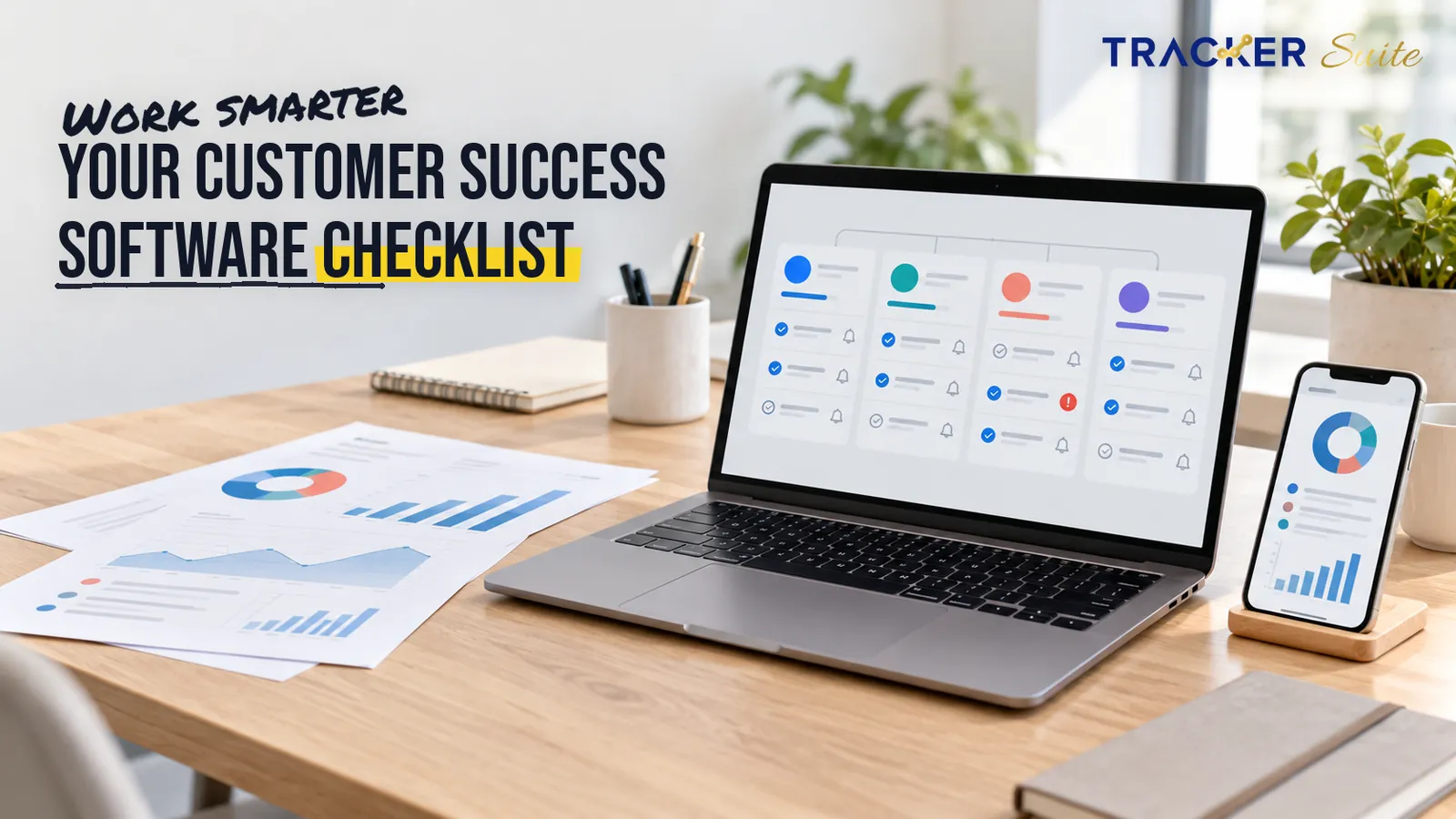
Customer success teams live and die by follow-through. Onboarding checklists, health checks, renewal reminders and escalation calls all depend on someone doing the right task at the right time. Choosing task management software for customer success teams is therefore less about picking a to-do list and more about building a system that makes every account commitment visible, owned and repeatable.
This checklist explains what to evaluate, why manual tracking breaks as the book of business grows, and how to test a better operating rhythm. The four-week schedule later in this guide is an example rollout plan, not a promised timeline for every team.
Key takeaways
- Customer success work is recurring, deadline-driven and spread across many accounts, so a generic project board often fails where a structured task system succeeds.
- Look for account linking, recurrence, reminders and reporting as features to compare, not as capabilities every tool automatically has.
- Retention economics justify discipline: small improvements in retention can have an outsized effect on profit (Bain & Company research, cited by Harvard Business Review, 2014).
- AI is useful only when connected to real workflow data, where it can assist prioritisation and reminders while people keep control of decisions.
- Service businesses with similar follow-up loads, including lending, payments, recruitment, staffing and PR teams, can reuse the same evaluation logic with industry-specific workflows.
At a glance
- Cost: pricing varies widely by vendor, seats and modules; confirm current terms on each vendor pricing page before shortlisting.
- Best for: customer success managers, onboarding specialists and account teams handling recurring client work across a growing portfolio.
- Must-haves: recurring tasks, clear ownership, automated reminders, account context, dashboards and cross-team handovers.
- Time to value: the four-week plan below is one example for onboarding and renewal workflows; setup complexity and data quality can extend it.
- Skip if: a simple list may be enough when volume is low, yet task complexity, handovers, compliance and accountability can justify structure even for a small team.
Why do customer success teams struggle with task management?
Customer success teams struggle because the work is high-volume, repetitive and distributed across accounts at different lifecycle stages. Unlike a project with a defined end, customer success repeats every week, and each repetition creates another chance for a commitment to slip.
The commercial stakes are well documented. Research by Bain & Company, popularised by Harvard Business Review, found that raising customer retention by 5% can lift profits by 25% to 95% because retained customers tend to buy more and cost less to serve (Harvard Business Review, 2014).
32% of customers said they would stop doing business with a brand they loved after one bad experience (PwC, 2018).
For a customer success manager, that bad experience is rarely theatrical. It is usually operational, such as an onboarding session never scheduled, an escalation with no owner, or a renewal conversation that starts too late. These are follow-through failures before they are relationship failures.
What is task management software for customer success teams?
Task management software for customer success teams is a system for assigning, scheduling, tracking and reporting the recurring work that keeps clients healthy. The scope usually covers onboarding steps, health checks, quarterly business reviews, renewal preparation and escalation handling. A quarterly business review, or QBR, is a structured progress meeting with a client.
A customer success manager owns outcomes after the sale, while churn is the rate at which customers leave. The software gives that manager a working memory that does not depend on inbox searches, personal spreadsheets or recollection during a busy week.
Treat account linking and recurrence as selection criteria rather than universal features. Some tools connect tasks to a customer record so history follows the account, while others keep work in generic projects. Some support native recurring tasks, while others need manual duplication or integrations.

The checklist: what should you evaluate?
Use this list when comparing task management software for customer success teams. Each item maps to a failure mode that appears in real customer success operations, especially once one manager handles more accounts than memory can reliably serve.
- Account-linked tasks. Check whether a task can connect to a customer record, owner and lifecycle stage. Without that link, context fragments across inboxes and leaves when employees change roles.
- Recurring tasks and playbooks. Health checks, QBR preparation and renewal reviews happen on cycles. Ask whether the tool can recreate these items automatically and whether playbooks can be templated without removing local judgement.
- Ownership and escalation. Every task needs one accountable owner, a due date and a path for escalation. Ambiguous ownership is where follow-up volume becomes operational risk.
- Reminder automation. Reminders should arrive before deadlines, not after a client complains. Evaluate timing rules, channels and whether overdue work becomes visible to a team lead.
- Handovers across teams. Customer success depends on sales, support, finance and implementation. Look for clear handover states so a task does not disappear between departments.
- Reporting as a by-product. Reporting should emerge from completed work rather than separate end-of-week compilation. Useful views include overdue commitments, completion by account and workload by owner.
- Permissions and accountability. Client-facing teams need sensible access controls, audit trails and approval steps where commitments carry commercial or regulatory weight.
- Integrations. The system should connect with the tools already used for communication, customer records and reporting, otherwise adoption depends on duplicate entry.
- AI assistance. Prefer AI that helps prioritise, draft reminders or surface overdue patterns from configured workflows. Treat any claim of autonomous customer management with caution.
Where does manual tracking break as accounts grow?
Manual tracking breaks when the number of commitments exceeds the number a manager can hold in memory and coordinate across channels. A team can run five accounts through chat, spreadsheets and calendar reminders, yet fifty accounts introduce dependencies, handovers and audit needs.
Consider a common before and after. Before, a manager asks five people for renewal status and builds a Friday update by hand. After, the renewal workflow shows owner, stage, blocker and next action in one shared view, with exceptions flagged for review.
Growth also changes the cost of inconsistency. With multiple CSMs, regions or shifts, clients receive different experiences unless playbooks are standardised. A connected system may reduce time spent chasing updates, although any return depends on adoption, data quality and process design rather than a guaranteed financial outcome.

Does the same checklist fit other service teams?
The same operational pattern appears wherever revenue depends on repeated follow-up and documented handovers. The labels differ, yet the evaluation criteria remain ownership, recurrence, reminders, visibility and reporting.
For regulated finance workflows, task management software for lending companies should be assessed around document collection, verification steps, repayment follow-up and exception escalation. The central question is whether each promise to a borrower or partner has an owner, a deadline and an auditable status.
For transaction-heavy operations, task management software for payment companies needs strong handling of settlement issues, dispute tasks, merchant onboarding and compliance reminders. Volume can rise quickly, so reporting must separate routine completion from items requiring human review.
For candidate pipelines, task management software for recruitment companies should support interview coordination, reference checks, client feedback and offer follow-up. Recurrence matters less than rapid handover, because delays between recruiter, candidate and client can lose a placement.
For temporary workforce operations, task management software for staffing agencies should cover assignment confirmation, timesheet chasing, compliance documents and client check-ins. The complexity comes from many workers, many clients and repeated weekly cycles.
PR teams face a similar burden through media follow-up, approvals, launch tasks and client reporting. When evaluating task management software for PR firms, prioritise visibility across campaigns, clear approval ownership and reminders that protect embargo timing and client commitments.
How should AI and automation be evaluated?
Evaluate AI as assistance inside a workflow, not as a substitute for accountability. Useful automation removes repetitive steps such as recreating monthly health checks, reminding owners before due dates and compiling status for managers.
People should still define goals, approve client commitments and handle sensitive judgement. The platform can organise data, apply configured workflow rules and highlight where attention is needed. That division keeps responsibility clear while reducing administrative drag.
A practical test is to ask what data the AI can see, which rule triggers an action, and what a human reviews before anything reaches a client. If the vendor cannot explain the workflow in those terms, the feature may be a demonstration rather than an operating capability.
How does TrackerSuite fit this checklist?
TrackerSuite positions its platform around connecting tasks, workflows, reporting and automation for growing teams. The relevant fit for customer success is not a feature menu; it is the move from scattered follow-up to a shared operating record where commitments have owners and deadlines.
TrackerSuite materials describe Task Tracker with recurring tasks, reminder notifications before due dates, performance reports, industry task templates and daily automated reports on WhatsApp. The same materials describe TAVI as AI based predictive tasking, which should be evaluated as assistance for prioritisation rather than automatic decision-making.
For a CS team, the practical evaluation is simple. Build one onboarding playbook and one renewal workflow, assign real owners, and test whether reminders, handovers and dashboards reduce the need to ask for status. Confirm current plans, limits and terms on the TrackerSuite pricing page before making a commercial decision.
How do you implement it in four weeks?
The following four-week plan is an example for a focused team, not an expected time to value for every organisation. Complex integrations, permissions or data migration can extend the schedule.
- Week 1: map the work. List recurring commitments for onboarding, health checks, QBRs, renewals and escalations. Mark owner, trigger, deadline, handover and the client-facing risk if the step is missed.
- Week 2: configure the smallest system. Turn two playbooks into recurring workflows with clear owners and reminder timing. Keep fields minimal so reporting reflects work rather than creating extra administration.
- Weeks 3 and 4: run a two-week live pilot. Use one customer segment and a small group of CSMs. Review adoption, overdue patterns, reminder quality and whether managers still need separate status meetings.
- After the pilot: decide and scale deliberately. Roll out only when the pilot shows cleaner ownership and usable data. Add accounts, teams or integrations in stages instead of moving everyone in week four.
What this means for you
If you lead customer success or operations, treat the purchase as a workflow design exercise. The software decision follows clarity about commitments, owners, timing and escalation.
- Write down the ten client promises your team makes most often.
- Mark which promises repeat, which cross teams and which carry renewal or compliance risk.
- Score vendors against account context, recurrence, reminders, handovers, permissions and reporting.
- Run the same two-week pilot described in the example plan, during weeks three and four, before any broader rollout.
- Keep humans responsible for client decisions, and use automation to remove repetitive coordination rather than remove oversight.
This approach works for SaaS customer success and for adjacent service models in lending, payments, recruitment, staffing and PR. The common requirement is disciplined follow-through that survives growth.
Conclusion
The right task management software for customer success teams makes recurring client work visible, owned and repeatable. Start with the operational problem, test account context and recurrence as selection criteria, and treat AI as assistance inside governed workflows. A careful pilot tells you more than a feature checklist, because it reveals whether managers stop chasing updates and start managing exceptions.
If TrackerSuite looks relevant to that operating model, review current terms on the TrackerSuite pricing page and validate the workflows above with your own onboarding and renewal data.
FAQs
What is the best task management tool for financial services teams?
The best tool depends on workflow risk, not a universal ranking. Lending and payment teams should prioritise audit trails, permissions, document follow-up and escalation paths, then test those workflows with real cases.
Do all customer success task tools link tasks to accounts?
No. Account linking is a feature to look for, because some tools keep work in generic projects while others attach tasks to customer records. Ask for a demonstration of account history, ownership and renewal context before assuming the capability exists.
Are recurring tasks essential for customer success?
They are highly valuable for health checks, QBR preparation and renewal reviews, but not every platform includes native recurrence. If a tool lacks it, confirm whether templates, integrations or manual duplication create unacceptable administrative work.
How long should a pilot take?
A two-week live pilot is a useful example for one segment and a small group of CSMs. It should test adoption, reminders, ownership and reporting before any staged rollout to more teams.
Can AI run customer success follow-up automatically?
AI can assist with prioritisation, reminders and pattern detection when connected to workflow data. It should not remove human responsibility for client commitments, sensitive judgement or final decisions.
Leave a Reply