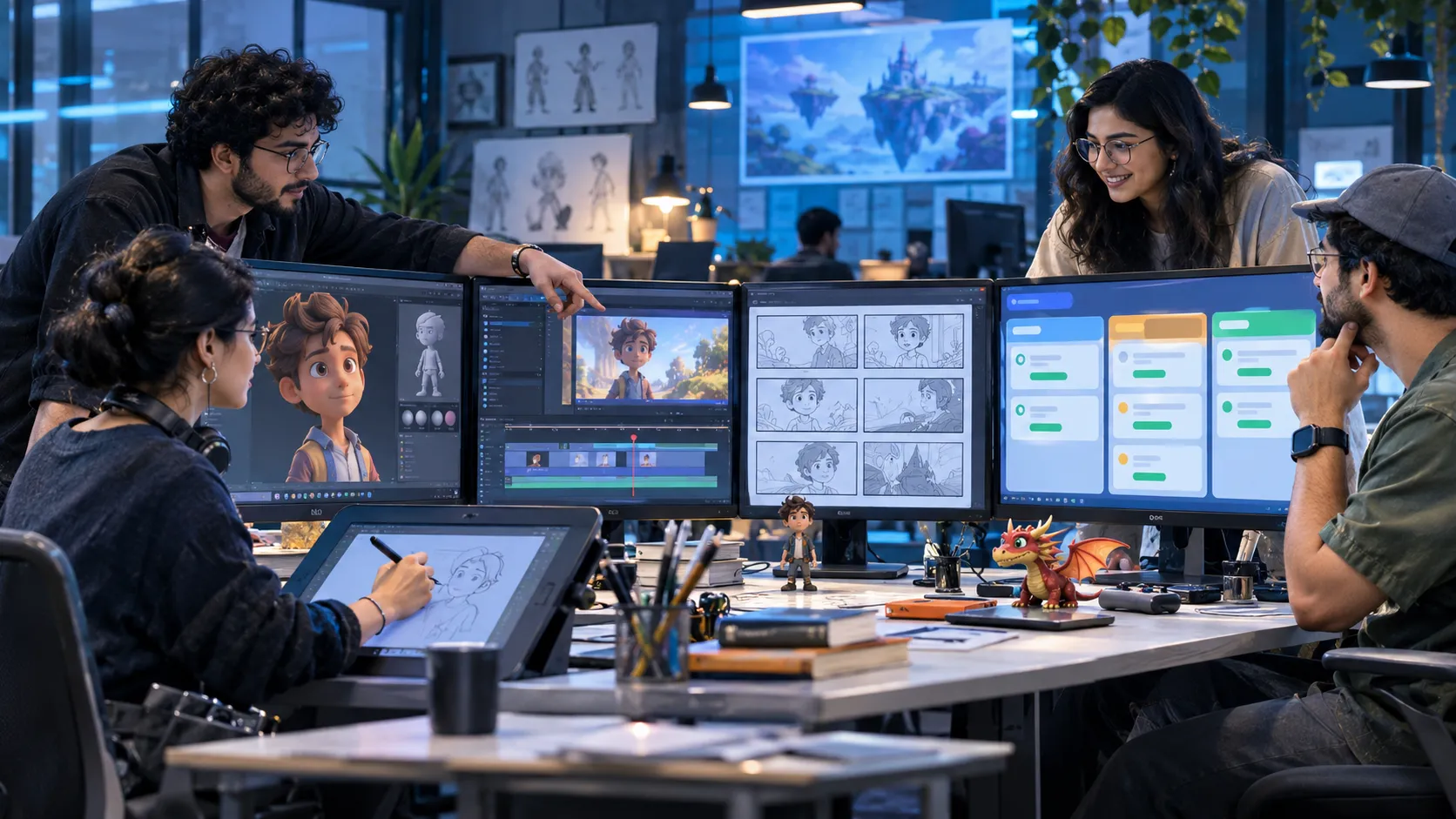
Animation studios manage creative work through several connected stages, from storyboarding and character design to modelling, rigging, animation, lighting, rendering, compositing and final delivery. Each stage depends on work completed by other artists and teams.
A delay in one department can affect the entire production schedule. A character model that is not approved on time can hold up rigging. Late animation revisions can push back lighting and rendering. If feedback is scattered across emails, chats and spreadsheets, teams can lose track of what needs to change and who is responsible.
Task management software helps animation studios organise production tasks, assign responsibilities, track progress, manage approvals and coordinate teams from one place. It gives production managers and creative leads better visibility into daily work without replacing the specialist animation tools artists use to create content.
Why animation studios need task management software
Animation production is a team effort. A single project may involve artists, animators, storyboarders, modellers, riggers, editors, compositors, sound designers, production coordinators and clients. These teams often work on different parts of the same project. Their tasks are connected, and many cannot begin until earlier work is complete.
For example, a 3D animation project may follow this sequence:
- Script and concept development
- Storyboarding and animatics
- Character and environment design
- 3D modelling and texturing
- Rigging
- Layout and animation
- Lighting and rendering
- Compositing and editing
- Sound design and final delivery
The exact process varies by studio and project. However, the coordination challenge is similar: teams need to know what work is assigned, what is pending, which assets need approval and whether the next production stage can begin.
Without a clear task management process, studios may face:
- Missed deadlines: Artists may not know which tasks are urgent or when a deliverable is due.
- Unclear responsibilities: Tasks can remain unassigned or move between departments without clear ownership.
- Delayed approvals: Work may wait for feedback from a creative lead, production manager or client.
- Repeated revisions: Teams may work from outdated instructions or miss feedback shared in different channels.
- Uneven workloads: Some artists may have too many assignments while others have available capacity.
- Limited project visibility: Managers may struggle to understand the status of multiple projects at once.
- Communication gaps: Remote teams, freelancers and in-house artists may not have a shared view of priorities.
Task management software helps bring these everyday activities into a structured workflow.
The animation industry’s growing production demands
Animation studios work in a changing environment. They serve film and television, streaming platforms, advertising, gaming, education, corporate communication and other industries.
India is an important part of this production ecosystem. According to IBEF’s media and entertainment industry overview, India’s animation and VFX sector generated approximately ₹10,300 crore in 2024 and was expected to reach ₹14,700 crore by 2027. This figure covers the combined animation and VFX segment, not animation production alone. IBEF
The wider creative sector is also adapting to new production technologies and workflows. A 2025 report from the Animation Guild, drawing on animation-related job postings from January to March 2025, found that gaming accounted for 51% of US animation and animation-adjacent job postings, while film and television accounted for 24%. Globally, gaming represented 45% and VFX 24% of the postings covered. animationguild.org
Studios may need to manage different project formats, delivery schedules, client requirements and specialist teams at the same time. This makes production coordination important. Creative software helps artists create the work. Task management software helps teams organise the work around it.
What is task management software for animation studios?
Task management software is a digital system for creating, assigning, organising and tracking work. For an animation studio, it can help production managers break a project into smaller activities and assign them to the right people or departments.
For example, a project manager can create a task for character modelling, assign it to an artist, set a due date, add instructions and track its progress. Once the model is ready, the task can move to an approval stage. The manager can then coordinate the next activity, such as rigging. A task management system can help studios manage:
- Project tasks and deadlines
- Artist and team assignments
- Production checklists and SOPs
- Review and approval activities
- Revision follow-ups
- Daily work updates
- Timesheets and attendance
- Workload and performance visibility
- Internal communication and reminders
It is important to understand the distinction between task management and animation production pipeline software. Task management focuses on people, responsibilities, deadlines and operational workflows. Specialist production pipeline systems handle technical areas such as asset publishing, version control, render management, application integrations and production dependencies.
Many studios use both types of software because they solve different problems.
Key features to look for in animation studio task management software
1. Project-wise task management
Every animation project has its own scope, deadlines, deliverables and team members. Studios need a way to organise work project by project. Task management software should allow managers to create projects and divide them into smaller tasks. For example, a studio working on an animated advertisement may create separate tasks for:
- Script development
- Storyboard creation
- Character design
- Scene modelling
- Animation
- Voice-over coordination
- Editing
- Client review
- Final delivery
Each task can have an owner, due date, priority and status. This helps production managers see what is moving forward and what needs attention.
2. Task assignment across creative departments
Animation production involves different specialists. Assigning work clearly helps reduce confusion and unnecessary follow-ups. A production manager may assign:
| Department | Example task |
|---|---|
| Storyboarding | Complete storyboard for scene 4 |
| Character design | Submit revised character sketches |
| Modelling | Complete 3D character model |
| Rigging | Prepare character rig for animation |
| Animation | Complete the assigned sequence |
| Lighting | Review and complete scene lighting |
| Compositing | Submit final composite |
| Editing | Prepare the review cut |
Managers should be able to assign tasks to individuals or teams and track their progress. When responsibilities are clear, artists spend less time finding out what they need to do next.
3. Production deadlines and priority tracking
Animation projects often have fixed delivery dates. Studios may also work on multiple projects with overlapping deadlines. Task management software helps managers set due dates and priorities for individual activities.
For example, if a client review is scheduled for Friday, the production manager can set earlier deadlines for animation completion, internal review and revisions. This makes it easier to plan work backwards from the final delivery date. Managers can also identify overdue tasks and follow up before they affect other activities.
4. Review and approval tracking
Creative work goes through several review cycles. A storyboard may need changes. A character design may require approval. An animation sequence may need another revision before it is ready for final compositing.
Task management software can help studios track these review activities. A simple approval workflow may look like this:
- Artist submits the work.
- Team lead reviews the submission.
- Feedback or changes are assigned.
- Artist completes the revisions.
- Reviewer checks the updated work.
- Task is marked approved or completed.
This creates a clearer record of the task’s progress and approval status. However, task management approval is not the same as a specialist creative review system. Studios should continue to use their established tools for frame-level comments, asset version comparisons and detailed creative feedback where required.
5. Standard operating procedures (SOPs)
Studios often follow repeatable processes for onboarding artists, preparing project files, reviewing assets, submitting work and completing final deliveries. Without documented procedures, employees may follow different methods for similar activities.
Digital SOPs help studios make these processes easier to access and follow. For example, a studio can document procedures for:
- Project onboarding
- File submission
- Internal quality checks
- Client feedback handling
- Revision requests
- Final delivery checklists
- Equipment and resource requests
Managers can assign tasks based on these procedures and track whether required steps have been completed.
This is particularly useful when a studio handles multiple projects or works with freelancers and distributed teams.
6. Team collaboration and reminders
Production teams need regular updates. An artist may be waiting for a reference file, a supervisor may need to review a sequence, or a production coordinator may need an update from an external freelancer.
Task management software can centralise task-related information and send reminders about pending work. Depending on the platform, teams may receive notifications through the application or connected channels such as WhatsApp.
This helps reduce the need for repeated manual follow-ups. It also gives managers a clearer view of pending tasks without having to ask every team member for an update individually.
7. Workload and workforce management
Studios need to understand how work is distributed across their teams. If one animator has several urgent assignments while another has capacity, managers may need to redistribute tasks.
Workforce management features can help studios monitor:
- Employee task assignments
- Daily attendance
- Work schedules
- Timesheets
- Task completion
- Pending approvals
- Individual and team performance
This information can help managers plan assignments more effectively. It should be used to understand workload and delivery progress, not as a substitute for evaluating the creative quality of an artist’s work.
8. Project dashboards and reporting
When a studio manages several projects, checking each task individually becomes difficult. Dashboards can provide a consolidated view of:
- Total assigned tasks
- Completed tasks
- Pending tasks
- Overdue tasks
- Work assigned to each team
- Approval status
- Project progress
- Employee workload
For example, a production manager can check whether a project has too many pending tasks in the animation department or whether approvals are holding up the next stage.
This makes it easier to identify operational bottlenecks and take action.
How different teams in an animation studio can use task management software
The value of task management software becomes clearer when it supports the daily work of different departments.
Production managers
Production managers coordinate schedules, assignments, deliverables and communication across departments.
They can use task management software to:
- Create project plans and task lists.
- Assign work to artists and department leads.
- Set deadlines and priorities.
- Track pending work and approvals.
- Follow up on overdue tasks.
- Review project-level dashboards.
This gives them a central view of operational progress.
Animation supervisors and creative leads
Creative leads are responsible for guiding the work of artists and reviewing deliverables. They can use task workflows to:
- Assign sequences or scenes to artists.
- Track submission deadlines.
- Create revision tasks.
- Follow up on pending reviews.
- Monitor the status of assigned work.
Detailed creative feedback should still be handled in the studio’s preferred review and production tools.
Artists and animators
Artists need clear instructions, realistic deadlines and access to the information required to complete their assignments. A task management system can help them:
- View assigned tasks.
- Check priorities and due dates.
- Access task instructions and supporting files.
- Update task status.
- Report blockers.
- Receive reminders about pending work.
This reduces confusion around daily responsibilities.
HR and administration teams
Animation studios also have operational responsibilities beyond creative production. HR and administration teams can use workforce management features to coordinate:
- Employee attendance
- Leave and approval requests
- Timesheets
- Employee task assignments
- Internal requests
- Workforce reports
These activities are particularly useful for studios with larger teams or multiple locations.
Studio owners and department heads
Studio leaders need to understand whether projects are progressing as planned and whether teams have the capacity to handle new work.
Dashboards and reports can help them review task completion, overdue work, employee workload and operational performance.
They can use this information to identify recurring bottlenecks and improve internal processes.
Task management software vs animation production pipeline software
Animation studios should understand this difference before selecting a tool.
Both types of software support production, but their primary purposes are different.
| Area | Task management software | Animation production pipeline software |
|---|---|---|
| Main purpose | Manage people, tasks and workflows | Manage technical production processes |
| Task assignment | Yes | Often available |
| Deadlines and reminders | Yes | Often available |
| Workforce coordination | Can include attendance and timesheets | Usually not its primary focus |
| SOP management | Can support digital SOPs | Depends on the platform |
| Asset version management | Not usually a core capability | Common in specialist systems |
| Render management | Not a core capability | May be supported |
| Application integrations | Depends on the platform | Often built around creative applications |
| Production reporting | Task and workforce reporting | Technical pipeline and production reporting |
For example, a studio may use Autodesk Maya or Blender to create animation assets and a specialist pipeline platform to manage publishing and technical dependencies.
It can use a task management platform alongside these tools to manage assignments, approvals, deadlines, attendance and daily operational work.
The goal is not to replace the creative production environment. It is to make the work around that environment easier to coordinate.
Common task management challenges in animation studios
Managing multiple projects at the same time
A studio may be producing an animated series, a product advertisement and a gaming animation project simultaneously. Each project has different deliverables and deadlines. Without a structured system, managers may struggle to track which artist is assigned to which project.
How task management helps: Create separate projects, assign work to teams and track deadlines and progress through a shared system.
Handling client revisions
Client feedback can lead to several rounds of changes. If revision requests are not assigned properly, artists may miss updates or work on outdated instructions.
How task management helps: Create a separate task for each revision, assign an owner, set a due date and track its completion.
Coordinating remote artists and freelancers
Studios may work with freelancers, external production partners and remote employees. This makes it important to communicate responsibilities and deadlines clearly.
How task management helps: Assign tasks to the relevant people, share instructions and monitor updates without relying entirely on informal conversations.
Preventing approval delays
A completed task may remain pending because the right person has not reviewed it.
How task management helps: Assign approval responsibilities, create reminders and make pending reviews visible to managers.
Understanding team capacity
When several projects compete for the same artists, managers need to understand how work is distributed.
How task management helps: Review assigned tasks, timesheets and workload reports to support better allocation decisions.
How TrackerSuite.ai can support animation studio operations
TrackerSuite.ai brings task management, workflow automation, digital SOPs, workforce management and operational reporting together.
For animation studios, it can support the operational side of production: assigning work, tracking responsibilities, managing approvals and monitoring daily execution.
It does not replace specialist animation software, asset management systems or render-management platforms. Instead, it can complement the tools a studio already uses.
Task Tracker for project and team coordination
Task Tracker helps studios organise daily work and manage employee responsibilities.
Teams can use it to:
- Create and assign tasks.
- Set deadlines and reminders.
- Track task progress.
- Manage approvals and reassignment.
- Monitor attendance and timesheets.
- Review employee and team performance.
- Coordinate work through notifications, including WhatsApp.
For example, a production manager can assign a modelling task to an artist, set a deadline, track its progress and follow up if the work is delayed.
Digital SOP Automation for repeatable production processes
Studios can use digital SOPs to document recurring operational procedures and make them easier for employees to follow. Examples include project onboarding, internal review checklists, submission procedures and final delivery activities. This helps teams follow a more consistent process across projects.
AI Work Validation for evidence-based task checks
AI Work Validation can review submitted images, videos or documents against predefined criteria and provide an Approved or Disapproved assessment.
For example, a studio could use it to check whether a required task submission includes specified evidence or follows a defined checklist.
It is not a replacement for creative judgement, frame-by-frame review or technical quality assurance. Creative leads should continue to make those decisions using appropriate production and review tools.
Workforce management and performance visibility
Studios can use attendance, timesheets, task completion data and performance reports to understand how work is distributed across employees. This can help managers identify pending assignments, review team workload and plan resources.
TAVI AI for operational insights
TAVI AI is the intelligence layer behind TrackerSuite.ai. It supports capabilities such as predictive tasking, performance briefs, workforce intelligence, trends and reporting.
These capabilities can help managers get a clearer view of operational activity and identify areas that may need attention.
Stack Tracker for studio inventory
Some animation studios also manage physical equipment and supplies, such as computers, storage devices, cameras, accessories and office inventory.
Stack Tracker can help track stock movement, inventory across multiple locations, alerts and audit trails. It is intended for inventory coordination, not digital asset or animation-file version management.
How to choose the right task management software for your animation studio
Not every studio has the same requirements. A small animation team may need basic task assignments and deadline tracking, while a larger studio may need workforce management, approvals, SOPs and consolidated reporting.
Before selecting software, consider these questions:
- Can it manage multiple projects? You should be able to organise tasks and responsibilities separately for each production.
- Can managers assign and reassign work? Teams need flexibility when priorities or workloads change.
- Does it support approvals? Review and approval activities should have clear owners and statuses.
- Can it manage recurring workflows? Reusable checklists and SOPs can help standardise routine activities.
- Does it provide workforce visibility? Attendance, timesheets and task reports can help managers understand team activity.
- Can it support remote teams? Employees and freelancers should be able to access their assignments and updates.
- Does it fit your existing software environment? Check whether it complements your creative applications and specialist production pipeline.
- Is it easy for artists to use? A complicated system can add more administrative work instead of reducing it.
A good approach is to test the software with one production team or project before rolling it out across the studio.
Frequently asked questions
1. What is the best task management software for animation studios?
The right software depends on the studio’s size and workflow. Look for project-wise task management, clear assignments, deadlines, approval tracking, team collaboration, workforce visibility and reporting. Studios with complex technical pipelines may also need specialist animation production software.
2. Can task management software manage the entire animation production process?
It can coordinate the operational tasks involved in production, such as assignments, deadlines, reviews, approvals and team responsibilities. However, it does not necessarily manage technical processes such as 3D asset versioning, render farms, asset publishing or scene dependencies. These may require dedicated production pipeline tools.
3. How can animation studios track artist productivity?
Studios can review task assignments, completion status, timesheets, attendance and workload reports. These indicators help managers understand work distribution and operational progress. They should be considered alongside creative quality, project complexity and individual responsibilities.
4. Can task management software help manage animation revisions?
Yes. Managers can create revision tasks, assign them to artists, set deadlines and track completion. For detailed visual feedback, studios should continue using dedicated review tools that support frame-level comments and version comparisons.
5. Is task management software useful for small animation studios?
Yes. Even a small studio can benefit from clear task ownership, deadlines, approval workflows and daily work tracking. Smaller teams may not need complex production management systems, but they still need a reliable way to coordinate assignments.
6. Can animation studios manage remote employees through task management software?
Yes. Task management software can help remote employees access assignments, update progress, receive reminders and communicate task-related information. Workforce features may also support attendance and timesheet tracking, depending on the platform.
7. Does TrackerSuite.ai support animation studio workflows?
TrackerSuite.ai can support the operational side of animation production through Task Tracker, digital SOP automation, workforce management, task approvals, reporting and AI Work Validation. It is designed to complement specialist animation and production pipeline applications rather than replace them.
Conclusion
Animation production depends on coordination between creative teams, production managers and other departments. Even talented artists can face delays when assignments are unclear, approvals are pending or project updates are scattered across different channels.
Task management software gives animation studios a structured way to organise daily work, assign responsibilities, monitor deadlines and improve operational visibility.
The right platform should make it easier to manage people and processes while allowing artists to continue using the creative tools they already know.
TrackerSuite.ai helps studios bring tasks, workflows, SOPs and workforce operations together in one platform. If your studio wants better visibility into daily work and team responsibilities, explore how TrackerSuite.ai can support your operations.
Leave a Reply