Key Takeaways
- Law firms manage multiple cases, client requests, research assignments, document reviews, and court-related deadlines at the same time.
- A task tracker helps lawyers and support staff organize responsibilities, set deadlines, and monitor pending work.
- Legal teams can use task tracking to coordinate document collection, research, drafting, client follow-ups, and internal reviews.
- Task templates and reminders help standardize recurring activities and reduce manual follow-ups.
- Managers can review workload, overdue tasks, and team activity through centralized dashboards and reports.
- TrackerSuite.ai helps law firms organize operational tasks and team workflows. It does not replace specialized legal case management software or guarantee legal deadline compliance.
Introduction
Running a law firm involves much more than advising clients and appearing in court. Lawyers and their teams also manage document requests, legal research, drafting, internal reviews, client communication, and administrative work.
A single matter may involve several lawyers, paralegals, legal assistants, and administrative staff. Each person may have different responsibilities and deadlines. If the firm handles multiple matters at once, keeping track of every pending activity becomes even more challenging.
A lawyer may be waiting for a document from a client. A draft may need review before submission. A paralegal may need to organize case files, while an associate needs to follow up on a research assignment.
When these activities are tracked through emails, WhatsApp messages, spreadsheets, and personal calendars, important updates can get buried. Partners may spend time asking for status reports instead of reviewing legal work or advising clients.
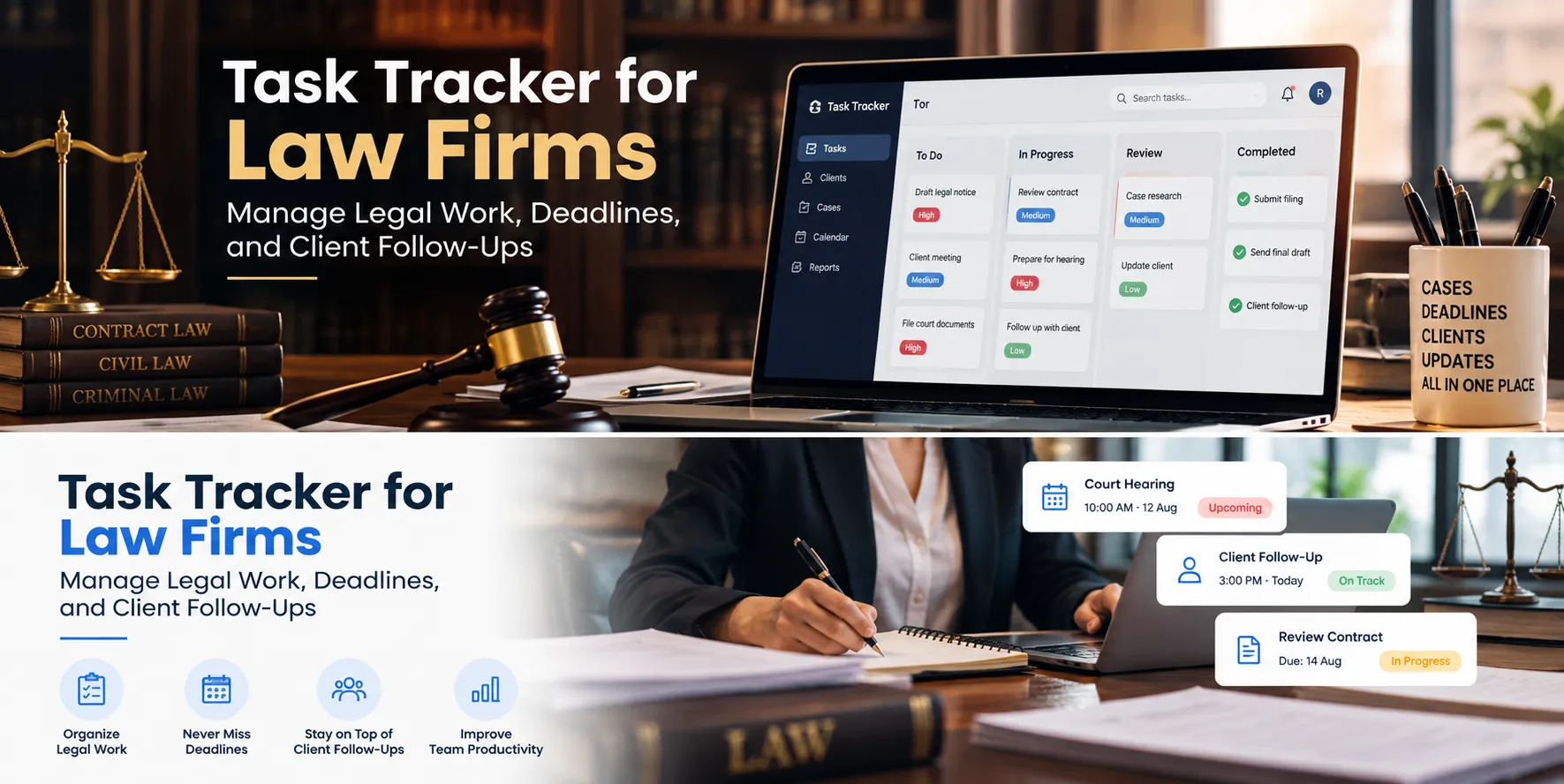
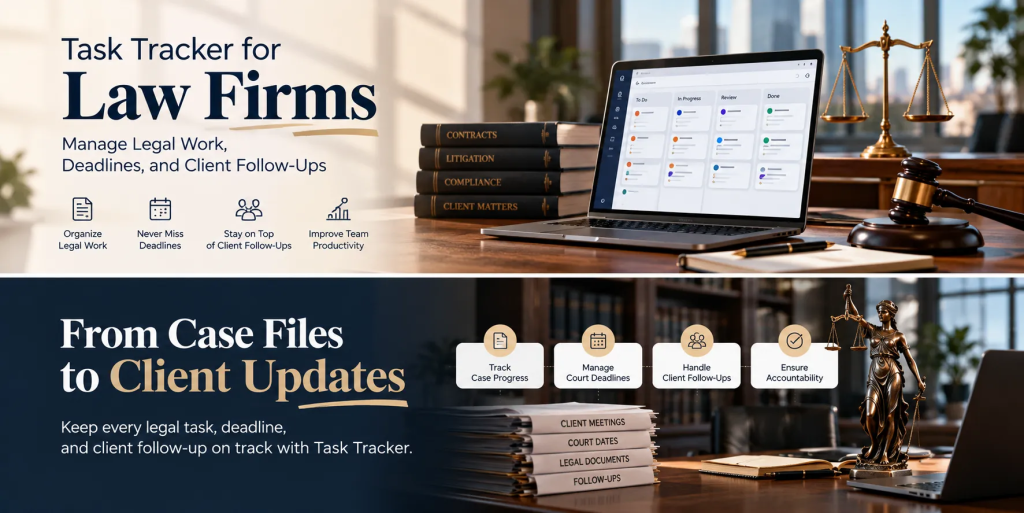
A task tracker for law firms helps bring these activities into a structured system. Teams can assign responsibilities, set deadlines, record updates, and monitor progress from one place.
This helps law firms improve coordination, reduce administrative follow-ups, and maintain better visibility into day-to-day work.
Why Do Law Firms Need Task Management Software?
Legal work requires careful coordination. A missed internal follow-up can delay a draft, a pending document can hold up preparation, and an unclear handover can create unnecessary work for the team.
A task tracker helps address common operational challenges.
1. Managing Multiple Matters at the Same Time
Law firms may handle several matters for different clients, each with its own documents, activities, and deadlines.
Without a structured system, lawyers may need to search through emails or spreadsheets to identify the latest status of a task.
A task tracker allows managers to create assignments, define owners, set priorities, and monitor progress. Tasks can be organized by client, matter, department, or another category supported by the system.
For example, a partner can assign a legal research task to an associate, request a draft from another team member, and assign an internal review to a senior lawyer.
Each activity has a clear owner and deadline, making it easier to see what is pending.
2. Keeping Track of Important Deadlines
Law firms work with court dates, filing deadlines, client commitments, contract review dates, and internal submission targets.
These deadlines are not all the same. Some are legally prescribed, while others are internal milestones designed to ensure work is ready on time.
A task tracker can help teams record internal deadlines, assign preparation tasks, and send configured reminders before work is due.
For example, a team preparing for a scheduled hearing may create separate tasks for collecting documents, reviewing evidence, preparing a draft, completing an internal review, and finalizing the required material.
Important: A general task tracker should not be treated as the firm’s authoritative court calendar or legal deadline calculation system. Legal deadlines must be independently verified and managed using appropriate legal procedures and tools.
3. Coordinating Lawyers, Associates, and Paralegals
Legal matters often involve several people completing connected tasks.
An associate may prepare a first draft, a senior lawyer may review it, and a paralegal may organize supporting documents. If one step is delayed, the next person may not be able to proceed.
Task management software helps define responsibilities and make the status of each activity visible.
Where supported, subtasks, workflow stages, and approval steps can help teams coordinate handovers. Managers can identify stalled activities and follow up with the responsible person.
4. Managing Client Documents and Information Requests
Law firms frequently need documents, approvals, signatures, and clarifications from clients.
For example, a legal team may need identity documents, signed agreements, transaction records, or supporting evidence before proceeding with a matter.
A task tracker can record who needs to request the information, when the request was sent, and whether the follow-up activity is complete.
This reduces the risk of losing track of administrative requests across multiple email threads.
However, task tracking is not the same as secure legal document management. Sensitive client files should be stored and shared only through systems that meet the firm’s security, access-control, confidentiality, and retention requirements.
5. Reducing Manual Status Updates
Partners and team leaders need to know whether work is progressing as planned.
If there is no centralized view, they may have to call lawyers, send emails, or message employees individually to ask about pending work.
A task tracker provides a central view of assigned tasks, deadlines, and completion status. Configured reminders and notifications can prompt team members to update their work.
This helps managers focus on delayed or high-priority activities instead of repeatedly asking everyone for updates.
What Is a Task Tracker for Law Firms?
A task tracker is a digital tool that helps teams create, assign, organize, and monitor work.
For a law firm, it can support operational activities such as:
- Assigning legal research and drafting tasks.
- Tracking document requests and client follow-ups.
- Coordinating internal reviews and approvals.
- Managing matter-related administrative activities.
- Organizing contract review workflows.
- Assigning tasks to lawyers, paralegals, and legal assistants.
- Tracking billing administration or timesheet submission tasks.
- Monitoring recurring compliance-related internal work.
- Coordinating office administration and employee responsibilities.
Each task can have an owner, due date, priority, status, and relevant updates.
Depending on the software, team members may also attach notes, documents, or other supporting information to a task.
The main purpose is to make responsibilities and progress visible. A task tracker does not independently provide legal advice, interpret court rules, calculate every legal deadline, or manage the full legal lifecycle unless those functions are specifically supported.
How Task Tracker Software Helps Law Firms
1. Organize Legal Research and Drafting
Legal research and drafting often involve multiple steps, reviewers, and deadlines.
A lawyer may need to research a legal issue, prepare a summary, draft a document, and submit it for review. Each stage requires time and may depend on work completed by another team member.
A task tracker helps divide this work into clear assignments.
For example, a senior lawyer can assign an associate to research a legal issue by a specific date. After the research is submitted, the next task can be assigned to prepare a draft or review the findings.
Managers can monitor progress and identify delays before they affect an internal delivery target.
The tracker organizes the work; the legal team remains responsible for the accuracy and quality of legal research and drafting.
2. Coordinate Document Collection and Review
Document-heavy matters can involve requests to clients, document organization, review, clarification, and approval.
A task tracker can help teams record these activities and assign follow-ups.
For example, a legal assistant may be asked to collect a signed agreement. Once the document is received through the firm’s approved channel, the task can be updated. A lawyer can then receive a separate task to review the agreement.
This creates a clearer record of the administrative process and helps the team identify what remains outstanding.
For confidential or privileged information, the firm should use appropriately secured document storage and access controls rather than assuming that a task attachment is suitable for every legal document.
3. Manage Contract Review Workflows
Contract review can involve several stages, including initial review, identifying issues, preparing revisions, obtaining internal approval, and communicating with the client or counterparty.
A task tracker can organize these stages into a repeatable workflow.
For example:
- Assign the contract to the responsible lawyer.
- Set an internal review deadline.
- Create a task for a second-level review.
- Track requested revisions.
- Assign the final communication or delivery task.
The manager can see where each assignment stands and which steps need attention.
This is particularly useful when a firm handles a high volume of contract-related administrative work. It does not replace specialized contract lifecycle management software where advanced version control, clause libraries, negotiation tools, or electronic signatures are required.
4. Improve Client Follow-Ups
Client communication often generates additional work. A client may need to provide information, approve a draft, respond to a question, or confirm a meeting.
If the next action is not recorded clearly, the follow-up may be delayed.
A task tracker allows a team member to create a follow-up assignment, specify the due date, and record the outcome.
For example, after sending a request for supporting documents, a legal assistant can schedule a follow-up task. If the information is still pending, the team can continue tracking the outstanding action.
This helps keep administrative communication organized without requiring every team member to remember each follow-up.
5. Coordinate Internal Reviews and Approvals
Legal documents may need review by a senior associate, partner, practice head, or another authorized person before they are delivered or submitted.
A task tracker can make the review process more structured by assigning the reviewer and setting an internal deadline.
Where approval workflows are supported, teams can route work through the required stages and track whether it has been reviewed or returned for changes.
This helps reduce confusion about who is responsible for the next step.
The firm should still maintain its formal legal review and authorization procedures. A task marked complete does not automatically establish that a document is legally correct or approved for filing.
6. Manage Workload Across the Legal Team
Partners and practice managers need to distribute work across lawyers and support staff.
When assignments are spread across separate tools, it can be difficult to see who has capacity and which tasks are already overdue.
Task tracking dashboards and reports can help managers review assignments, priorities, pending work, and team activity.
For example, if one associate has several urgent assignments while another has capacity, the manager can review the workload and decide whether work should be reassigned.
These insights support better coordination, although they should be considered alongside matter complexity, expertise, urgency, and professional judgment.
7. Standardize Recurring Administrative Work
Law firms repeat many administrative processes, including new-matter setup, conflict-check requests, document collection, client onboarding steps, timesheet submission, and internal reporting.
A task tracker can help standardize these activities using reusable task templates and recurring schedules where appropriate.
For example, a new-matter administrative checklist might assign the relevant internal tasks to the office manager, legal assistant, and responsible lawyer.
This can help teams follow a consistent process instead of rebuilding the same checklist for every new matter.
Any formal legal checks must still be completed through the firm’s approved procedures and specialist systems.
8. Track Time and Operational Activity
Some firms need visibility into the time spent on tasks and the status of internal work.
Task-linked timesheets and reports can help managers review reported hours, work allocation, and task progress.
This can support internal workload planning and administrative reviews. However, firms should confirm whether the selected software supports their required billing rules, accounting integrations, and client-level reporting.
A general task tracker should not be assumed to replace legal billing or practice-management software.
Task Tracker vs. WhatsApp and Spreadsheets for Law Firms
WhatsApp, email, and spreadsheets are useful for communication and simple tracking. The difficulty arises when the firm relies on them as the primary way to coordinate a large volume of tasks.
| Activity | WhatsApp, Email, and Spreadsheets | Task Tracker Software |
|---|---|---|
| Assigning work | Instructions may be spread across messages. | Tasks can be assigned to specific team members. |
| Internal deadlines | Reminders may depend on individual follow-ups. | Due dates and configured reminders help track work. |
| Research and drafting | Progress may need to be requested manually. | Task status can be reviewed centrally. |
| Document requests | Follow-ups can get buried in email threads. | Requests can be tracked as assigned activities. |
| Internal reviews | Ownership and next steps may be unclear. | Review tasks and supported approval steps can be assigned. |
| Team workload | Managers may need to consolidate separate lists. | Dashboards can summarize assignments and pending work. |
| Recurring administration | Checklists may need to be recreated. | Reusable templates can standardize routine tasks. |
The goal is not to replace professional communication tools. It is to ensure that important work has a clear owner, deadline, and trackable status.
Features to Look for in Legal Task Management Software
Law firms should assess their requirements carefully before choosing a task tracker.
- Task assignment and deadlines: Assign work to lawyers, associates, paralegals, and administrative staff with clear responsibilities and due dates.
- Priorities and reminders: Highlight urgent internal work and remind team members about pending tasks.
- Subtasks and workflow stages: Break complex assignments into smaller steps and coordinate handovers between team members.
- Approval workflows: Route drafts, administrative requests, and other work through the firm’s defined review process.
- Document and note attachments: Keep task-related information organized, while ensuring sensitive legal documents remain in appropriately secured systems.
- Dashboards and reports: Review task status, overdue work, and team workload.
- Timesheets: If required, track reported hours and confirm compatibility with the firm’s billing and accounting processes.
- Access controls and security: Assess permissions, encryption, hosting, backups, retention, and other security requirements relevant to confidential client information.
- Integration with existing systems: Check compatibility with legal practice management software, document management systems, calendars, email, and other tools the firm already uses.
- Mobile access: Allow authorized team members to review assignments and update progress when working outside the office.
A firm should also check whether the product supports matter-level organization and whether its security and data-handling practices meet the firm’s professional obligations.
How TrackerSuite.ai Helps Law Firms Manage Daily Work
TrackerSuite.ai provides task and workflow management capabilities that can help law firms organize internal assignments, coordinate employees, and monitor pending activities.
Its Task Tracker can support several operational workflows.
Centralized Task Assignment
Managers can create tasks, assign owners, set deadlines, define priorities, and monitor progress from a centralized system.
For example, a partner can assign a research summary to an associate, a document-collection task to a legal assistant, and an internal review to a senior lawyer.
This helps the team maintain clearer ownership of each activity.
Workflow Management and Approvals
TrackerSuite.ai supports structured workflows and task approvals. These capabilities can help firms organize internal review stages, administrative handovers, and recurring processes.
The firm must configure these workflows to match its own review and authorization procedures.
Reminders and Notifications
Configured reminders and notifications can help team members keep track of pending assignments and deadlines. This can reduce the need for managers to follow up manually on every task.
For legal work, these reminders should supplement—not replace—official calendar controls and independent verification of statutory or court deadlines.
Timesheets and Performance Reporting
Task-linked timesheets and dashboards can help managers review reported hours, task progress, and workload distribution.
These features can support internal planning and operational reviews. Firms should verify whether their specific billing, matter-level reporting, and accounting requirements are supported before relying on the platform for those processes.
AI-Assisted Tasking
TAVI AI can suggest tasks based on available task history and team context.
Depending on the information available and system configuration, this can help managers organize assignments and identify work that may need attention.
AI suggestions should be treated as operational support, not as legal advice, deadline calculations, or a substitute for a lawyer’s professional judgment.
Explore the platform: TrackerSuite.ai Task Tracker.
Important: TrackerSuite.ai is a task and workflow management platform. Law firms should not assume it replaces legal case management, court-calendar management, document management, conflict checking, legal research, e-discovery, or legal billing systems. Evaluate any required integration, confidentiality controls, and legal-specific functionality before adoption.
How to Implement a Task Tracker in a Law Firm
A task tracker is most useful when it solves a clear operational problem. Start with a process that regularly requires manual follow-ups.
Step 1: Identify the Main Bottleneck
Review the activities that most often get delayed. These may include document requests, research assignments, contract reviews, internal approvals, or administrative reporting.
Step 2: Define the Workflow
For each activity, decide who creates the task, who owns it, when it is due, what information is required, and who needs to review the work.
Step 3: Separate Legal Deadlines From Internal Targets
Record internal preparation deadlines and follow-up dates in the task workflow.
Maintain official court dates and statutory deadlines through the firm’s approved calendar and deadline-verification procedures.
Step 4: Set Up Task Templates
Create reusable templates for routine processes such as new-matter administration, contract review, client document collection, and internal reporting.
Avoid placing sensitive client information in task descriptions or attachments unless the system has been approved for that information.
Step 5: Start With One Team
Test the workflow with one practice group or administrative team. Gather feedback about task clarity, reminders, access permissions, and reporting.
Step 6: Review and Improve
Monitor overdue tasks, repeated delays, and team feedback. Adjust the workflow where necessary before expanding it across the firm.
The objective is to improve coordination and visibility without adding unnecessary administrative work or weakening the firm’s existing legal controls.
Frequently Asked Questions
1. What is a task tracker for law firms?
Legal task management software helps law firms organize, assign, and track tasks, coordinate team collaboration, set timelines, and adjust priorities as deadlines and workloads change.
2. Can a task tracker help lawyers manage deadlines?
Yes. It can help teams assign internal deadlines, schedule follow-ups, and receive reminders. Court dates and statutory deadlines should also be managed through the firm’s approved legal calendar and verified independently.
3. Can task management software help paralegals and legal assistants?
Yes. They can use it to track document collection, file organization, research support, administrative checklists, client follow-ups, and other assigned work.
4. Can a task tracker manage contract review workflows?
It can help assign review stages, set internal deadlines, and coordinate handovers. Firms requiring advanced clause management, contract version control, negotiation, or electronic signatures may need dedicated contract lifecycle management software.
5. Does a task tracker replace legal practice management software?
Not by default. Legal practice management software may include matter records, client and contact management, legal calendars, billing, document management, and other specialist features. A general task tracker focuses on assigning and monitoring work.
6. How can law firms reduce manual follow-ups?
A centralized task system makes task ownership, deadlines, and progress easier to review. Configured reminders and notifications can help team members act on pending assignments without requiring managers to contact everyone individually.
7. Is TrackerSuite.ai suitable for law firms?
TrackerSuite.ai offers task assignment, workflow management, approvals, reminders, timesheets, and reporting. Law firms can evaluate these capabilities against their operational needs, security requirements, and existing legal software.
Conclusion
Law firms manage research, drafting, document requests, client follow-ups, and administrative tasks alongside legal work. A task tracker for law firms helps assign responsibilities, track deadlines, and monitor pending work.
TrackerSuite.ai helps law firms organize tasks, coordinate teams, and improve operational visibility while continuing to use specialized legal systems where needed.
Leave a Reply