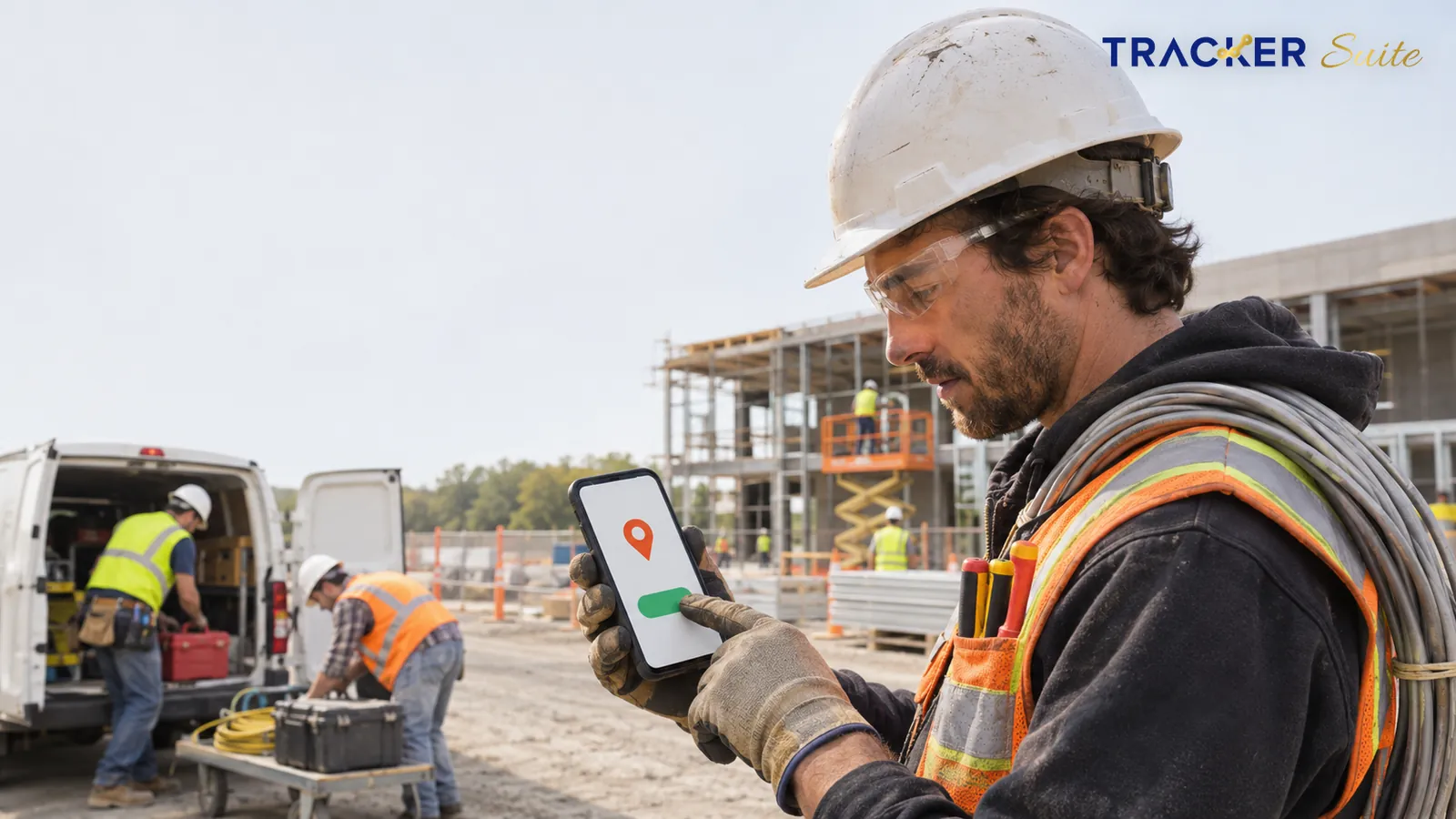
Subcontractors can lose profit after the work itself is done. They lose it between a crew member clocking in and those hours reaching payroll. They lose it again before the invoice reaches the general contractor. A time tracking app for subcontractors can close that gap, but only when it fits how crews actually work across sites, shifts and trades.
Key takeaways
- Subcontractor time tracking becomes harder as crews spread across more sites, shifts and pay rules. Every handoff from foreman to office adds delay and creates room for errors.
- In a 2025 survey of 50 construction payroll professionals by the Construction Owners Club, Lumber and Knowify, respondents named overtime miscalculation as the most common cause of payroll errors, and many had faced penalties because of those mistakes.
- A useful app does more than record hours. It connects time to sites, tasks and approvals, so the same data feeds payroll, client billing and daily reporting.
- Automation handles repetitive steps such as reminders, missing clock-out alerts and daily summaries, while supervisors still approve hours and make the final decisions.
- A single small crew working one site at a time may only need a basic time clock. Operations running several sites and shifts usually need a connected system.
At a glance
- What it replaces: Paper time cards, WhatsApp check-ins, foreman texts and end-of-week spreadsheets
- Must-have features: Mobile clock-in with location, shift and attendance rules, site or job tagging, supervisor approvals and exportable timesheets
- When a simple tool is enough: One small crew, one site at a time, and an owner who runs payroll personally
- When you need more: Several active sites, multiple shifts, a growing headcount and clients billed by job
- Typical pricing model: Per user per month, often with add-ons for geofencing or shift management
Why is time tracking so hard for subcontractors?
Subcontractors record time on sites they don’t control, with crews that change from week to week and pay rules that vary by job. Hours typically pass through foremen, text messages and paper before they reach payroll. Every handoff introduces delay and room for error, and the administrative burden grows faster than headcount.
A 2025 survey of 50 construction payroll professionals by the Construction Owners Club, Lumber and Knowify shows how unstable the inputs are. In that survey, 54% said their workforce size changes weekly or monthly, and 50% said they encounter one to three payroll errors every month (Construction Owners Club, 2025). The sample is small, but it reflects what many subcontractor office managers describe: the roster rarely stays still.
Overtime miscalculation was the most common cause of payroll errors among construction payroll staff, cited by about 38.5% of respondents (Construction Owners Club, 2025).
The same survey found that 38% of respondents had experienced penalties or fines because of payroll errors. About 26.9% named prevailing wage and certified payroll compliance as their greatest difficulty (Construction Owners Club, 2025). Prevailing wage is the minimum pay rate set for certain public projects, and certified payroll is the wage report contractors submit to prove they paid it. Accurate hours are therefore a compliance issue, not just an administrative one.
Labor shortages raise the stakes further. In the AGC and NCCER 2026 Workforce Survey, which drew 1,830 respondents, 42% said shortages of their own workers or their subcontractors’ workers had delayed projects (AGC, 2026). When skilled hours are scarce, you need to know where every crew hour went and which job it belongs to.
How does subcontractor time tracking change as the business grows?
At a small scale, the owner sees the crew daily and remembers who worked where. As the business adds sites, shifts and supervisors, nobody holds that complete picture anymore. Subcontractor time tracking then shifts from memory and paper to a defined process, and that process breaks down when it depends on people chasing each other for updates.
The journey usually follows four stages:
- Small (one crew, one site at a time): Paper cards or a shared spreadsheet work well. The owner checks hours personally.
- Growing (a few dozen workers, several sites): Foremen send photos of time sheets on WhatsApp. The office retypes them into Excel, and missing clock-outs only surface on Friday.
- Complex (day and night shifts, several trades): Overtime rules, job splits and client billing all depend on the same hours. Disputes with general contractors begin to consume real management time.
- Scaled (hundreds of workers, many sites): Leadership needs labor hours by site and by job every day, not at month end. Spreadsheets can no longer keep up.
An illustrative example (not a customer case). Picture an electrical subcontractor with around sixty electricians spread across eight commercial sites. Every Friday, each foreman sends a photo of a paper sheet, and the office manager spends most of the day retyping hours into a spreadsheet.
Along the way, she finds three missing clock-outs and one electrician who split a day between two sites but logged it all to one. Two weeks later, the general contractor questions an invoice, and nobody can prove which crew worked which hours. With a connected system, electricians clock in on their phones at the site, hours attach to the right job automatically, foremen approve them daily, and the office exports a clean timesheet.

Which subcontractor workflows depend on accurate time data?
Time data feeds far more than payroll. For a growing subcontractor, the same clock-in record drives billing, job costing, compliance reporting and crew planning. When hours are wrong or late, every downstream workflow inherits the error, which is why time tracking deserves to be treated as core operational data.
The workflows that rely on it most include:
- Daily clock-in and clock-out by site: The base record of who worked, where and for how long.
- Shift and overtime calculation: Applying day, night and weekend rules consistently across every crew.
- Job cost allocation: Splitting a worker’s day between jobs so labor costs land on the correct project.
- Client billing: Supporting time-and-materials invoices, where the client pays for actual hours worked plus materials used.
- Certified payroll and compliance reports: Producing records for public projects that require proof of wages paid.
- Daily site reports: Showing the general contractor which crews were on site and what they completed.
- Leave and absence management: Knowing in advance who is unavailable, so sites are not left short.
- Crew reassignment: Moving workers between sites without losing track of which job owns which hours.
- Supervisor approvals: Giving foremen a quick daily check before hours move to payroll.
What should a time tracking app for subcontractors include?
A time tracking app for subcontractors should capture hours on a phone at the site, attach them to a job, apply your shift and attendance rules, and route them to a supervisor for approval. It should also produce reports your payroll and billing teams can use without retyping anything.
Use these decision criteria when comparing options:
- Mobile clock-in that works for field crews: Simple enough for a worker to use in gloves, in under a minute.
- Location capture: A record of where each clock-in happened, ideally tied to a defined site.
- Attendance and shift rules: Check-in windows, multiple shifts, holidays and time zones configured once and applied automatically.
- Job or task tagging: Hours linked to the work being done, not just to the person.
- Approvals and accountability: A clear owner for each crew’s hours, with a visible history of changes.
- Reminders and alerts: Notifications for missed clock-ins or open shifts, delivered on channels crews already use.
- Reports and exports: Timesheets, monthly attendance summaries and dashboards that reach payroll in a usable format.
- Permissions: Foremen see their crews, the office sees everything, and workers see only their own records.
Do you need a GPS time clock for subcontractors?
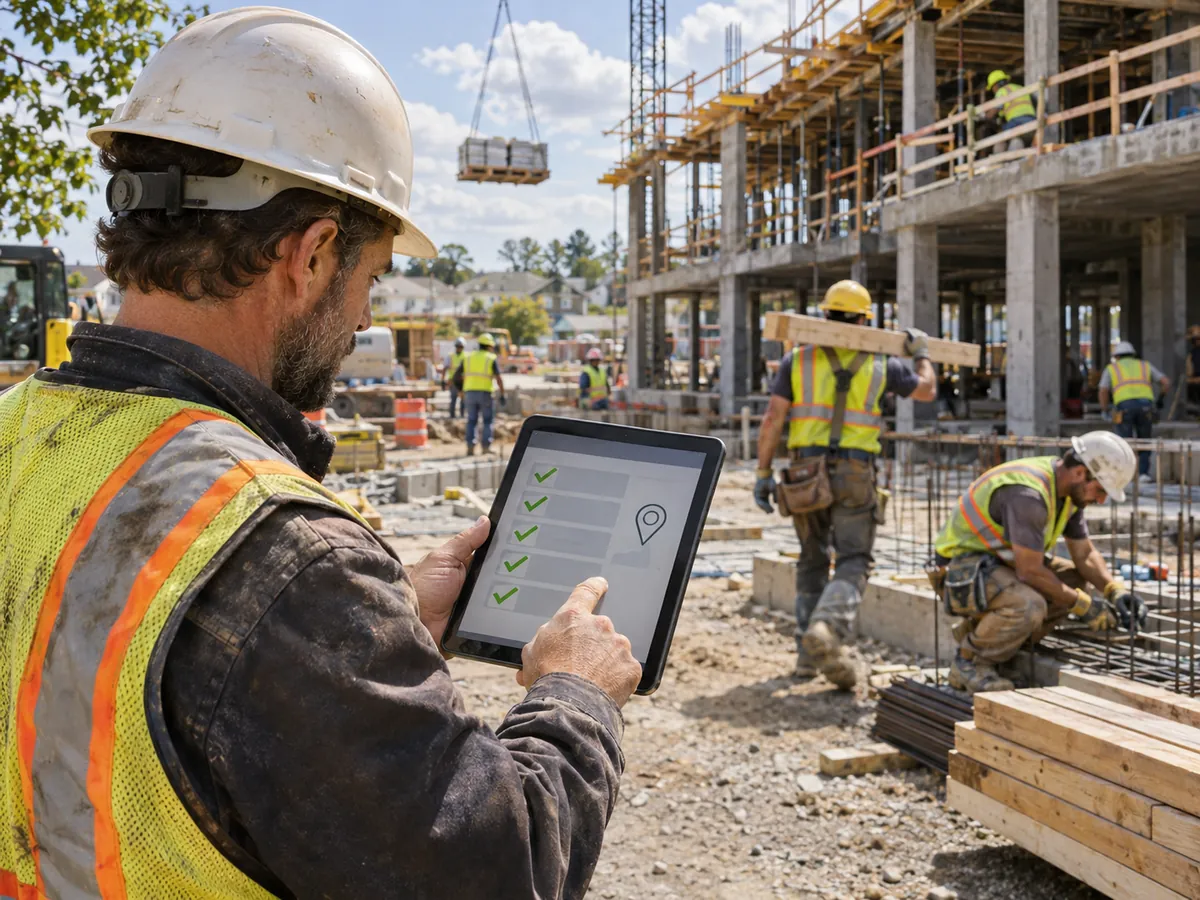
A GPS time clock for subcontractors records where a worker was when they clocked in or out. It becomes valuable once you run several sites at once, bill clients by job, or have had disputes about who was on site. For a single crew on a single site, the benefit is much smaller.
Geofencing goes one step further. A geofence is a virtual boundary drawn around a job site, and the app can check whether a clock-in happened inside it. That check helps reduce buddy punching (one worker clocking in for another) and gives you stronger evidence when a general contractor questions hours.
Location tracking also raises fair questions from crews. Explain clearly what the app records and when, and limit collection to what you actually need for timekeeping. Rules on employee monitoring differ by country and state, so check local requirements before you switch geofencing on.
Where do automation and AI genuinely help?
Automation helps most with repetitive, rule-based steps: reminding workers to clock in, flagging shifts that were never closed, and sending daily summaries to supervisors. AI can add value when it works on connected time data and configured rules, for example by highlighting sites running over planned hours. People still review and approve.
Here is what typically changes in practice:
- Before: A manager calls five foremen every evening to ask who showed up. After: A daily attendance view shows every site in one place.
- Before: The office discovers missing clock-outs on Friday. After: An automated alert reaches the worker and the foreman the same day.
- Before: Someone compiles a monthly attendance report by hand. After: The report is generated from records that already exist.
AI is only useful when it connects to clean business data and real workflows. If clock-ins are inconsistent or jobs are labeled differently on every site, no AI layer will fix the output. Standardize the inputs first, then decide where AI-assisted insights add practical value. Final decisions on pay, discipline and billing should always stay with people.
When is a simple crew time tracking app enough?
A simple crew time tracking app is enough when you run one small crew, work one site at a time and handle payroll yourself. In that situation, a basic mobile time clock or even a well-kept spreadsheet can work. A broader system earns its cost only once coordination becomes the real problem.
Use this checklist to judge whether you have reached that point:
- You run crews on more than one site at the same time.
- Your headcount is growing, or it changes week to week.
- You operate more than one shift, or you work nights and weekends.
- Foremen spend hours each week collecting and sending time sheets.
- You bill general contractors by job or by hours worked.
- You handle public projects that require certified payroll.
- Managers regularly chase people for updates instead of reviewing data.
If three or more of these apply, a connected operations platform is likely worth evaluating.
How does TrackerSuite fit subcontractor time tracking?
TrackerSuite is an AI-powered operations platform that connects attendance, tasks and reporting in one place. For subcontractors, the relevant parts are mobile attendance with geo-location, attendance rules, shift management, task tracking and reports. Together, these let crews log time on site while managers see hours, tasks and exceptions across every location.
These TrackerSuite capabilities matter most to a subcontractor:
- Attendance with geo-location: Crews check in and out from their phones, with location recorded.
- Attendance rules: Check-in and check-out rules, holidays and time zones set by the office.
- Multiple shift management and geofencing: Available as add-ons on the Growth plan and included in the Scale plan, for day, night and site-bound teams.
- Task Tracker and recurring tasks: Hours sit alongside the work assigned to each crew, including repeating site checks.
- WhatsApp reminders and push notifications: Prompts reach workers on channels they already use.
- Timesheets, monthly attendance reports and dashboards: Data the office can review and export.
- Leave management: Planned absences are visible before crews are scheduled.
Our TrackerSuite pricing page shows a free Starter plan alongside paid plans priced per user. Geofencing is an add-on at USD 2.18 per user per branch per month, multiple shifts at USD 1.36 per user per month, and workflow at USD 4.08 per user per month. See our pricing page for the latest plans and add-ons.
Test how TrackerSuite’s timesheet exports fit your payroll process during the trial before committing.
How do you roll out a new time tracking system?
Start small, standardize first and expand only once the basics run smoothly. A successful rollout of subcontractor time tracking software depends more on clear rules and crew buy-in than on features. Most problems come from unclear site names, inconsistent job codes or crews who were never shown why the change matters.
Follow these steps:
- Map your current process. Write down how hours move today, from site to payroll and invoice, and note where errors appear.
- Standardize sites, jobs and shifts. Agree on one name for each site and job, plus clear shift and overtime rules.
- Pilot with one or two crews. Choose a foreman who is open to change and run the app alongside paper for two weeks.
- Set up approvals. Give each foreman responsibility for approving their crew’s hours daily.
- Turn on reminders and alerts. Start with missed clock-ins and open shifts, then add others as needed.
- Check the export. Confirm that timesheets reach payroll in a usable format before retiring paper.
- Expand site by site. Add crews gradually and review the first monthly report with your office team.
What this means for you
If your foremen still text photos of time sheets, the risk is not only wasted office time. It is overtime errors, disputed invoices and compliance exposure that grow with every new site. A connected time tracking app for subcontractors turns hours into shared operational data rather than a weekly reconstruction exercise.
You do not need to transform everything at once. Fix how time is captured on site, connect it to jobs and approvals, then add automation where repetitive follow-up eats your managers’ day. That sequence lets you take on more crews and more sites without the same increase in administrative effort.
Frequently asked questions
What is the best time tracking app for subcontractors?
The best option depends on your size and how you work. A single small crew can manage with a basic mobile time clock, while subcontractors running several sites and shifts need location capture, shift rules, job tagging, approvals and usable exports.
Can a GPS time clock track workers all day?
Many apps record location only at clock-in and clock-out, while others offer continuous tracking. Decide what you actually need for timekeeping, explain it clearly to your crews and check local monitoring laws before enabling it.
How much does subcontractor time tracking software cost?
Most tools charge per user per month, often with extra fees for geofencing or shift management. TrackerSuite offers a free Starter plan and paid plans priced per user per month. See our pricing page for current plans.
Do subcontractors need certified payroll features?
You need them if you work on public projects that require prevailing wage reporting. In that case, make sure your time data exports cleanly into whichever payroll system produces your certified payroll reports.
Conclusion
Time tracking for subcontractors is really a scaling problem. With one crew, memory and paper work. With many crews, sites and shifts, hours need to be captured on site, linked to jobs, approved daily and shared with payroll and billing automatically. The right system reduces manual chasing while keeping supervisors in control of the final numbers.
If your crews are spreading across more sites, start by piloting mobile attendance with one or two foremen. You can compare TrackerSuite plans and start free to see whether connected attendance, tasks and reports fit the way your crews work.
Leave a Reply